In a significant move to fortify the Windows ecosystem against sophisticated kernel-level threats, Microsoft has announced plans to expand its "Memory Integrity" security feature to a broader range of eligible devices. Starting in October 2026, the tech giant will begin automatically enabling this robust security layer through standard quality updates. This initiative marks a major step in Microsoft’s ongoing effort to mandate baseline security standards for Windows users, effectively shifting from an opt-in model to a proactive, automated protection strategy.
While this update promises to harden the security posture of millions of PCs, it also raises important questions regarding hardware compatibility, system performance, and the delicate balance between security and user autonomy—particularly for the gaming community, which has historically viewed such features with caution.
Understanding Memory Integrity and Virtualization-Based Security (VBS)
At the heart of this rollout is "Memory Integrity," also technically referred to as Hypervisor-Protected Code Integrity (HVCI). Originally introduced during the Windows 10 era as a critical component of Microsoft’s "Device Guard" suite, Memory Integrity is designed to address one of the most vulnerable areas of an operating system: the kernel.
The kernel is the core of the Windows operating system, managing communication between hardware and software. Because of its elevated privileges, any malicious code that manages to compromise the kernel can gain total control over a device. Memory Integrity mitigates this risk by leveraging Virtualization-Based Security (VBS). VBS creates an isolated, secure region of memory that is strictly cordoned off from the rest of the operating system. By moving kernel-mode code integrity checks into this isolated environment, Windows ensures that only signed, verified, and trusted code can execute, effectively blocking malicious drivers or unauthorized software from injecting itself into the kernel.
Chronology: From Optional Utility to Standard Protocol
The path toward mandatory Memory Integrity has been a gradual, multi-year evolution:
- Initial Debut (Windows 10): When first introduced, Memory Integrity was a highly optional feature, primarily targeted at enterprise environments and high-security "S Mode" configurations. It was rarely enabled by default on consumer hardware, as many legacy drivers were incompatible with the strict verification protocols required by HVCI.
- Windows 11 Integration (2021): With the launch of Windows 11, Microsoft signaled a paradigm shift. The company began requiring specific hardware security features—including TPM 2.0 and hardware virtualization—as a baseline for installation. Consequently, Memory Integrity became a standard, default-enabled feature for clean installations of Windows 11 on compatible hardware.
- The "Secured-core" Era: Microsoft began pushing "Secured-core" PCs, a category of hardware designed with deep integration between firmware and the OS. On these devices, Memory Integrity and VBS are core pillars of the security architecture, enabled by default at the factory level.
- The October 2026 Rollout: The upcoming expansion represents the next phase of this strategy. Rather than limiting the feature to fresh installations, Microsoft is now extending these protections to existing, qualified systems that have been upgraded or have been running for years, provided they pass a stringent "readiness" assessment.
Readiness Signals: How Microsoft Decides Your PC’s Eligibility
A primary concern for users during such automated rollouts is the potential for system instability. Microsoft has addressed this by implementing a rigorous validation process. Before a Windows quality update enables Memory Integrity on an existing device, the OS will run an automated audit of the hardware.
This "readiness signal" evaluation covers three key areas:
- Hardware Capability: Does the CPU support hardware-level virtualization? Does the system have sufficient RAM (the current baseline is 8GB for x64 systems) and modern storage (at least 64GB SSD)?
- Driver Compatibility: This is the most critical hurdle. Many legacy drivers are not compatible with HVCI because they attempt to perform direct memory access that the isolated environment forbids. If the system detects a driver that would be broken by Memory Integrity, the feature will remain disabled to prevent system crashes or "Blue Screen of Death" (BSOD) errors.
- Performance Thresholds: The system assesses whether the processor has the overhead to manage the overhead of the hypervisor. Older CPUs that lack hardware-level virtualization acceleration are less likely to be subjected to the automated enablement to avoid significant performance degradation.
The Performance Debate: Why Gamers Are Hesitant
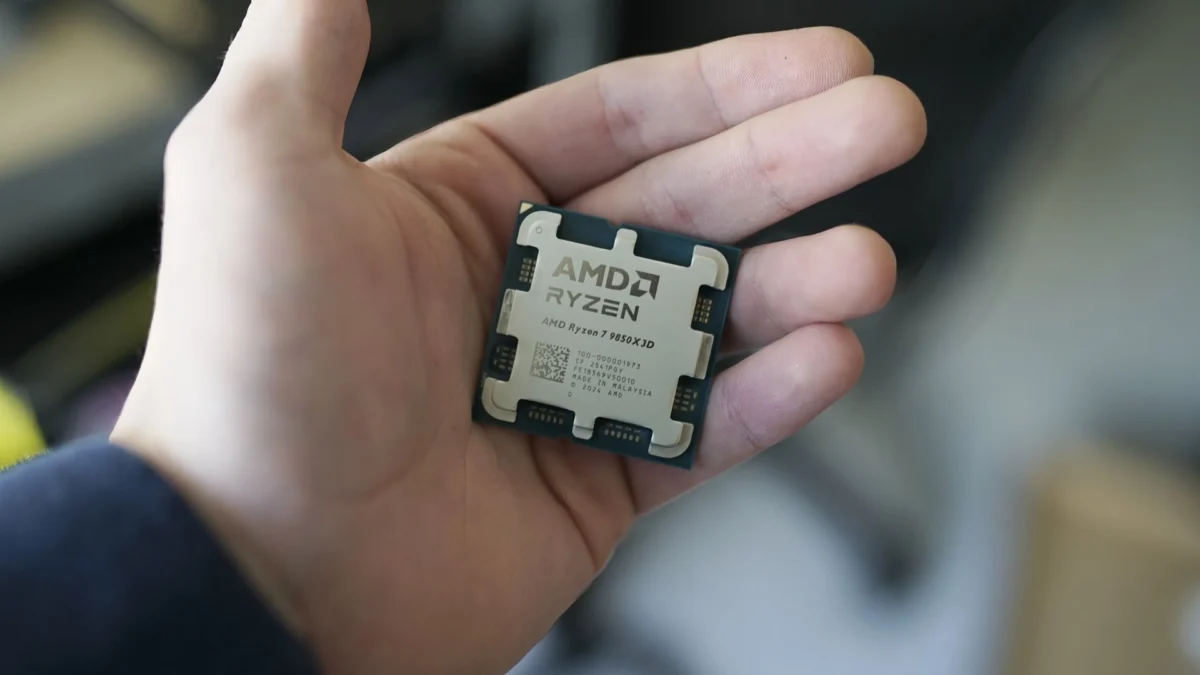
Perhaps the most vocal opposition to Memory Integrity comes from the gaming community. Since its inception, tests have shown that VBS and HVCI can introduce a performance penalty. By intercepting calls to the kernel and verifying them in an isolated virtual space, the CPU is tasked with extra processing cycles.
In 2022, Microsoft formally acknowledged that these security features could impact gaming performance, particularly on older processors. The performance hit, while often negligible on modern, high-end hardware, can be noticeable on mid-range or aging systems. The impact is often felt in frame-time consistency and overall FPS in CPU-bound titles.
Because of this, Microsoft has provided a caveat: users who prioritize peak performance over this layer of security can choose to disable Memory Integrity. Importantly, the October 2026 update will respect the user’s history. If a user has previously navigated to the Windows Security settings and manually disabled Memory Integrity, the update will not re-enable it. Microsoft’s philosophy here is to maintain user control for those who have explicitly made a choice, while hardening the machines of those who have simply never touched the settings.
Implications for Security and Industry Standards
The decision to expand Memory Integrity has broad implications for the software and hardware industry:
1. Pressure on Driver Developers
By making Memory Integrity a default expectation, Microsoft is indirectly forcing hardware manufacturers (OEMs) and third-party driver developers to modernize. Drivers that cannot comply with HVCI are increasingly being viewed as "insecure." This creates a powerful incentive for manufacturers to update their software stacks to meet modern security standards, eventually phasing out legacy, insecure code that has haunted the Windows ecosystem for decades.
2. A Shift in Malware Tactics
As kernel-level protections become standard, the landscape for malware developers will inevitably shift. Attackers who rely on "bring your own vulnerable driver" (BYOVD) attacks—where they install a known, older, vulnerable driver to gain kernel access—will find it increasingly difficult to succeed on modern, updated Windows installations. This raises the "cost of attack," forcing cybercriminals to develop more sophisticated, zero-day exploits that are significantly more expensive and harder to maintain.
3. The "Managed" PC Experience
For IT administrators in corporate environments, this rollout is largely a benefit. It reduces the "attack surface" across a fleet of computers without requiring manual intervention. However, it also means that administrators must be more diligent in testing their custom internal software and legacy peripheral drivers, as the automatic update could inadvertently break proprietary tools that rely on low-level system access.
Official Guidance and Best Practices
Microsoft’s stance remains consistent: while they acknowledge that certain niche use cases (like professional gaming or specialized industrial software) may require the disabling of VBS/Memory Integrity, the default recommendation is to keep these protections active.
For the average user, the advice is simple: do nothing. If your PC is eligible, the update will handle the enablement process seamlessly. If your PC is incompatible due to a driver issue, the update will skip the feature to ensure system stability. For users who are curious about their status, the settings can be verified by navigating to:
- Windows Security > Device Security > Core isolation details.
In this menu, users can see the current state of Memory Integrity and receive information on why it might be disabled (e.g., "Incompatible driver").
Conclusion: A Necessary Trade-off
The move to expand Memory Integrity is a reflection of the modern threat landscape. In an era where ransomware and kernel-level exploits are becoming increasingly prevalent, the "security-by-default" approach is no longer just a luxury; it is a necessity. While the performance concerns of gamers and the compatibility issues of legacy systems are valid, the long-term benefit of a more resilient Windows OS outweighs these localized frictions.
By October 2026, the digital perimeter of the average Windows PC will be significantly more robust. Microsoft is effectively drawing a line in the sand: legacy insecurity is no longer the standard. As the industry moves toward this more secure future, the focus will likely shift from whether or not these features should be enabled, to how developers can optimize their code to perform flawlessly within the secure, virtualized environments that are quickly becoming the bedrock of the Windows experience.