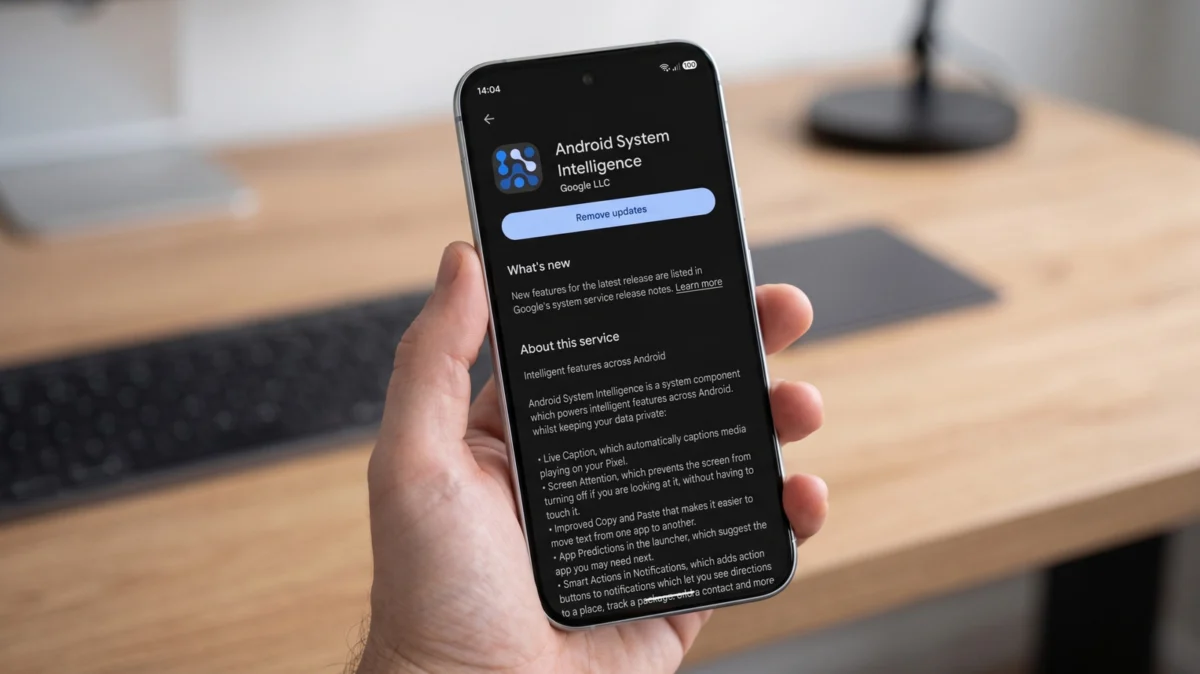
If you were to spend a quiet afternoon digging through the "All Apps" list buried deep within your Android phone’s settings, you would eventually encounter a service with a name that sounds simultaneously vital and inscrutably vague: Android System Intelligence (ASI).
It sits there, consuming system resources, holding broad permissions, and occasionally prompting a moment of digital paranoia. With a prominent "Disable" button staring back at you, it is natural to wonder: Is this a critical piece of infrastructure, or is it a background process you would be better off without? To understand ASI, one must look past the ominous nomenclature and understand the modern architecture of the Android operating system.
Main Facts: What is Android System Intelligence?
Android System Intelligence is not an "app" in the traditional sense—you will never find an icon for it on your home screen, nor will you ever launch it to perform a task. Instead, it is a foundational system component, a piece of "plumbing" that powers the contextual awareness of your device.
At its core, ASI acts as a localized machine-learning engine. Its purpose is to facilitate features that make your phone feel "smart" without requiring your data to be constantly beamed to a remote server. When your phone suggests a reply to a text, identifies a song playing in a noisy cafe, or keeps the screen awake while you are looking at it, it is leveraging the computational power of Android System Intelligence.
The Private Compute Core
Perhaps the most important aspect of ASI is its home: the Private Compute Core (PCC). Introduced with Android 12 in 2021, the PCC is a secure, isolated environment within the Android OS. Features running inside the PCC do not have direct access to the internet. This design choice is fundamental to Google’s privacy architecture. Because these machine-learning models cannot "phone home" with your sensitive data, they rely on a separate service—Private Compute Services—to act as a secure bridge when updates or data-model improvements are required.
A Chronological Evolution of Intelligence
The integration of on-device intelligence has been a gradual, multi-year process for Google, moving from cloud-heavy processing to the edge-computing model we see today.
- Pre-2021 (The Cloud Era): Much of what we now call "smart" features relied on sending snippets of audio or text to Google servers to be processed. This raised significant privacy concerns among power users and privacy advocates.
- Android 12 (2021 – The Birth of the PCC): With the launch of Android 12, Google introduced the Private Compute Core. This was a paradigm shift, signaling that Google intended to move sensitive contextual processing from the cloud to the device itself.
- 2022–2025 (Expansion of Scope): Over these years, ASI evolved from a niche tool for Pixel devices into a standardized component across the broader Android ecosystem. It began supporting increasingly complex tasks, including Live Captioning and advanced notification management.
- January 2026: Reports from Android Authority confirmed that the role of ASI had become so integrated that while it was technically possible to disable it, the fragmentation of the Android ecosystem meant that the "breakage" of features varied wildly from one manufacturer to another.
It is crucial to note that as of 2026, Android System Intelligence is not Gemini. While both are AI-driven, Gemini utilizes the AICore system service, a separate, more robust architecture designed for large language models. Confusing the two is a common error, but they serve entirely different functions within the Android stack.
Supporting Data: The Scope of Influence
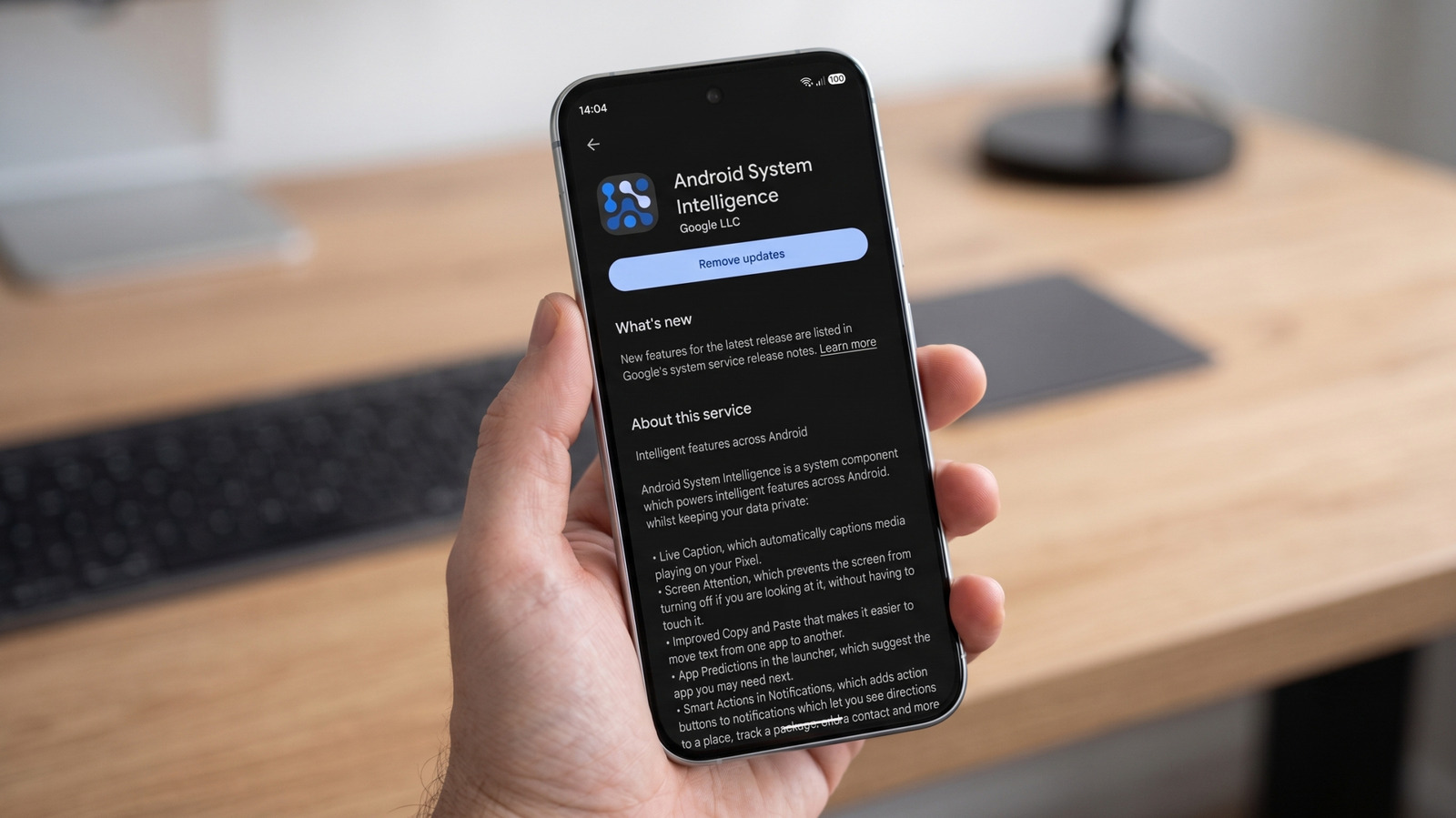
Android System Intelligence is essentially the brain behind the "invisible" features that define the modern smartphone experience. While the specific list of features varies by device manufacturer (OEM), the following are the most common functions powered by ASI:
-
Contextual Awareness:
- Now Playing: The ability for a device to identify music playing in the background without sending audio clips to a server.
- Screen Attention: Using the front-facing camera to detect if a user is looking at the screen, preventing it from dimming or locking during reading.
- Smart Autorotate: Using facial orientation to ensure the screen rotates in the direction the user is facing, rather than relying solely on the accelerometer.
-
Productivity and Input:
- Live Caption: Generating real-time subtitles for media, which is processed entirely on-device to ensure privacy.
- Smart Notification Actions: Predicting which button (e.g., "Reply," "Directions," or "Copy") a user is most likely to tap when a notification arrives.
- App Predictions: Recommending apps based on your daily routine and usage habits.
-
Data Metrics:
According to the Google Play Store, ASI has surpassed 5 billion installations. This staggering figure is a testament to how deeply embedded this component is across the global Android user base.
Official Responses and Privacy Stance
Google has been relatively transparent about the permissions ASI requests, though critics argue that the transparency is often buried in technical support documentation that the average user never reads.
Permission Inquiries
Why does a background component need access to your contacts, location, and camera?
- Contacts: Used to suggest people you communicate with frequently, allowing for quicker sharing shortcuts.
- Location: While Google’s official support pages are often vague on the specifics of location access, it is generally tied to contextual triggers—such as suggesting a commute route or adjusting settings based on whether you are at home or work.
- Camera: Exclusively used for features like "Screen Attention" and "Smart Autorotate."
Google maintains that because these features operate within the Private Compute Core, the data remains local. For those who remain skeptical, Google provides a mechanism for Pixel users to view a Network Usage Log after enabling Developer Mode, allowing users to verify that the component is not secretly exfiltrating data.
Implications: What Happens if You Pull the Plug?
If you decide to navigate to Settings > Apps > Android System Intelligence and hit "Disable," your phone will not turn into a brick. However, you will immediately notice the "lights going out" on several quality-of-life features.
The "Utility Closet" Effect
Think of Android System Intelligence as a utility closet in a large house. If you lock the door, the house remains standing, but the electricity to specific rooms—and the functionality of certain appliances—will cease.
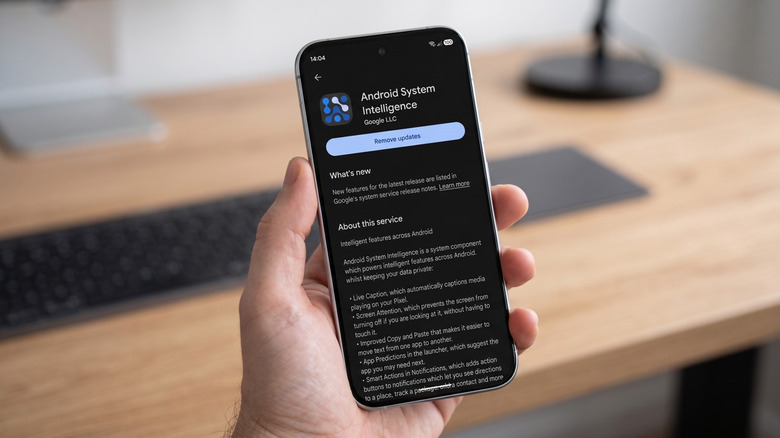
If you disable ASI:
- Live Caption will stop working.
- Now Playing will fail to identify music.
- Smart suggestions in your notification shade will vanish.
- Screen Attention will cease, and your phone will revert to a timer-based lock screen.
Crucially, disabling the service does not necessarily stop Google from collecting telemetry. Most modern Android devices have secondary diagnostic processes that operate outside the scope of ASI. Therefore, disabling ASI is often an exercise in losing convenience without necessarily achieving a significant gain in total privacy.
Troubleshooting vs. Disabling
If your device is experiencing battery drain or performance hitches, it is highly likely that ASI is not the culprit. Google’s official guidance for a misbehaving ASI is to:
- Restart the device: This clears temporary cache issues in the system partition.
- Clear Cache/Data: Navigating to the app settings and wiping the cache can resolve "stuck" machine learning models.
- Update the System: Often, errors in ASI are tied to outdated system frameworks that need a patch.
Conclusion: The Trade-off of Modern Connectivity
In the current landscape of mobile technology, we are caught in a tug-of-war between convenience and privacy. Android System Intelligence represents Google’s attempt to bridge this divide by keeping data local while still offering a "smart" experience.
For the vast majority of users, the features powered by ASI—such as identifying a song instantly or having a phone that stays awake while you read—are integral to the value proposition of a modern smartphone. While the idea of a "hidden" background service is uncomfortable, the architecture of the Private Compute Core offers a level of security that was unheard of a decade ago.
If your priority is absolute privacy, the solution is not to disable a single system component, but rather to look toward privacy-focused operating systems like GrapheneOS, which remove these layers entirely. However, for those who wish to keep their Android experience intact, the best path forward is to remain informed, manage individual permissions, and recognize that Android System Intelligence is less of a spy and more of a complex, automated butler—one that occasionally requires a bit of maintenance, but one that is ultimately designed to serve the user.