

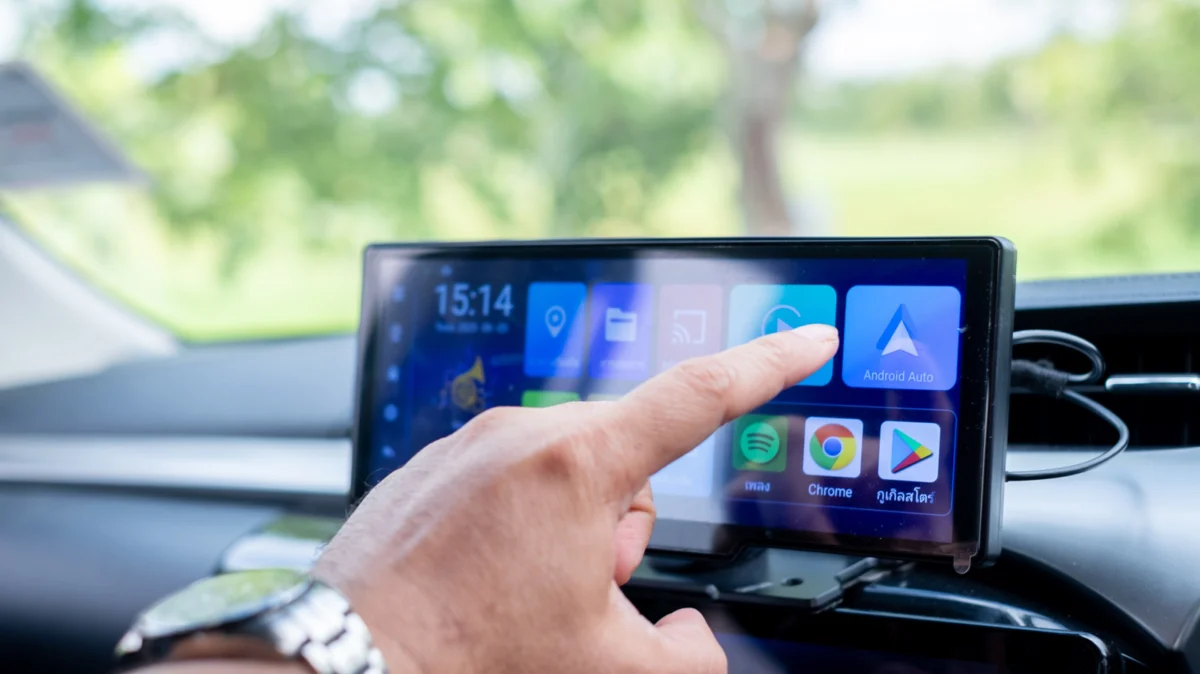
For millions of drivers, Android Auto has become an indispensable companion, serving as the digital bridge between their smartphones and their vehicles. By mirroring essential mobile functions onto the car’s infotainment display, it minimizes distraction and enhances connectivity. However, most users barely scratch the surface of the platform’s capabilities, often restricting their usage to basic navigation via Google Maps and audio streaming through Spotify or YouTube Music.
While these staples are fundamental, the Android Auto ecosystem is far more expansive, offering a suite of specialized applications designed to streamline logistics, entertainment, and productivity while on the road. To get started, users simply need a vehicle compatible with Android Auto and a smartphone running Android 9.0 or higher. Whether connecting via a high-quality data cable or seamless wireless projection, the platform is designed to turn your dashboard into a powerful productivity hub.
In this deep dive, we explore the hidden gems of the Android Auto library that can genuinely elevate your driving experience—and help you kill time when you’re safely parked.
The Strategic Advantage: Why You Should Diversify Your App Library
The primary appeal of Android Auto is its ability to reduce "phone fumbling." By keeping your smartphone in your pocket or securely mounted, you maintain focus on the road while retaining access to your digital life. Beyond the standard navigation and media controls, the platform offers a gateway to third-party integrations that simplify common pain points: finding parking, consuming long-form content, and even managing your browsing habits.
SpotHero: Solving the Urban Parking Dilemma
One of the most universal frustrations for urban drivers is the "parking hunt." Circling city blocks or hunting for a spot near a stadium can add significant stress to a commute. SpotHero serves as a vital utility in this regard. By integrating directly into your infotainment screen, the app allows you to locate available parking garages, surface lots, and airport parking facilities in real-time.
The workflow is designed for efficiency: users can input their destination, browse nearby availability, and secure a reservation directly through the dashboard. With support for Google Pay, the transaction is handled seamlessly, often at a lower rate than "drive-up" pricing. With over a million installs and a robust 4.4-star rating on the Google Play Store, SpotHero has cemented itself as a must-have tool for commuters navigating major U.S. cities.
Audible: The Gold Standard for Audiobooks
While music streaming dominates the dashboard, the rise of the "commuter economy" has seen a surge in audiobook and podcast consumption. Audible remains the industry benchmark for long-form audio content. Its Android Auto integration is not merely a "port" of the mobile app; it is a stripped-down, high-contrast interface designed specifically to be navigable while glancing at a screen.
For drivers in vehicles that lack full Android Auto support, the Audible mobile app provides a sophisticated fallback: the "Automatic Car Mode." When toggled in the settings, the app automatically switches to a simplified, large-button UI upon detecting a Bluetooth connection. This ensures that users can jump back into their favorite narrators or chapters without diverting attention from the steering wheel.
Vivaldi Browser: The Power User’s Web Portal
Perhaps the most surprising entry in the Android Auto library is the Vivaldi Browser. Traditionally, browsers are absent from car dashboards due to safety concerns. However, Vivaldi offers a specialized version for automotive displays, providing a way to access the web safely.
Equipped with a built-in ad blocker and privacy-focused features, Vivaldi allows users to access specific web-based services that may not have native Android Auto support. Whether you need to check a specific web-based scheduling tool or access a news portal, Vivaldi’s reader mode helps strip away the clutter of modern web design, presenting text in a clean, legible format. It also offers customization options like light and dark themes, making it a versatile tool for those who spend significant time waiting in their vehicles.
GameSnacks: Turning Idle Time into Playtime
We have all found ourselves in a "hurry up and wait" scenario—sitting in a parking lot, waiting for a passenger to finish an errand, or idling before an appointment. GameSnacks, a Google-led initiative, brings a collection of HTML5-based games directly to the car’s display.
From "Classic Solitaire" to "Fruit Cube Blast," these games are designed for short, casual sessions. While it is imperative to reiterate that these features are strictly for when the vehicle is in "Park," they offer a refreshing alternative to doom-scrolling on a smartphone. Because these games are web-optimized, they remain lightweight, ensuring they don’t lag or tax your phone’s processor during operation.

Chronology of Android Auto Development
The evolution of Android Auto from a niche feature to a standard industry requirement has been rapid.
- 2014: Google announces Android Auto at the Google I/O conference, promising a "driver-friendly" interface.
- 2015: The first vehicles featuring native support (starting with Hyundai) hit the market.
- 2016: Google releases the standalone Android Auto app, allowing users to run the interface directly on their phone screens, effectively bringing the experience to older vehicles.
- 2019: The "Coolwalk" redesign project begins, aiming to provide a more modular, multi-window interface that allows navigation and media to share screen space.
- 2022-2023: Google shifts focus toward third-party integration, opening the API to categories like browsing, parking, and gaming, which led to the inclusion of apps like Vivaldi and GameSnacks.
Supporting Data and Market Impact
According to recent industry analytics, over 200 million cars on the road today support Android Auto. The average user spends approximately 45 minutes per day in their vehicle, with "infotainment interaction" accounting for nearly 15% of that time.
The shift toward app-based ecosystems in the car is not just a trend—it is a competitive necessity. Automotive manufacturers are increasingly finding that the quality of the infotainment interface is a primary driver in consumer purchase decisions. Apps like SpotHero and Audible are popular not because they are flashy, but because they solve tangible, high-frequency problems for the modern driver.
Official Stance and Safety Implications
Google maintains a strict "Driver Distraction Policy" regarding the development of Android Auto applications. Developers must adhere to rigorous design guidelines:
- Interaction Limitation: Apps must minimize the number of taps required to perform a task.
- Voice-First Design: Wherever possible, apps must be controllable via Google Assistant or Gemini.
- Visual Simplicity: Interfaces must prioritize high-contrast, large typography to ensure readability at a glance.
- Context-Awareness: Features like web browsing or gaming are often restricted or gated by the vehicle’s gear position sensors; if the car is in Drive, these apps will disable their interactive components to prevent driver distraction.
"Our goal is to make the car a safer and more productive space," a spokesperson for the Android Automotive team noted. "By moving complex interactions to voice or simplified interfaces, we are ensuring that the driver’s eyes remain on the road while their digital needs are met."
Future Implications: The Path Toward In-Vehicle OS
The current reliance on the smartphone as the "brain" for the car is likely a transitional phase. As automotive manufacturers adopt Android Automotive OS (AAOS)—a version of Android embedded directly into the car’s hardware—the distinction between a "phone app" and a "car app" will continue to blur.
In the near future, we can expect:
- Deeper Vehicle Integration: Apps that can control climate, seating, and vehicle diagnostics via the dashboard.
- Enhanced AI Assistance: Gemini and other Large Language Models (LLMs) will likely replace manual app navigation, allowing users to ask, "Find me a parking spot near my next meeting and book it," without touching a screen.
- Increased Personalization: User profiles that sync across all vehicles, allowing your preferences, bookmarks, and playlists to follow you from a personal sedan to a rental car or a ride-share vehicle.
For now, the best way to improve your daily drive is to explore the Play Store’s automotive category with a critical eye. By moving beyond the default apps, you aren’t just changing your settings—you are optimizing your time and reclaiming the often-wasted hours spent behind the wheel. Whether you are hunting for a parking space in a crowded city or looking for a way to stay entertained while parked, these tools are ready to transform your vehicle into a more intelligent, capable space.












No comments yet. Be the first to join the conversation!