

For over a decade, the narrative surrounding Android has remained largely static: it is a mobile-first operating system designed for consumption, communication, and on-the-go utility. While the raw processing power of modern smartphones—like the latest Google Pixel lineup—has long surpassed the requirements for basic office productivity, the physical constraints of a 6-inch screen have always acted as a bottleneck. Writing long-form documents, managing complex file systems across cloud repositories, and juggling multiple windows have felt inherently cramped and inefficient.
For many professionals, the dream of a "phone-as-a-computer" has been a lingering fantasy. While Android’s desktop mode has existed in various iterations, recent advancements have finally pushed the feature into the realm of viability. However, the true revelation isn’t just the software itself; it is the realization that the smartphone is only half of the equation. To turn a phone into a legitimate workstation, one requires a bridge between the mobile world and the desktop environment: the humble, yet essential, Thunderbolt dock.
The Evolution of Android’s Desktop Ambitions
The trajectory of Android’s desktop capabilities has been a slow burn. Historically, manufacturers like Samsung spearheaded the effort with DeX, creating a proprietary ecosystem that proved the concept was possible. However, the broader Android ecosystem lagged behind, often relegated to basic screen mirroring that lacked the nuance of window management, taskbars, and peripheral support.
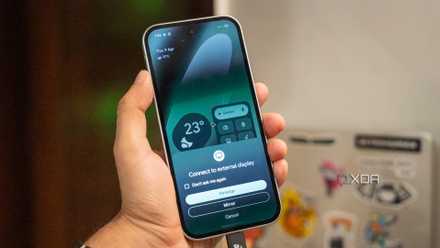
By 2026, the landscape has shifted significantly. Google’s latest implementation of desktop mode on Pixel devices has matured into a sophisticated workspace. Users are now greeted with a familiar desktop paradigm: floating, resizable windows, a functional taskbar for app switching, and robust support for external keyboards and mice.
A Chronology of Progress
- The Early Days (2015-2018): Android desktop functionality was largely limited to enthusiast-led custom ROMs or niche manufacturer experiments. Connectivity was unreliable, and latency made it impractical for serious work.
- The Samsung DeX Era (2017-2022): Samsung established the gold standard for desktop-like experiences on Android, proving that users wanted to connect their phones to monitors for productivity.
- The Integration Phase (2023-2025): Google began laying the groundwork for a more unified desktop experience within stock Android, focusing on windowing APIs and improved external display handling.
- The Modern Standard (2026): Android now treats external displays as an extension of the system rather than a mirror, allowing for true multi-tasking, high-resolution output, and seamless peripheral integration.
The Hardware Paradigm Shift: Why the Dock Matters
When I first experimented with Android’s desktop mode, I relied on simple USB-C to HDMI adapters. While this successfully pushed a signal to my monitor, it left me tethered to a restrictive setup. If I wanted to access a file on an external SSD, I was out of luck. If I wanted a stable, wired internet connection for large file transfers, the phone’s limited port configuration became an immediate failure point.
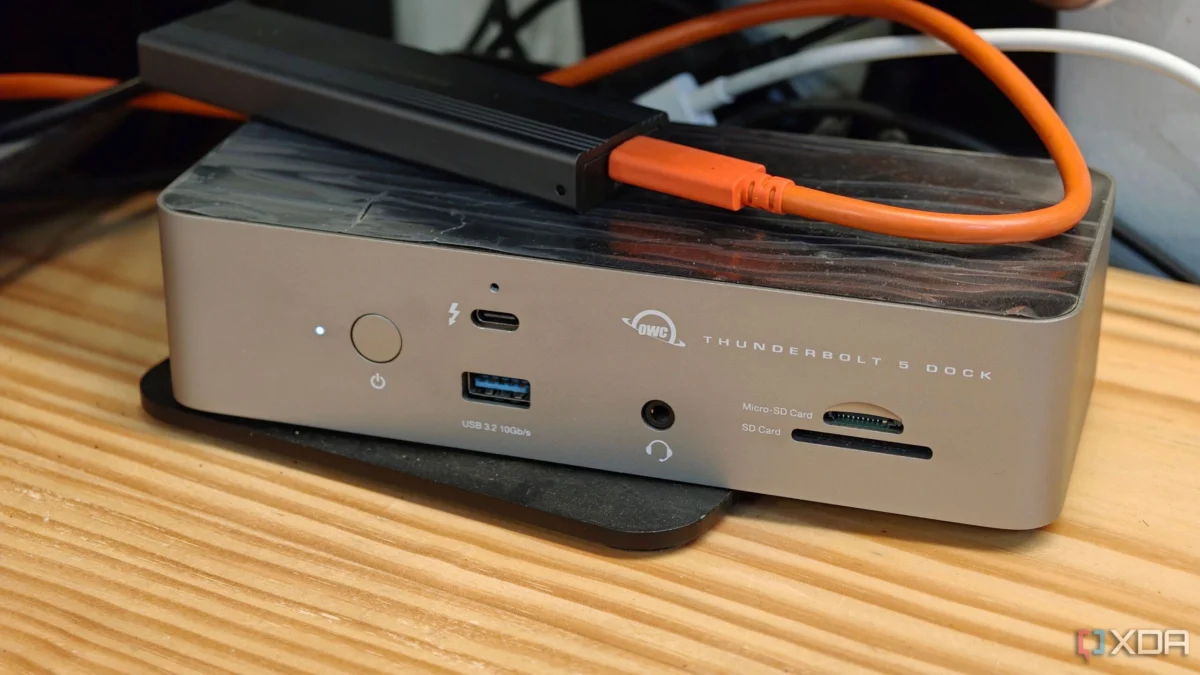
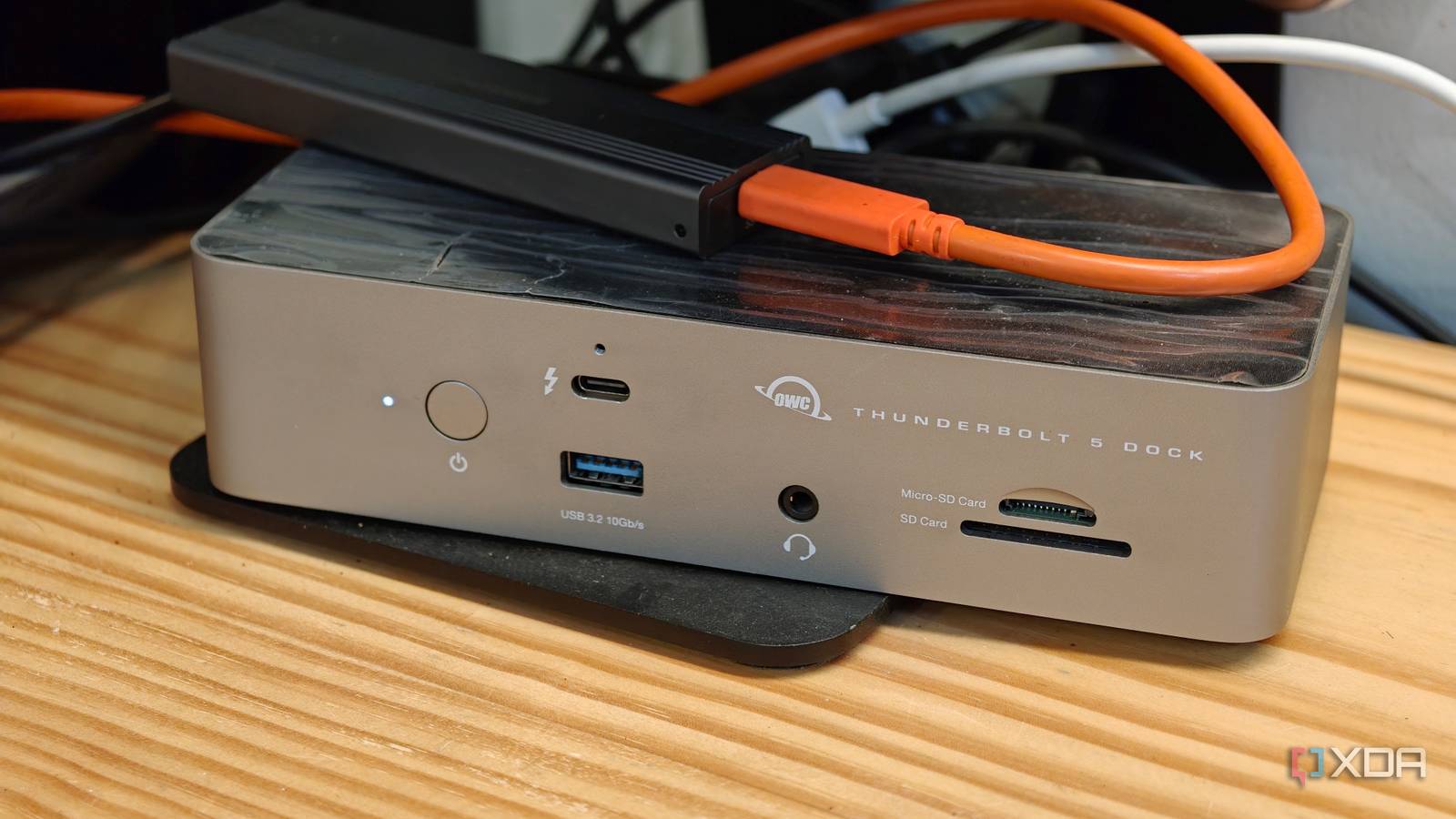
The shift to a dedicated Thunderbolt 5 dock, such as the OWC Thunderbolt 5 dock, fundamentally changed my workflow. By connecting my Pixel to the dock, I transformed a handheld device into a centralized command center.
The Connectivity Advantage
The dock acts as a gateway. When I sit at my desk, I plug in a single cable. Instantly, my smartphone gains access to:
- High-Speed Networking: A gigabit Ethernet connection that is significantly more stable than Wi-Fi for downloading heavy camera footage or uploading project files to a NAS (Network Attached Storage).
- Peripheral Dominance: My mechanical keyboard and wired gaming mouse function with zero input lag, mimicking the exact feel of a traditional workstation.
- External Storage: The ability to mount SSDs and USB drives directly to the file manager, allowing me to treat my phone like a true computer when managing large media libraries.
- Constant Power Delivery: Desktop mode is resource-intensive. A Thunderbolt dock provides consistent charging, ensuring that while I am working, my battery is not being depleted by the heavy lifting of driving a 4K display and managing multiple processes.
Supporting Data: Efficiency in the "Thin Client" Era
To understand the implications of this setup, one must examine the modern professional workflow. Data indicates that a significant majority of daily knowledge work now takes place within a web browser. From cloud-based project management tools like Asana and Trello to collaborative suites like Google Workspace and Microsoft 365, the browser is the modern OS.

Because the Pixel—and most modern Android flagships—features high-performance mobile processors, they are more than capable of running these web-based workflows. By using the Android desktop mode as a "thin client," users can access their entire digital life without needing to carry a laptop.
Furthermore, the integration of self-hosted applications—such as personal media servers, password managers, and private cloud storage—is seamless within the Android environment. Accessing these via a desktop browser on a phone creates a cohesive, secure, and highly portable environment that is difficult to replicate with a traditional laptop setup, which often requires syncing files or managing complex cross-platform software.
Official Responses and Industry Outlook
While Google has not explicitly marketed the Pixel as a total laptop replacement, the company’s focus on "seamless productivity" suggests an awareness of this trend. Industry analysts note that as mobile chipsets continue to rival entry-level laptop processors in terms of single-core performance, the pressure on software developers to create "desktop-class" mobile apps is mounting.
"The goal isn’t to kill the laptop," says one industry observer, "but to make the phone the only device you need to carry. The dock is the equalizer."
Manufacturers of peripherals, like OWC, have also leaned into this, designing docks that prioritize power delivery and high-bandwidth data transfer specifically for mobile users who want to transition from a pocket-sized device to a full-sized desk setup.
Implications for the Future of Personal Computing
The implications of this shift are profound. For students, remote workers, and traveling professionals, the requirement to own a dedicated, expensive laptop may soon become optional.
The Pros of the Dock-Centric Workflow:
- Unified Digital Life: You no longer need to sync files between a phone and a laptop. Your apps, your files, and your login sessions stay in one place.
- Security: By utilizing a single device, you reduce the attack surface. Biometric authentication (fingerprint/face unlock) on the phone serves as the gatekeeper for your entire workspace.
- Reduced Hardware Overhead: Investing in a high-quality dock and a good monitor offers a longer lifecycle than an average laptop, which often suffers from battery degradation and thermal throttling.
The Challenges Ahead
Despite the progress, it is important to maintain perspective. Android is not Windows or macOS. Some professional-grade software—specifically heavy-duty video editing suites, specialized engineering software, and legacy enterprise applications—remains locked to desktop operating systems. Additionally, while most web-based apps work perfectly, some mobile applications do not scale correctly to large-screen displays, leading to "stretched" UI elements or unexpected crashes.
Conclusion: A New Way to Work
The transition to using an Android phone as a desktop replacement is no longer a gimmick; it is a legitimate productivity choice for a vast segment of the workforce. By bridging the gap between mobile utility and desktop power through a robust dock, users can achieve a level of flexibility that was previously unattainable.
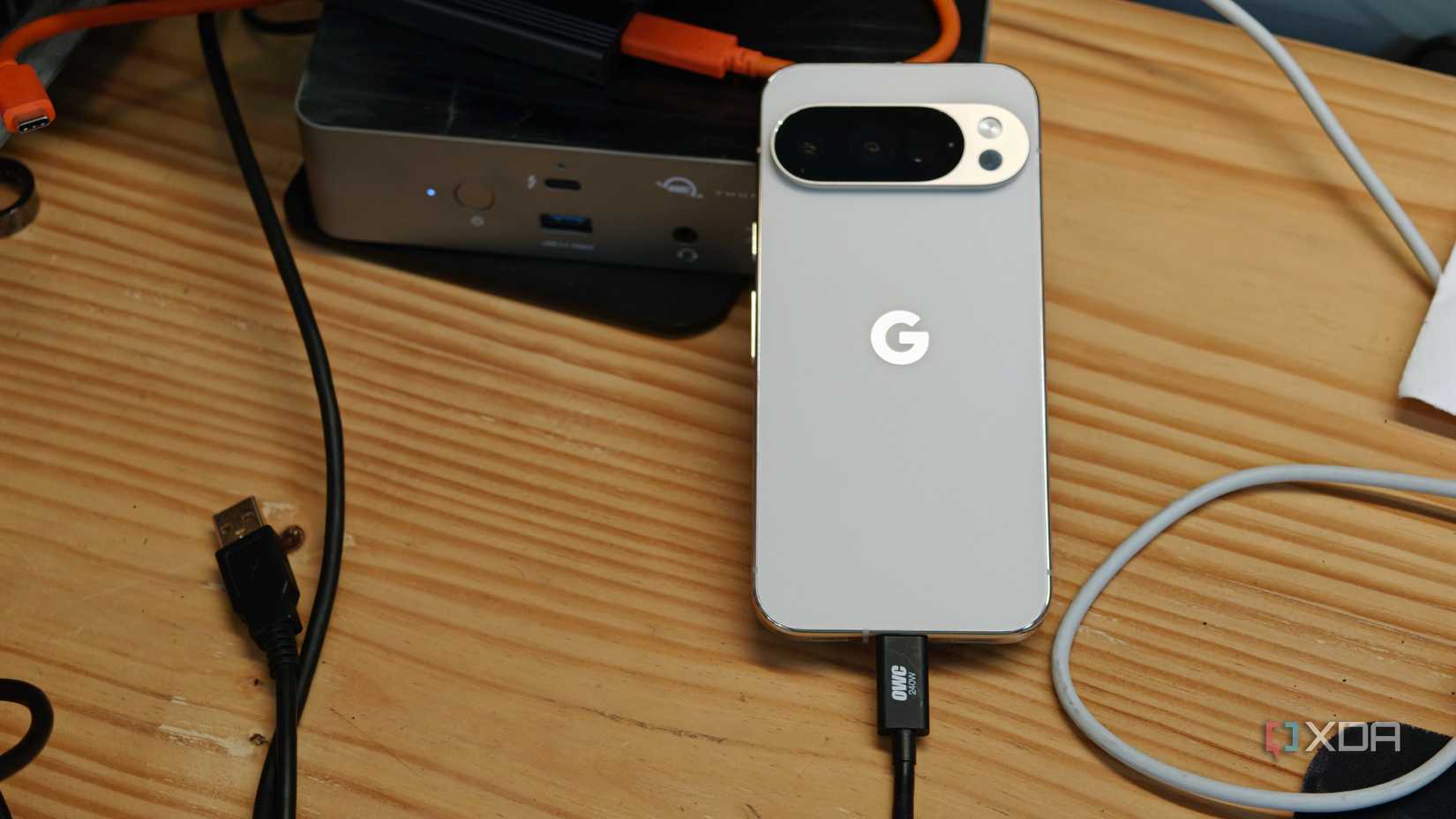
I have stopped carrying a laptop, not because my phone is superior in every way, but because for 90% of my tasks, it is perfectly sufficient. The dock provides the final 10%—the connectivity, the power, and the stability—that turns a phone into a machine that can truly get work done. As hardware and software continue to converge, the lines between our handheld devices and our workstations will only continue to blur, ushering in an era where the most powerful computer you own is the one already in your pocket.











