Jia Lissa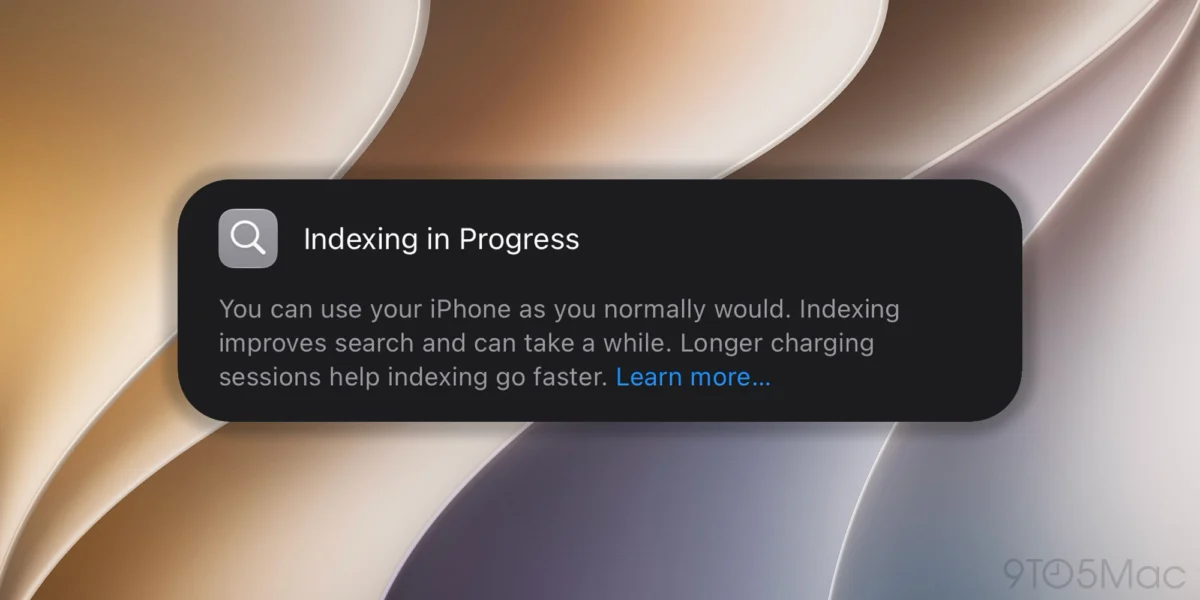
The release of iOS 27 developer beta 1 has brought a wave of excitement to the Apple ecosystem, headlined by the most significant overhaul to system architecture in recent years. However, for many early adopters, the immediate post-installation experience has been marred by a persistent, background process: system indexing. As the operating system works to integrate the new Apple Intelligence models and advanced Foundation Model frameworks, users have reported that their devices remain in an “Indexing in Progress” state for an unusually long time.
While this behavior is expected during a major OS transition, the lack of a granular progress indicator on the device itself has left many users wondering if their iPhone is stuck or simply processing a massive amount of data. Fortunately, for those with access to a Mac, there is a technical workaround to pull back the curtain and view the precise percentage of the indexing process.
The Core Technical Shift: Why Indexing is Taking Longer
To understand why iOS 27 requires such a heavy indexing load, one must look back at the announcements made at WWDC26. Apple has completely restructured the underlying data framework to support on-device machine learning at an unprecedented scale.

The integration of advanced Apple Intelligence requires the system to perform a "deep scan" of user data—photos, messages, mail, and local files—to build a new semantic index. This index is the backbone of the new, more conversational Siri and the system-wide contextual awareness features. Unlike previous years, where indexing was largely a matter of cataloging metadata, iOS 27 is essentially "learning" the user’s digital footprint. Because this process is computationally expensive, iOS prioritizes it during idle time, specifically when the device is locked and charging, to ensure that the user’s primary experience remains fluid.
A Chronology of the Beta 1 Experience
The rollout of iOS 27 beta 1 followed a familiar pattern, but the post-installation period has proven to be an anomaly in terms of system performance:
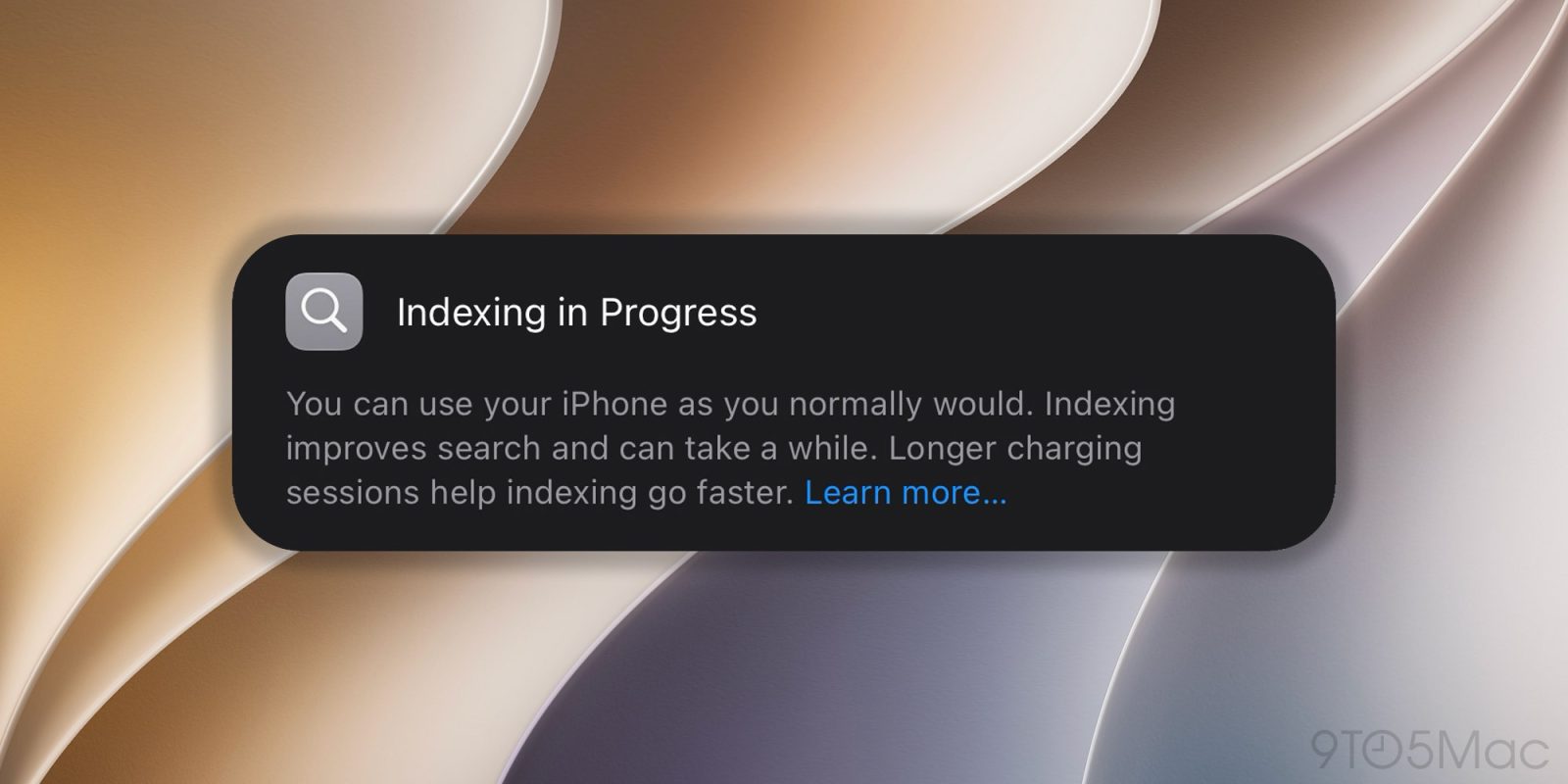
- Day 0 (Installation): Users download and install the beta. Immediately following the first reboot, the system initiates the background indexing task. The Settings app displays a notification banner informing the user that the process is underway.
- Day 1 (The "Sluggish" Phase): Reports began flooding community forums like Reddit and the Apple Developer portal. Users noted that their iPhones felt warmer than usual and that battery life was draining faster than expected—classic signs of heavy background processing.
- Day 2–3 (The Persistence Phase): For users with large iCloud Photo Libraries or extensive local data, the "Indexing in Progress" banner persisted. This prompted concerns regarding potential bugs or infinite loops in the indexing logic.
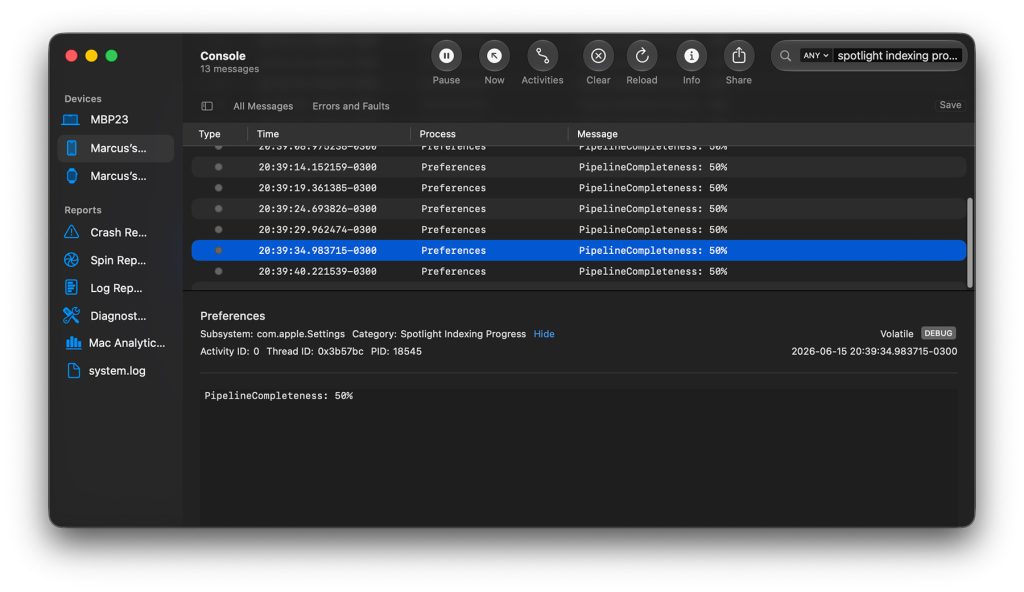
- Current State: Advanced users discovered that while the iOS interface provides no progress bar, the macOS Console application provides a direct line into the system’s
searchdandcorespotlightlogs, allowing for real-time tracking of the indexer.
Supporting Data: Understanding the "Hidden" Progress
The indexing process is highly variable, depending on three primary factors: storage capacity used, the number of media files (photos/videos), and the device’s thermal management.
The Role of Power Management
Apple’s documentation—and the banner visible in the Settings app—clearly states: “Longer charging sessions help indexing go faster.”
This is not merely a suggestion. The iPhone’s power management system throttles the indexing process when the device is running on battery power to prevent excessive heat and preserve battery health. When plugged into a power source, the OS allows the Neural Engine and CPU to run at higher sustained clock speeds, significantly accelerating the indexing of complex machine learning models.
Why the UI is Minimalist
Apple’s design philosophy has always favored simplicity over raw data. By omitting a progress bar, the company avoids overwhelming the average user with technical information that could be misinterpreted as a system failure. However, for developers and power users, this lack of transparency is a significant hurdle during the beta phase, as it makes it difficult to distinguish between a healthy, ongoing process and a stalled background daemon.
How to Track Your Indexing Progress via Mac
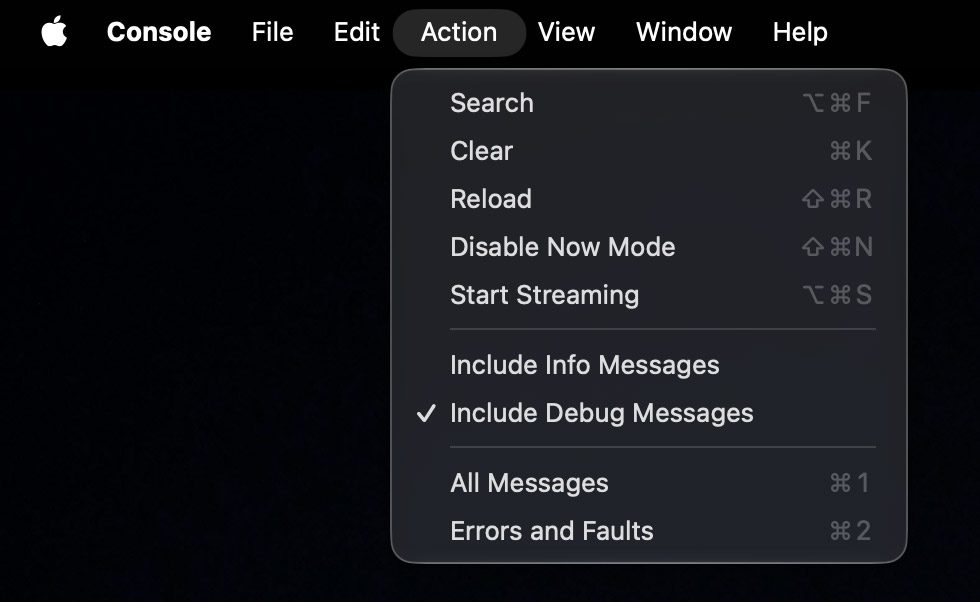
If you have been staring at the indexing banner for days and need to verify that your device is indeed making progress, you can utilize the Console app on your Mac. Follow these steps to monitor the process:
- Connect your iPhone: Use a high-quality USB-C or Lightning cable to connect your iPhone to your Mac.
- Launch Console: On your Mac, open the Console application (found in Applications > Utilities).
- Select Your Device: In the sidebar, select your iPhone.
- Filter the Logs: In the search bar at the top right, type
searchdorcorespotlight. This will filter out the noise and focus on the background processes responsible for indexing. - Monitor the Output: Look for logs that mention
Indexing progressorIndex completion. You will often see a percentage value being reported in the system logs.
Note: If the numbers in the log are increasing over time, your device is functioning correctly, and you should allow it to remain plugged in until the process finishes.
Official Responses and Developer Guidelines
While Apple has not issued a specific bug fix for the indexing duration, the documentation provided during the WWDC26 developer sessions emphasized that the initial indexing of iOS 27 is a "one-time event" designed to migrate legacy data structures to the new Apple Intelligence format.
Representatives have advised that developers should ensure their devices are connected to Wi-Fi and power overnight during the first 48 hours of testing. Furthermore, Apple has reminded users that beta software is, by definition, unoptimized. The current "slowness" is a byproduct of the system building its new "brains," and the company expects to refine the efficiency of these background tasks in subsequent beta releases (Beta 2 and beyond) leading up to the public launch in the fall.
Implications for the User Experience
The implications of this indexing process are twofold.
Short-term: Users may experience degraded battery life and thermal throttling. During the indexing phase, the iPhone is essentially performing a massive computational workload that consumes system resources. Users are encouraged to avoid heavy gaming or video rendering until the indexing is complete, as this will lead to aggressive thermal throttling.

Long-term: Once the indexing is complete, the benefits of the new Apple Intelligence architecture will become apparent. The system will be able to perform advanced natural language queries, intelligent image retrieval, and contextual predictive actions that were previously impossible. The current "pain" of the long indexing time is a bridge to a more capable, proactive operating system.
Final Thoughts
If you find yourself stuck in the indexing loop, do not panic. It is a necessary, albeit inconvenient, step in the evolution of iOS. Ensure your device has enough free storage space—as low storage can cause the indexer to stall—and give it time to complete its work while charging.
As iOS 27 matures through the summer, Apple will undoubtedly improve the performance of these background tasks. For now, the best strategy is patience, combined with the technical reassurance provided by the Mac Console logs.

Is your iPhone still indexing? How many days has it been, and what percentage are you seeing in the logs? Join the discussion in the comments below and let us know your experience.

 Asro
Asro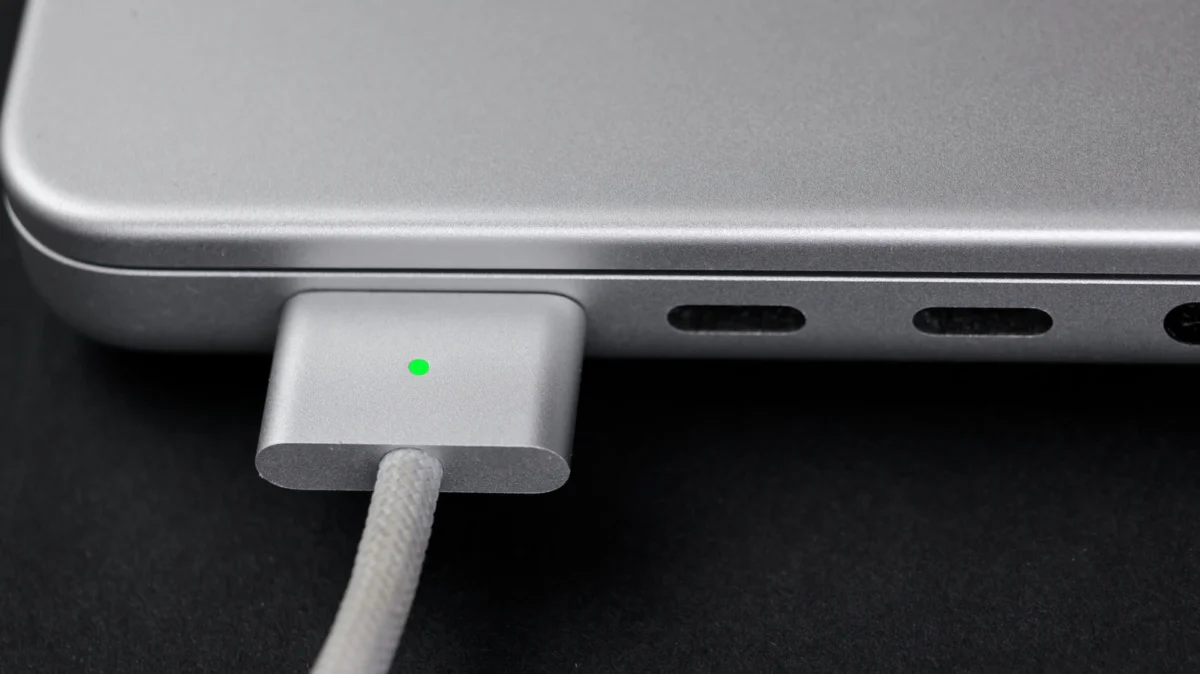
 Rifan Muazin