

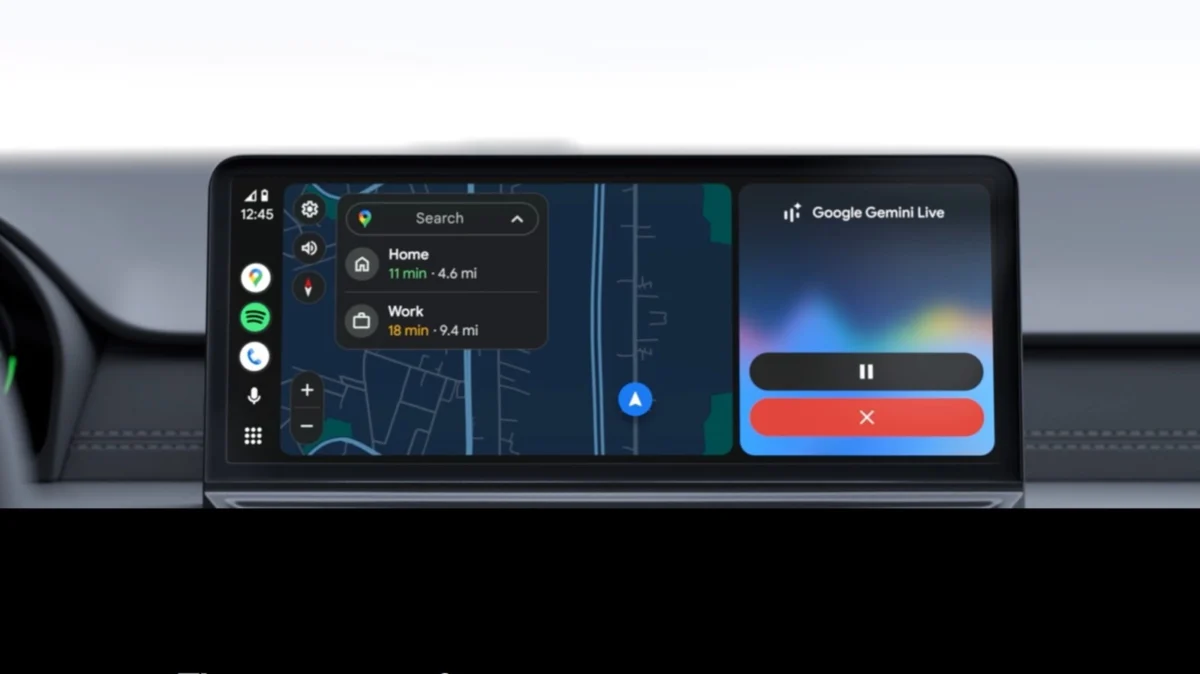
For the modern commuter, the transition from the chaotic sprawl of tangled charging cables to the seamless, "set-it-and-forget-it" convenience of wireless connectivity represents a significant milestone in automotive technology. Wireless Android Auto has become a highly sought-after feature, promising a tidy dashboard and an instantaneous digital bridge between your smartphone and your vehicle’s infotainment system. However, as with most transitions from hardware-reliant systems to software-defined wireless protocols, the convenience comes with a set of technical trade-offs that every driver should understand before ditching the cable for good.
The Mechanics of Connectivity: How Wireless Android Auto Operates
To appreciate why wireless Android Auto sometimes struggles, one must first understand the sophisticated dance occurring behind the scenes every time you turn the ignition key. Unlike a simple Bluetooth connection used for basic phone calls, Android Auto is a high-bandwidth, multi-layered data stream.
The Handshake Protocol
When you enter your vehicle, the system initiates a dual-connection process. First, Bluetooth acts as the "handshake" facilitator. It authenticates the unique ID of your smartphone, verifying that your device is authorized to communicate with the vehicle’s head unit. Once this security protocol is established, the system automatically transitions the heavy lifting of data transmission to a Wi-Fi Direct connection.
Wi-Fi Direct: The Heavy Lifter
Wi-Fi Direct is essential because Bluetooth simply lacks the bandwidth to stream high-resolution navigation maps, real-time traffic data, high-fidelity audio, and constant touch-input feedback simultaneously. By utilizing a 5GHz Wi-Fi signal, the phone and the car create a localized peer-to-peer network. If you were to disable either the Bluetooth or the Wi-Fi on your phone mid-drive, the entire session would collapse instantly, as both protocols are required to maintain the persistent link.
Chronology: The Evolution from Tethered to Wireless
The journey of Android Auto reflects the broader shift in consumer electronics toward wireless ecosystems.
- 2015: The Wired Foundation: Android Auto debuted as a strictly wired experience. At the time, USB 2.0 and 3.0 provided the only stable way to handle the latency requirements of a mirrored interface.
- 2018: The Wireless Breakthrough: Google officially introduced wireless support, though it was initially restricted to their own Pixel devices and select Nexus phones. The feature required specific hardware in the car’s head unit, limiting adoption to high-end or newer vehicle models.
- 2020–2022: Mainstream Expansion: As Wi-Fi hardware became cheaper to integrate, wireless Android Auto became a standard offering in mid-range vehicles. During this period, third-party manufacturers began releasing "wireless adapters"—USB dongles that act as a bridge, tricking older, wired-only vehicles into supporting wireless connections.
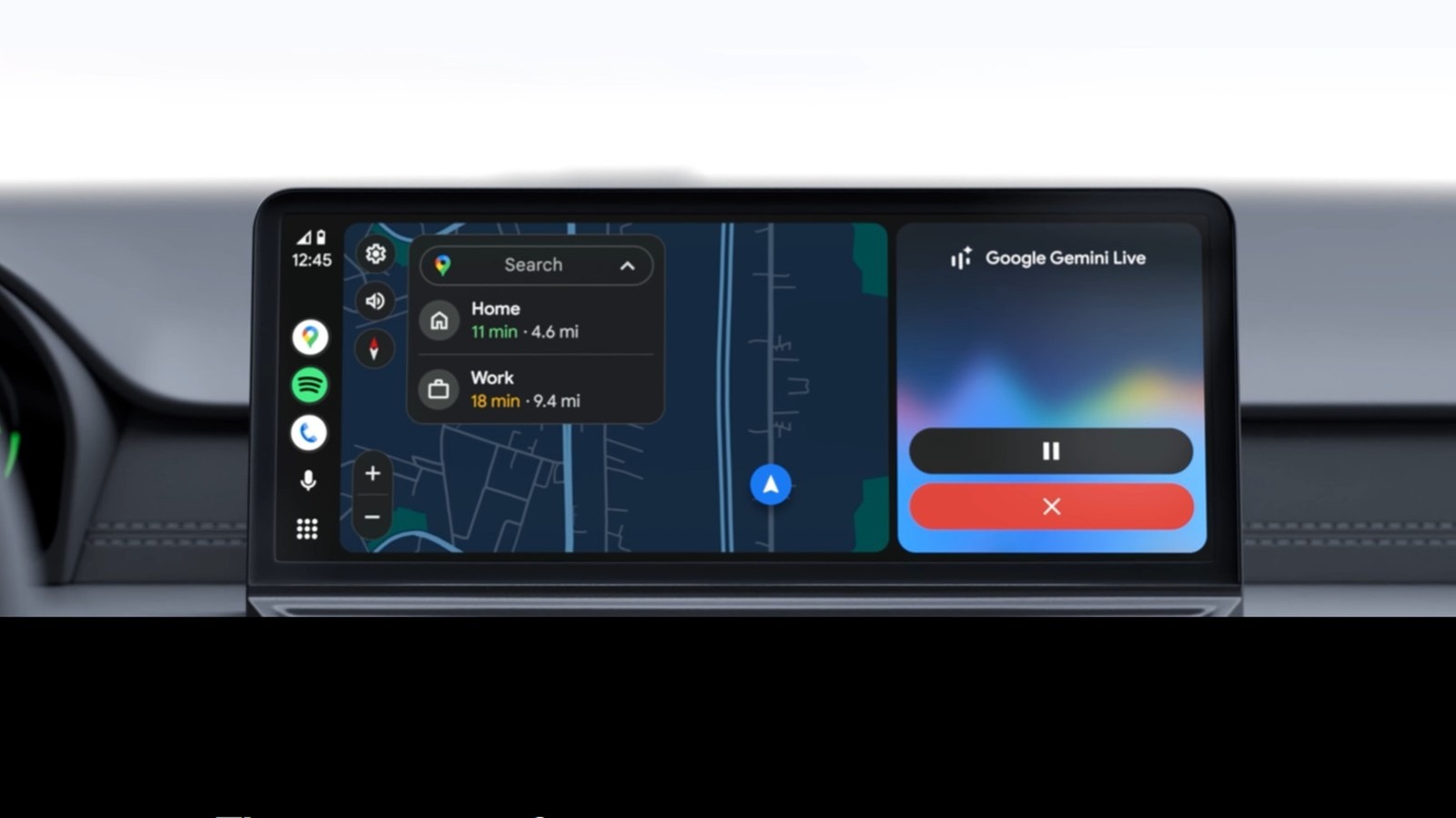
- 2023–Present: The "Gemini" Integration: With the integration of AI assistants like Google Gemini, the processing load on smartphones has increased, putting even more strain on the wireless connection architecture, as the phone now manages both projection and advanced generative AI tasks.
The Pros: Why We Love to Cut the Cord
The appeal of wireless Android Auto is not merely aesthetic; it fundamentally changes the user experience in several tangible ways.
1. Instantaneous Automation
The "frictionless" nature of the system is its greatest asset. In a wired setup, the user must fish for a cable, align the connector with the phone’s charging port (often in the dark or while in a rush), and wait for the handshake to initiate. With wireless, the connection is typically established before the driver has even buckled their seatbelt.
2. A Cleaner, Safer Cockpit
Cable management is a chronic issue in vehicle interiors. Wires draped over the gear shifter, emergency brake, or cupholders are not just eyesores; they are safety hazards. They can snag on clothing or become a distraction during driving. Removing the physical tether creates a minimalist, distraction-free environment.
3. Device Port Versatility
By freeing up the USB port, drivers regain the ability to use their car’s primary data port for other tasks—such as charging a passenger’s device or powering a secondary accessory like a dashcam or an air purifier—without interrupting their navigation or music playback.
The Cons: The Hidden Costs of Convenience
While the benefits are immediate, the drawbacks are often cumulative, revealing themselves over long road trips or with prolonged usage over several years.
The Battery Drain Dilemma
The most significant drawback is the power cost. Because the phone is constantly maintaining a high-frequency 5GHz Wi-Fi Direct signal, managing Bluetooth, and performing active GPS tracking, the battery consumption is aggressive. Users can expect to see their phone’s battery percentage drop by 10% to 15% per hour of use. For a standard commute, this is negligible; for a three-hour road trip, it is a significant drain.
Thermal Throttling and Heat Management
Heat is the enemy of smartphone longevity. Wireless projection forces the phone’s processor to work harder than it would during standard use. When you combine this with the heat generated by the vehicle’s cabin, especially during summer months or when the phone is mounted in direct sunlight on a dashboard, the device may hit thermal limits. This leads to "throttling," where the phone slows its processor to cool down, resulting in stuttering map animations, delayed voice commands, and, in extreme cases, the phone shutting down entirely to protect its battery.
Performance and Latency
While wired connections provide a dedicated, interference-free pipe for data, wireless signals are susceptible to electromagnetic interference. In dense urban environments with high levels of Wi-Fi congestion, some users report intermittent disconnects or "lag" when skipping tracks or panning across maps.
Supporting Data and Technical Realities
For those curious about the hardware requirements, compatibility is not universal.
- Software Requirements: Your smartphone must run Android 11 or later. Furthermore, the device must support 5GHz Wi-Fi, which is standard on most modern phones but missing from older, budget-tier handsets.
- The Developer Menu: Occasionally, users find that their car supports the feature but it is disabled by default. Accessing the Android Auto "Developer Settings" via the phone’s app menu can sometimes toggle on wireless functionality for stubborn systems.
- Hardware Bottlenecks: The quality of the wireless experience is often dictated by the car’s Wi-Fi antenna, not just the phone. Some vehicle manufacturers include cheaper, lower-gain antennas, which result in the "random disconnects" that plague certain car models more than others.
Official Stance and Industry Trends
Automotive manufacturers are currently at a crossroads. While consumers demand wireless functionality, automakers are concerned about the technical support burden caused by the variance in smartphone performance. Some premium brands have opted to keep wired connections as a fallback, while others are pushing "Phone Projection" as a primary feature.
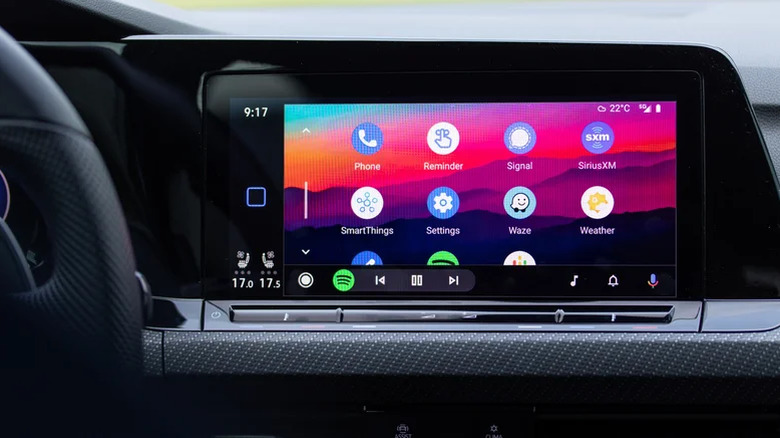
Google, meanwhile, continues to update the Android Auto interface to be more efficient, focusing on reducing the data packet overhead. However, they consistently advise users that for long-duration navigation, a wired connection remains the "Gold Standard" for performance and device health.
Implications for the Future of Driving
The transition to wireless Android Auto represents a broader shift toward "Software-Defined Vehicles" (SDVs). As cars become more like giant smartphones, the reliance on physical cables will continue to decline. However, the current "wireless vs. wired" debate highlights a critical lesson: until wireless charging technology inside vehicles becomes as fast and as heat-efficient as wired USB-C Power Delivery, there will always be a functional trade-off.
Recommendation for Drivers
- For the Daily Commuter: Wireless is the winner. The convenience of keeping your phone in your pocket or a wireless charging pad is unparalleled for short, 20-to-40-minute trips.
- For the Long-Haul Traveler: Stick to the cable. On trips exceeding one hour, the reliability of a wired connection, combined with the ability to charge your device at full speed while running high-drain apps, makes it the objectively superior choice.
Ultimately, wireless Android Auto is a tool of convenience, not a replacement for high-performance connectivity. By choosing the right method for the right journey, you can enjoy the best of both worlds: a clean, modern cockpit for your daily drive and a reliable, high-speed connection for your long-distance adventures.











