For aspiring graphic designers, the transition from classroom theory to professional practice requires more than just creativity—it demands a reliable digital canvas. While high-end workstations often command prices that can strain a student budget, the current market has evolved to offer impressive performance at the entry-to-mid-level tier. Choosing the right machine is a delicate balancing act: you need a color-accurate display and enough processing power to handle the industry-standard Creative Suite without the "pro-level" tax.
In this guide, we evaluate the current landscape of affordable laptops, drawing on over 10,000 hours of testing across 100+ devices. We define "budget" as a machine capable of handling professional-grade design software—such as Adobe Illustrator, Photoshop, and Affinity—without sacrificing the visual fidelity required for print and digital production.
The Essential Criteria: What Defines a Design-Ready Laptop?
Before diving into specific models, it is vital to understand the technical baseline. A machine that struggles to render a multi-layered PSD file is not a bargain, regardless of its price tag.
- Color Accuracy: For graphic design, color gamut coverage is non-negotiable. We look for screens that hit at least 100% sRGB, with DCI-P3 coverage being a preferred benchmark for modern workflows.
- Processing Power: While 3D rendering requires a dedicated GPU, 2D design is largely dependent on a robust CPU and sufficient RAM. We recommend a minimum of 16GB of RAM; 8GB is increasingly insufficient for modern, resource-heavy software environments.
- Display Quality: OLED panels are becoming the gold standard in the mid-range market, offering superior contrast ratios and deep blacks that LCD panels struggle to replicate.
- Portability: As a student, your workspace is fluid. A machine that weighs over 2kg can become a burden during a commute.
Top Picks for the Modern Student
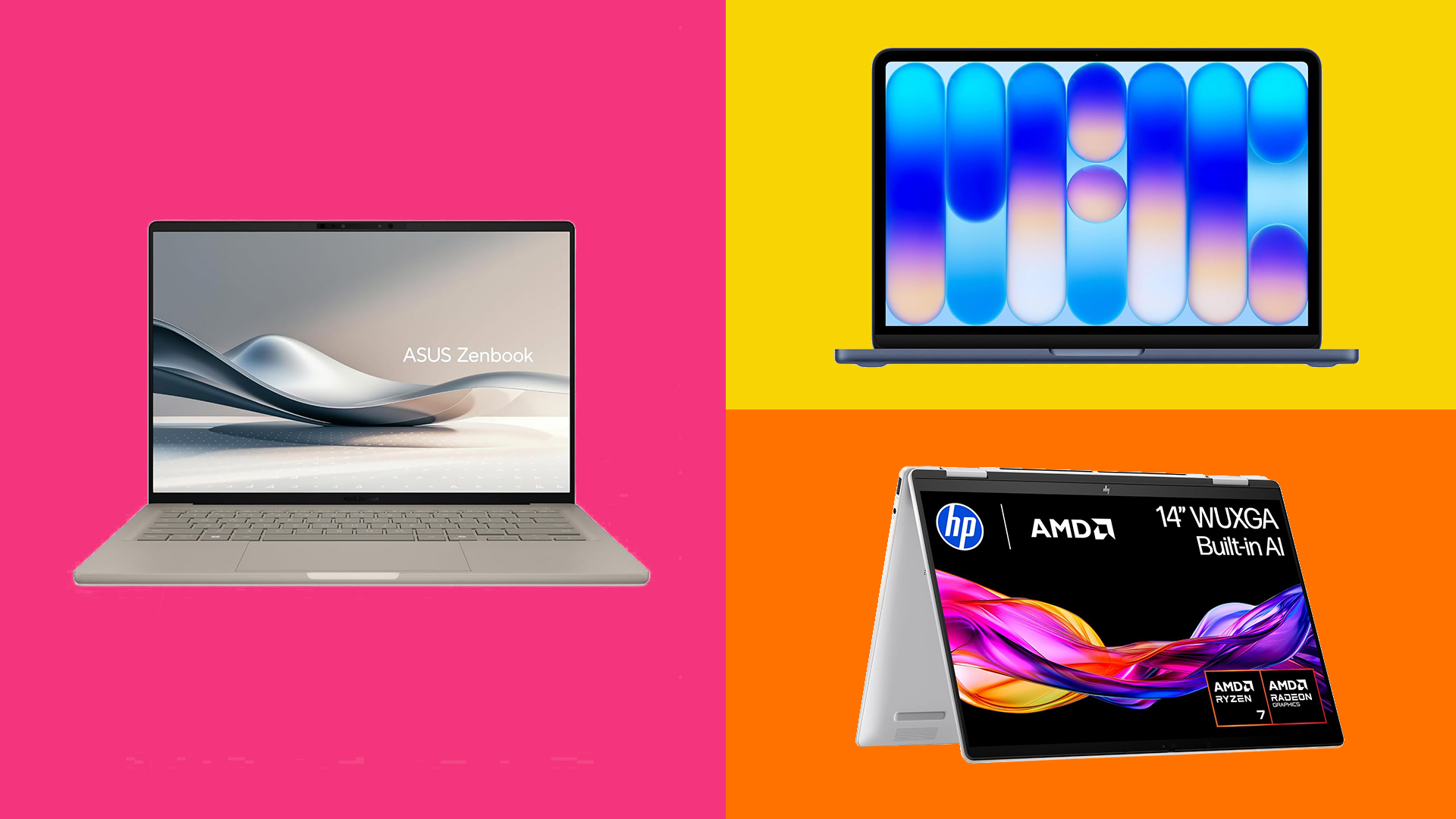
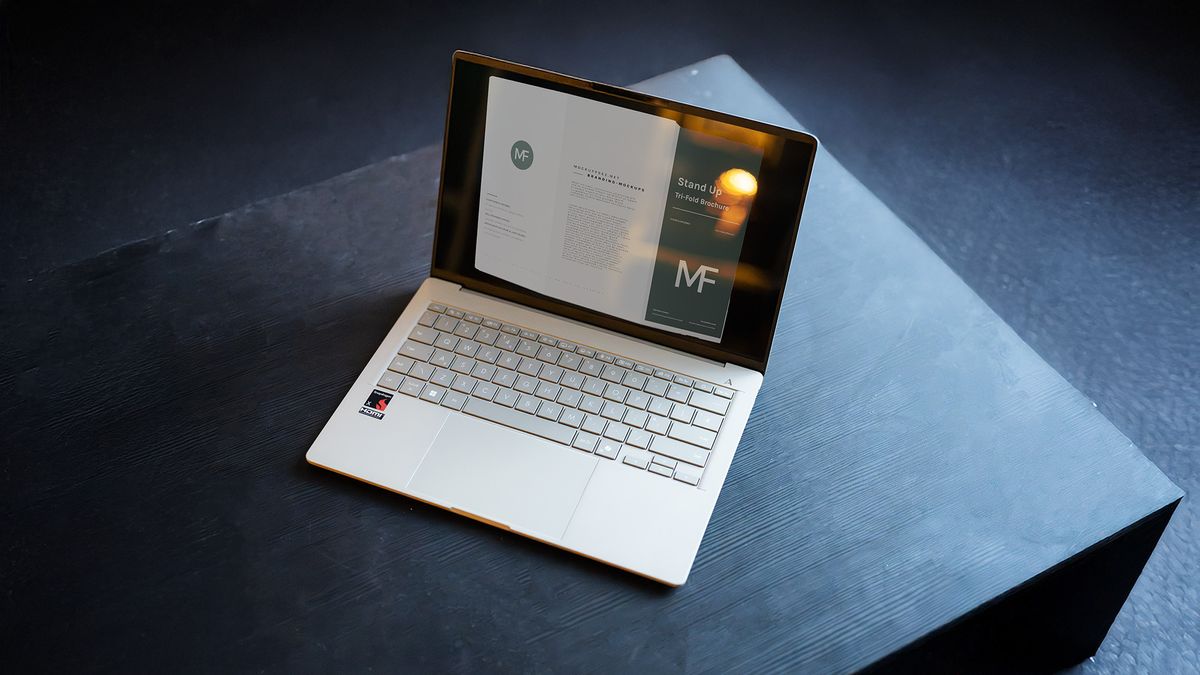
1. The All-Rounder: ASUS Zenbook A14
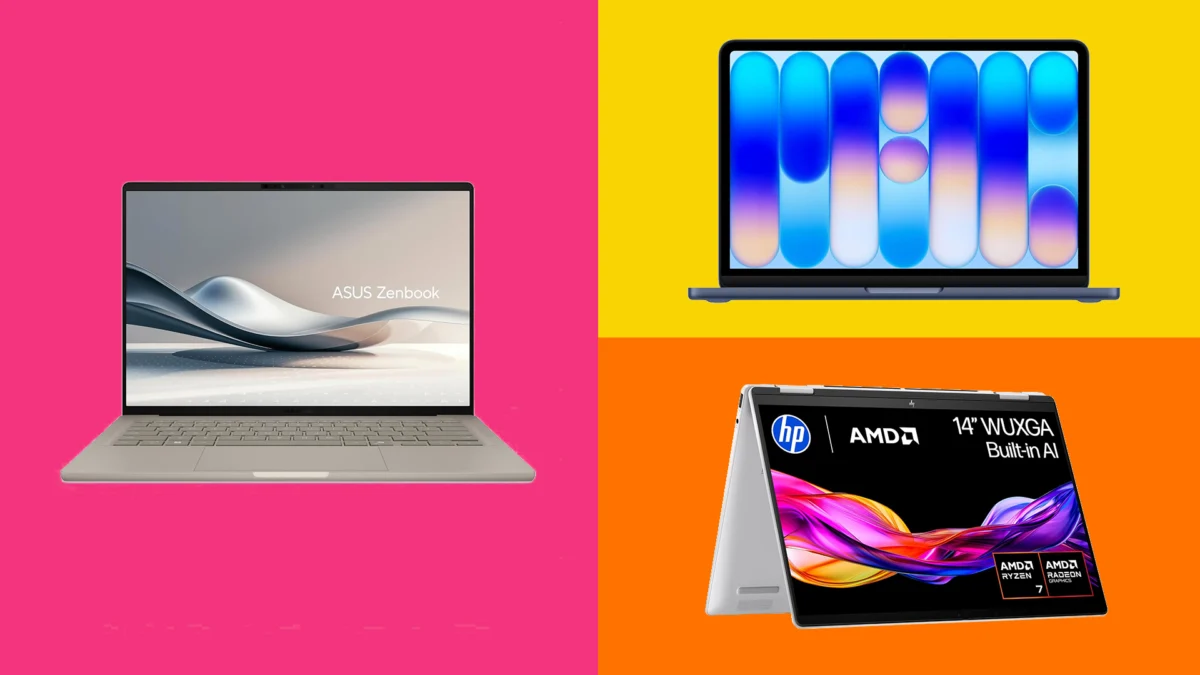
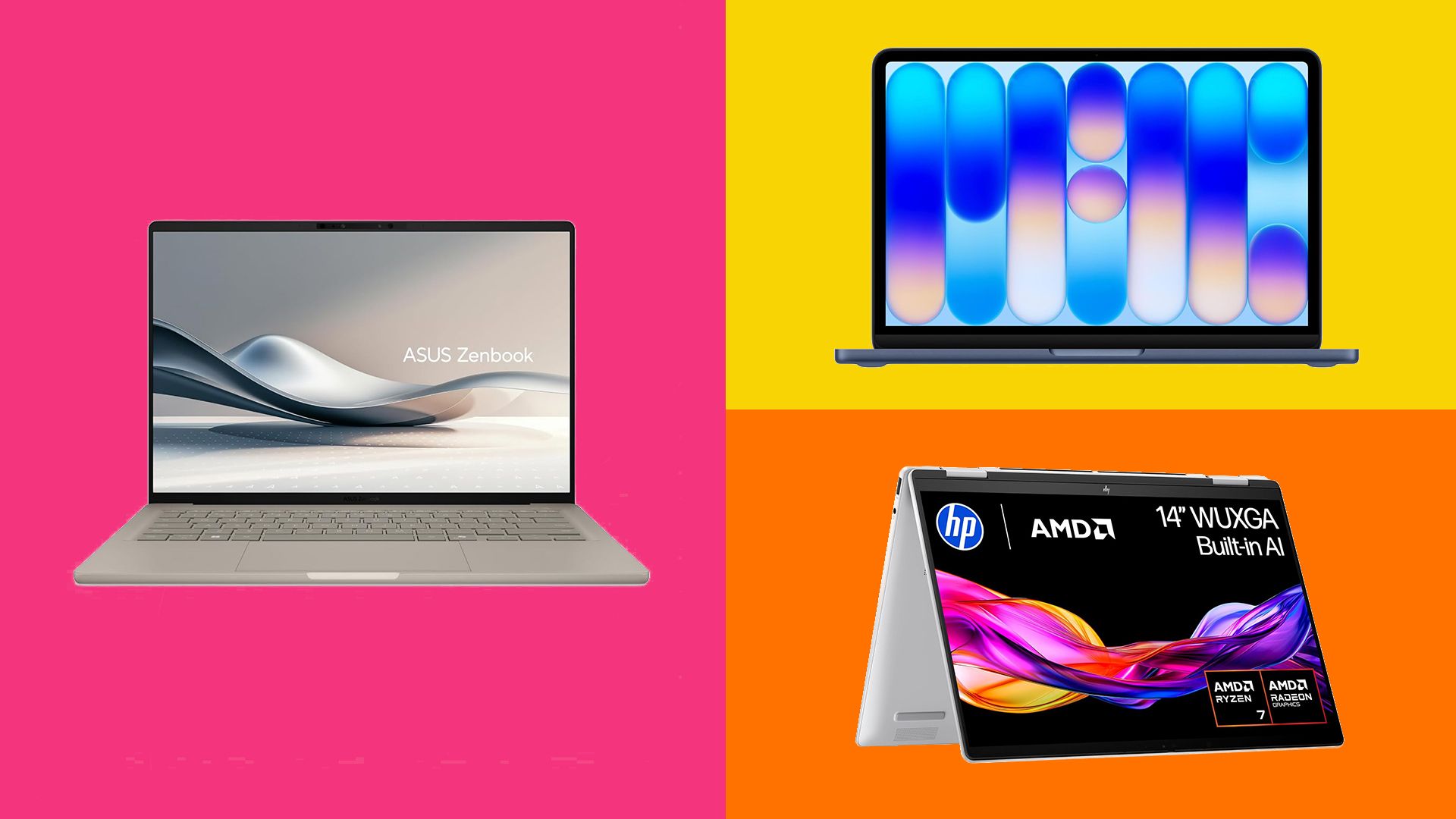
The ASUS Zenbook A14 has emerged as the definitive choice for students who refuse to compromise on aesthetics or battery life. With a starting price point that often dips under £1,000 during retail events, it occupies the "sweet spot" of the current market.
Key Performance Metrics:
- CPU: Qualcomm Snapdragon X Elite
- Display: 14-inch OLED, 1920 x 1200
- Battery Life: 20+ hours (Real-world testing)
The Zenbook A14 feels premium. At under 1kg, it is an engineering marvel, yet it manages to house a display that covers 98% of the Adobe RGB spectrum. While it utilizes integrated graphics (Qualcomm Adreno), it breezes through vector work and photo manipulation. Its standout feature, however, is the battery life. In our video-loop stress tests, the device lasted over 20 hours, effectively eliminating "range anxiety" during long days on campus.
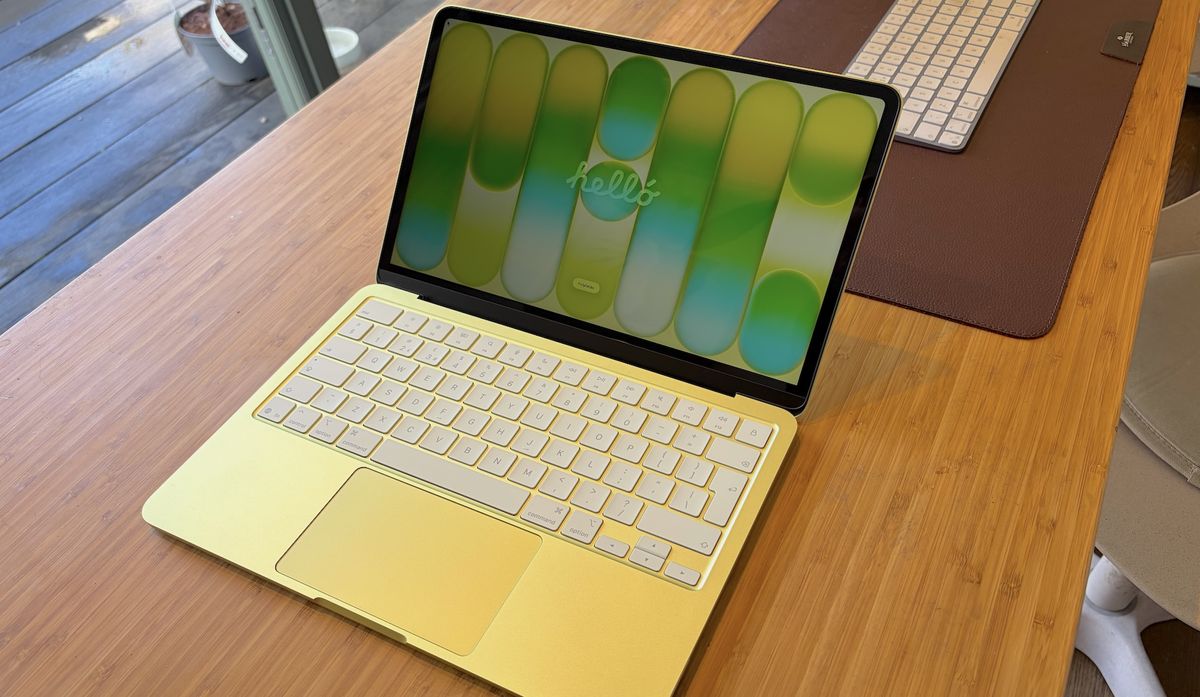
2. The Apple Entry Point: MacBook "Neo" (Entry-Level Apple Silicon)
Apple remains the industry standard, and for many design students, the ecosystem is a non-negotiable requirement. The latest entry-level MacBook model—often colloquially dubbed the "Neo"—provides the Apple experience at a significantly more accessible price point than the Pro series.
Key Performance Metrics:
- CPU: Apple A18 Pro
- RAM: 8GB (Unified)
- Display: 13-inch Liquid Retina
While the 8GB of RAM can feel restrictive during heavy multitasking, the efficiency of the A18 Pro chip is remarkable. It handles Photoshop and InDesign with surprising agility. However, students should be aware that this device is best suited for 2D design. If your coursework involves heavy motion graphics or 4K video editing, the storage limitations (maxing at 512GB) and limited memory may necessitate an upgrade to a more powerful configuration.
3. The Creative Powerhouse: HP Envy x360
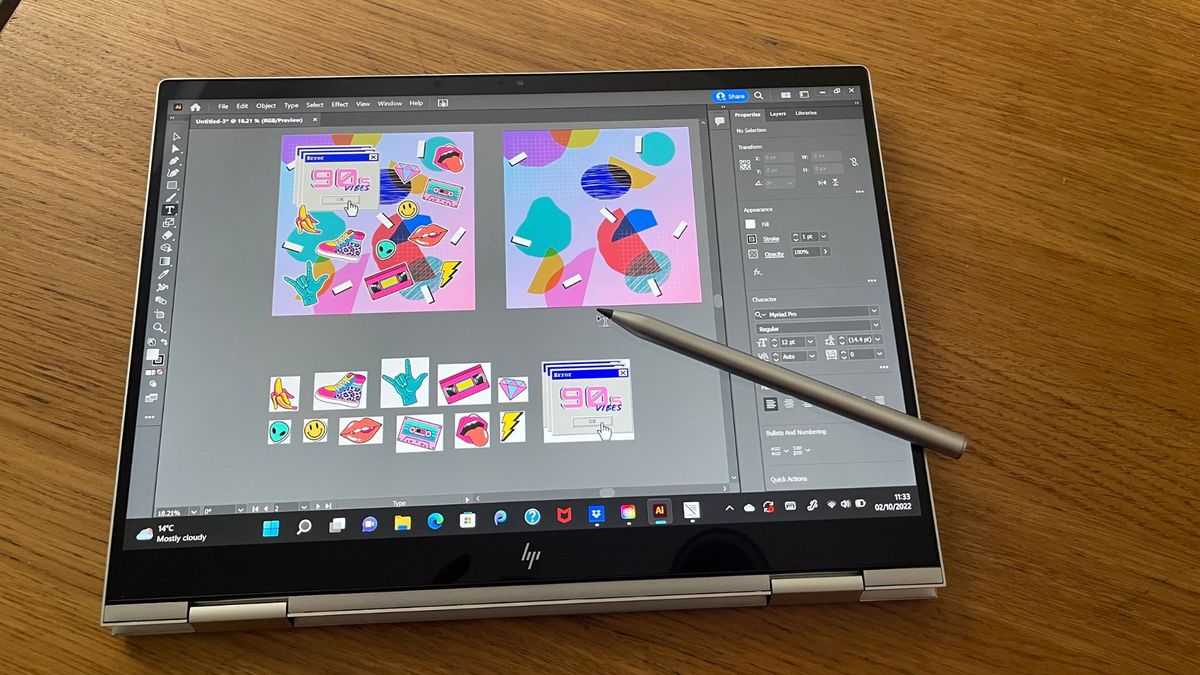
For those who prefer a tactile approach, the HP Envy x360 offers a unique value proposition. By utilizing a 360-degree hinge, this device serves as both a traditional laptop and a digital drafting table.
Key Performance Metrics:
- Display: 13.3-inch Touchscreen (OLED options available)
- Versatility: Includes active stylus (MPP2.0)
- Build: Aluminum chassis
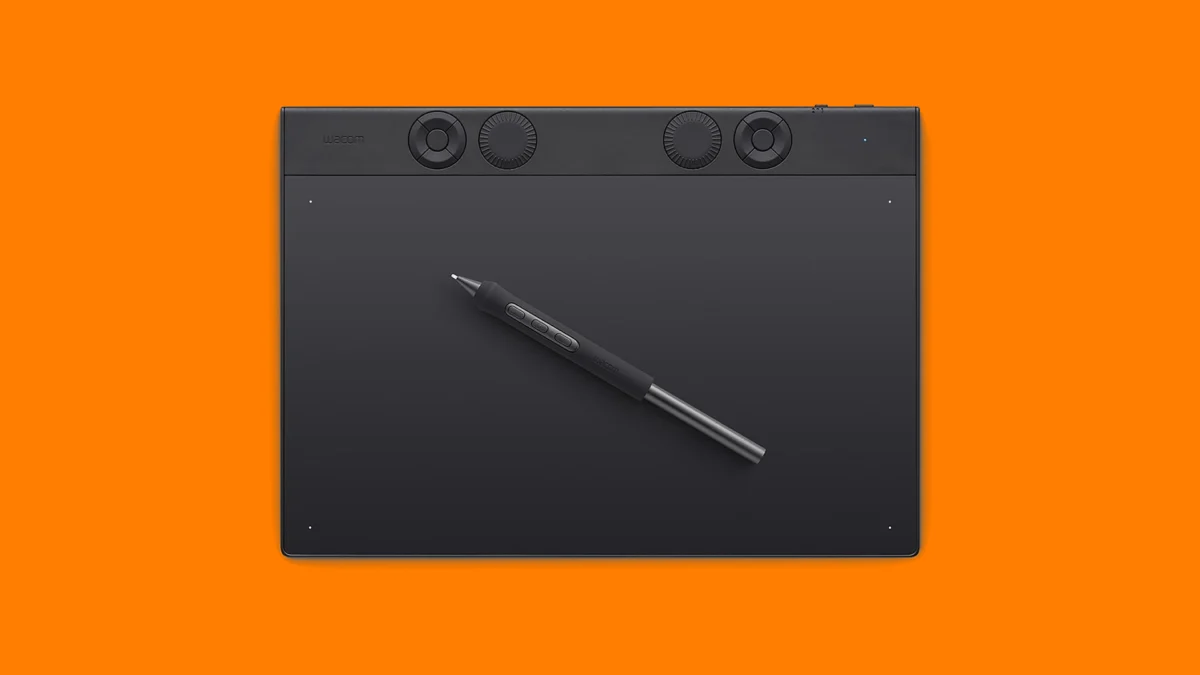
The Envy x360 excels in convenience. By including a high-quality active pen, HP effectively saves the student the cost of purchasing a separate Wacom tablet or iPad. While the device can feel slightly "clunky" when fully folded into tablet mode, the ability to sketch directly onto the screen using industry-standard software is an invaluable asset for illustrators and layout artists.
4. The Large-Format Specialist: Acer Swift 16 AI
Not every designer wants a compact 13-inch screen. For those working on complex page layouts or side-by-side reference panels, the Acer Swift 16 AI is the best budget-friendly solution for large-screen real estate.
Key Performance Metrics:
- Screen Size: 16-inch, 3K OLED
- Weight: 1.5kg
- Color Space: 100% DCI-P3
Acer has managed to keep the weight of this 16-inch beast remarkably low. The 3K OLED display is its crown jewel, offering professional-grade color accuracy that is rare at this price point. While the chassis feels slightly more "flexy" than its premium counterparts, the visual workspace it provides is unparalleled for the price.
Implications of Hardware Choices in Design Education
The Shift Toward Integrated Graphics
A significant trend we’ve observed is the move away from dedicated GPUs (NVIDIA/AMD) in the $1,000 price bracket. Modern "AI-enhanced" processors, such as Intel’s Core Ultra and Qualcomm’s Snapdragon series, are narrowing the gap. For 90% of undergraduate graphic design tasks, these integrated solutions are sufficient. However, students specializing in 3D modeling or high-end VFX should be cautioned: integrated graphics will eventually hit a ceiling.
Color Accuracy vs. Resolution
Many budget laptops prioritize high pixel counts (4K) over color accuracy. As designers, we emphasize the inverse: a 1080p screen with 100% sRGB coverage is infinitely more useful for print design than a 4K screen with poor color reproduction. Always check the delta E (a measure of color accuracy); a score below 2 is the gold standard, and many of our recommended budget laptops now aim for this level of precision.
The Longevity Factor
When purchasing a laptop for a four-year degree, consider the "RAM ceiling." While 8GB is the entry point, it is increasingly becoming the bottleneck. If a configuration allows for a 16GB upgrade, we strongly advise prioritizing that over a larger SSD or a slightly faster CPU. Storage can be expanded via external drives; RAM, in most modern thin-and-light laptops, cannot.
How We Test: Our Methodology
Our editorial process is grounded in the reality of the creative industry. We do not simply run synthetic benchmarks like Geekbench; we run workflow benchmarks.
- Real-World Load: We open a 50-layer Photoshop file containing high-resolution smart objects and measure latency in layer manipulation and filter application.
- Color Analysis: Using professional colorimeters (SpyderX), we verify manufacturer claims regarding sRGB and DCI-P3 coverage.
- Stress Testing: We subject devices to extended periods of sustained load to check for thermal throttling, which can cause erratic performance during long render times.
- Professional Consultation: We regularly interview agency leads and design educators to ensure our recommendations align with the software demands of current professional workflows.
Conclusion
The "best" budget laptop is ultimately the one that removes the friction between your vision and the screen. The ASUS Zenbook A14 remains our overall winner for its sheer portability and incredible screen quality. However, if you are an illustrator, the HP Envy x360’s stylus integration makes it the more logical tool. If you are locked into the Apple ecosystem, the MacBook Neo is a reliable, if modest, starting point.
Remember that technology is a tool, not a substitute for skill. The most expensive machine will not improve a poorly composed layout, but a reliable machine will ensure that your technical limitations never hinder your creative growth. As you embark on your studies, prioritize screen quality and system responsiveness above all else, and you will find yourself well-equipped for the challenges of a design career.