

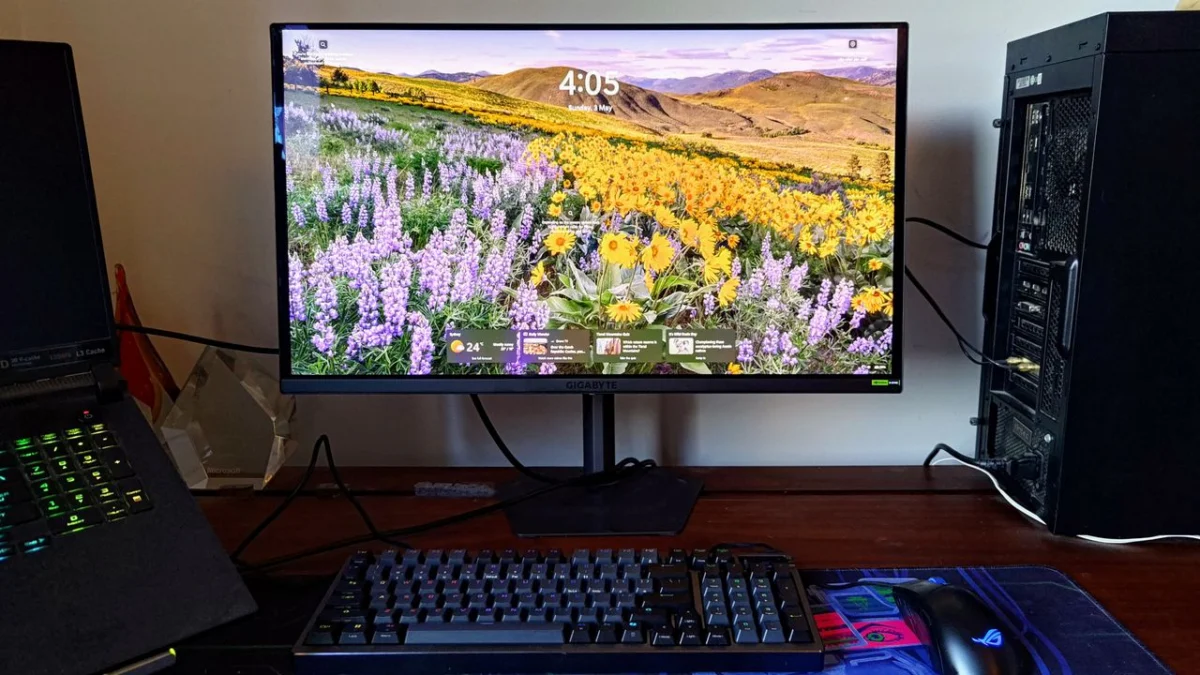
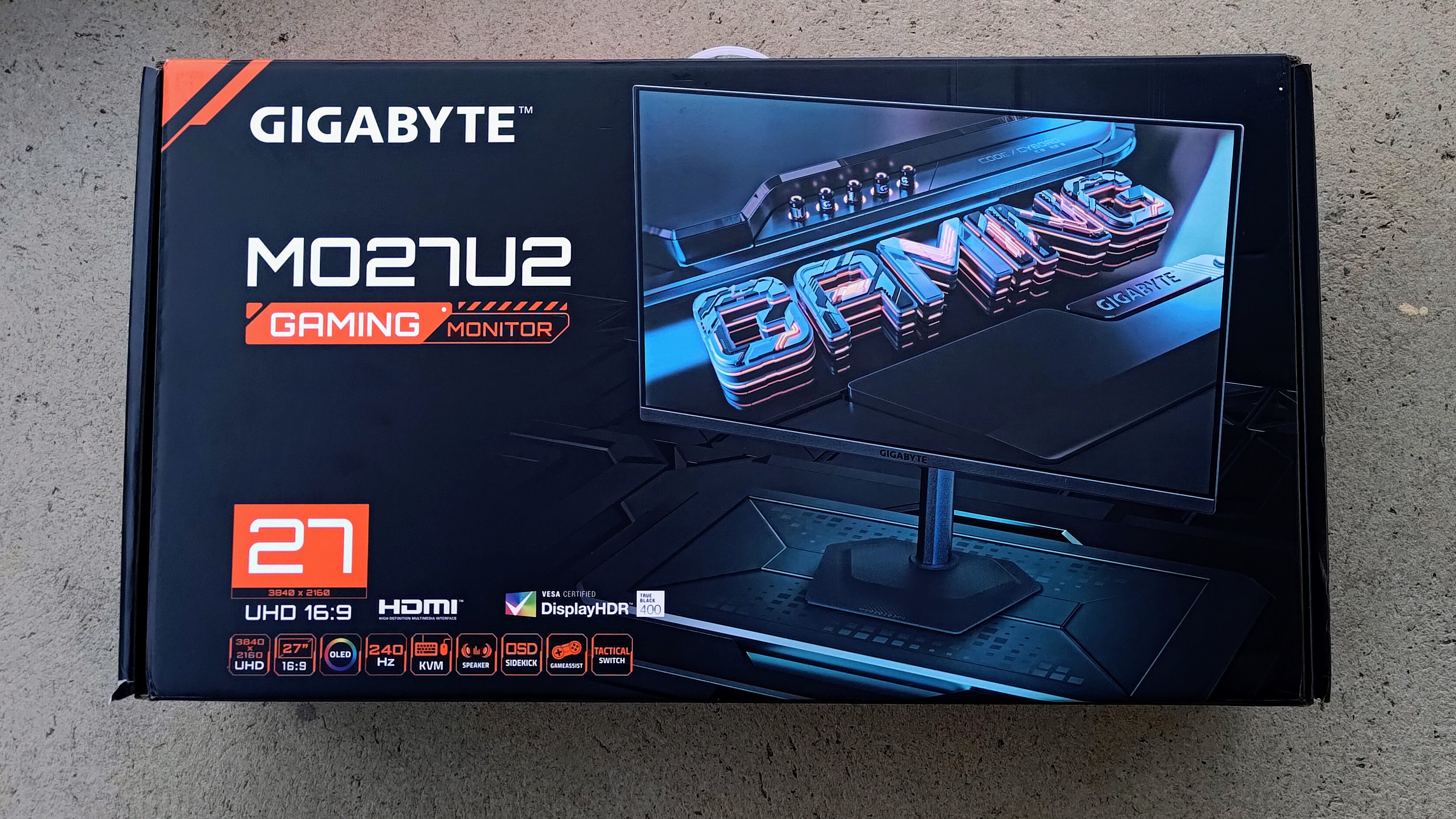
The gaming monitor landscape has become increasingly saturated with aggressive aesthetics—sharp, angular chassis designs, neon-soaked RGB lighting, and "gamer-centric" branding that often feels out of place in a professional or minimalist home office. In this context, the arrival of the Gigabyte MO27U2 is, at first glance, a breath of fresh air. It offers a sober, restrained design, a cutting-edge 4K QD-OLED panel, and a suite of high-end features designed to bridge the gap between competitive gaming and productivity.
However, beneath its understated exterior, the MO27U2 tells a more complicated story. While it boasts technical specifications that would satisfy even the most discerning enthusiasts, the user experience is marred by frustrating software, inconsistent HDR performance, and a price tag that struggles to align with the actual value provided.
The Core Hardware: A Technical Marvel with Practical Benefits
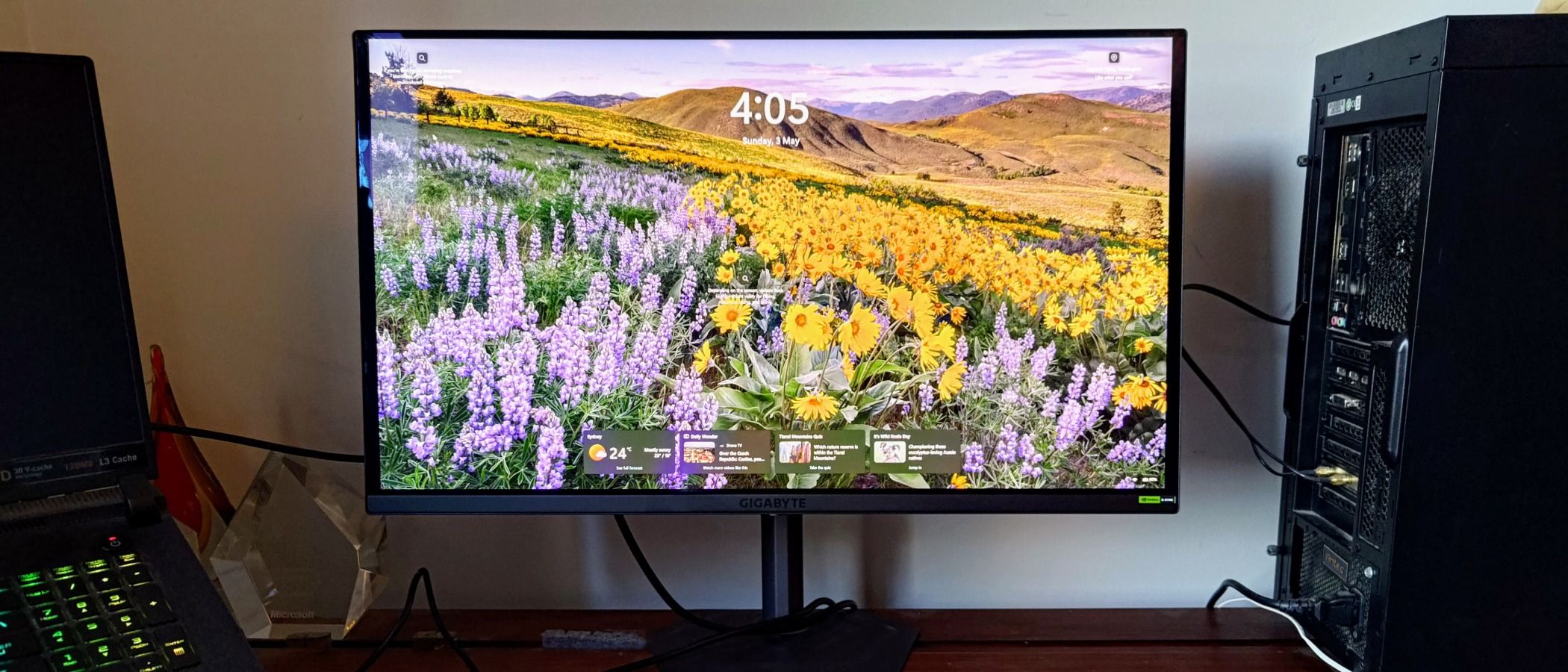
At the heart of the MO27U2 lies a state-of-the-art tandem QD-OLED panel. By utilizing a multi-layer OLED structure, Gigabyte has significantly boosted both panel brightness and power efficiency compared to older OLED iterations.
One of the most significant improvements in this generation is the sub-pixel layout. Previous OLED monitors were notorious for producing "spidery" or fringed text, which made them difficult to use for long-form reading, coding, or spreadsheet management. The MO27U2 effectively banishes this issue; combined with the high pixel density of a 4K resolution and a high-quality, reflection-reducing glossy coating, the monitor is surprisingly adept at handling productivity tasks. Whether you are managing complex Excel workbooks or juggling multiple browser windows, the screen remains crisp and easy on the eyes.
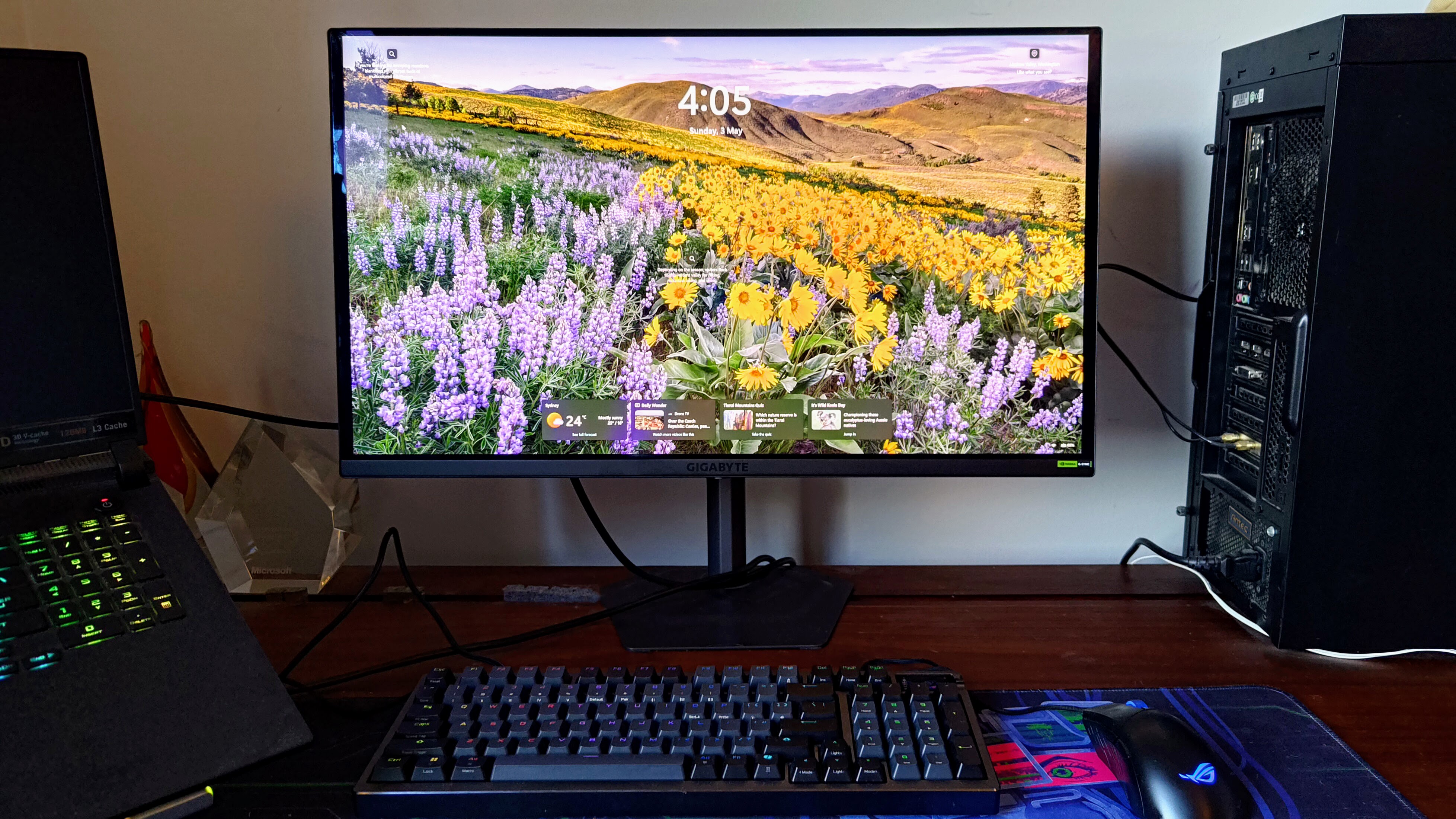
Complementing this visual fidelity is the 240Hz refresh rate and a blistering 0.03ms GTG response time. For competitive gamers, this translates to virtually blur-free motion, ensuring that fast-paced shooters remain clear during intense firefights. The inclusion of Nvidia G-Sync compatibility further cements its status as a capable gaming machine by eliminating screen tearing and stutter.
Design and Ergonomics: A Minimalist Triumph
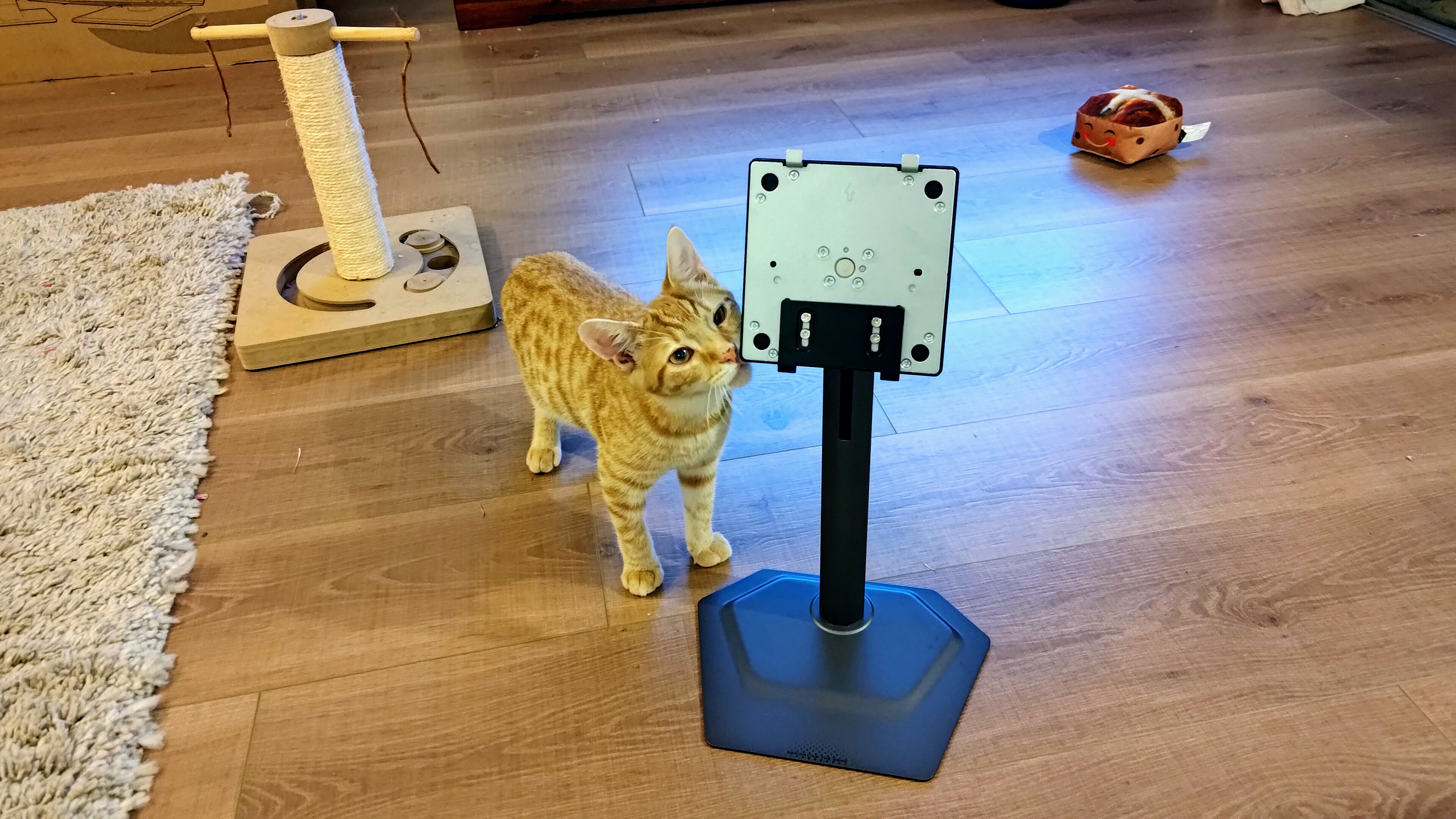
Gigabyte has clearly taken a "less is more" approach with the MO27U2. The chassis is thin, robust, and avoids the "gamer" tropes that often plague the segment. The monitor is supported by a remarkably compact base that offers surprising stability, allowing for a cleaner desk aesthetic.
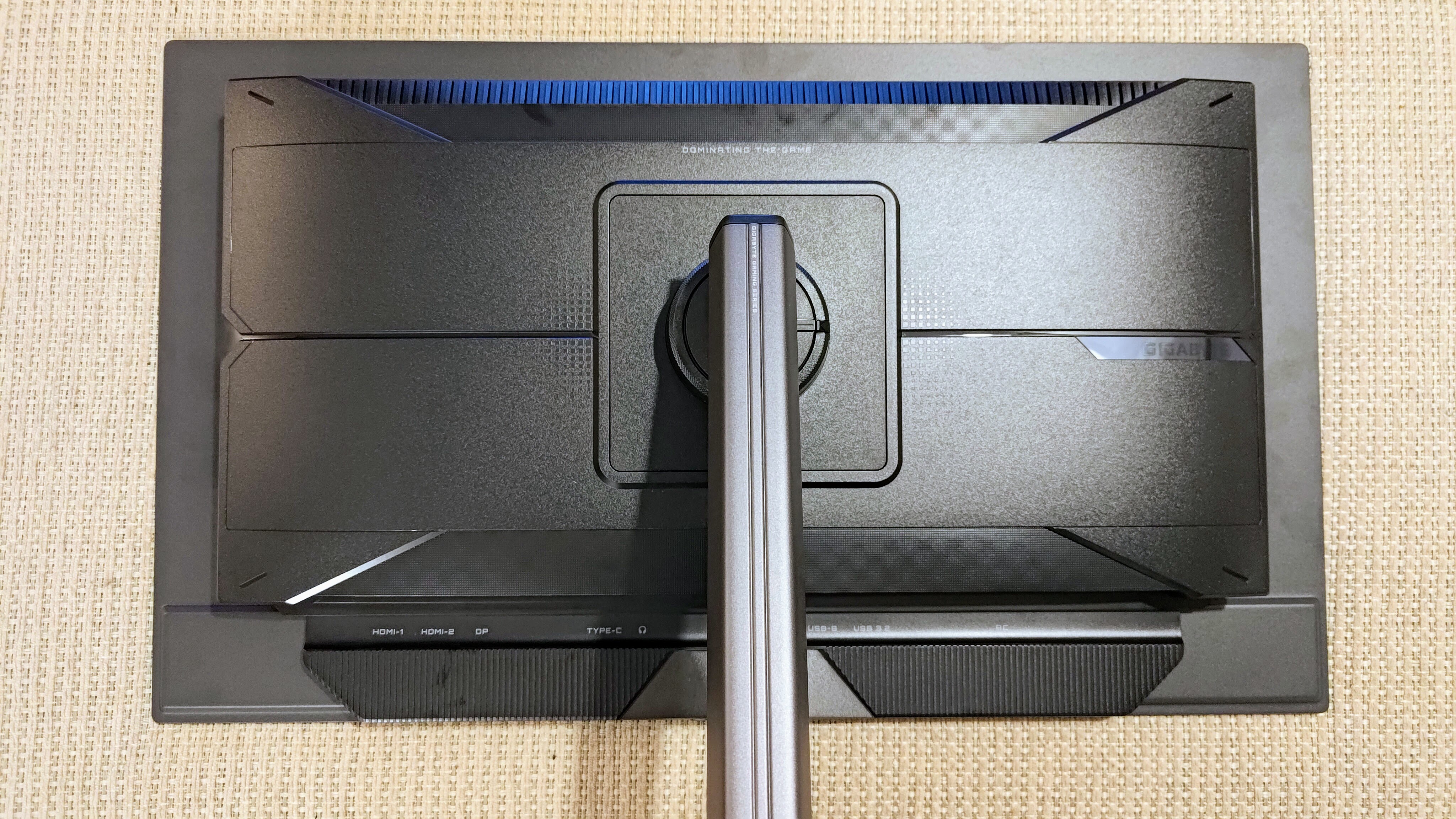
Assembly is straightforward, requiring only a simple clip-in mechanism for the stem and a single thumbscrew for the base. Despite its minimal footprint, the stand is highly functional, offering:
- Tilt: -5° to +21°
- Swivel: -15° to +15°
- Height Adjustment: 130mm of vertical travel
- Pivot: 90° counterclockwise rotation
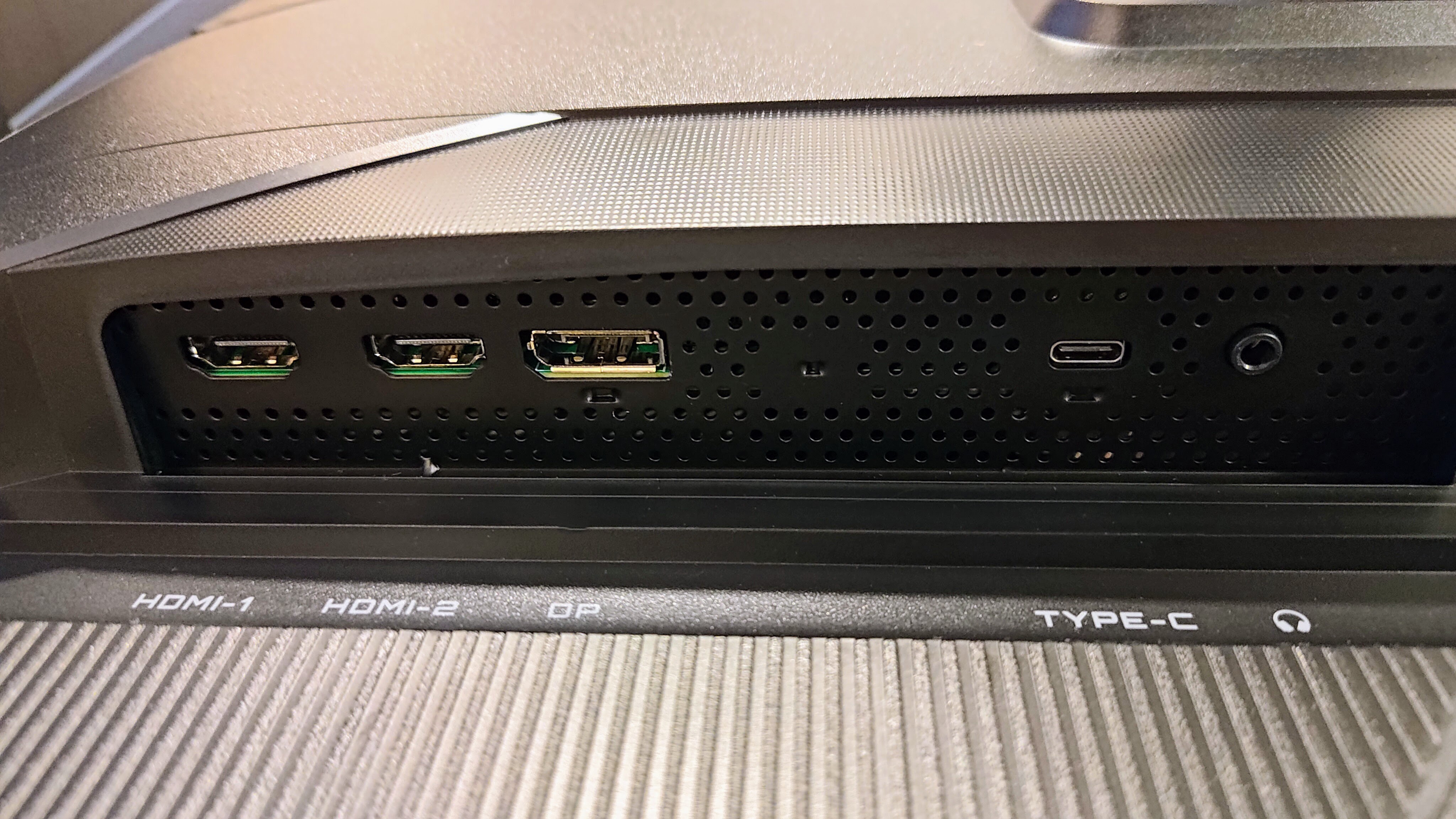
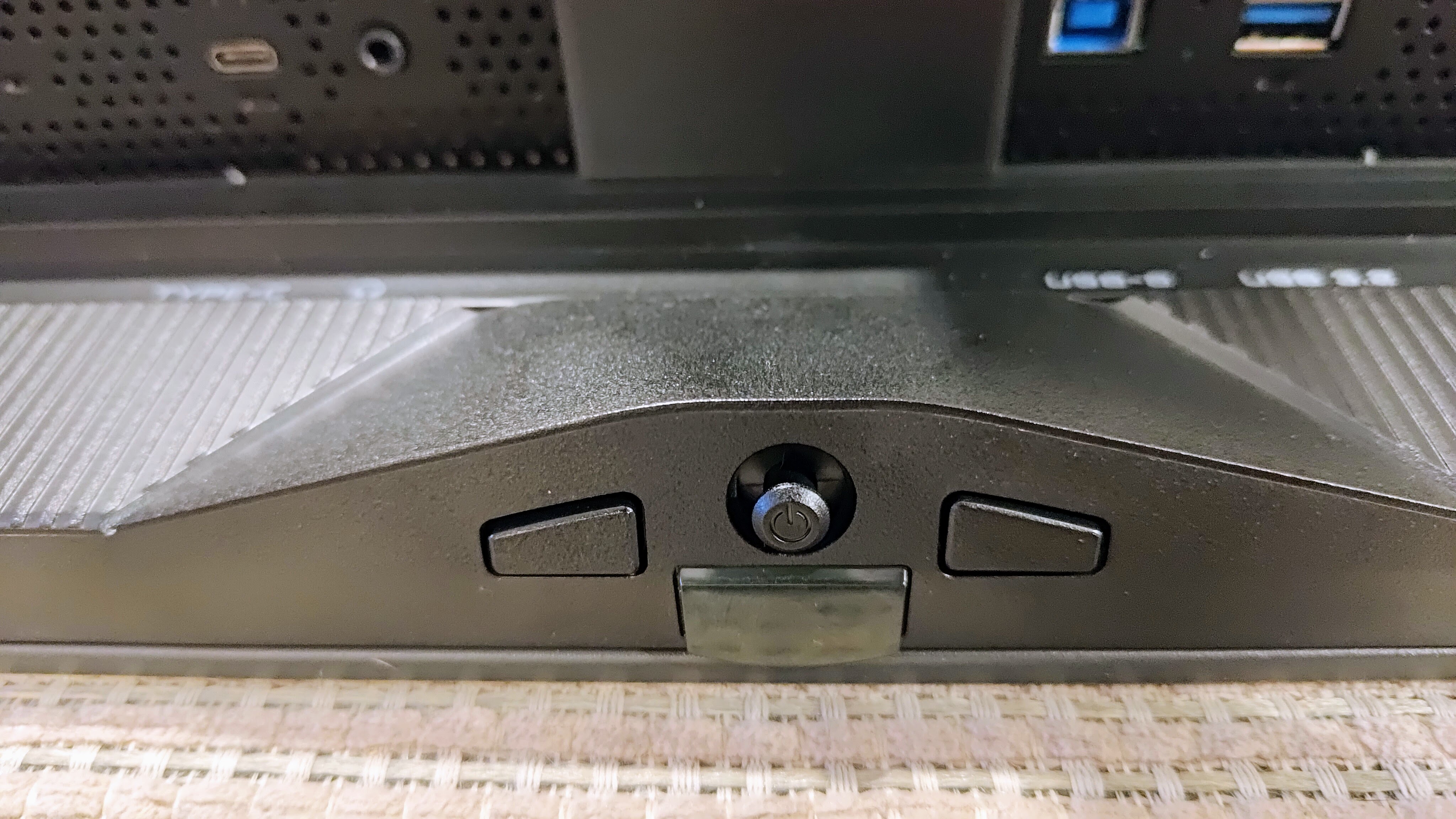
For those who prefer a wall or arm mount, the stand is easily removable, revealing a VESA-compatible mount. The I/O selection is also well-rounded, featuring two HDMI 2.1 ports, one DisplayPort 1.4, and a USB-C port that provides 18W of power delivery. While 18W is admittedly modest by modern standards, it is sufficient for basic peripheral charging and connectivity. The addition of two 5W integrated speakers—while not audiophile-grade—is a welcome touch for casual media consumption.
The Frustrating Reality: Software and HDR Inconsistencies
Despite the impressive hardware, the MO27U2 hits a major roadblock in its execution of software and HDR management. The monitor features a massive array of image-tinkering options within the On-Screen Display (OSD), yet achieving a balance of HDR contrast and image clarity feels like a battle against the hardware itself.
The HDR Dilemma
Even when utilizing the 1,000-nit peak HDR brightness, the monitor struggles with highlights. Bright areas of a scene often appear "blown out," losing subtle details that should be visible. Conversely, attempting to adjust the settings to correct this often leads to patchy image aberrations—a level of processing failure that is unexpected in a product at this price point.
The "Broken" Control Center
Gigabyte’s companion application, the "Gigabyte Control Center," is perhaps the most glaring weakness of the device. In our testing, the app frequently failed to detect the monitor entirely. When it did manage to connect, it offered fewer configuration options than the physical OSD menu and failed to synchronize settings between the software and the screen.
Furthermore, the OSD itself can be temperamental. Some adjustments cause the monitor to effectively "reset," occasionally forcing the user to reconfigure their Windows display settings. A firmware update did little to alleviate these software-based grievances, suggesting that this is a systemic issue with the product’s internal logic.
Gaming Enhancements: Gimmick or Tool?
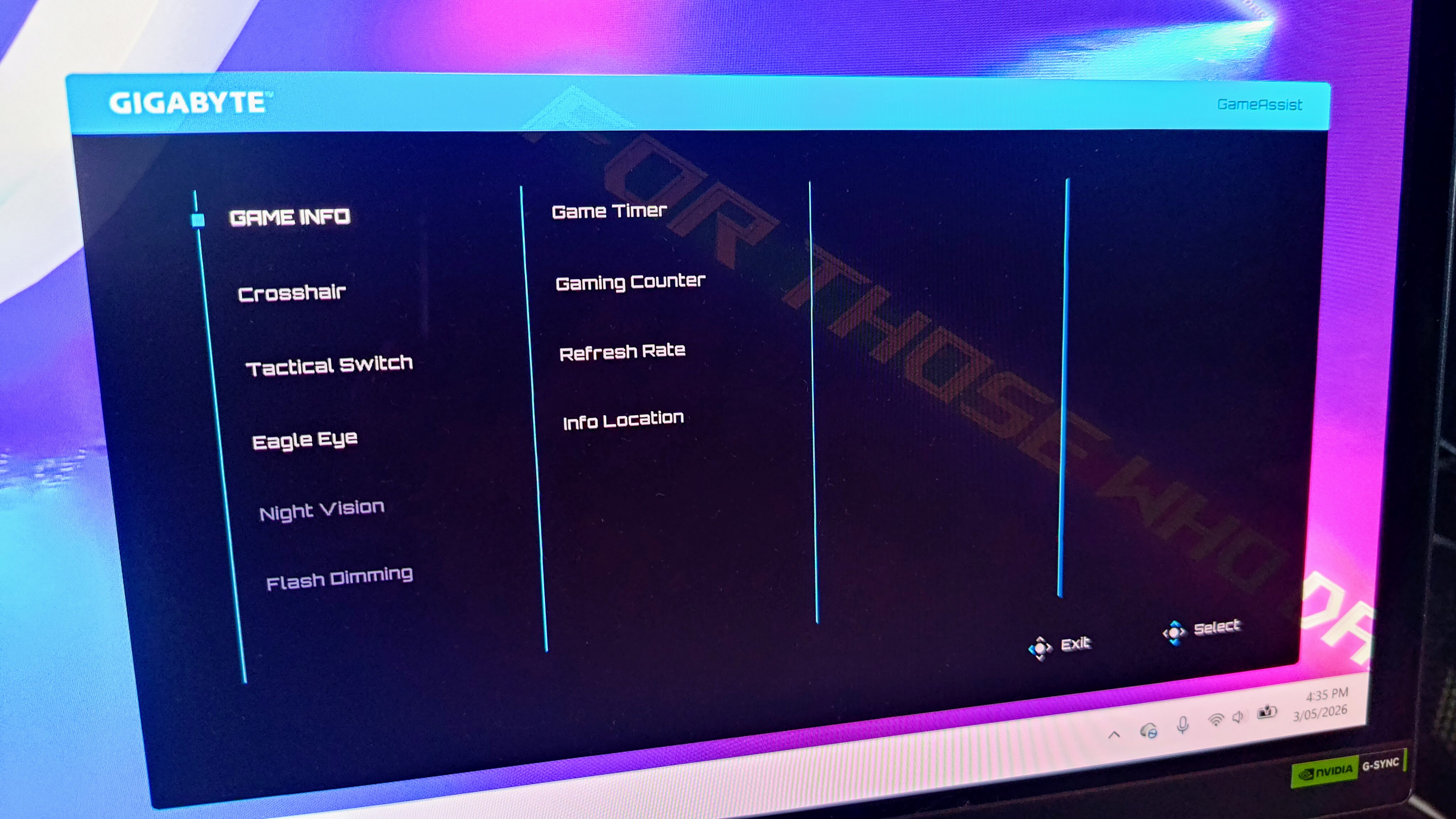
Gigabyte has packed the MO27U2 with a variety of "Tactical" gaming features. Some are genuinely useful, while others feel like marketing filler:
- Tactical Switch: This is a highlight. It allows the user to instantly toggle between a 24-inch windowed mode and various aspect ratios (4:3 or 5:4). For competitive FPS players who grew up on smaller monitors, this can be a game-changer.
- Ultra Clear: This technology inserts black frames to reduce motion blur at 120Hz. It is highly effective and mirrors the features found on professional esports displays.
- Game Assist: Tools like the Eagle Eye sniper zoom, on-screen timers, and custom crosshairs are included. While the sniper zoom felt clunky, the AI Black Equalizer—which balances contrast to reveal enemies hiding in dark corners—is a functional, if aggressive, tool.
- OLED Care: Gigabyte provides a comprehensive suite of anti-burn-in protections, including Pixel Clean, Static Control, and Pixel Shift, all backed by a three-year warranty. The ability to delay mandatory maintenance cycles is a thoughtful addition for users who need to finish an important task without interruption.
Pricing, Availability, and Market Positioning
The Gigabyte MO27U2 is positioned as a premium monitor, yet its pricing is wildly inconsistent across global markets. In some regions, it is priced competitively, but in others, such as Australia, the price point is significantly higher, making it a difficult sell against superior or better-value alternatives.
When considering a purchase, consumers must weigh the high cost against the fact that the monitor is essentially a "premium" product with "mid-range" software execution. With the gaming monitor market maturing rapidly, there are now several OLED displays that offer more consistent performance for the same or lower investment.
Final Verdict: Should You Buy It?
The Gigabyte MO27U2 is a product of contradictions. It features a stunning panel that delivers the vibrant, high-contrast, and fast-paced visual experience that OLED enthusiasts crave. Its design is perfect for those who want a professional look without sacrificing gaming performance.
However, the experience is let down by its "frustrating to live with" software and questionable HDR tuning. A monitor at this price point should provide a seamless, premium experience out of the box, not one that requires constant troubleshooting or "fighting" with settings.
Buy the Gigabyte MO27U2 if:

- You prioritize the clean, sober aesthetic for a dual-use (work/play) setup.
- You can secure it at a significant discount in your specific region.
- You primarily play competitive shooters where the 240Hz speed and 24-inch mode are your main priorities.
Don’t buy it if:
- You are a multimedia enthusiast who expects "set-it-and-forget-it" HDR performance.
- You rely heavily on companion software for monitor management.
- You are looking for the best possible value-for-money, as other 32-inch or lower-cost 27-inch OLED options currently outclass it in stability and image calibration.
Ultimately, while the Gigabyte MO27U2 is a "good" monitor, the premium market demands "great." Until the firmware and software issues are resolved, the MO27U2 remains a secondary choice compared to more polished competitors.












No comments yet. Be the first to join the conversation!