

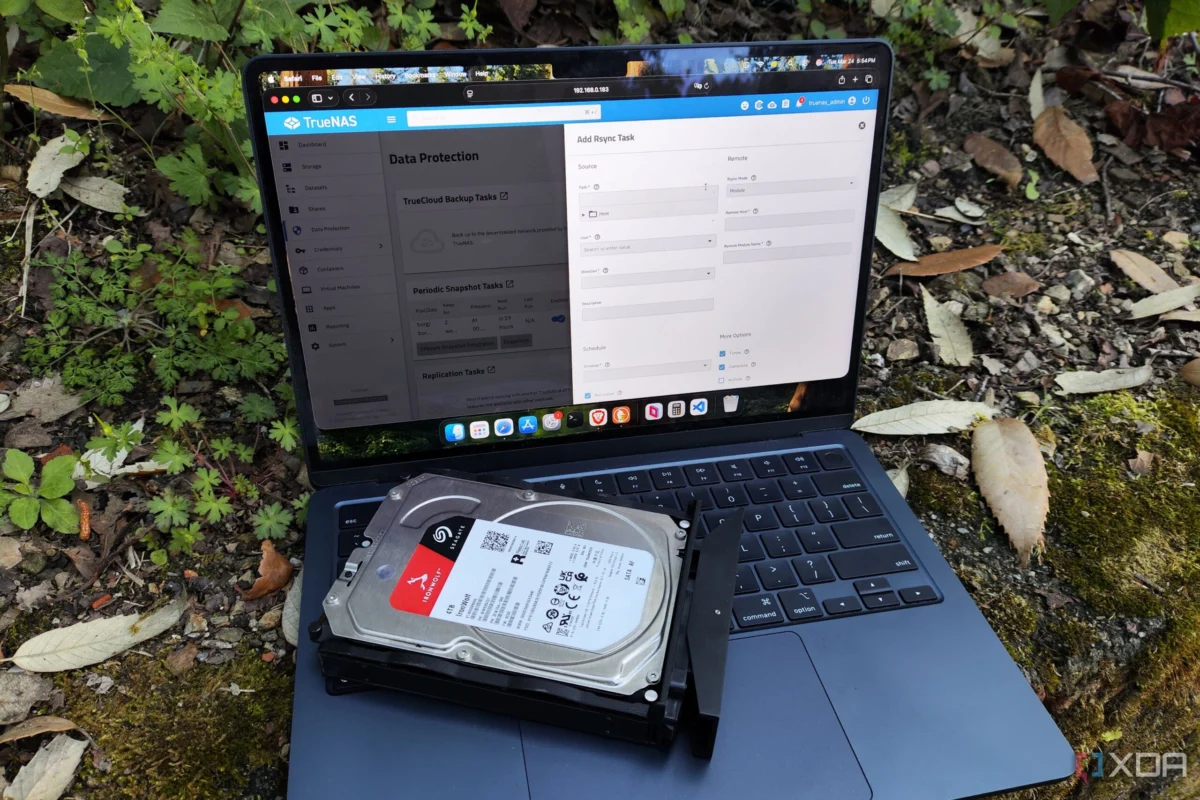
Building a Network Attached Storage (NAS) server is a rite of passage for any self-respecting home lab enthusiast. It is the bedrock of digital infrastructure, serving as the central repository for critical backups, high-fidelity media archives, and storage-intensive containerized services. However, as hardware costs climb and data integrity becomes increasingly paramount, the choice of operating system has evolved from a simple "what works" decision into a complex strategic commitment.
While hardware specifications—such as the number of drive bays, PCIe lanes for high-speed Ethernet, and ECC RAM capacity—are often the primary focus of builders, the software layer is arguably the most influential factor in long-term reliability. Your choice of OS dictates your file system, RAID configuration, data recovery protocols, and virtualization capabilities. In the current landscape, the ecosystem is dominated by three giants: TrueNAS Scale, Unraid, and OpenMediaVault (OMV).
The Core Foundations: Comparing the Titans
The modern home lab market is characterized by a "pick your poison" dynamic, where each distribution offers a unique philosophy on storage management.
TrueNAS Scale: The Enterprise-Grade Powerhouse
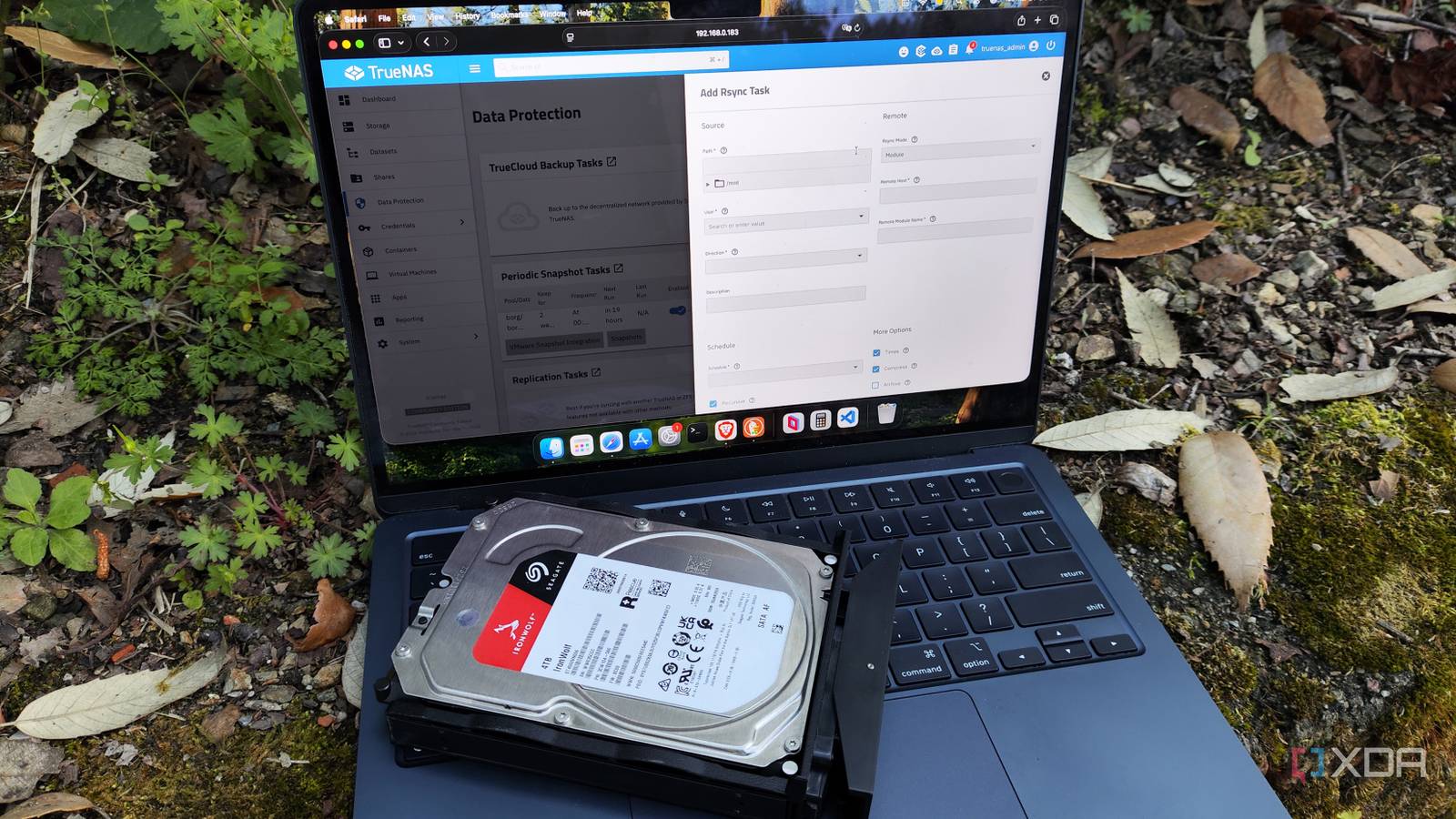
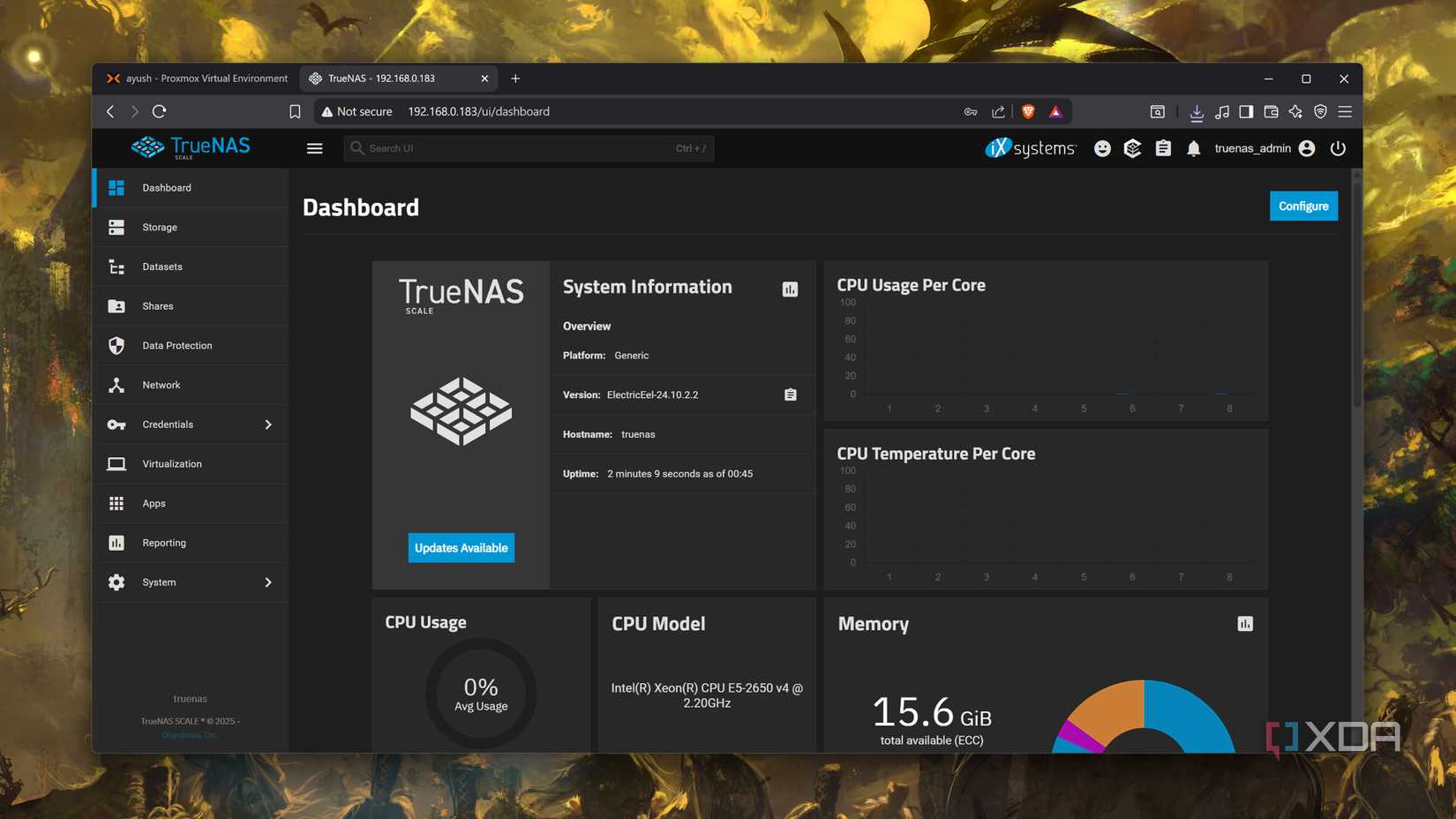
TrueNAS, particularly the Scale edition, is built upon the OpenZFS file system. For those who view data as an untouchable asset, TrueNAS is the industry standard. Its core strength lies in its "Copy-on-Write" mechanism and advanced snapshotting capabilities, which provide an almost bulletproof defense against silent data corruption.
From a performance perspective, TrueNAS utilizes Adaptive Replacement Cache (ARC), which dynamically uses available system RAM to accelerate file access. However, this feature is a double-edged sword: it requires a substantial RAM overhead—typically a minimum of 8GB, with an additional gigabyte for every terabyte of raw storage—to remain performant.
Unraid: The Flexible Data Hoarder’s Dream
Unraid approaches the problem of storage through a flexible, software-defined lens. Unlike traditional RAID, which requires disks of identical size and speed to be grouped in rigid arrays, Unraid allows users to mix and match drives of varying capacities. This is a massive boon for hobbyists who frequently upgrade their storage piecemeal. Its recent shift toward supporting ZFS, alongside its traditional Btrfs-based array, has cemented its reputation as a hybrid beast capable of both flexible expansion and enterprise-grade integrity.

OpenMediaVault (OMV): The Minimalist’s Toolkit
OpenMediaVault represents the "do-it-yourself" extreme of the spectrum. Based on Debian, it is lightweight, highly modular, and arguably the most hardware-agnostic OS available. Whether you are repurposing a decade-old office laptop, an ARM-based Raspberry Pi, or even an experimental RISC-V board, OMV provides a clean, web-managed interface to configure file shares, simple RAID levels, and containerized services.
Chronology of the Modern Storage Ecosystem
The evolution of these platforms mirrors the shift in home computing from simple file sharing to full-scale virtualization.
- The Early 2010s: The era of basic file sharing. OMV established itself as the go-to for low-power, "set it and forget it" storage.
- The Mid-2010s: The rise of ZFS. TrueNAS (then FreeNAS) moved from a niche interest to the mainstream, forcing home labbers to respect memory requirements and ECC RAM.
- 2020–2023: The "Containerization" phase. All three platforms integrated Docker and Kubernetes support, turning simple file servers into "all-in-one" home servers capable of hosting Plex, Nextcloud, and Home Assistant.
- 2024–Present: The License and Architecture Shift. Unraid faced significant community pushback regarding its licensing model, leading to the "flash drive" controversy, while TrueNAS doubled down on its Linux-based Scale platform, effectively retiring the FreeBSD-based Core in favor of better container support.
Supporting Data: Hardware Requirements and Performance Metrics
| Feature | TrueNAS Scale | Unraid | OpenMediaVault |
|---|---|---|---|
| Primary File System | ZFS | XFS / Btrfs / ZFS | Ext4 / Btrfs / ZFS (plugin) |
| RAM Requirement | High (16GB+ recommended) | Moderate (8GB+) | Very Low (1GB+) |
| Hardware Compatibility | Restricted (HBA preferred) | Highly Flexible | Universal |
| Licensing | Free (Open Source) | Paid (Tiered) | Free (Open Source) |
| Ideal Use Case | Data integrity & Virtualization | Media servers & mixed-drive arrays | Low-power / Legacy hardware |
Performance Implications of File Systems
The choice between ZFS and traditional arrays is not merely a preference; it is a technical decision. ZFS provides "Self-Healing" capabilities, where the file system detects bit-rot and corrects it against parity. However, this is computationally expensive. Unraid’s traditional array offers lower latency for read-heavy workloads where you only need to spin up one disk at a time, saving power and reducing wear on the remaining array.
Official Responses and Industry Trends
The developers of these platforms have been vocal about their design philosophies. iXsystems, the team behind TrueNAS, has consistently emphasized that their product is designed for "Data Integrity above all else." They argue that the overhead of ZFS is a necessary tax for the peace of mind it provides.
Conversely, the Unraid team has focused on "User Experience and Scalability." By removing the requirement for a specific USB flash drive for boot-looping and moving to a more modernized license verification system, they have addressed the biggest pain point reported by their user base. They maintain that the paid license model is what allows for the high level of polish and the extensive, one-click "App Store" ecosystem that their users have come to rely on.
Implications: The Cost of Ownership
When selecting a platform, the hidden costs of ownership often outweigh the upfront hardware investment.
The Financial Burden
TrueNAS and OMV are free, which is an attractive proposition. However, the cost of TrueNAS is often paid in the form of electricity and specialized hardware (like HBA cards and ECC RAM). Unraid, while requiring a paid license, can often be deployed on older, cheaper hardware that would struggle to keep up with the overhead of ZFS, effectively offsetting the license cost.
The Learning Curve
For the fledgling tinkerer, the "maze of menus" in TrueNAS can be daunting. It is an enterprise-grade tool; it assumes the user knows the difference between an iSCSI target and an NFS share. OMV is far more approachable, acting as a gateway drug for Linux administration. Unraid sits in the middle—it is intuitive enough for a beginner to set up a media server in an hour, yet deep enough to satisfy a power user with complex Docker compose stacks.
Final Verdict: Which Path Should You Choose?
The "best" NAS OS is entirely dependent on your specific home lab goals:
- If your priority is data safety: Choose TrueNAS Scale. Its integration of ZFS is the gold standard, and its ability to handle snapshots and replication is unmatched for critical backups.
- If you have a collection of mismatched drives: Choose Unraid. Its ability to expand storage by adding a single disk of any size is a level of convenience that the other two simply cannot replicate without significant administrative overhead.
- If you are on a budget or using legacy hardware: Choose OpenMediaVault. It is the most resilient operating system for repurposing hardware that would otherwise be destined for the landfill.
Ultimately, the home lab journey is rarely static. Most enthusiasts will migrate between these platforms as their storage needs evolve. Whether you opt for the rigid, high-performance architecture of TrueNAS or the flexible, user-friendly environment of Unraid, the most important aspect of any NAS project remains the same: ensuring you have a reliable 3-2-1 backup strategy in place, regardless of the software you choose to manage it.












No comments yet. Be the first to join the conversation!