

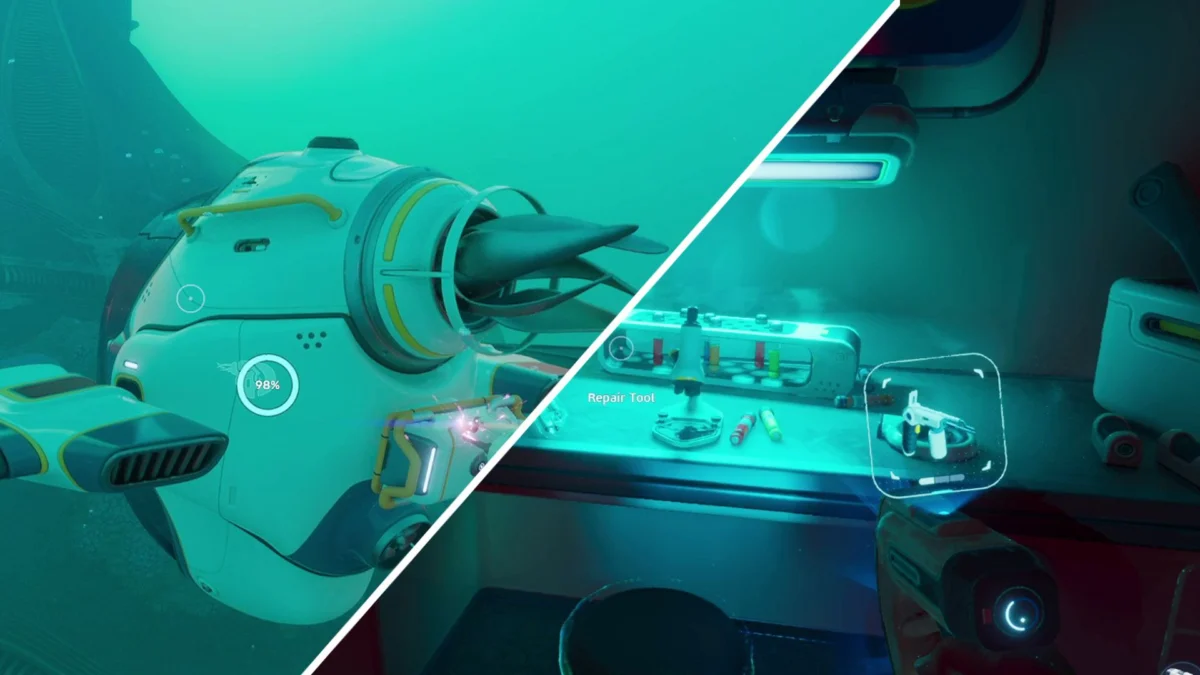
Navigating the perilous, alien oceans of Subnautica 2 is a challenge that demands patience, strategic planning, and the right equipment. As players drop into the vast, bioluminescent depths of this uncharted world, they are quickly reminded that survival is not a guarantee—it is a hard-won victory against the environment. Among the essential gear required to thrive in this aquatic landscape, the Repair Tool stands out as perhaps the most critical utility item for any aspiring explorer.
While the game provides the necessary intuition to survive, it does not hand over the keys to success immediately. For those struggling to maintain their equipment or access restricted areas, understanding how to secure the Repair Tool blueprint is the first major milestone in your journey.
The Vital Importance of the Repair Tool
In the high-stakes survival loop of Subnautica 2, your relationship with your machinery is everything. The Repair Tool is not merely a convenience; it is a lifeline. Primarily, this device is the only known method for restoring the structural integrity and Health Points (HP) of your Tadpole transportation units.
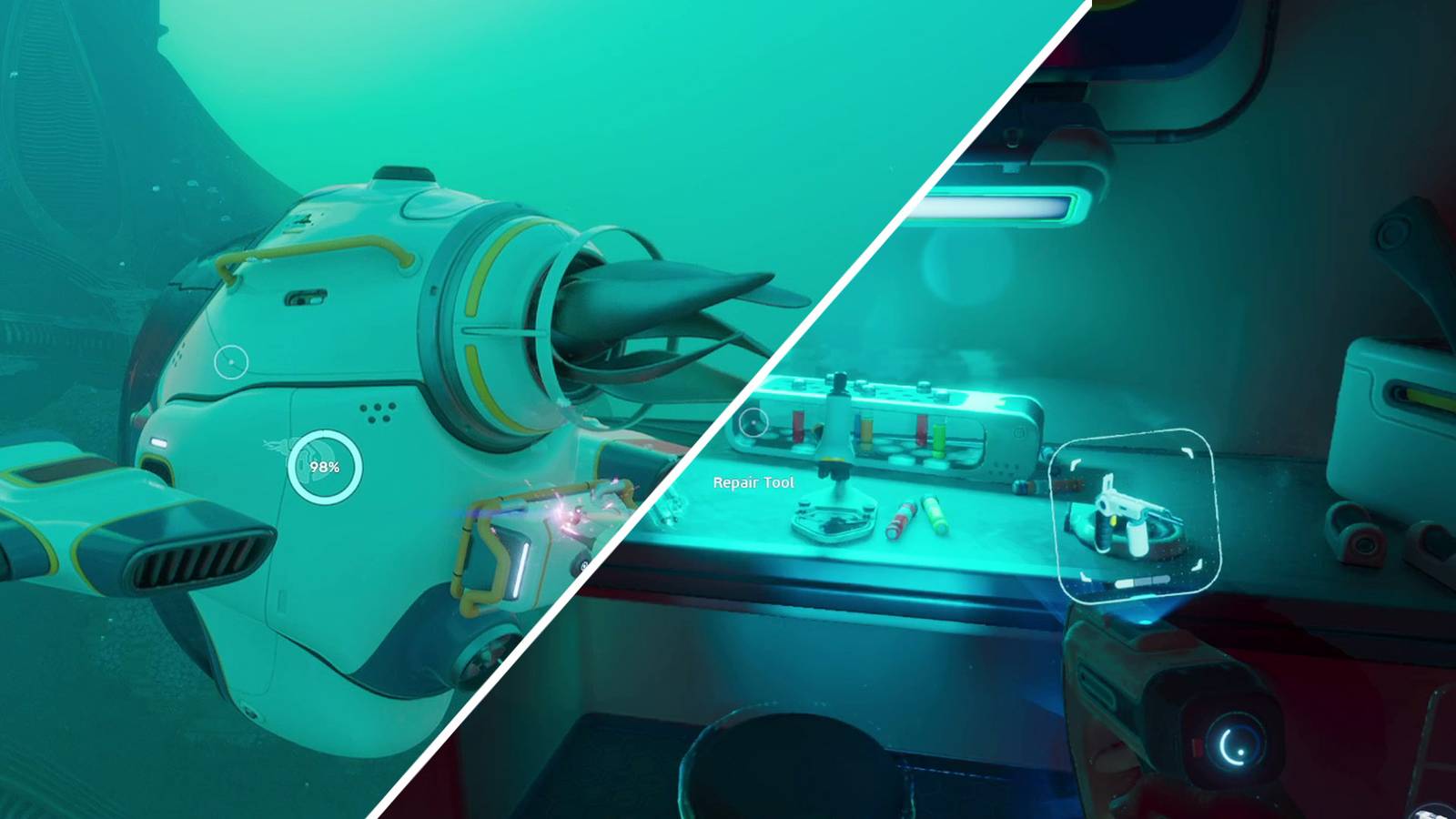
The "Tadpole" serves as your primary vessel for traversal, shielding you from the harsh pressures and aggressive wildlife of the deep. However, these vessels are prone to wear and tear. Whether you are squeezing through tight, jagged coral crevices or sustaining damage from territorial leviathans, your transport will inevitably lose health. Without the Repair Tool, a damaged Tadpole is a death sentence. Remarkably, the utility of the tool extends even to catastrophic failures: should your Tadpole reach zero health and be effectively destroyed, the tool can be used to "resurrect" the vessel, allowing you to reclaim your ride and continue your expedition.
Beyond vehicle maintenance, the Repair Tool serves a secondary, equally vital function: environmental interaction. The oceans of Subnautica 2 are littered with the wreckage of previous expeditions and ancient structures. Many of these contain locked or malfunctioning sealed doors that act as barriers to high-tier loot and critical lore fragments. By utilizing the Repair Tool, players can bypass these electrical faults, opening new pathways to explore. Because you must scan three separate instances of the tool in the wild to unlock its permanent fabrication blueprint, knowing exactly where to look is the key to accelerating your progression.
A Chronology of Discovery: Where to Find the Blueprint
To synthesize your own Repair Tool at a fabricator, you must first locate and scan three individual Repair Tools scattered across the seabed. Fortunately, the game designers have placed several accessible locations within a reasonable radius of your starting Lifepod.

1. The Southeast Habitat (200m Southeast, 40m Deep)
The most immediate objective for new players is the Southeast Habitat. Located approximately 200 meters from your starting Lifepod, this structure sits at a depth of 40 meters. The journey is relatively safe, provided you keep an eye on your oxygen levels. Once you reach the coordinates, you will find a small, partially submerged cave system. Inside the primary habitat, the Repair Tool rests conveniently on a workstation table. This is the ideal starting point for your collection.
2. The Northeast Wreckage (375m Northeast, 50m Deep)
For your second scan, head toward the northeast sector. Here, you will encounter the skeletal remains of a ship, precariously perched on the edge of a trench. Accessing this area requires a bit of vertical navigation; you must swim beneath the wreckage and enter through the Moonpool entrance. Once inside, navigate toward the primary bulkhead door. In front of this barrier, you will find a malfunctioning Repair Tool. This location is particularly atmospheric and rewards the player for thorough exploration of ship interiors.
3. The Graveyard (400m Southeast, 100m Deep)
The final piece of the puzzle can be found in the area known as "The Graveyard," located between the Graveyard and the South Raceway. This is a deeper excursion, requiring you to reach a depth of 100 meters. The area is marked by a large, prominent coral shell situated in an open, sandy expanse. Inside this shell lies your final Repair Tool. Securing this third unit will grant you the necessary data to replicate the device infinitely at your home base.

Supporting Data: Survival Metrics and Efficiency
Understanding the mechanics of the Repair Tool is only half the battle. In Subnautica 2, efficiency is the currency of survival. Players often underestimate the energy cost associated with repairing larger vessels.
- Energy Consumption: Every second the Repair Tool is active, it drains a portion of its internal battery. It is highly recommended that players carry a spare battery in their inventory, as running out of power mid-repair while being hunted by hostile fauna is a common cause of player frustration.
- Fabrication Requirements: Once the blueprint is unlocked, crafting the tool requires basic materials—typically salvaged metal and copper wire. Keeping a surplus of these materials in your storage locker ensures that you are never left without a means of repair.
- Scanning Priority: Do not ignore the secondary loot found near the Repair Tool locations. Developers have balanced these areas to include other essential materials, such as Lithium or wiring kits, which are necessary for the next tier of upgrades.
Official Perspectives and Development Insights
While Unknown Worlds Entertainment has remained relatively tight-lipped regarding the specific narrative implications of the scattered Repair Tools, lead designers have emphasized that the placement of these items is intended to encourage "organic discovery." In recent developer logs, the team noted that Subnautica 2 is built upon the philosophy of the "unspoken tutorial." By forcing players to venture out and locate these tools, the game teaches the fundamentals of spatial navigation and risk assessment without relying on intrusive pop-up menus or quest markers.
The inclusion of the Tadpole vehicle, specifically designed for co-op play, has further cemented the Repair Tool’s status as a top-tier item. "We wanted the player to feel a sense of ownership over their equipment," stated one developer during a community Q&A session. "When you have to actively fix your vehicle, you develop a bond with it. It’s no longer just a vehicle; it’s a companion in a hostile world."
The Broader Implications for Gameplay
The hunt for the Repair Tool is emblematic of the broader Subnautica 2 experience. It is a game about mastery over one’s own limitations. The transition from a vulnerable survivor to a capable engineer is defined by the tools you carry.
As you progress deeper into the game, the Repair Tool remains relevant. Later-game base building and the maintenance of larger, more complex submersible vehicles will depend heavily on the familiarity you gain with this initial tool. Furthermore, the reliance on the Repair Tool to open sealed doors suggests that the developers intend for the game to be a constant balance between resource management and exploration. Every time you burn a battery to open a door, you are making a calculated gamble: is the treasure inside worth the cost of the repair?
Ultimately, the Repair Tool represents the ingenuity required to survive on an alien planet. By following the guide provided, players can bypass the initial uncertainty of the early game and focus on what Subnautica 2 does best: encouraging curiosity, fostering deep-sea exploration, and providing the tools necessary to conquer the unknown. Whether you are repairing a hull breach to save your Tadpole or clearing a path into a long-forgotten research station, the Repair Tool is your most trusted companion in the deep.












No comments yet. Be the first to join the conversation!