

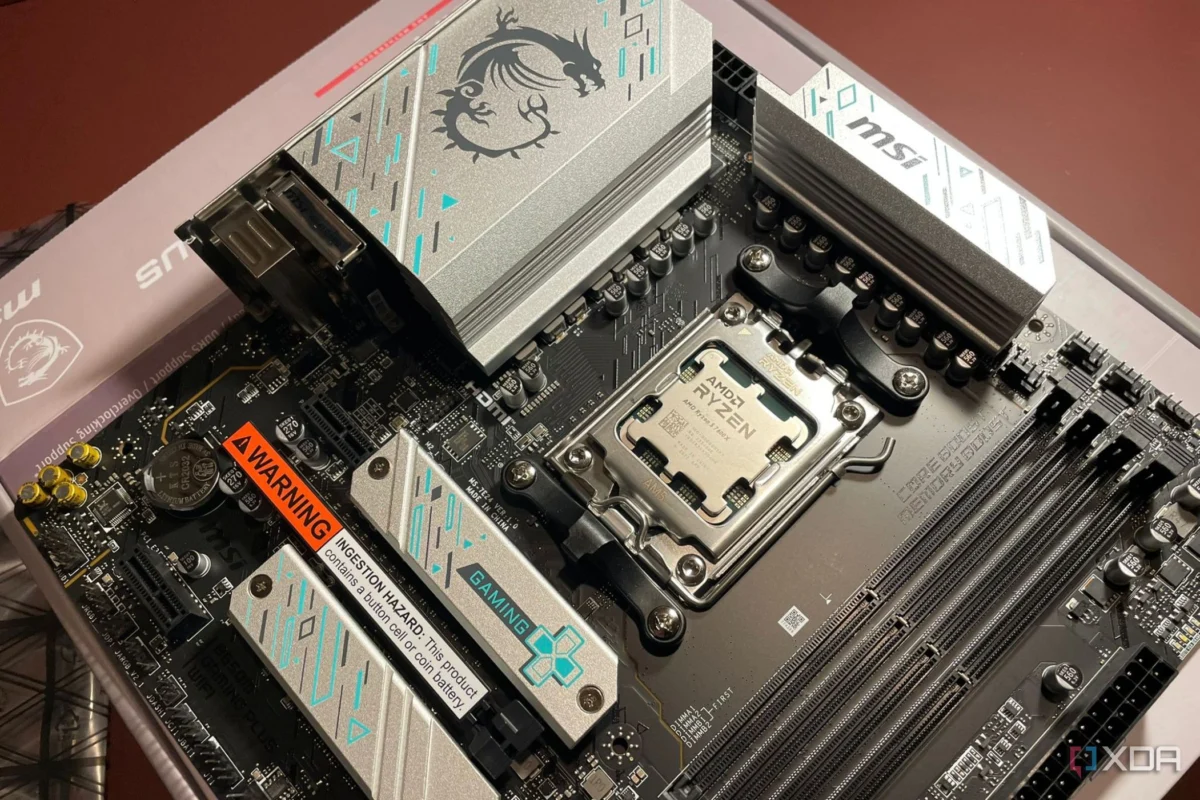
Building a custom gaming PC has long been viewed as a puzzle of balancing high-performance components. For years, the prevailing wisdom among enthusiasts and casual builders alike has been simple: prioritize the Graphics Processing Unit (GPU), secure a capable Central Processing Unit (CPU), and allocate the remaining budget toward the cheapest motherboard that supports your chosen platform. The motherboard, in this common narrative, is merely a passive "hub"—a glorified bridge that facilitates communication between components without actively influencing performance.
However, this "set it and forget it" mentality is increasingly becoming a liability. As CPUs become more complex and power-hungry, the motherboard is evolving from a simple carrier board into a critical performance determinant. When you pair a high-end, flagship processor with an entry-level motherboard, you are effectively creating a bottleneck that can rob you of the very performance you paid for.
The Evolution of the PC Building Paradigm
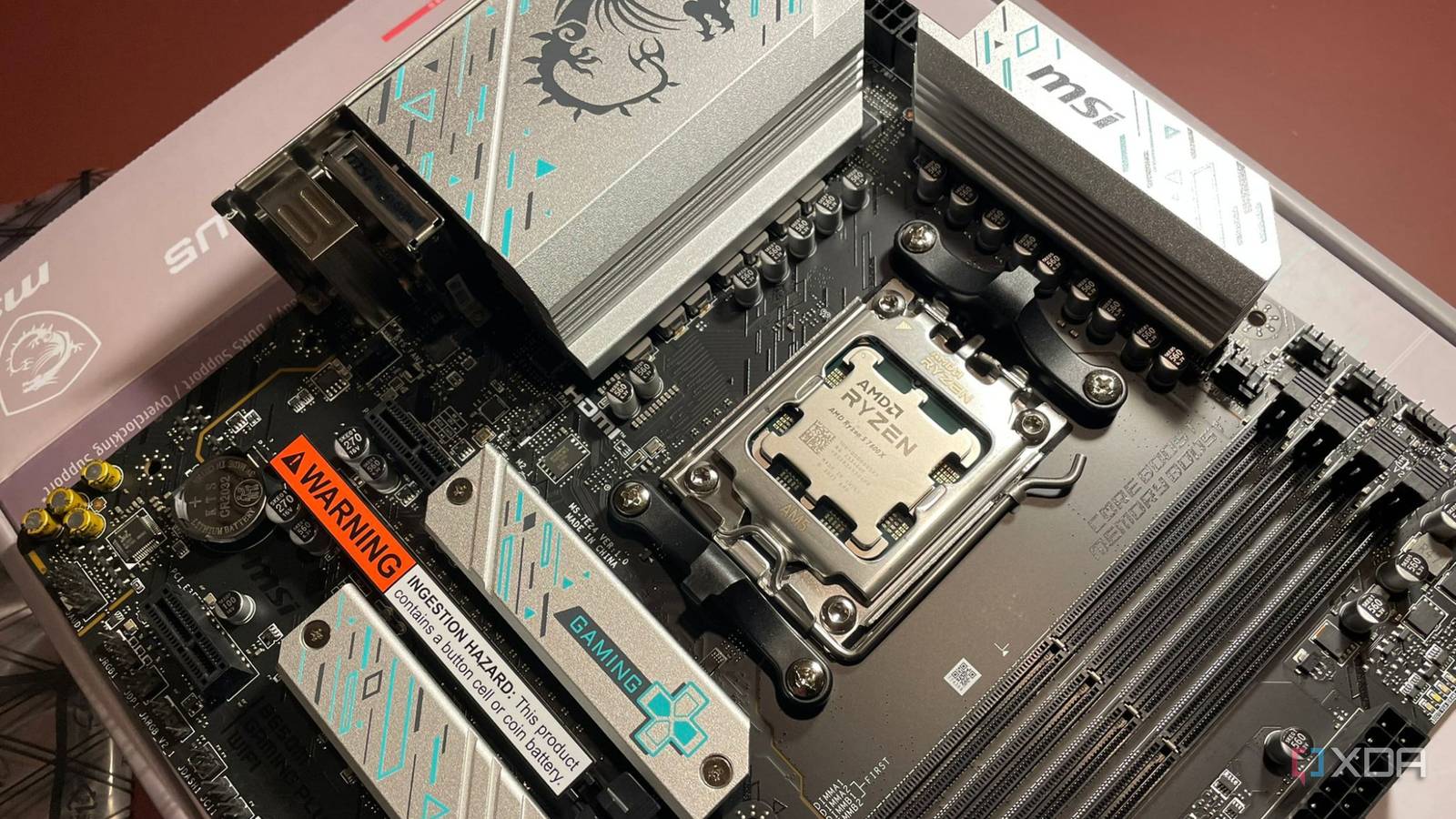
For the better part of a decade, the PC building process was remarkably forgiving. A budget motherboard might have lacked fancy RGB lighting, extra M.2 slots, or high-end audio capacitors, but it generally provided the same level of raw throughput as its more expensive counterparts.
The Shift in Power Demands
The turning point arrived with the latest generations of processors from AMD and Intel. Modern flagship chips, such as the Ryzen 9 series or the latest Intel Core Ultra 9, are designed to operate at significantly higher thermal and electrical envelopes. These processors do not just demand power; they require stable, sustained, and clean power delivery.

When you install a top-tier CPU into a budget board—such as an A620 or entry-level B-series motherboard—you are testing the limits of the board’s Voltage Regulator Modules (VRMs). These components are responsible for converting the power from your Power Supply Unit (PSU) into the specific voltage required by the CPU. In entry-level boards, these VRMs are often designed with minimal cooling and lower-tier components, intended to support mid-range CPUs that operate at lower wattages.
The Mechanics of Throttling: How It Happens
The reason many builders remain unaware of this bottleneck is that it rarely reveals itself during casual tasks or even standard gaming sessions.
Why Gaming Often Masks the Issue
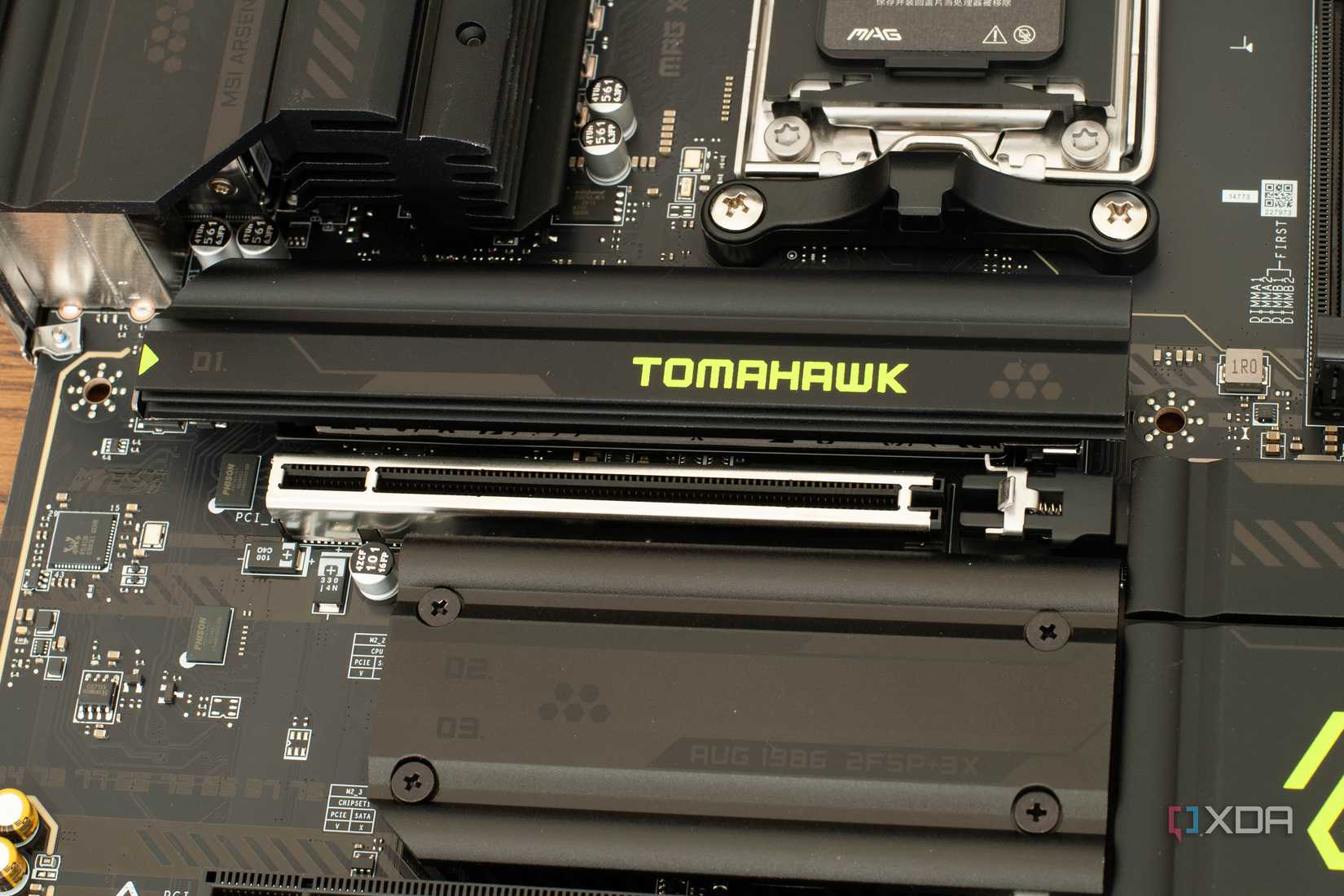
Most modern PC games are notoriously GPU-bound. Even in the most demanding titles, the CPU is rarely tasked with keeping every core at 100% utilization for an extended period. Because the processor isn’t being pushed to its absolute limit, the VRMs on a budget motherboard can usually keep up without breaking a sweat. You might run a high-end CPU on a budget board for months, enjoying stable frame rates and thinking you’ve "beaten the system" by saving money on the motherboard.
The "Productivity Cliff"
The illusion of performance parity shatters the moment you shift to sustained, heavy-load productivity tasks. Whether you are rendering a 4K video project in DaVinci Resolve, compiling a massive codebase in Unreal Engine, or running a resource-intensive local AI model, your CPU will demand sustained power for minutes or even hours at a time.
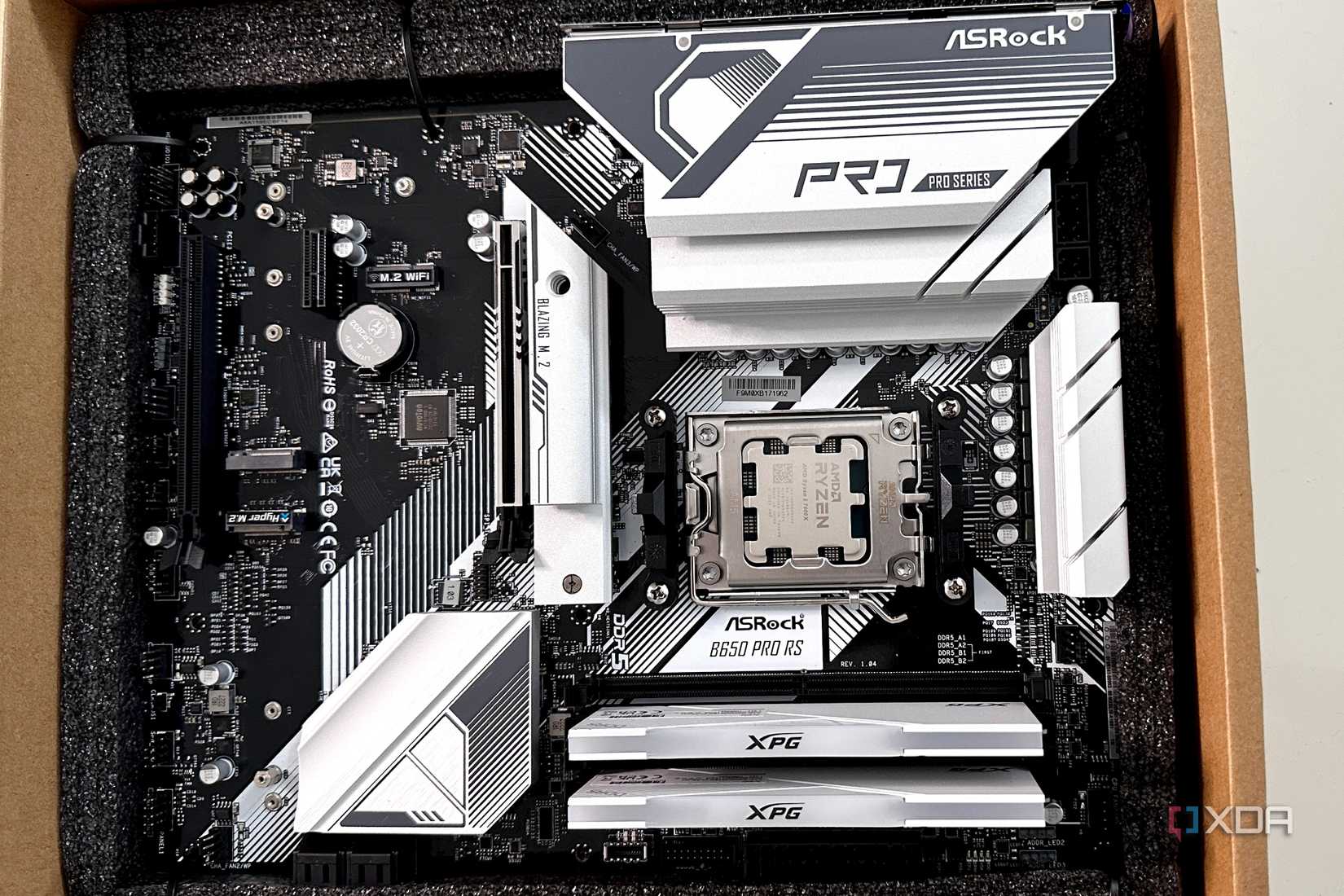
When the VRMs reach their thermal ceiling, they have two choices: fail or throttle. Modern motherboards are designed with safety protocols that cause them to automatically dial back the power delivery to the CPU to prevent the board from melting or failing. Because the CPU is no longer receiving the wattage it requires to maintain its peak boost clock, its performance drops.
Crucially, this happens silently. There are no "Warning: Motherboard Overheating" pop-ups in Windows. Your system remains stable, but it is effectively running at a lower efficiency level. Users often misdiagnose this as a driver issue, a bad cooler, or a "defective" CPU, wasting hours troubleshooting the wrong components.
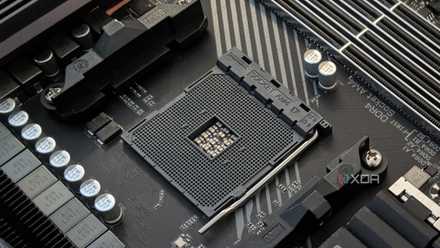
Decoding the Spec Sheet: What Actually Matters?
If you are looking to avoid this pitfall, you must look beyond the flashy marketing bullet points. Modern motherboard manufacturers prioritize features that are easy to sell: Wi-Fi 7, PCIe 5.0, USB4, and an abundance of addressable RGB headers. While these features are certainly convenient, they do not guarantee sustained performance.
The Role of VRMs and MOSFETs
The primary metric that distinguishes a premium board from a budget one is the quality of the power delivery system.
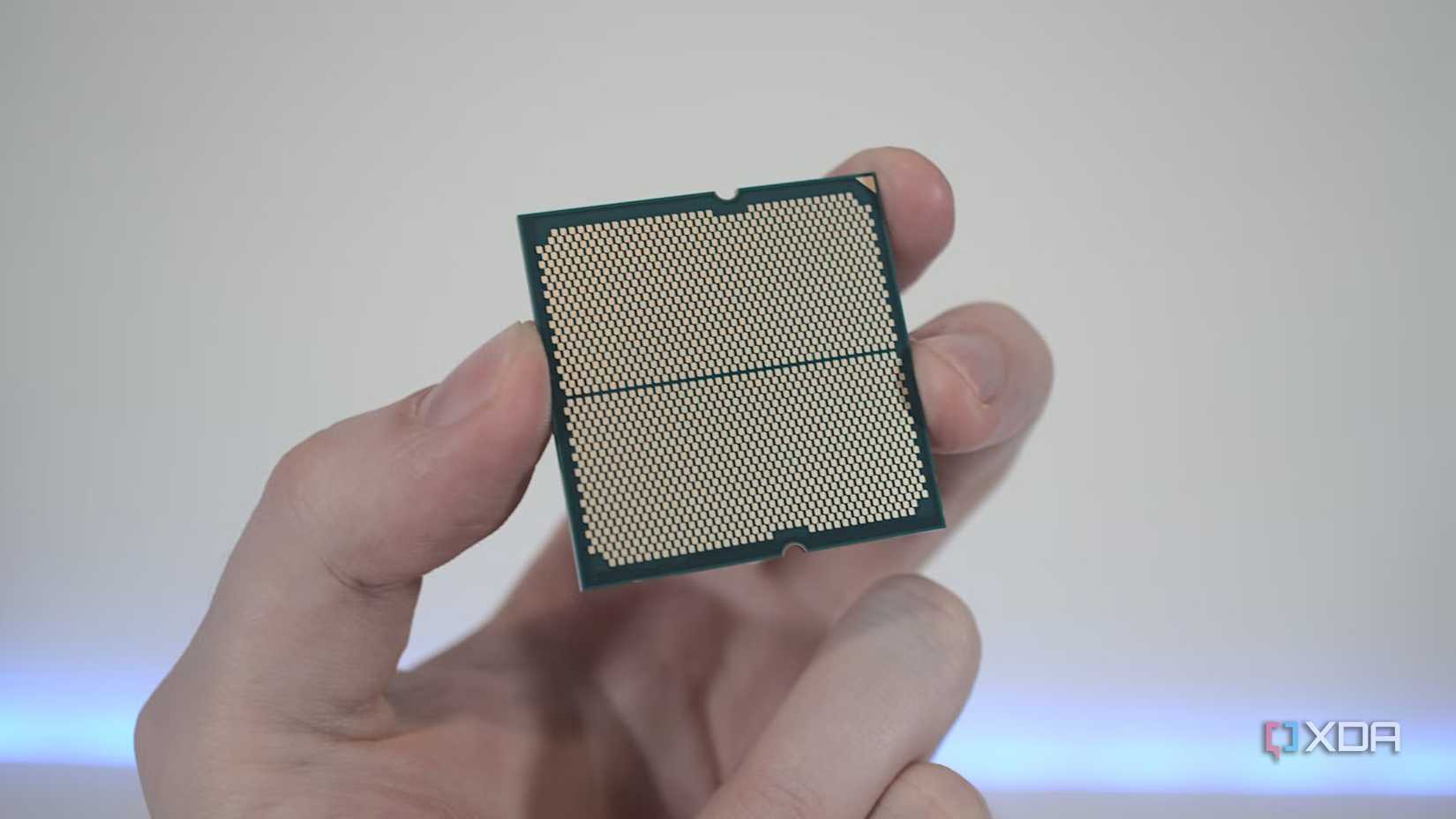
- VRM Quality: Look for boards that feature robust phase counts. Higher phase counts distribute the electrical load across more components, reducing heat and increasing efficiency.
- Thermal Design: Heatsinks aren’t just for aesthetics. Large, finned aluminum heatsinks over the VRMs are essential for dissipating the heat generated by power conversion. If you see a board with bare, exposed MOSFETs, it is likely not intended for high-wattage CPUs.
- PCB Layers: Premium motherboards often use thicker PCB layers (often 6 to 8 layers or more) with higher copper content, which aids in heat dissipation and signal integrity.
Strategic Investing: When to Spend and When to Save
The goal is not to convince every builder to buy the most expensive board on the shelf. That, too, is a waste of capital. The key is to match your motherboard to the workload your CPU will be handling.
The Case for Entry-Level Boards
If your build centers on a mainstream CPU—such as an AMD Ryzen 5 or a Core Ultra 5—a budget or mid-range motherboard is often the most logical choice. These CPUs are designed for efficiency and lower power draw. Pairing an entry-level CPU with a flagship X870E or Z890 motherboard will yield zero gaming performance gains. In this scenario, your money is better spent on a faster GPU or higher-capacity RAM.
The Necessity of High-End Boards for Flagship Chips
Conversely, if you are investing in a flagship processor, the motherboard is no longer an "option"—it is a critical part of the cooling and power infrastructure. A high-quality board like the MSI MPG X870E Carbon WiFi or equivalent enthusiast-grade hardware ensures that your processor can maintain peak performance during heavy workloads. These boards also offer better long-term reliability, as the high-quality power stages undergo less stress over time.
Implications for Future-Proofing
One of the most ironic aspects of PC building is the longevity of the motherboard. Unlike a GPU, which many enthusiasts upgrade every two to three years, a motherboard is often the foundation for the entire life of the system.
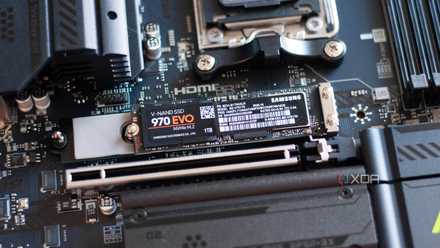
When you buy a cheap board, you are not just limiting your current CPU; you are limiting your future options. If you decide to upgrade to a more powerful processor three years down the line, an underpowered motherboard may prevent you from utilizing that new CPU to its full potential.
Conclusion: A Shift in Perspective
The PC building community is entering an era where "compatibility" is no longer the only metric for success. Just because a processor fits in a socket does not mean it belongs there. By ignoring the quality of the power delivery system, builders risk leaving significant performance on the table—performance they have already paid a premium for in their CPU purchase.
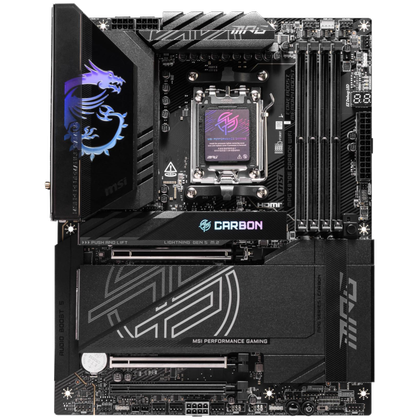
As we move toward more powerful hardware, the motherboard must be viewed as an investment in stability, efficiency, and long-term performance. Before you hit the "checkout" button on your next build, look past the Wi-Fi specs and the RGB headers. Check the VRM configuration and the thermal solutions. Match your motherboard to your processor’s power profile, and ensure that your foundation is as strong as the silicon it supports. A little extra planning today will prevent the "performance trap" tomorrow, ensuring your PC remains a powerhouse throughout its entire lifespan.











