Azzam Bilal Chamdy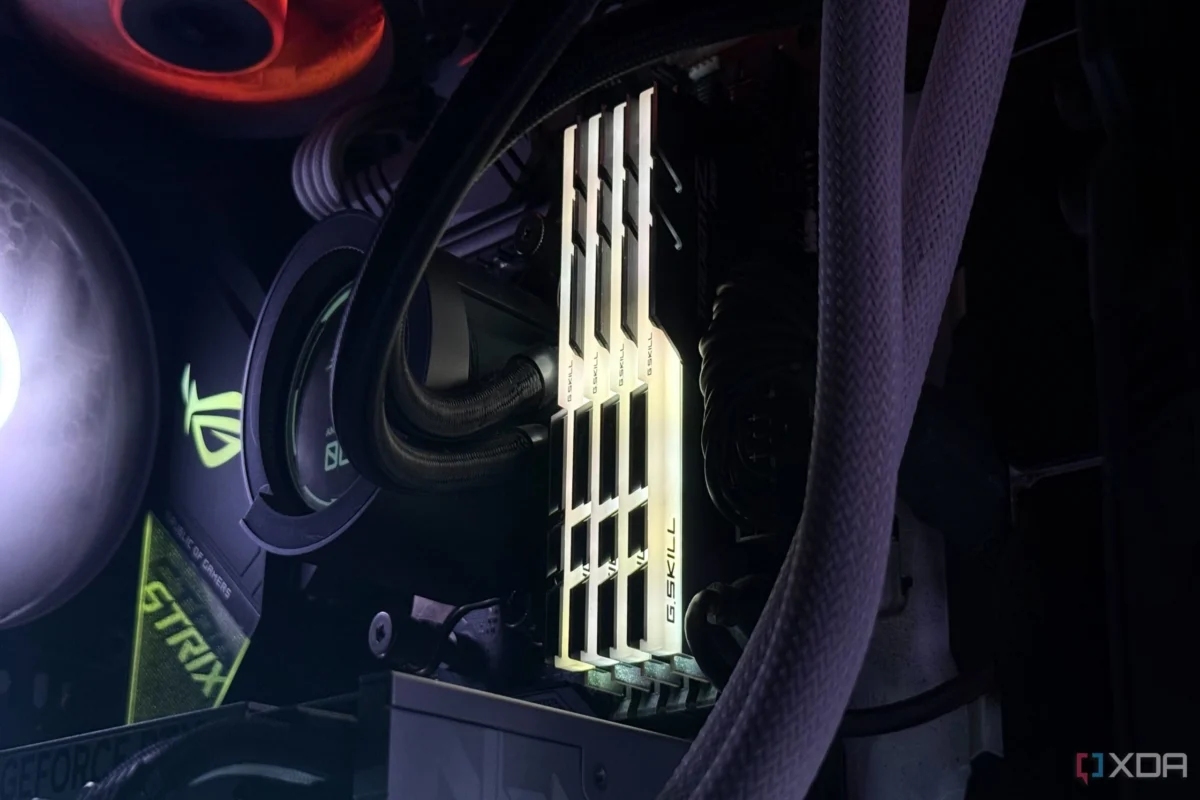
For many PC enthusiasts, the act of building a machine feels like a finite mission: you select the parts, assemble them with care, boot into the BIOS, enable XMP (Extreme Memory Profile) or EXPO (Extended Profiles for Overclocking), and declare the job finished. It is a "set it and forget it" mindset that permeates the DIY community. However, as I recently discovered through a humbling experience with my own high-end rig, the motherboard is far from a static guardian of your settings.
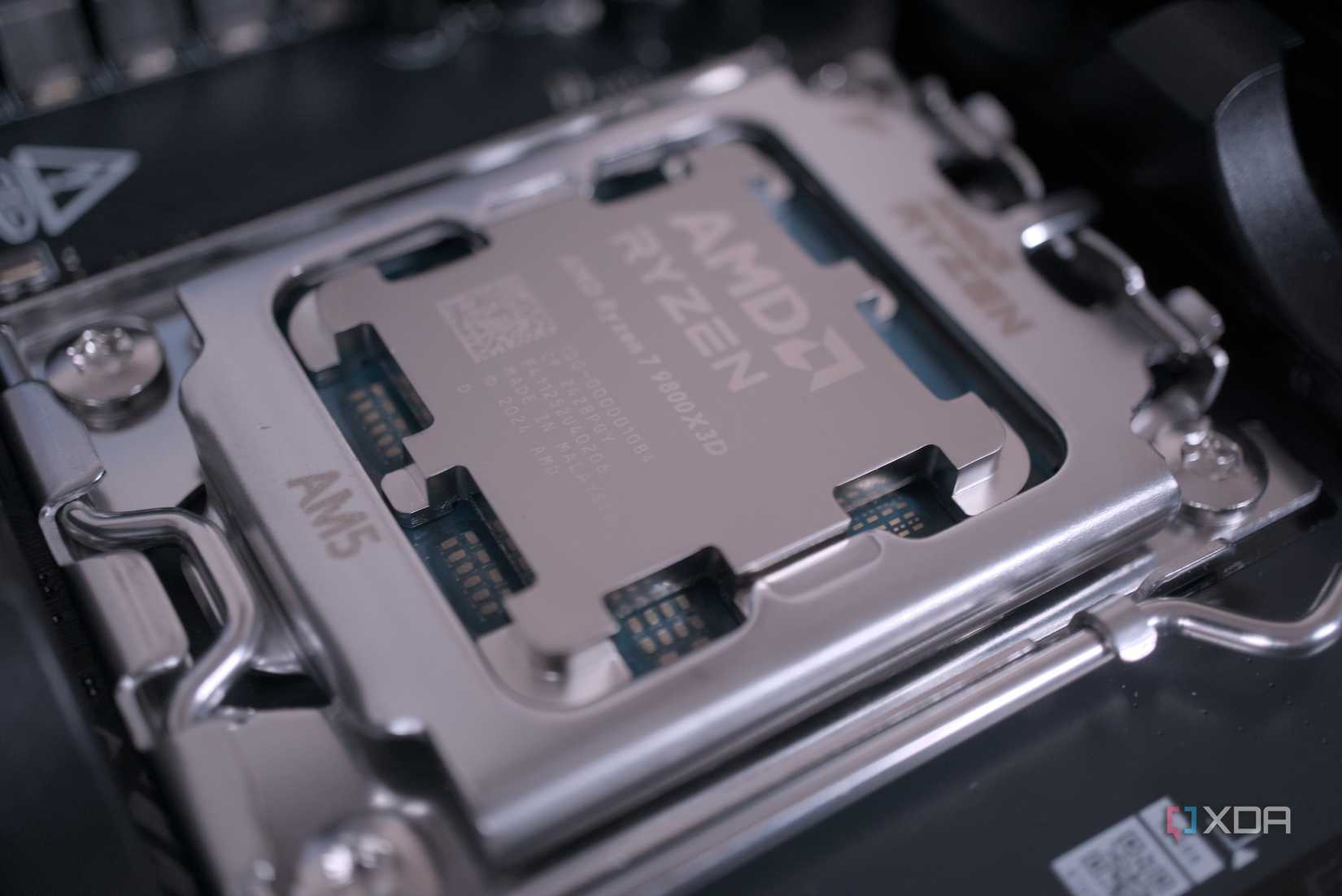
After upgrading from a Ryzen 9 5900X to the gaming-powerhouse Ryzen 7 5800X3D, I inadvertently left my system running on crippled memory speeds for weeks. The realization served as a stark reminder: hardware changes and firmware updates are not just routine maintenance—they are common culprits that can silently reset your system to baseline performance, leaving you wondering why your expensive hardware isn’t living up to its promise.
The Chronology of a Silent Downgrade
My journey began with a standard, albeit ambitious, component swap. Having spent years in the tech industry, I assumed that a drop-in CPU upgrade on an established AM4 platform would be seamless. In my experience, motherboards were meant to retain user profiles and BIOS configurations through thick and thin. I swapped the 5900X for the 5800X3D, booted the system, and saw the familiar Windows logo. Everything seemed fine.

It was not until days later that I began to question the performance output. While the 5800X3D is renowned for its 3D V-Cache—a feature that arguably makes a processor less reliant on blistering fast memory—I was pairing it with an RTX 4090 and a 1440p/360Hz OLED display. When pushing for maximum frame rates in competitive titles, I noticed that my 1% low frame times were not meeting the expectations set by benchmarks.
Upon diving into the BIOS, I found the culprit: the memory profile had reverted to JEDEC standards. The board, having undergone a memory training cycle during the CPU swap, had defaulted to the most "stable" baseline, effectively throttling my RAM from its rated speed down to its base frequency. I had been leaving performance on the table for weeks, completely unaware that the board had "reset" my preferences in the name of boot stability.
Supporting Data: Why "Stability" Costs You Performance
To understand why this happens, one must understand how motherboards handle memory training. When you change a CPU, the memory controller—which resides within the processor—is introduced to the DIMMs for the first time. To ensure the system posts successfully, the BIOS often triggers a "fail-safe" mode.

The JEDEC Fallback
JEDEC (Joint Electron Device Engineering Council) standards are the baseline speeds at which RAM modules are programmed to operate. These are designed to be universally compatible. XMP and EXPO, by contrast, are essentially "factory-tested overclocks." When a motherboard detects a significant hardware change or experiences a failed boot attempt, it frequently reverts to JEDEC to ensure the system is at least functional.
The 3D V-Cache Masking Effect
The reason this issue often goes unnoticed—especially with AMD’s X3D processors—is the massive L3 cache. In many scenarios, the 5800X3D or 9800X3D can access data directly from the cache rather than waiting for the system RAM to respond. This makes the system feel responsive and fast, masking the underlying bottleneck caused by slower memory. However, in high-refresh-rate gaming or CPU-intensive tasks, the lack of high-bandwidth memory manifests as micro-stuttering or lower-than-expected 1% lows.
BIOS Updates: The Silent Reset Button
If a CPU swap is the "big" trigger for a BIOS reset, firmware updates are the "hidden" ones. It is standard advice to update your motherboard’s BIOS to improve stability, security, and compatibility with newer hardware. However, many users assume that an update is a surgical procedure that only changes the microcode.
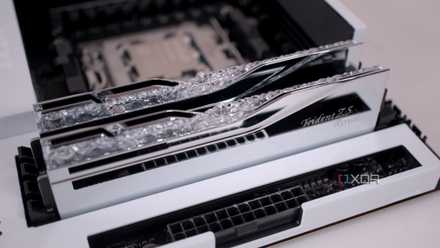
In reality, a BIOS update is often a complete flash of the chip. While many modern boards offer "Profile Save" features, they do not always successfully migrate those profiles across major version jumps.
Why Does This Keep Happening?
- AGESA Updates: When AMD releases new AGESA (AMD Generic Encapsulated Software Architecture) versions, they often change the underlying logic for how the memory controller interacts with various RAM kits. This necessitates a complete re-training of memory, which can force the board to clear existing XMP/EXPO settings.
- Default Behavior: Motherboard manufacturers prioritize the "POST" (Power-On Self-Test) success rate above all else. If an update causes a memory error, the quickest way to resolve it is to drop the RAM to the lowest common denominator.
- The "Silent" Flashing: Because the PC still boots and runs Windows, the user assumes the BIOS is operating exactly as it was before, when in reality, the memory is running significantly slower than the hardware’s capability.
Implications for the End User
The implications of this phenomenon extend beyond just lost frame rates. For the average user, this creates a "performance decay" over time. A machine that was blazing fast on Day 1 can feel incrementally slower after a few months of Windows updates and BIOS tweaks.
The "One-and-Done" Fallacy
The most dangerous mindset in PC building is the belief that hardware settings are permanent. We treat the BIOS like a set-and-forget interface, but in the modern era of high-frequency DDR4 and DDR5 memory, it is a living configuration. If you are not checking your memory speeds in a tool like CPU-Z or HWInfo64 after every significant update, you are likely operating at sub-optimal efficiency.
What Should You Do?
- Monitor Your Metrics: Use tools like MSI Afterburner or HWInfo64 to keep an eye on your RAM frequency while gaming. If you notice your RAM is running at 2133MHz or 2666MHz when you know you bought 3600MHz or 6000MHz sticks, it’s time to head into the BIOS.
- Verify After Updates: Treat every BIOS update as a reset. Before you jump into a game or a rendering session, boot into the BIOS and re-enable your XMP or EXPO profile.
- Use Profiles: Most modern motherboards allow you to save BIOS profiles to a USB drive. If your board supports it, save your stable configuration to a file so that if a BIOS update wipes your settings, you can restore them in seconds rather than manually re-entering every timing.
- Accept the Training Time: Understand that when you make changes, the system may reboot multiple times. This isn’t a malfunction; it is the motherboard "training" the memory controller. Don’t panic and clear the CMOS immediately.
Conclusion
My experience with the 5800X3D was a wake-up call that professional hardware reviewers and casual builders alike need to hear. We spend thousands of dollars on high-end GPUs, CPUs, and fast RAM kits, yet we often leave that performance on the table due to a lack of maintenance.
The motherboard is not a static component; it is an active manager of your system’s resources, and it will prioritize stability over your preferred performance profile every single time. By adopting a "verify, don’t assume" approach to BIOS settings, you ensure that your investment is actually performing at the level you paid for. Don’t let your motherboard settle for mediocrity when you have the power to enforce peak performance.



 Suro Senen