The landscape of 2-in-1 laptops is notoriously difficult to navigate. Manufacturers are constantly balancing the thin line between a lightweight, portable tablet experience and the raw, unadulterated power required for professional-grade computing. With the release of the Acer Chromebook Plus Spin 514, Acer has taken a definitive step toward bridging this gap, positioning the device not just as a casual browsing tool, but as a "multitasking machine" capable of AI-driven productivity.
After spending extensive time with the device, testing its limits in creative environments and daily professional workflows, we’ve arrived at a clear verdict: the Spin 514 is a triumph for those embedded in the web-first ecosystem. However, it is not a panacea for every creative professional.
The Evolution of the Chromebook Workflow: Main Facts
At its core, the Acer Chromebook Plus Spin 514 is a testament to how far ChromeOS has come. Historically relegated to education and entry-level computing, the "Chromebook Plus" designation represents a higher tier of hardware standards.
Key Specifications
- Processor: MediaTek Kompanio Ultra 910
- Memory: 12 GB LPDDR5X RAM
- Storage: 256 GB UFS Flash Memory
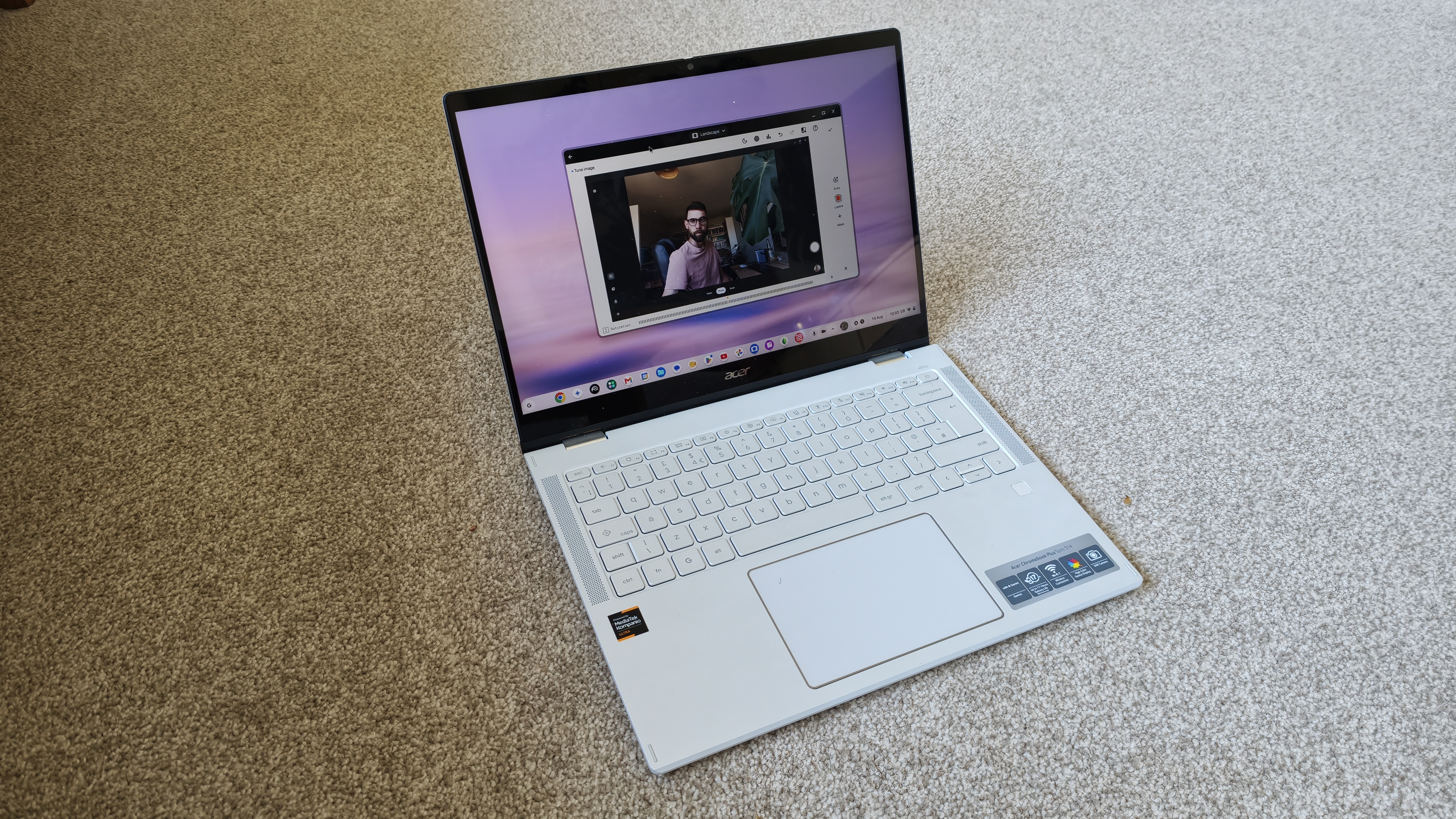
- Display: 14-inch WQXGA+ (2880 x 1800px) IPS, 120Hz refresh rate
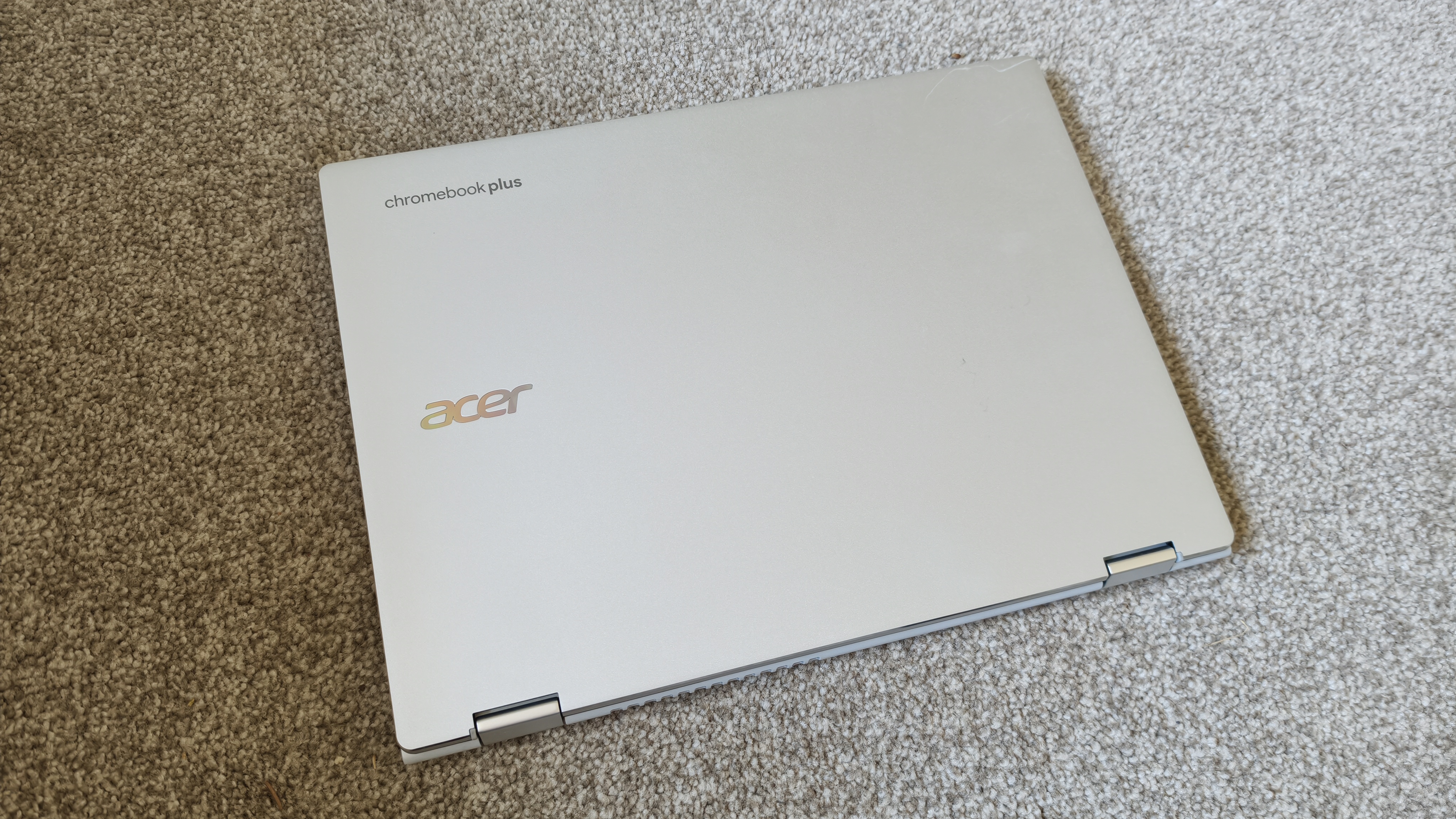
- Build: MIL-STD-810H military-grade durability, aluminum chassis
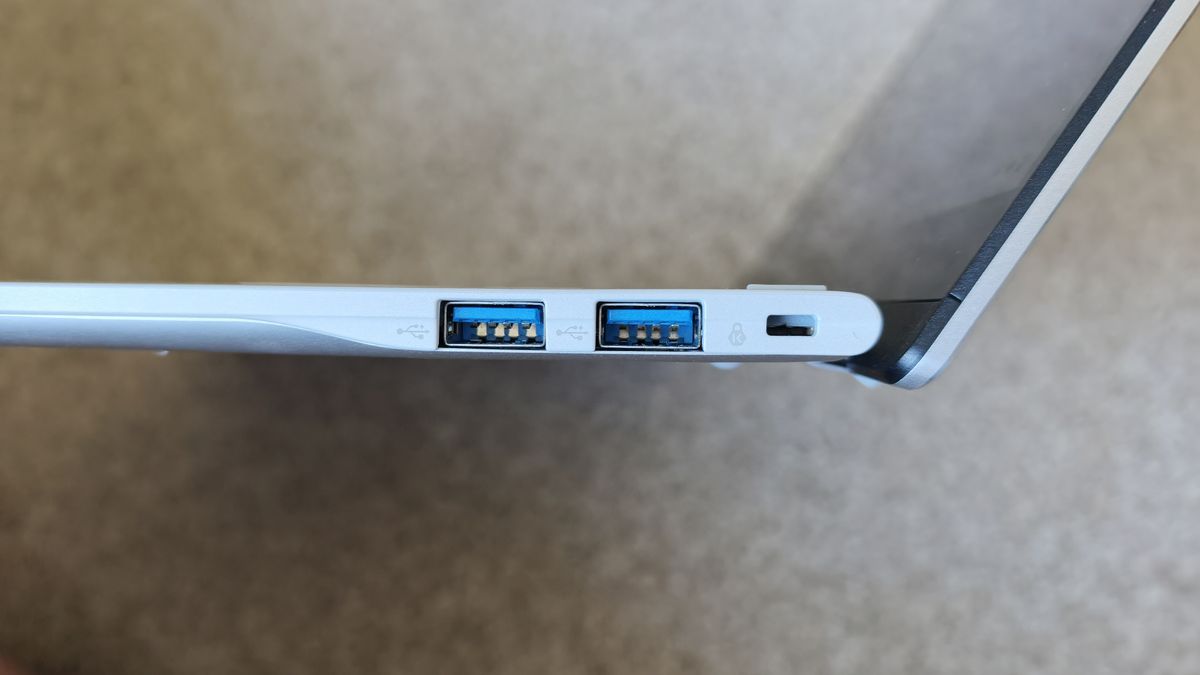
- Connectivity: 2x USB-C, 2x USB-A, 3.5mm audio jack, Wi-Fi 7, Bluetooth
The device arrives at a pivotal moment in the industry. With the rapid integration of AI into our daily digital tools, the reliance on local hardware for heavy processing is beginning to shift toward cloud-based computational power. Acer has leaned into this, equipping the machine with hardware optimized for these modern, hybrid workflows.
Design and Ergonomics: A Chronology of Testing
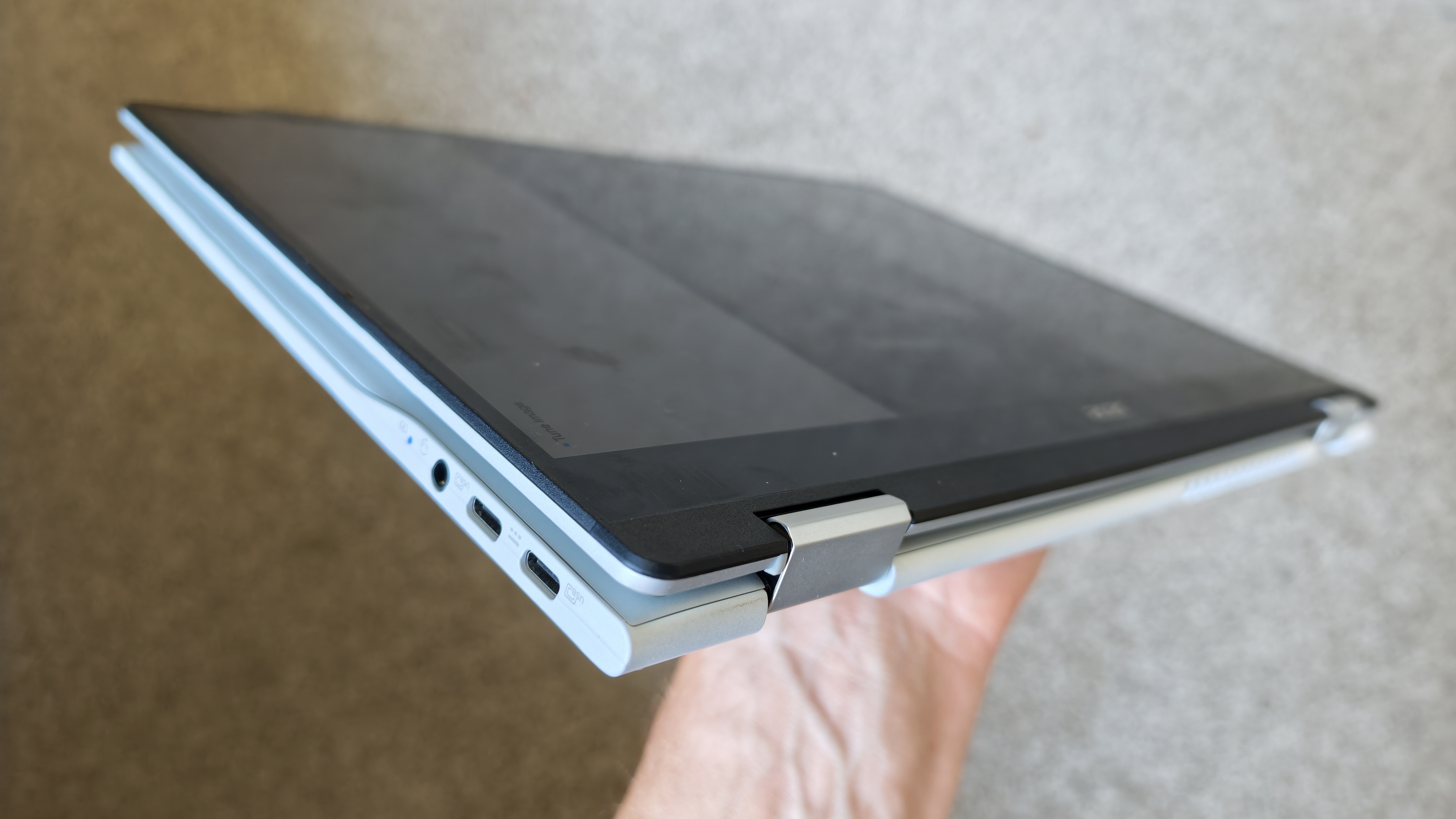
My initial impression of the Spin 514 centered on the robustness of its hinge mechanism. A 2-in-1 device lives or dies by its pivot point. Acer has engineered a hinge that feels both substantial and fluid, allowing the device to transition from a traditional laptop layout to a tablet form factor with ease.
The Tablet vs. Laptop Experience
During my week-long testing period, I utilized the device in three distinct phases:
- Stationary Work (Days 1-2): Used as a standard clamshell laptop for document drafting and web-based research. The 16:10 aspect ratio provides a generous vertical canvas, which is superior for long-form writing and browser-based management.
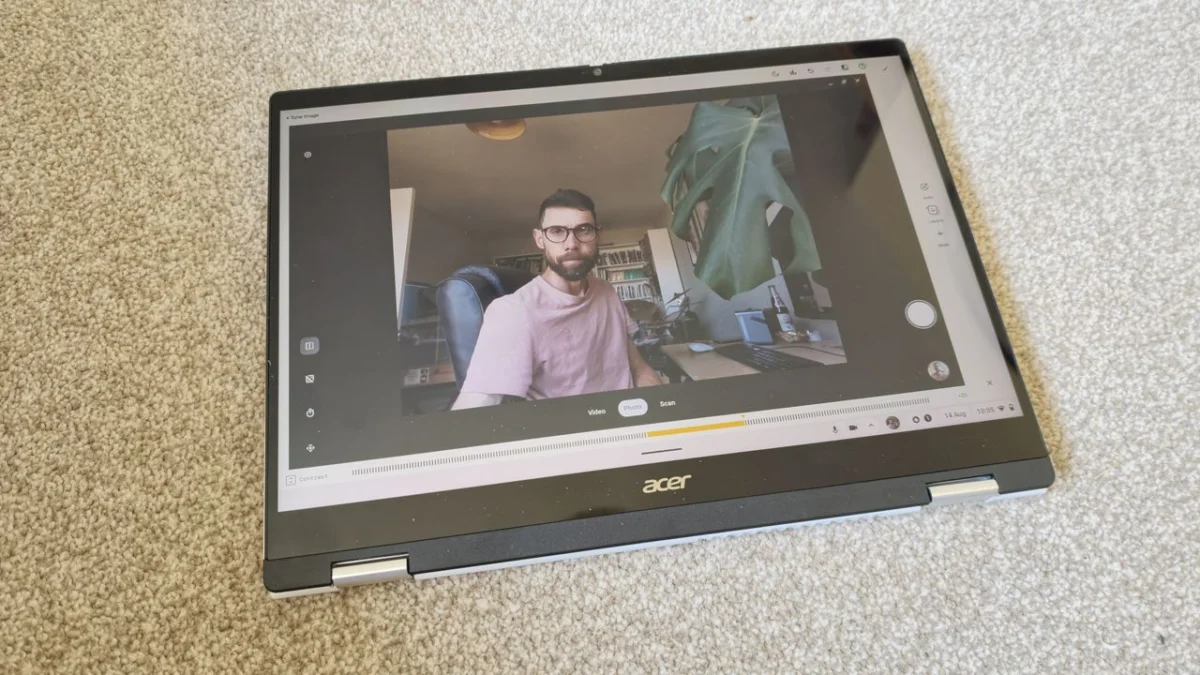
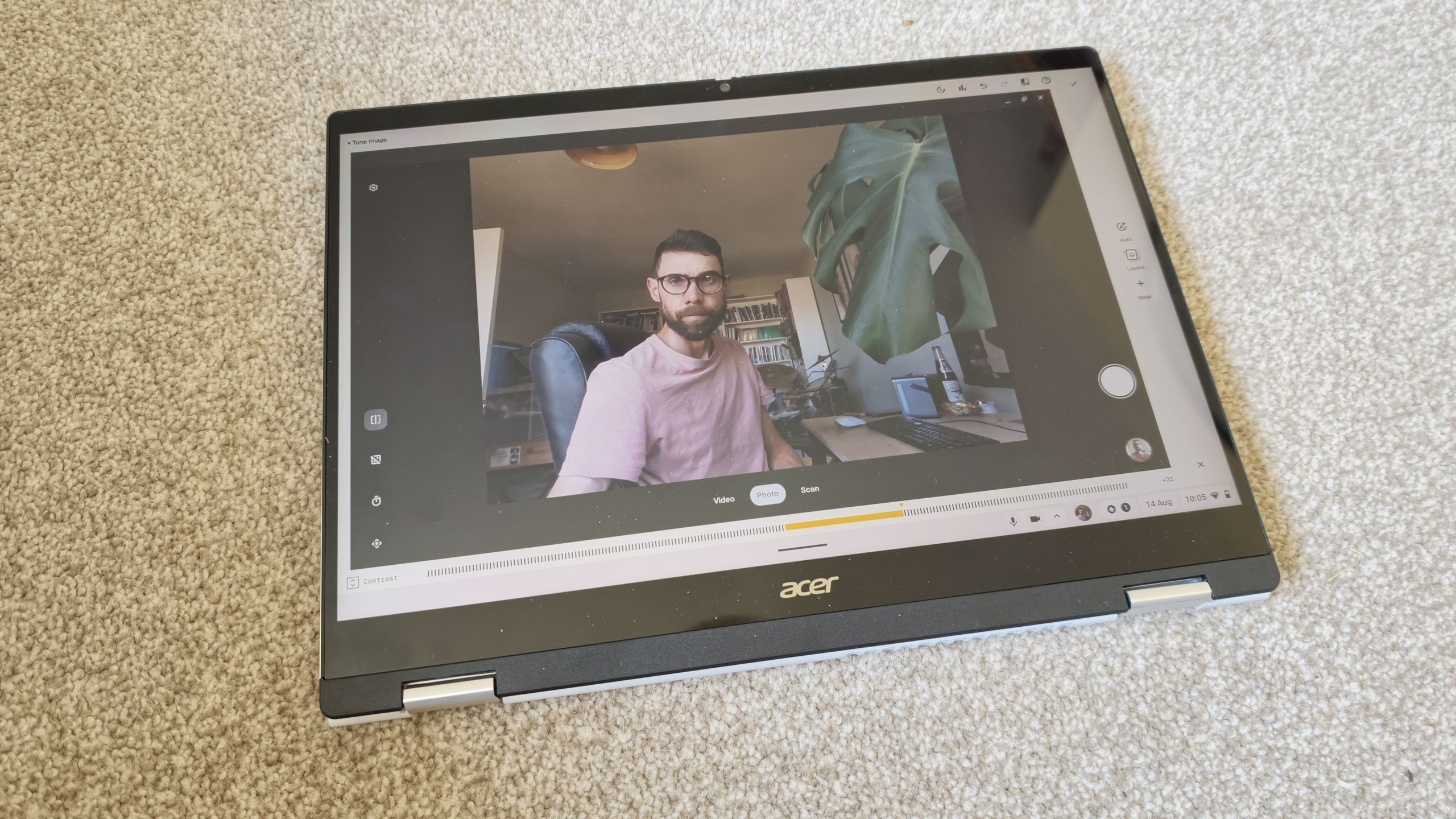
- Creative Iteration (Days 3-4): Transitioned to tablet mode for reviewing visual assets and sketches. The 14-inch display, while slightly thicker than a dedicated slate, feels surprisingly manageable. The screen real estate is a highlight, though the reflective nature of the glass can be a hindrance in bright, office-lit environments.
- On-the-Go Testing (Days 5-7): Evaluated portability and build quality. The military-grade certification (MIL-STD-810H) provides a sense of security when traveling. The aluminum top and rear covers suggest a premium build that stands up to the rigors of a daily commute.
One minor design critique: the placement of the speakers on the underside of the chassis results in audio that can sound slightly muffled when the device is placed on soft surfaces.
Performance Metrics and Supporting Data
To evaluate the Spin 514’s suitability for professional creators, we subjected the hardware to a rigorous benchmarking suite.
Benchmarking Breakdown
- Geekbench (CPU/GPU/AI): The MediaTek Kompanio Ultra 910, paired with 12GB of RAM, shows significant gains over previous-generation Chromebooks. The system handles multitasking—such as maintaining 20+ browser tabs while running video conferencing software—without significant thermal throttling.
- PugetBench for Creators: We tested the machine’s ability to handle image and video processing. While it handles light photo editing (Snapseed) and video clipping (InShot) with aplomb, it predictably struggles with the heavy lifting required for complex 4K rendering or professional-grade 3D visualization.
- Battery Life: One of the most significant benefits of moving away from traditional power-hungry x86 architecture is the power efficiency of this ARM-based chip. The battery life consistently lasted through a full workday of mixed-use, and the USB-C charging capability eliminates the need to carry bulky proprietary power bricks.
Official Stance and AI Integration
Acer has heavily marketed the Spin 514’s AI capabilities. Every purchase includes a 12-month subscription to Google AI Premium, a value proposition worth approximately £228. This package provides access to Gemini Advanced and deeper integration within Google’s workspace ecosystem.
However, the reality of the software experience is mixed. While AI-powered features in the Gallery app—such as background removal and subject isolation—are theoretically impressive, I encountered intermittent "service unavailable" errors. When functioning, these tools are game-changers for quick social media content creation, but they are not yet refined enough for high-stakes professional production.
Implications: Who Should Buy This?
The market for the Acer Chromebook Plus Spin 514 is specific but growing.
The Ideal User
If you are a student, a content strategist, or a creative professional who primarily operates within the browser, this device is a dream. Its speed, portability, and excellent display make it an ideal companion for writing, light photo editing, and project management. The 2-in-1 functionality is a genuine asset for those who frequently transition from "doer" mode (typing) to "reviewer" mode (tablet viewing).
The "Avoid" Category
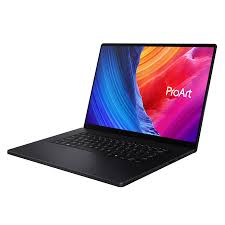
If your workflow relies on legacy software like the full Adobe Creative Cloud suite (Premiere Pro, After Effects) or high-end 3D modeling software (Blender, Cinema 4D), this machine is not the correct tool. The limitations of ChromeOS, despite its recent advancements, mean that the absence of these native desktop applications remains a hard wall for power users.
Value Considerations
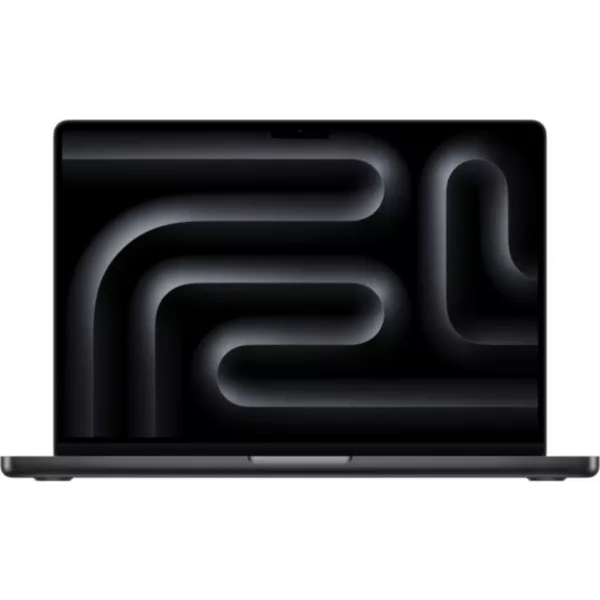
Retailing at £899.99, the Spin 514 occupies a premium space in the Chromebook market. If the 2-in-1 touchscreen functionality is not a priority, there are standard, non-convertible Chromebooks that offer similar performance at a lower price point. Conversely, for those not strictly tied to the ChromeOS ecosystem, laptops like the MacBook Neo offer a more traditional OS environment for roughly £200 less.
Conclusion
The Acer Chromebook Plus Spin 514 is a bold statement from Acer. It proves that a Chromebook can be elegant, durable, and highly responsive. It successfully captures the "modern professional" vibe, providing a seamless experience for those who have embraced the cloud-first digital era.
While it falls short of being a universal workstation for all creative disciplines, it succeeds in its primary goal: to be a reliable, snappy, and flexible machine for the vast majority of modern tasks. If your workflow is defined by web apps and AI-assisted productivity, the Spin 514 is a sophisticated, reliable choice that justifies its place on your desk—and in your bag.
Verdict Score Summary:
- Design: 4.5/5
- Features: 4/5
- Performance: 4.5/5
- Value: 4/5
Note: Our review process involves hours of hands-on testing. We prioritize real-world creative workflows over synthetic numbers to ensure that our recommendations truly benefit the end user.