For the modern home-lab enthusiast or the remote professional, Tailscale has long been the "gold standard" of zero-configuration networking. It is the service that makes the complex, often terrifying world of WireGuard feel like a consumer-grade utility. It works quietly, manages key rotation, and traverses restrictive NATs without a complaint. Yet, for those of us who prioritize self-sovereignty, there is a lingering, nagging question: What happens when the "brain" of the network lives in someone else’s cloud?
I recently set out to answer that question. My goal wasn’t to abandon the convenience of Tailscale, but to reclaim its coordination layer. By implementing Headscale—an open-source, self-hosted control server for the Tailscale protocol—I sought to peel back the curtain on my own network. What followed was a journey through reverse proxy configuration nightmares, DNS quirks, and a profound realization about the true nature of modern mesh networking.
The Control Server: The Brain I Never Knew I Was Trusting
To understand why I embarked on this project, one must first appreciate the architecture of Tailscale. Tailscale is, at its heart, an implementation of the WireGuard protocol. WireGuard itself is remarkably simple—it is a point-to-point tunnel that requires both sides to know the other’s public key and endpoint address. The "magic" of Tailscale is the coordination plane.
When you install the Tailscale client on your Debian home server or your Windows desktop, it doesn’t just connect to a peer; it authenticates with a centralized control server managed by the company. This server acts as the directory, distributing the public keys and current network addresses (the tailnet) to all your authorized devices. It is the "brain" that negotiates the handshake, even when your devices are behind restrictive CGNAT (Carrier-Grade NAT) or firewalls.
I have relied on this for years. As someone who hosts a suite of internal services—media servers, file storage, and administrative panels—my home network sits behind an ISP that uses CGNAT, making traditional port forwarding impossible. Tailscale was the obvious fix. But as my home lab grew, so did my curiosity. I wanted to see if I could retain the client-side ease of use while moving the coordination logic to a VPS (Virtual Private Server) that I controlled.
Chronology: From Concept to Container
Phase 1: The Initial Deployment
The theory behind Headscale is elegant: it replaces the proprietary Tailscale control server with an open-source alternative that speaks the same protocol. Crucially, the Tailscale client app on your laptop or phone doesn’t need to be modified; you simply point it to your custom server URL instead of the default login.tailscale.com.
I began the project by spinning up a Docker container on my existing VPS. My initial configuration was straightforward:
services:
 headscale:
   image: headscale/headscale:latest
   container_name: headscale
   restart: unless-stopped
   command: serve
   volumes:
     - ./config:/etc/headscale
     - ./data:/var/lib/headscale
   networks:
     - pangolin
I assumed this would be a "set and forget" operation. I was wrong. The server container spun up in milliseconds, but the integration with my existing reverse proxy, Traefik, proved to be a formidable obstacle.

Phase 2: The Proxy War
My VPS runs a suite of services managed via Traefik. I expected to add a few Docker labels to my docker-compose.yml and be done with it. Instead, I discovered that the Traefik instance running on my server was locked in a "read-only" state, bind-mounted from a configuration file I couldn’t touch from within the container.
This required me to abandon the "auto-discovery" method and manually edit the dynamic_config.yml on the host machine. By defining a specific router and service block, I finally managed to pass traffic to Headscale:
headscale-router:
 rule: "Host(`headscale.example.com`)"
 service: headscale-service
 entryPoints:
   - websecure
 tls:
   certResolver: letsencrypt
Once the handshake between the external internet and my local container was established, the internal logic of Headscale began to manifest.
Phase 3: The Final Hurdles
With the proxy solved, I faced the "Domain Mismatch" issue. Headscale is pedantic about its configuration: the server_url (the entry point for clients) and the base_domain (the internal DNS suffix for your mesh devices) cannot be the same. Once I separated these—using a specific sub-domain for the controller and a separate internal domain for the mesh—the system finally stabilized.
Supporting Data: Testing the Mesh
The true test of a VPN protocol isn’t whether it connects; it’s the quality of the connection. After successfully migrating my devices, I ran a series of ping tests.
| Metric | Result | Note |
|---|---|---|
| Handshake Time | ~150ms | Initial connection to Headscale controller. |
| Peer-to-Peer Latency | 5-20ms | After direct path (NAT traversal) is established. |
| Relay Latency | 90-100ms | When forced through a public DERP relay. |
The results confirmed a vital truth: Headscale only manages the handshake. Once the two devices agree on the encryption keys and the encrypted path, the data flows directly between them. My initial latency of 90ms was simply the system defaulting to Tailscale’s public DERP relays (the "servers of last resort" that help when direct NAT traversal fails). As the network stabilized, traffic routed directly, dropping the latency to an impressive 5-20ms.
Implications: The Shift Toward Sovereignty
My experiment with Headscale offers a significant lesson for the self-hosting community. Moving the control plane to your own hardware does not necessarily provide a performance boost, but it provides something far more valuable: Independence.
The Privacy Aspect
When using the default Tailscale cloud, you are implicitly trusting a third party with the metadata of your network—which devices are online, their internal IP addresses, and the timestamps of your connections. By self-hosting Headscale, that metadata never leaves your VPS. You are the sole administrator of your coordination layer.
The Ecosystem Compatibility
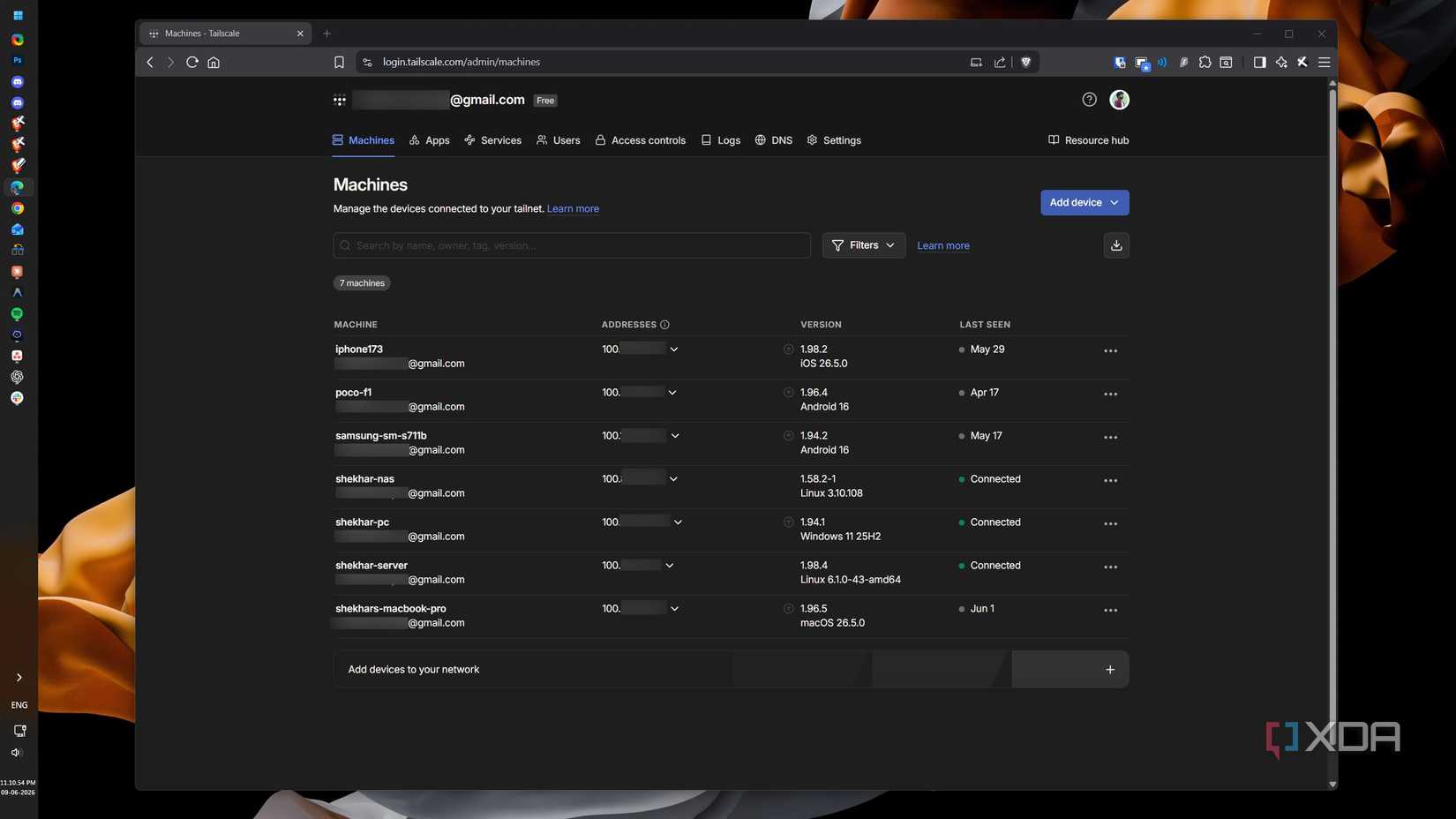
One of the most impressive outcomes was the realization that I didn’t need to change my habits. I continued to use the official Tailscale client on my MacBook and Windows machine. The experience was identical to the official service, right down to the "green light" on the tray icon. The fact that I could swap the entire backend of the infrastructure without touching the client-side configuration is a testament to the robustness of the Tailscale protocol implementation.
Future Expansion: Self-Hosting DERP
While I have successfully moved the control plane, I am still relying on Tailscale’s public DERP (Designated Encrypted Relay for Packets) servers to facilitate connections when direct P2P is blocked. The next logical step in this journey is to deploy my own DERP nodes. This would complete the circle, ensuring that even the relay traffic remains entirely within my own infrastructure.
Official Perspective and Community Context
The Tailscale team has been vocal about supporting the open-source community, and their protocol is intentionally designed to be interoperable. However, they are clear that the "commercial" version offers features that Headscale currently lacks—such as refined OIDC/SSO integration, enterprise-grade ACL management, and a polished, professional administrative dashboard.
For individual users, the trade-off is clear: do you value a "plug-and-play" experience managed by a professional team, or do you value the ability to audit every packet and host every component yourself?
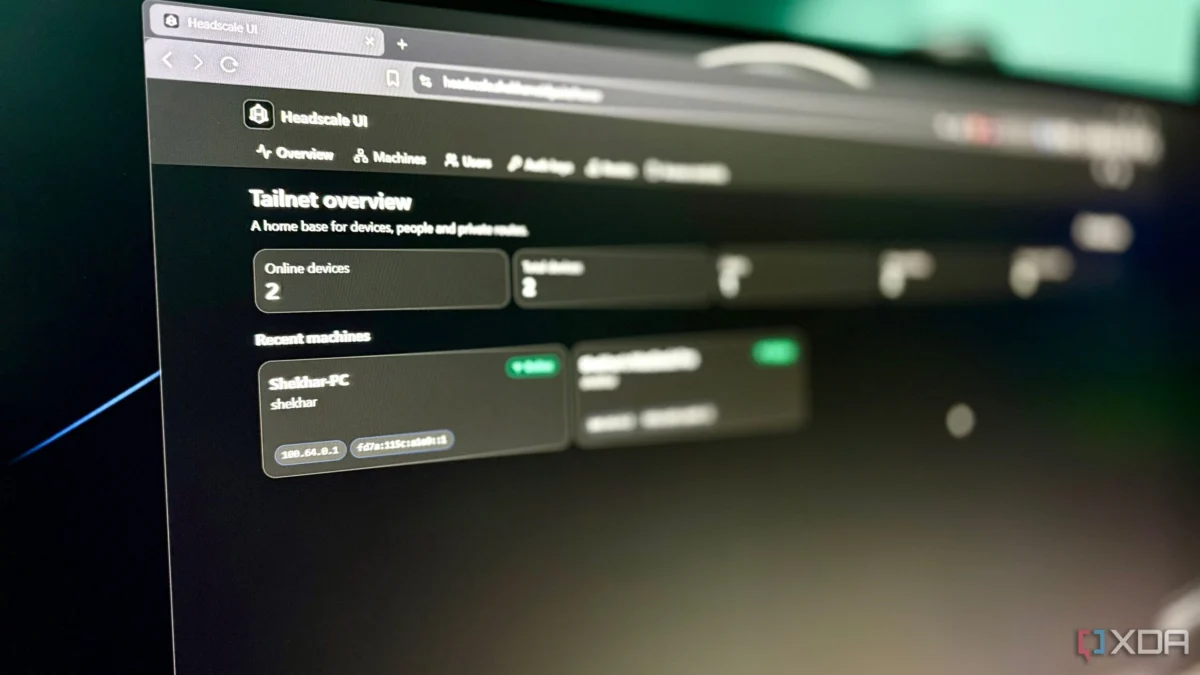
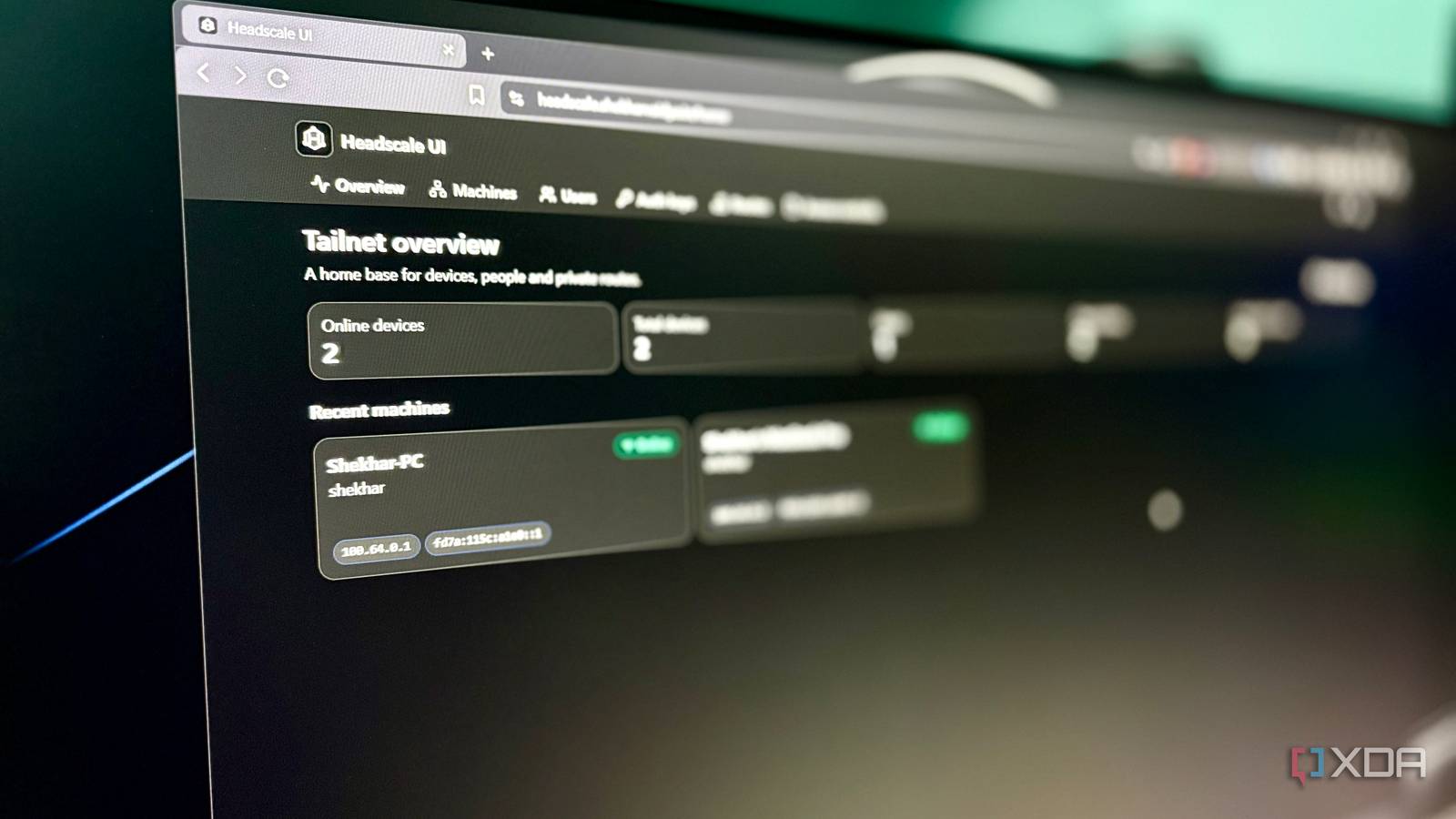
My experience with headscale-ui (a lightweight, modern interface for the Headscale backend) proved that the gap between the official experience and the DIY approach is shrinking. While I encountered minor friction—such as the requirement to manually set policies via the CLI—the end result is a highly functional, secure, and private mesh network that behaves exactly like the commercial alternative.
Final Thoughts
Self-hosting the brain of your network is not for everyone. It requires a baseline level of proficiency with Docker, reverse proxies, and YAML configuration. It requires a willingness to debug issues that, in a commercial product, would be handled by a support team.
However, for those who view their home network as a sandbox for learning and a bastion of digital privacy, Headscale is a game-changer. It takes the "magic" of Tailscale and demystifies it, proving that you can have the best of both worlds: the convenience of a modern mesh VPN and the uncompromising control of your own infrastructure. My network is now truly mine, from the physical hardware to the digital control plane that orchestrates it.