

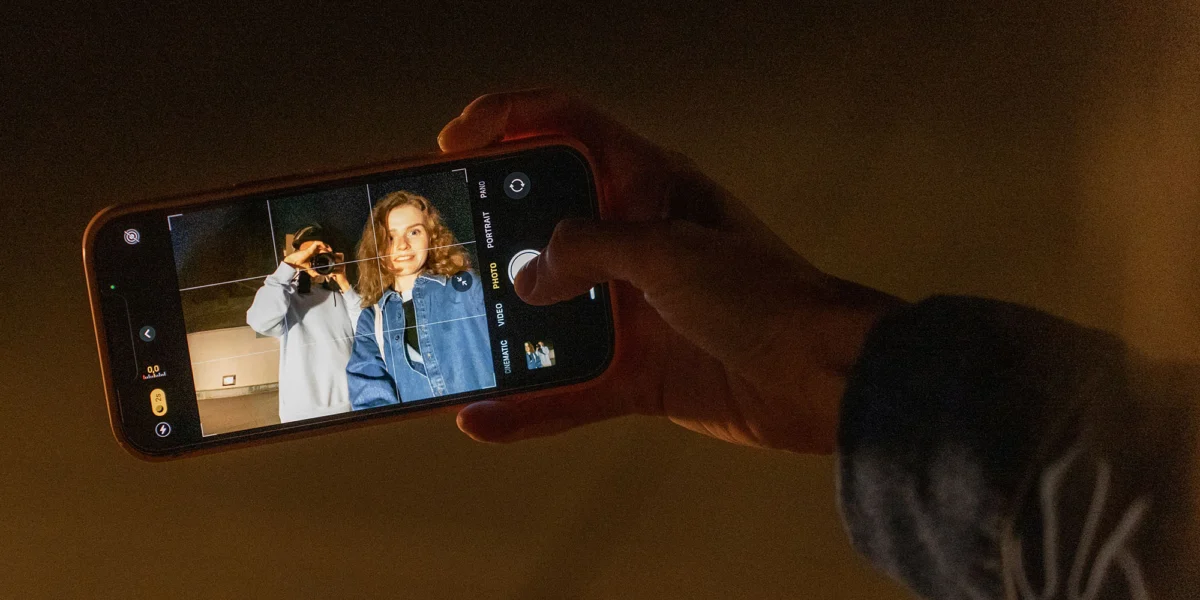
For nearly two decades, Apple’s native Camera app has stood as the gold standard for "point-and-shoot" simplicity. Its philosophy was rooted in the idea that technology should fade into the background, allowing the user to capture a moment without wrestling with technical parameters. However, as iPhone hardware has evolved from simple digital sensors to computational photography powerhouses, the software interface has become increasingly crowded.
Reports suggest that with the upcoming release of iOS 27, Apple is finally prepared to address this friction. By introducing a modular, fully customizable interface, Apple is moving away from a "one-size-fits-all" design toward a user-centric experience that promises to satisfy both casual snapshooters and seasoned photography enthusiasts.
The Philosophy of "It Just Works"
When the original iPhone debuted, the Camera app was a study in minimalism. It served a singular purpose: to democratize photography. By automating white balance, focus, and exposure, Apple ensured that even a novice could walk away with a "decent result." This was the digital equivalent of the disposable camera—a tool that made photography accessible, immediate, and frictionless.
Under the hood, however, this simplicity masked a staggering amount of technical complexity. To achieve those "decent results," Apple pioneered the use of scene-recognition algorithms and multi-frame processing. When you press the shutter button on a modern iPhone, the device isn’t just taking a picture; it is capturing a series of exposures, analyzing them for lighting and subject matter, and stitching together the optimal version of that image.

This "magic" works because it happens in the background. The user sees a simple screen, while the iPhone’s Neural Engine performs millions of operations. For the vast majority of the user base, this is the ideal experience. They have no desire to understand ISO, shutter speed, or color temperature—they simply want the photo to look good.
Chronology: From Simple Shutter to Pro-Level Toolkit
To understand the necessity of the upcoming changes in iOS 27, we must look at how the Camera app has grown over the last decade:
- 2007–2012 (The Foundation): The focus was on basic capture. The interface was bare-bones, with few options beyond a digital zoom and a grid toggle.
- 2013–2016 (The Rise of Intelligence): Apple introduced features like HDR, Burst Mode, and slow-motion video. The UI began to expand, adding a ribbon of modes above the shutter button.
- 2017–2020 (Computational Complexity): The introduction of Portrait Mode, Deep Fusion, and Night Mode significantly increased the number of "toggles" in the interface.
- 2021–2024 (Manual Control Expansion): With the introduction of Photographic Styles and ProRAW, Apple began giving users granular control over tone, warmth, and file formats.
- 2025 (The Camera Control Button): Apple integrated hardware-level touch sensitivity into the chassis of the iPhone, allowing users to slide and click to change settings. While innovative, it marked a point where the interface became "fiddly" for many users, as it forced complex touch interactions into a small, physical space.
This timeline illustrates a clear trajectory: Apple has been steadily layering professional-grade tools onto an interface originally designed for a single button. The result is a fragmented UI where some settings are buried in the Settings app, some are in the camera ribbon, and others are hidden behind a long-press or swipe gesture.
Supporting Data: The Case for Customization
The push for a customizable interface isn’t just about personal preference; it is rooted in usability studies regarding "cognitive load." When a user is tasked with finding a specific setting—such as switching from HEIF to ProRAW or toggling off "Live Photos"—the time spent navigating menus can cause them to miss the shot entirely.
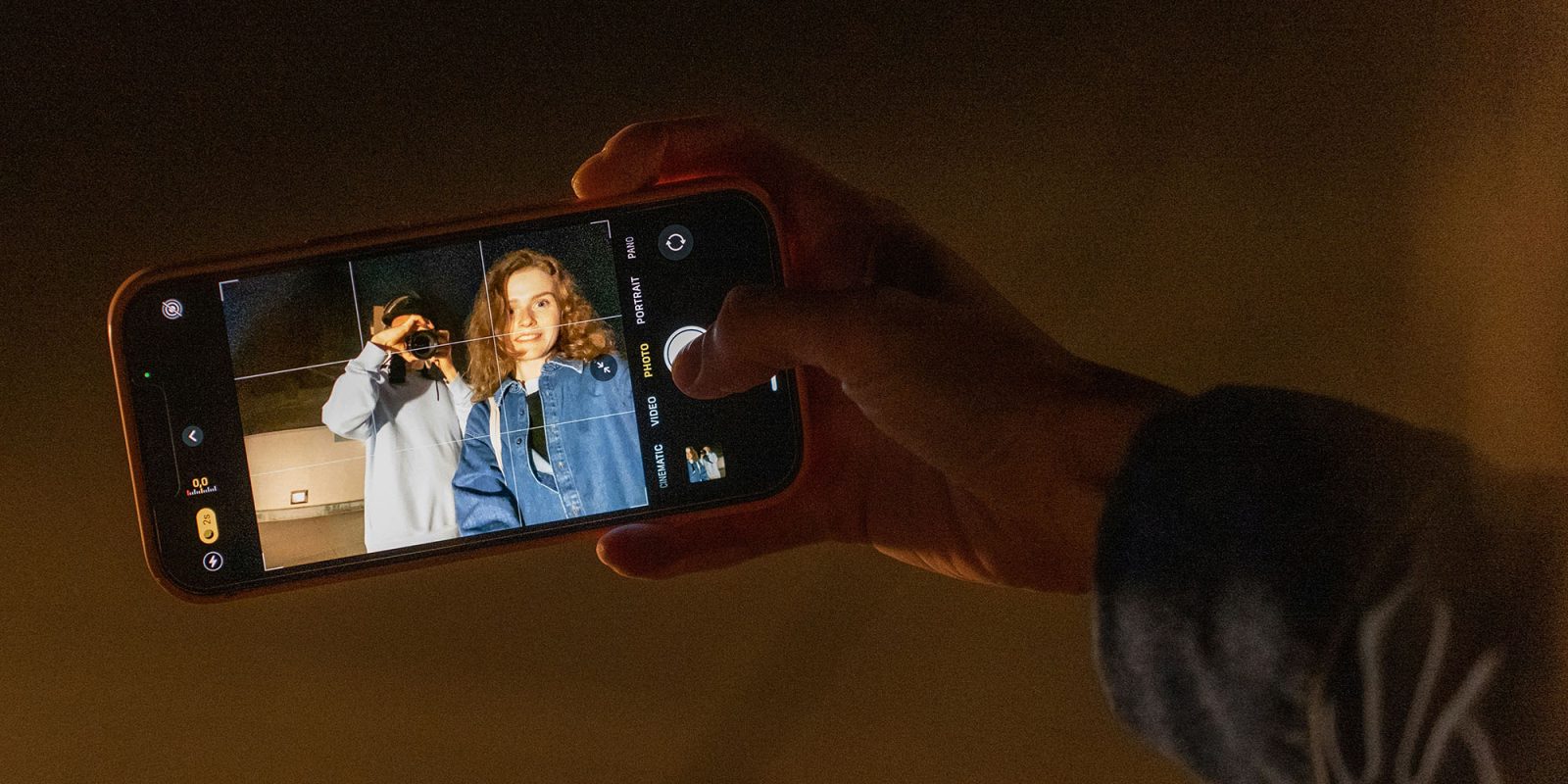
Industry analysts note that as smartphone hardware becomes commoditized, the "user experience" (UX) becomes the primary differentiator. If a user is forced to navigate through three menus to turn off the flash, they are likely to view the software as a hindrance rather than a help.
The proposed "widget-based" system in iOS 27 mirrors the successful design language of the iOS Lock Screen and Home Screen, where Apple has already proven that users value the ability to pin their most-used tools. By allowing users to drag-and-drop buttons for Night Mode, resolution toggles, or specific photographic styles, Apple is essentially allowing every user to build their own bespoke camera app.
Official Responses and Industry Context
While Apple has not yet issued a formal press release detailing the specifics of iOS 27, the industry buzz surrounding the Bloomberg report confirms that internal testing is well underway. Apple’s approach to these updates usually follows a strict pattern of "internal beta, public preview, and broad release."
Industry experts suggest that this shift is part of a broader "modularization" of iOS. As Apple continues to add features related to Vision Pro integration and advanced AI-driven editing, the traditional static menu system is no longer sustainable.

"We are seeing a shift from ‘Apple knows best’ to ‘Apple provides the framework,’" says tech analyst Marcus Thorne. "By allowing users to define their workspace, Apple is acknowledging that a wedding photographer, a social media influencer, and a parent taking photos of their toddler have wildly different needs. Forcing them to use the same interface is no longer logical."
Implications: The Future of Mobile Imaging
If implemented effectively, the iOS 27 camera update will have profound implications for the mobile photography ecosystem.
1. The Death of Third-Party Utility Apps
For years, apps like Halide or ProCamera have thrived by offering the manual controls that Apple’s stock app lacked. If Apple brings "pro-level" customization to the stock app, these developers will need to pivot their value propositions toward unique, AI-driven creative tools rather than basic interface customization.
2. Efficiency and Speed
The ability to remove unwanted buttons—like the flash toggle for those who never use it—will declutter the screen, allowing for a cleaner "viewfinder" experience. This creates a psychological benefit: the less "tech" you see, the more focused you are on the subject.

3. Professional Workflow Integration
For content creators, the ability to create a "Video Mode" preset that places white balance and frame rate toggles at the top of the screen will be a game-changer. This could potentially turn the iPhone into a more viable tool for run-and-gun videography, reducing the reliance on external hardware controllers.
4. A New Standard for Accessibility
Customizable interfaces are not just a convenience; they are a vital accessibility feature. Users with limited motor control or those who need high-contrast, larger-touch-target buttons will finally be able to arrange the interface in a way that works for them, rather than struggling with Apple’s default spacing.
Conclusion: Finding the Balance
The ultimate goal of photography—whether on a $5,000 Leica or a $1,000 iPhone—is to capture the truth of a moment. For years, Apple has succeeded by making the camera invisible. Now, by offering customization, they are acknowledging that the "best" camera is the one that stays out of your way.
The transition to a widget-based, customizable Camera app in iOS 27 represents a maturation of the iPhone. It signals that Apple is confident enough in its core computational photography engine to let the user take the wheel on the interface. Whether you are a professional who needs immediate access to RAW settings or a casual user who just wants to snap a picture of your dinner, the future of the iPhone camera looks to be more personal, more efficient, and more powerful than ever before.

As we await the official unveiling of iOS 27, one thing is certain: the era of the static, one-size-fits-all camera interface is coming to a close. The future is whatever you choose to put on your screen.












No comments yet. Be the first to join the conversation!