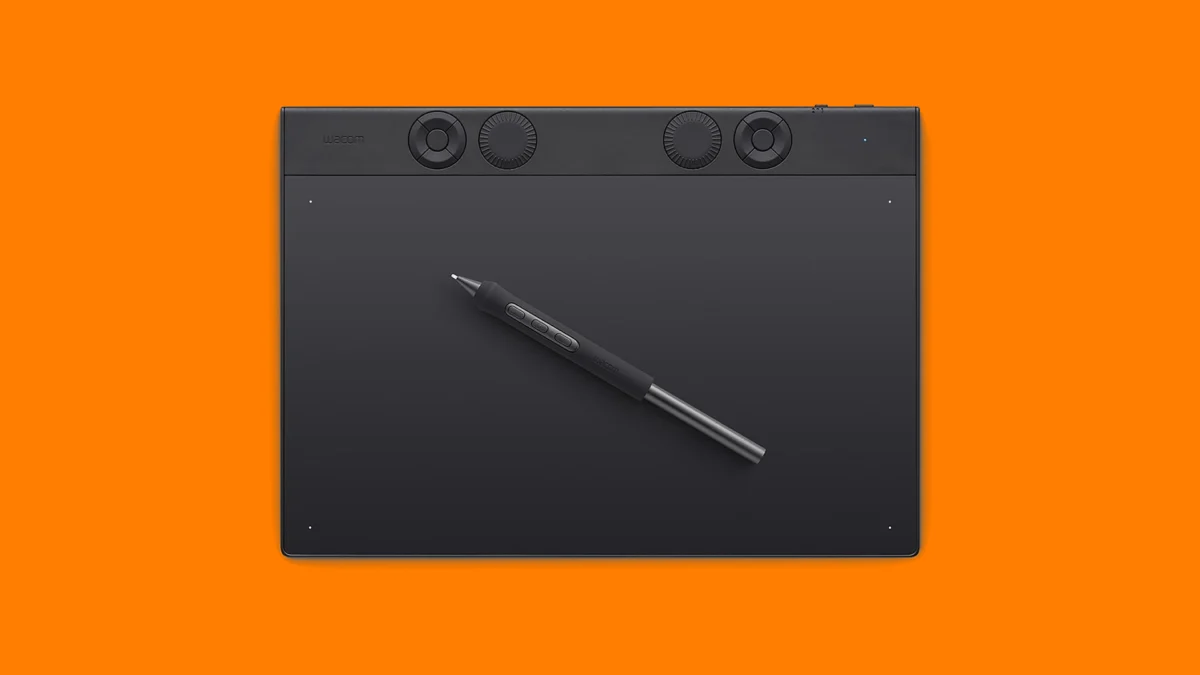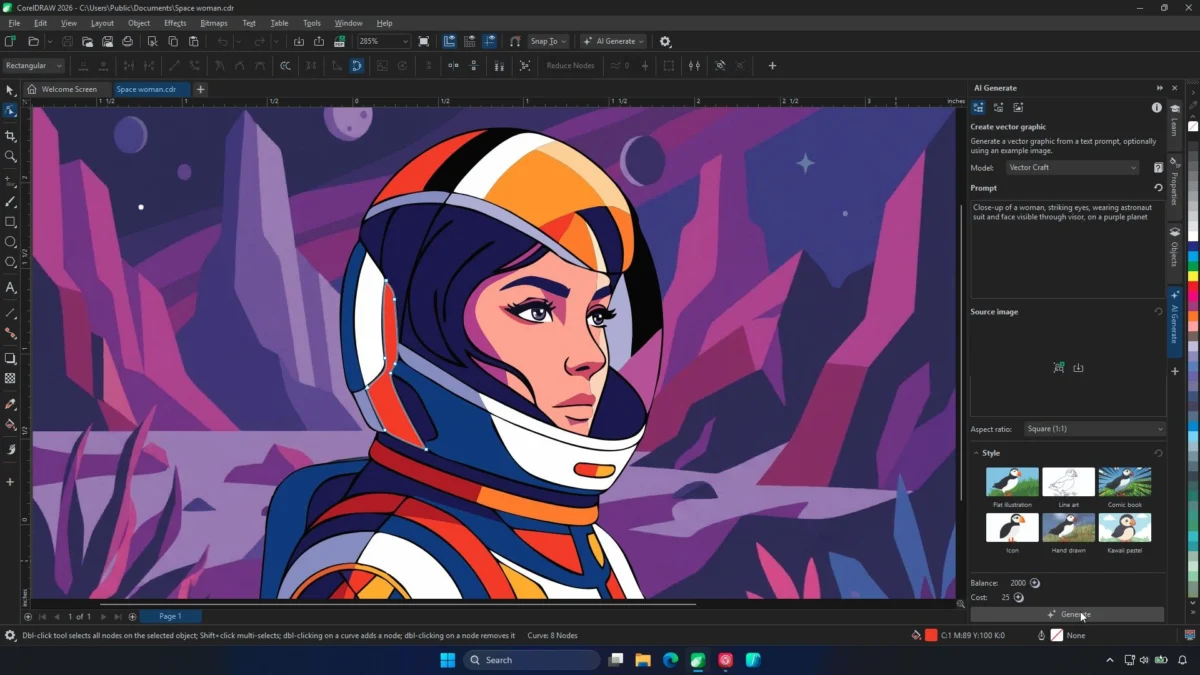
In the modern digital landscape, the difference between a good creative and a great one often boils down to efficiency. As software like Adobe Premiere Pro, DaVinci Resolve, and Photoshop become increasingly complex, the reliance on traditional keyboard shortcuts has become a bottleneck for professional creators. Enter the TourBox Elite Plus, a dedicated editing console designed to replace keyboard gymnastics with a tactile, intuitive, and highly customizable hardware interface.
Positioned at the apex of TourBox’s current lineup, the Elite Plus is not merely a peripheral; it is an attempt to fundamentally redefine the relationship between the artist and their digital canvas. By offering multi-dimensional input, haptic feedback, and a massive array of assignable functions, it aims to keep the creative "in the flow" rather than searching for the correct key combination.
Main Facts: What is the TourBox Elite Plus?
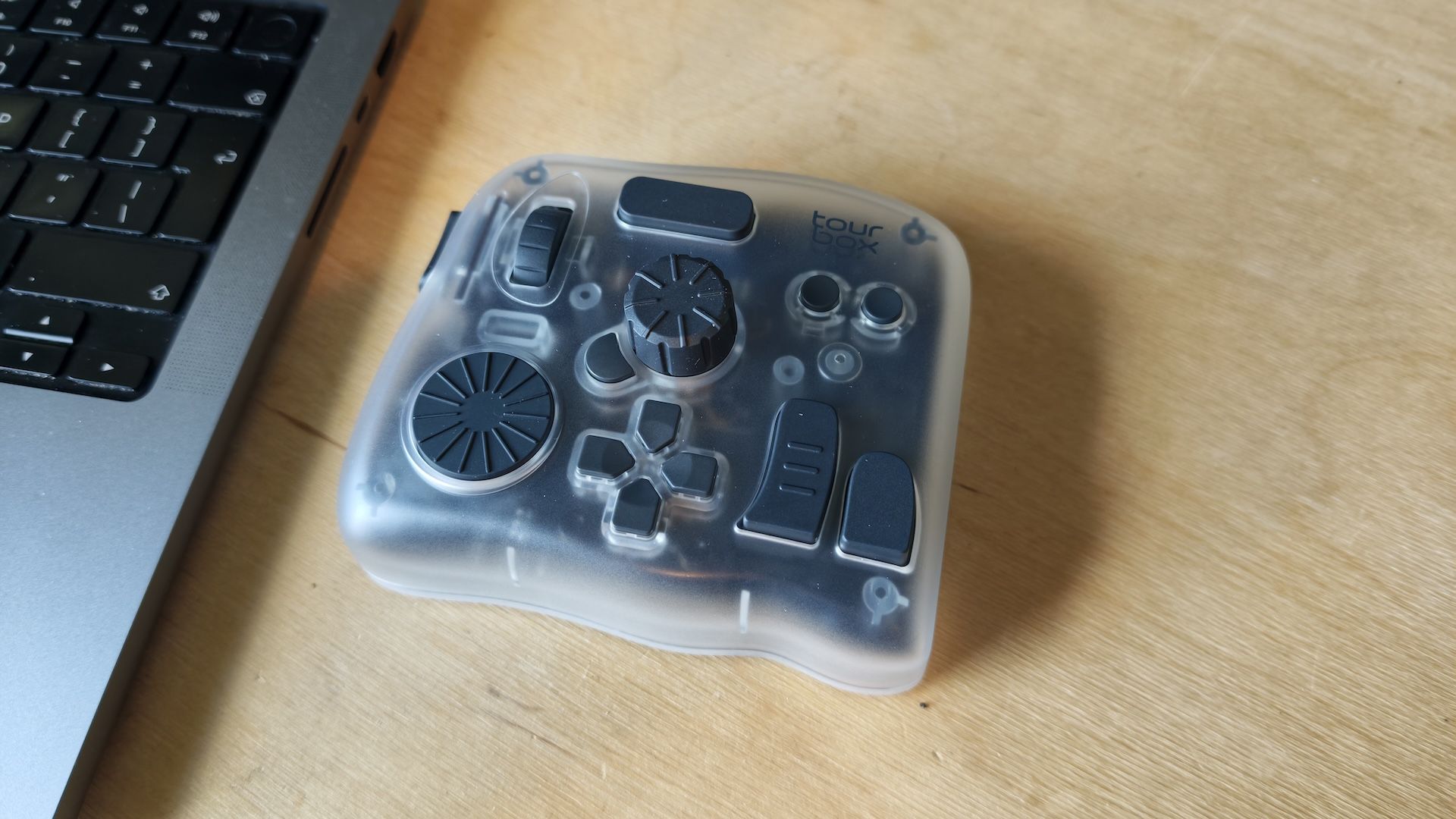
The TourBox Elite Plus is a professional-grade creative console engineered to streamline the workflows of photographers, videographers, illustrators, and colorists. Unlike standard macro pads, the Elite Plus features a unique, ergonomic layout comprising dials, knobs, scrollers, and buttons, all housed in a chassis that feels purpose-built for one-handed operation.
Key Specifications:
- Connectivity: Dual-channel Bluetooth and wired USB-C options.
- Tactile Feedback: Advanced haptic touch engine for precise control.
- Customizability: Over 400 assignable functions per preset.
- Compatibility: Native support for Adobe Creative Cloud, DaVinci Resolve, Capture One, and various 3D applications.
- Build: Premium, semi-transparent plastic aesthetic with high-end mechanical switches.
The device is designed to sit alongside your drawing tablet or mouse, acting as an extension of your creative intent. By allowing the user to map complex macros—such as timeline zooming, brush size adjustment, color grading adjustments, and tool switching—to physical dials, it eliminates the need to constantly look down at a keyboard.
Chronology: The Evolution of the TourBox Ecosystem
To understand the significance of the Elite Plus, one must look at the evolution of the TourBox brand.
- The Early Days (TourBox Lite/NEO): TourBox first gained traction by offering a cost-effective alternative to the expensive, monolithic editing consoles of the past. These early models proved the concept: editors wanted tactile control. However, they were often tethered by cables and lacked the "premium" feel that high-end studio professionals demanded.
- The Shift to Wireless: With the introduction of the original TourBox Elite, the company successfully integrated Bluetooth connectivity, addressing the need for a cleaner, cable-free workspace.
- The Elite Plus Arrival: The "Plus" iteration represents the pinnacle of this journey. It refines the haptic engine, improves the Bluetooth stability, and enhances the overall build quality to ensure it stands up to the rigors of a daily, eight-hour-plus editing cycle.
Supporting Data: Performance and Ergonomics
Our testing, conducted over dozens of hours of intensive editing, reveals that the TourBox Elite Plus is a force multiplier. When editing a 4K project in DaVinci Resolve, the ability to use the "Big Knob" for timeline scrubbing while simultaneously using the side buttons for razor-tool cuts saved an estimated 15-20% in overall project time.
The Power of Customization
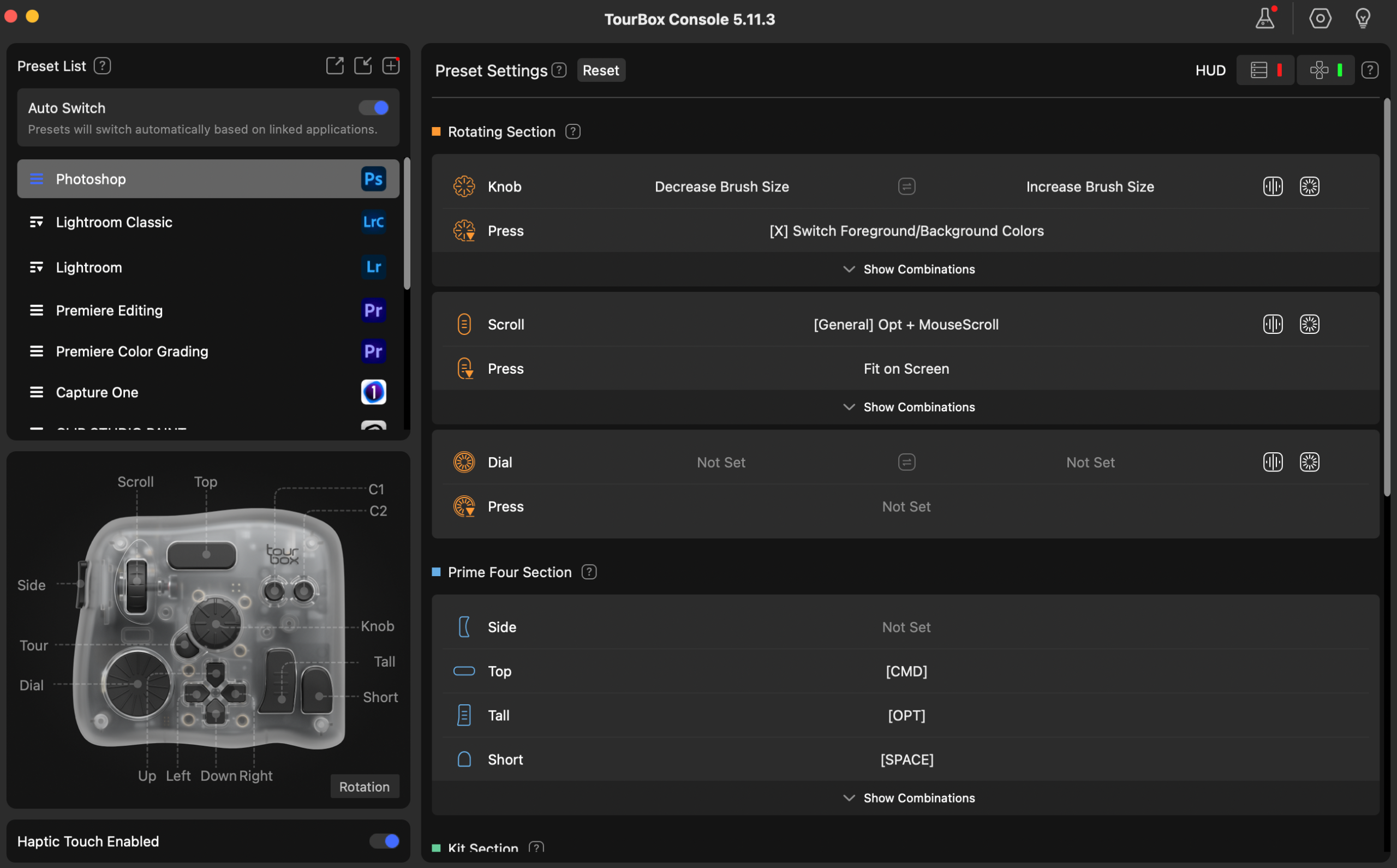
The TourBox Console software is the "brain" of the device. It allows users to set up context-sensitive profiles. If you move from Lightroom to Photoshop, the console detects the active window and automatically switches your mapping.
- Presets: With over 400 potential functions, you can create a "nested" system where one button performs different actions based on whether it is clicked, double-clicked, or held down.
- Haptic Precision: The inclusion of haptic feedback is a standout feature. When rotating a dial to adjust exposure or color temperature, the device provides a subtle vibration that mimics a physical gear-click. This allows the editor to make micro-adjustments without needing to stare at numerical values on the screen.
Hardware Build Considerations
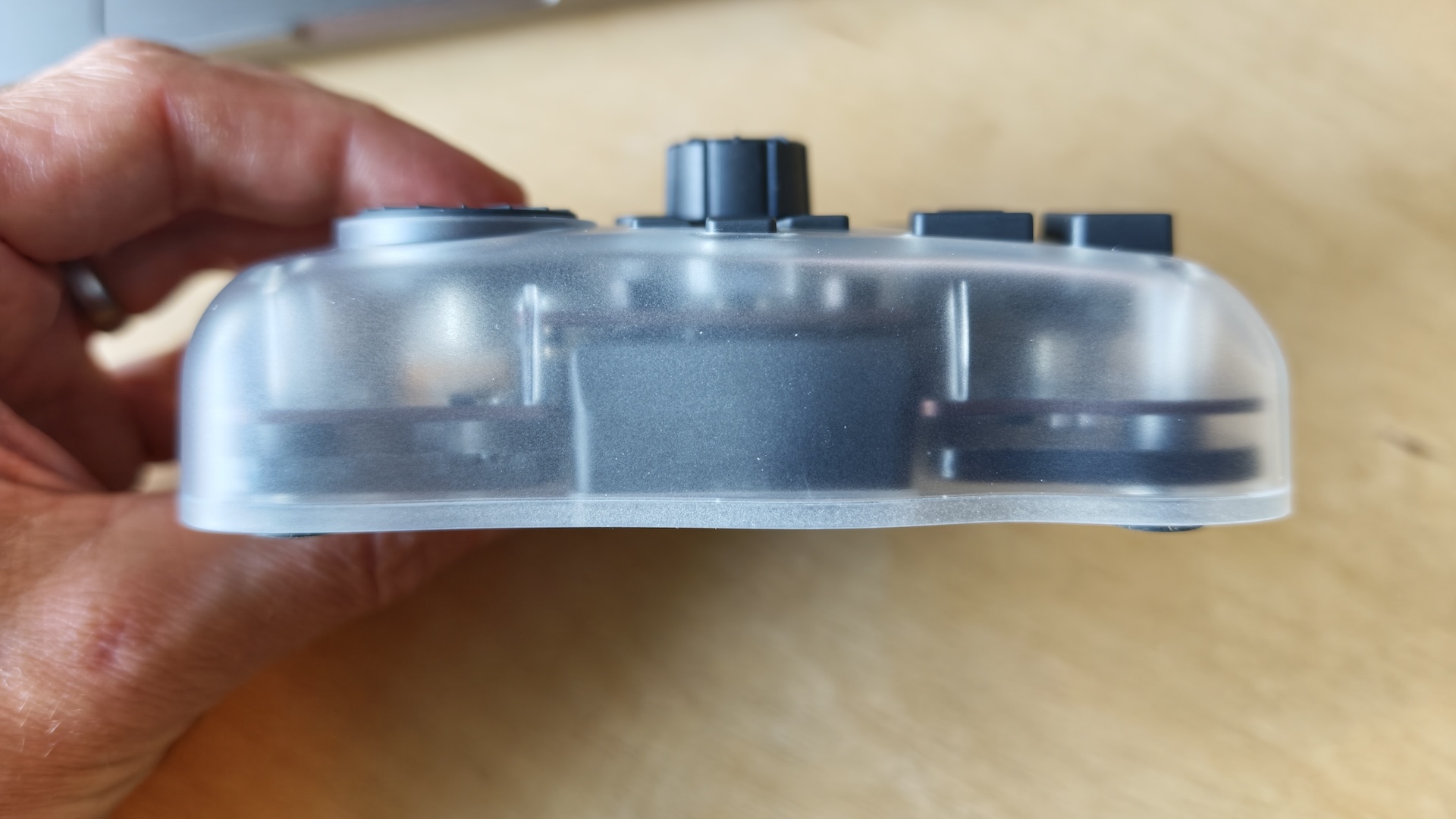
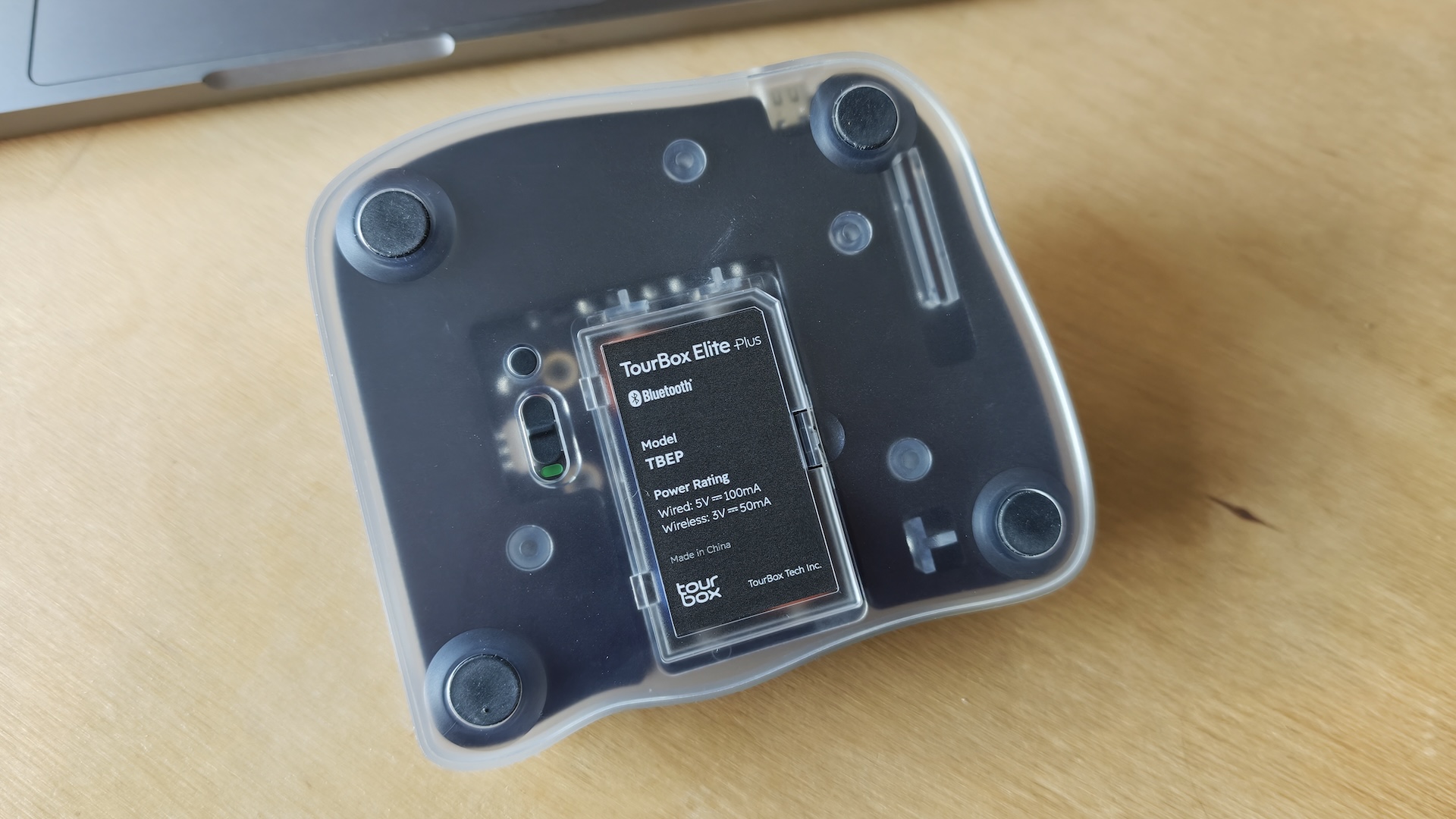
The device features a see-through plastic casing that reveals the internal components—a design choice that appeals to the "tech-enthusiast" demographic. However, there is room for improvement. While the weight gives it a premium feel, the surface texture is smooth plastic. As noted in our testing, a rubberized or soft-touch coating would provide better grip during long, sweaty editing sessions and potentially offer more protection against accidental drops.
Official Responses and Market Positioning
TourBox positions the Elite Plus as a "premium tool for premium results." In an interview regarding the design philosophy, company representatives emphasized that the goal was to "reduce the cognitive load on the artist." By externalizing the software shortcuts into a physical map, the artist can rely on "muscle memory" rather than intellectual recall.
The Competition
The market for editing consoles is heating up.
- Logitech MX Creative Console: Retailing at roughly $189, it offers a modular approach with a dedicated screen-based controller. It is more compact and visually modern but lacks the sheer depth of controls found on the TourBox.
- XPPen Pilot Pro: A strong contender specifically for video editors, it focuses heavily on timeline-scrubbing controls. It is more affordable but lacks the broad software integration that makes the TourBox a "Swiss Army Knife" for various creative disciplines.
At a price point of $297 (often found on sale for $267), the TourBox Elite Plus is a significant investment. It is not an entry-level peripheral; it is a professional-grade instrument that requires a learning curve.
Implications: Is It Right for You?
The transition to a console-based workflow is not for everyone. The implications of adopting the TourBox Elite Plus are twofold:
1. The Productivity Gain
For a professional video editor, colorist, or retoucher, the Elite Plus is a game changer. The ability to manipulate software parameters with two hands—one on the pen/mouse and one on the console—creates a fluid, rhythmic workflow. You are no longer "using a computer"; you are "sculpting media."
2. The Learning Curve
Users must be prepared for a period of adjustment. You cannot unbox the device and immediately be at full speed. It takes approximately 7 to 10 days of consistent use to build the muscle memory required to stop looking at the device. Furthermore, if you are a casual hobbyist who only opens Photoshop once a month, the keyboard will likely remain more efficient.
Verdict
The TourBox Elite Plus is currently the most robust and versatile editing console on the market. It effectively bridges the gap between software complexity and human intuition. While we would love to see a slightly lighter, rubberized version in the future to improve grip, the current hardware is exceptionally engineered.
Who should buy it?
- Daily Professionals: If you spend four or more hours a day in creative software, the ROI on time saved will pay for this device within a month.
- Power Users: Those who rely on complex macros and want to keep their keyboard free for typing-specific tasks.
- The "Flow" Seekers: If you find that keyboard shortcuts disrupt your creative momentum, the Elite Plus provides the tactile engagement needed to keep your focus on the art.
Who should skip it?
- Casual Editors: The investment is likely unnecessary for those who only edit occasionally.
- 3D Sculptors/Modelers: While it works, the specific layout of the Elite Plus is optimized more for timeline/layer-based software than for the viewport navigation required in 3D modeling.
In summary, the TourBox Elite Plus is a masterclass in peripheral design. It empowers the user to stop fighting their software and start mastering their craft. It is a premium, powerful, and ultimately essential tool for the modern digital creator.