

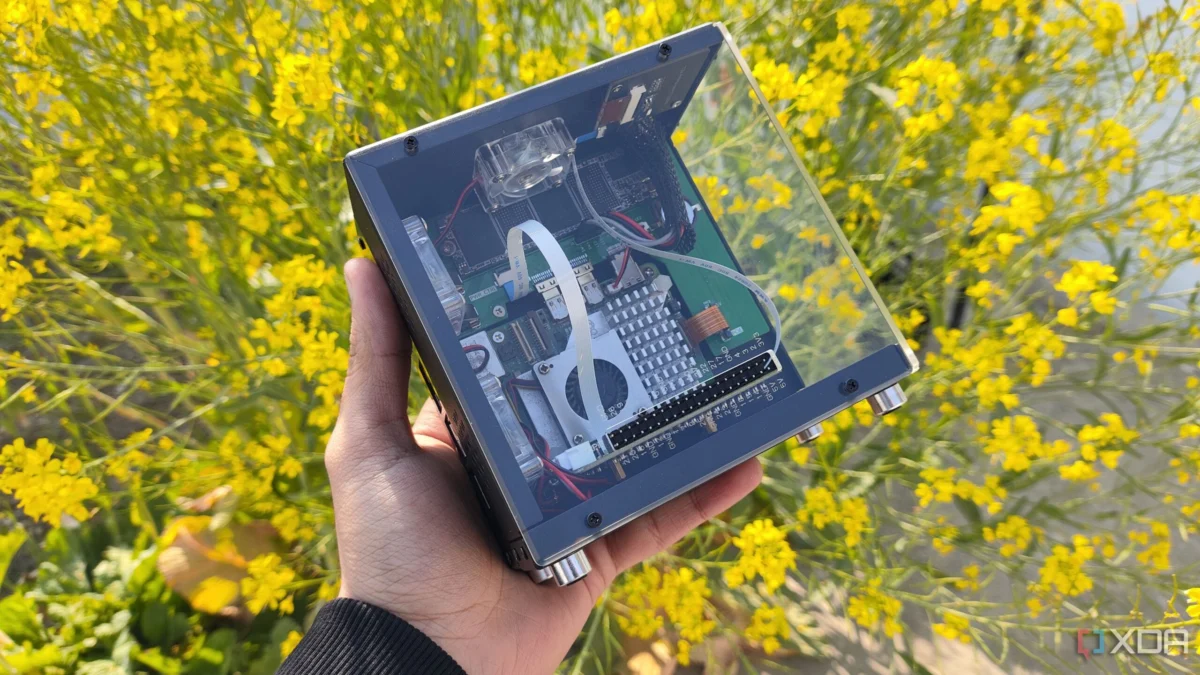
Building a Network-Attached Storage (NAS) server is a rite of passage for every PC enthusiast. Traditionally, this involves scavenging old hardware—a dusty office PC or a retired gaming rig—and loading it with an array of hard drives to create a centralized backup hub. While x86-based systems remain the industry standard for home labs due to their inherent compatibility and expandability, the rise of the Raspberry Pi has sparked an endless curiosity: Can these ARM-based single-board computers (SBCs) truly handle the heavy lifting required of a NAS?
Historically, the answer has been a lukewarm "no." Raspberry Pi units often struggle with power constraints, limited I/O throughput, and a lack of proper UEFI firmware, which renders professional-grade storage OSs like TrueNAS inaccessible. However, a recent community-driven breakthrough has changed the conversation. By bridging the gap between ARM architecture and TrueNAS, enthusiasts are now testing whether the Raspberry Pi 5 can serve as a functional, if unconventional, storage node.
The Technical Hurdle: Why ARM and TrueNAS Don’t Mix
To understand the significance of this project, one must understand the foundation of TrueNAS. TrueNAS is built on the robust ZFS file system, which is renowned for its data integrity, compression, and snapshot capabilities. However, ZFS is a resource-intensive beast, and the TrueNAS distribution itself is designed for x86-64 hardware.
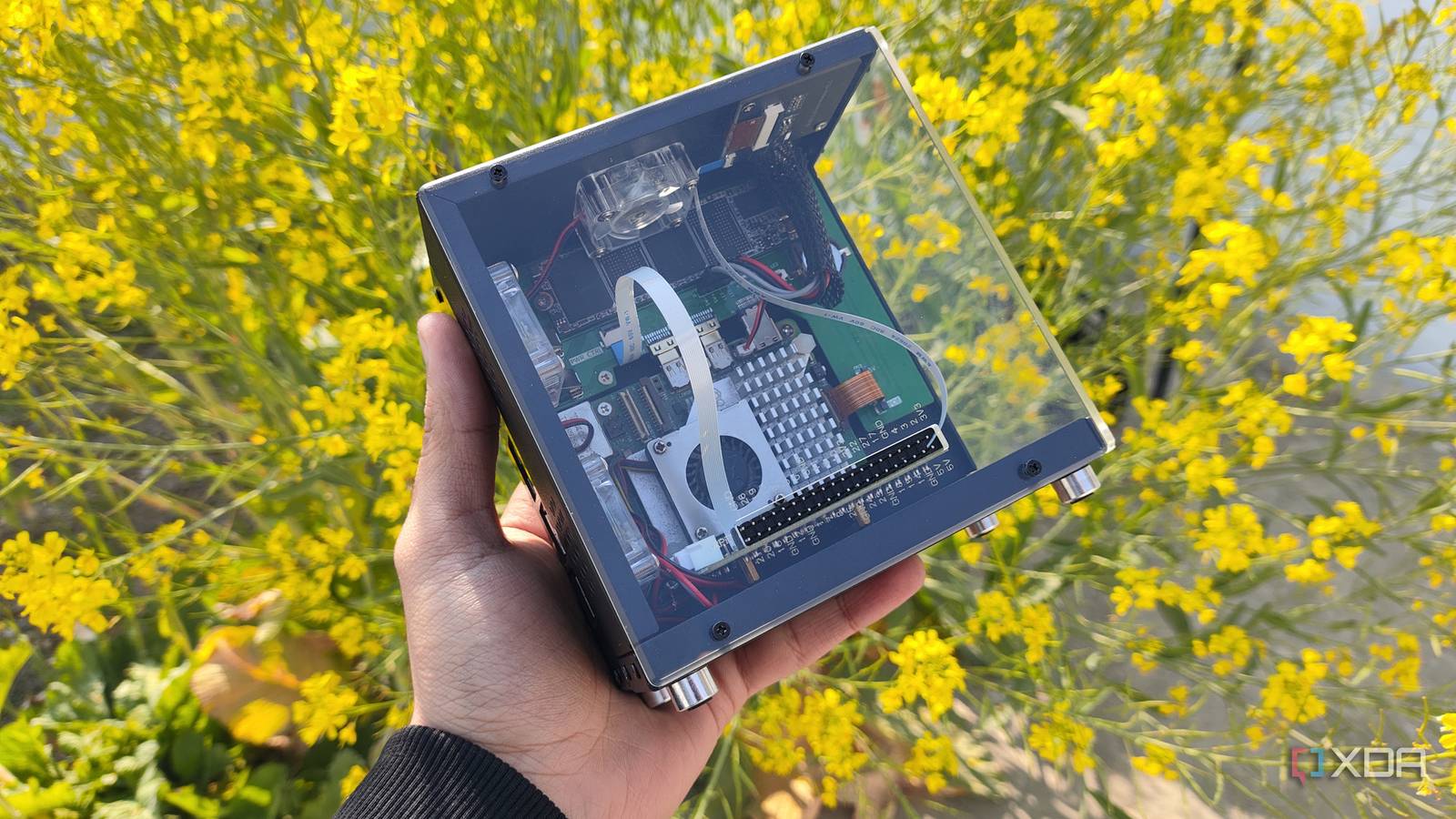
The Raspberry Pi 5, while significantly more powerful than its predecessors, operates on the ARM architecture. When you combine this architectural mismatch with the Pi’s lack of a traditional BIOS or UEFI—the standard interface that allows hardware to talk to an OS before booting—you encounter a massive "incompatibility wall." Most professional storage operating systems expect a PC-like environment. Without it, you are effectively trying to fit a square peg in a round hole.
Chronology of a Hack: The Path to TrueNAS-on-ARM
The journey to getting TrueNAS running on a Raspberry Pi 5 wasn’t a straightforward installation process; it was a sequence of careful workarounds and community ingenuity.
1. The UEFI Breakthrough
The turning point came with the development of custom UEFI packages, most notably the rpi5-uefi repository. This project provides the necessary "shim" that allows the Raspberry Pi to mimic a standard PC boot sequence. By formatting a microSD card to FAT32 and injecting the UEFI files, the Pi is tricked into thinking it is a standard motherboard, which is the prerequisite for even launching the TrueNAS installer.

2. The Boot Partition Dilemma
Because the microSD card must be dedicated to hosting the UEFI firmware, the actual installation of TrueNAS required a separate boot drive. In a standard build, you might use a high-speed NVMe SSD, but in this experimental phase, a USB flash drive was used to boot the OS. This immediately highlighted the limitations of the Pi’s I/O; while functional, it is far from the optimized architecture of a dedicated server motherboard.
3. The Connectivity Crisis
Perhaps the most significant challenge encountered was the "side effect" of the UEFI hack. Implementing the UEFI firmware rendered several onboard components—including the Ethernet port, GPIO pins, and the PWM fan controller—unresponsive. This created a paradoxical situation: a NAS without a functional network port. The solution involved utilizing a USB-to-Ethernet adapter, which, while effective, consumed one of the few high-speed USB slots, further limiting the number of drives that could be attached.
Supporting Data: Performance Metrics and Real-World Utility
Despite the convoluted setup, the system performed with surprising stability once the configuration was finalized.

- Data Transfer Speeds: Using a 2.5G Ethernet adapter and a single SATA SSD connected via USB, the system managed a consistent transfer rate of approximately 210MB/s. For a device the size of a credit card running an incompatible, heavy-duty OS like TrueNAS, this is a remarkable feat.
- ZFS Functionality: The core appeal of TrueNAS is ZFS, and the system did not disappoint. Users were able to create ZFS storage pools, manage datasets, and configure SMB shares without significant errors.
- Maintenance Tasks: Standard server operations, such as rsync tasks for automated backups and ZFS scrub operations (the process of checking for and repairing data corruption), executed as expected.
However, the "TrueNAS Experience" was not entirely complete. The native app ecosystem—the library of pre-configured Docker containers and plugins common in TrueNAS—did not function on the ARM architecture. Users looking to deploy media servers like Plex or Jellyfin directly through the TrueNAS interface would find themselves blocked. The workaround, however, was simple: deploying custom LXC (Linux Containers) manually, which provided the necessary flexibility for a savvy user.
Implications for the Home Lab Community
Does this make the Raspberry Pi 5 a legitimate contender for your primary home server? Not quite.
The Cost-to-Performance Ratio
When factoring in the cost of the Raspberry Pi 5, the necessary cooling accessories, high-speed power supplies, the USB-to-Ethernet adapter, and the high-end SD cards or SSDs required for a stable setup, the total cost quickly approaches—or even exceeds—the price of a used x86 mini-PC. A retired Dell OptiPlex or a Lenovo ThinkCentre would not only provide better raw performance but would also offer native support for TrueNAS, avoiding the headache of custom UEFI firmware and potential instability.
The Use Case for "Budget-Friendly" Redundancy
The true value of the "TrueNAS-berry Pi" lies in the realm of redundant, offsite storage. If a user already possesses a spare Pi 5, this setup becomes an excellent candidate for a secondary backup node.
By pairing the Pi with a tool like Tailscale for secure, remote access, it can act as a secondary backup target for a primary NAS. In a 3-2-1 backup strategy (three copies of data, two different media, one offsite), the Raspberry Pi is a perfectly capable "one offsite" machine. It consumes minimal power, runs silently, and can be hidden away in a remote location, pulling rsync backups from the main server overnight.
Official Stance and Technical Considerations
While the developers of TrueNAS (iXsystems) have not officially sanctioned or supported ARM-based installations, the community enthusiasm suggests that interest in ARM-based storage is growing. The primary concern, however, remains data integrity. ZFS relies on consistent, reliable hardware interactions. Using USB-to-SATA adapters—the only way to connect multiple drives to a Pi—can introduce latency and potential failure points that aren’t present in native SATA or NVMe connections.
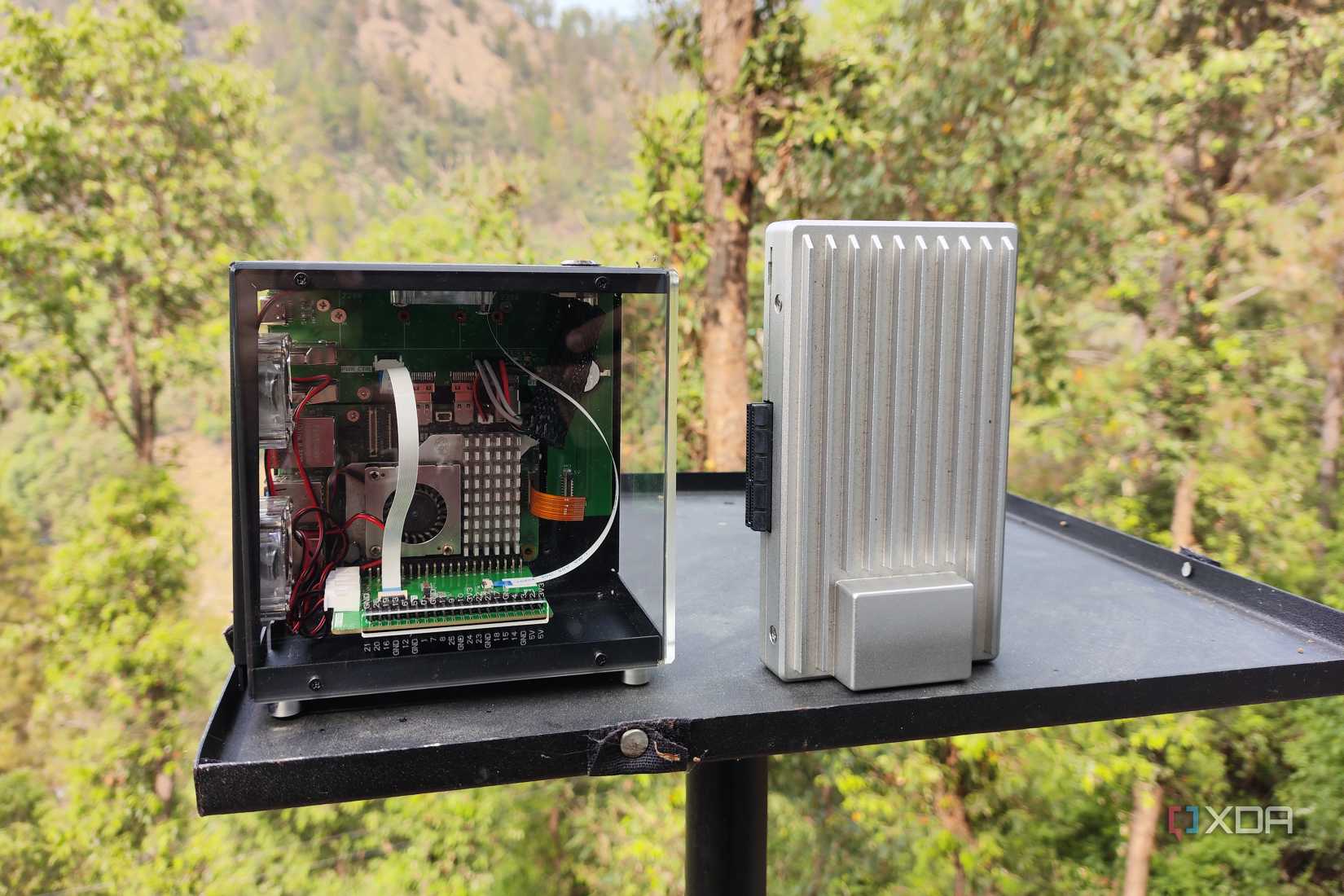
Furthermore, the long-term reliability of SSDs in a NAS environment is well-documented, but the specific power-delivery challenges of the Raspberry Pi mean that fluctuations in current can lead to drive disconnects or corruption if not managed by a high-quality, powered USB hub.
Conclusion: A Wacky Project with Genuine Utility
The experiment of running TrueNAS on a Raspberry Pi 5 is a testament to the incredible flexibility of modern open-source software and the relentless drive of the Linux community. It is a "wacky" project in the best sense of the word—it pushes hardware beyond its intended limits and challenges the definitions of what a "server" can be.
For those looking to build a primary storage server, the advice remains the same: stick to x86. The reliability, driver support, and scalability of traditional PC architecture are simply unmatched for critical data. But for the tinkerer, the hobbyist, and the person looking to put a spare Pi to good use, this setup offers a fascinating, functional, and highly educational look at ZFS and NAS management. It might not be the most practical solution, but in the world of DIY computing, that has never been the point.











No comments yet. Be the first to join the conversation!