

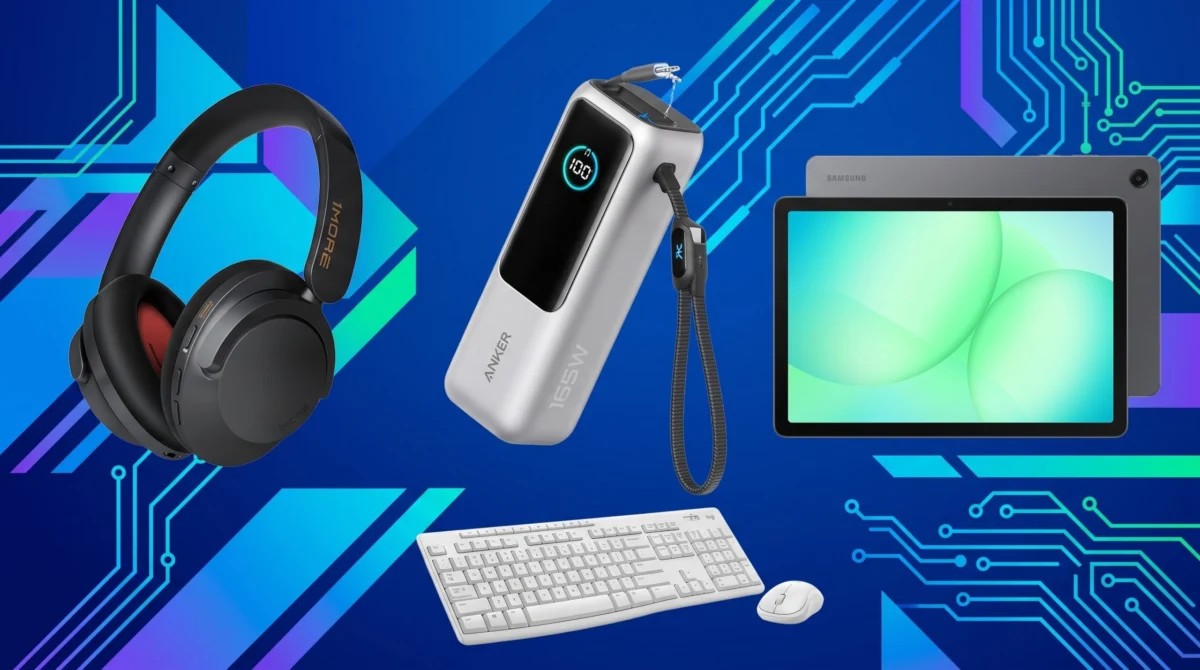
The ritual of "Back-to-School" shopping has undergone a profound transformation. What was once a simple exercise of procuring notebooks, fountain pens, and sturdy binders has evolved into a strategic procurement process for the modern digital learner. As academic environments increasingly rely on cloud-based collaboration, remote lecture access, and high-performance research tools, the hardware students choose becomes a critical determinant of their academic efficiency.
In an era where the boundary between the classroom and the home office has blurred, "working smarter, not harder" is no longer just a productivity mantra—it is a functional necessity. To navigate this landscape, we have curated an essential guide to the hardware and peripherals that can redefine the student experience.
The Shift Toward Digital Literacy: Why Your Tech Matters
Modern education requires a robust technical foundation. The transition from physical textbooks to interactive digital platforms, research databases, and AI-assisted study tools necessitates hardware that is both reliable and versatile.
When selecting devices, students should prioritize longevity and compatibility. An investment in a high-quality laptop or a reliable tablet is not merely a purchase; it is an investment in cognitive infrastructure. High-performance devices reduce friction in the learning process, allowing students to spend less time troubleshooting hardware and more time engaging with course material.
1. The Core Infrastructure: Selecting the Right Laptop
The laptop remains the cornerstone of the student experience. For the 2024–2025 academic year, we have analyzed the market to identify machines that balance battery life, processing power, and portability.
The Powerhouse Choice
For students in engineering, data science, or graphic design, performance is non-negotiable. Modern laptops equipped with dedicated graphics processing units (GPUs) and high-speed RAM are essential for rendering complex models or running heavy computational software.
The Portable Companion
Liberal arts and humanities students, who often spend hours in libraries and cafes, should prioritize "ultrabook" form factors. These machines—characterized by weight under three pounds and battery life exceeding 12 hours—ensure that the device remains a tool rather than a burden.
2. Audio-Visual Immersion: Noise-Cancelling Headphones
In shared living spaces like dormitories or busy university libraries, the ability to curate one’s auditory environment is essential. Noise-cancelling headphones have evolved from luxury travel items into academic requirements.
Why Active Noise Cancellation (ANC) is Essential
ANC technology utilizes microphones to detect external sound frequencies and generates an inverted wave to neutralize them. For students attempting to focus in loud environments, this provides a "bubble of silence" that significantly boosts concentration during deep-work sessions.
3. Sustaining Productivity: The Role of External Power
The "battery anxiety" that plagues students in long-form lectures is a common hurdle to productivity. As devices grow more powerful, they often consume more energy.
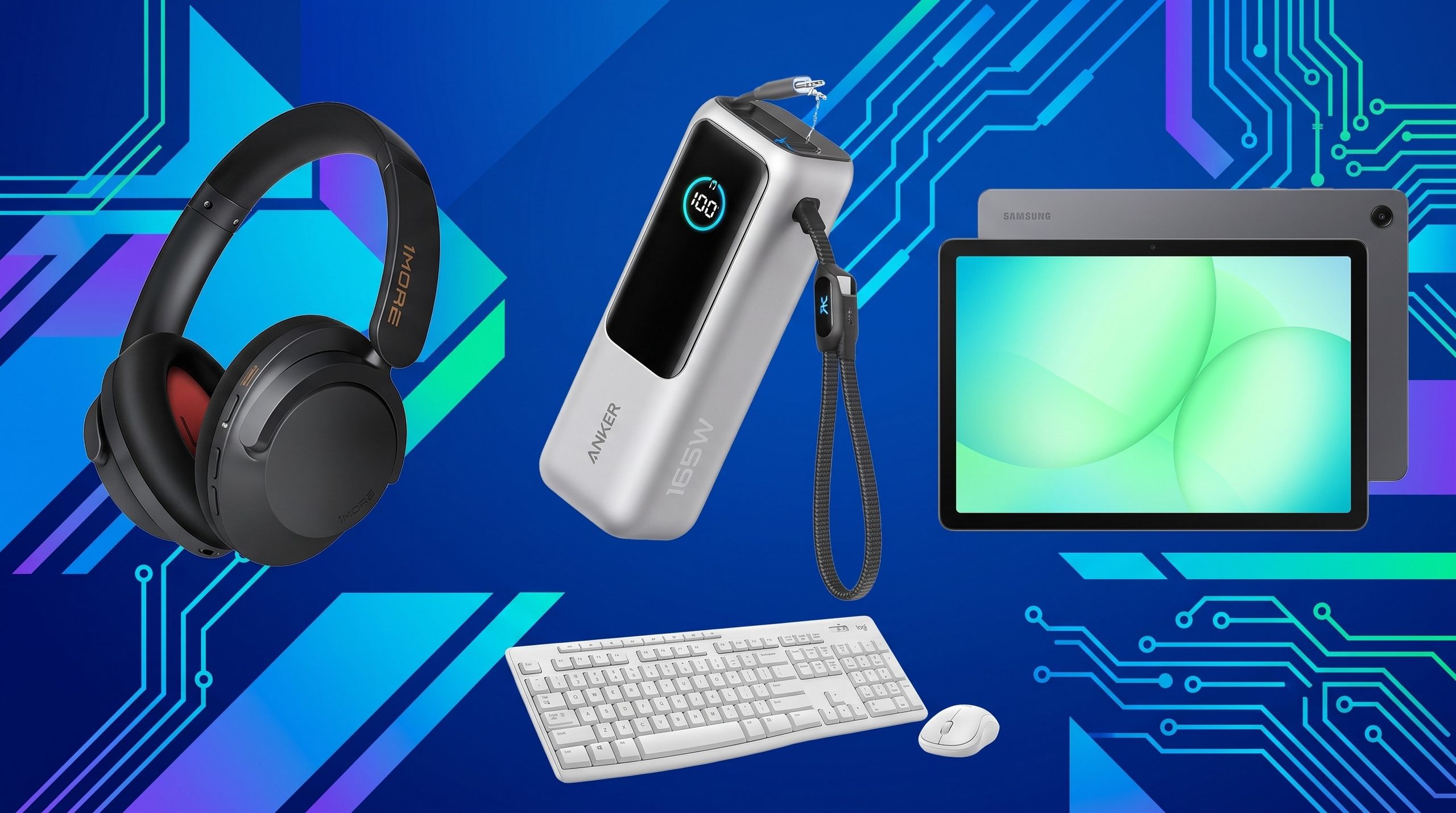
The Power Bank Revolution
Investing in a high-capacity power bank with Power Delivery (PD) charging capabilities allows for the seamless recharging of laptops, tablets, and smartphones simultaneously. This ensures that even on days with back-to-back classes, a student’s tech ecosystem remains fully operational.
Chronology: Preparing Your Digital Workspace
Success in the semester requires a structured approach to hardware preparation. We recommend the following timeline for students and parents:
- Four Weeks Before Term: Assess current hardware. Identify bottlenecks in existing devices (e.g., slow boot times, failing batteries, or lack of storage).
- Three Weeks Before Term: Research and compare specifications. Prioritize devices that meet the minimum requirements provided by your specific academic department.
- Two Weeks Before Term: Purchase and procurement. Ensure that all peripherals—such as mice, keyboards, and noise-cancelling headphones—arrive in time for testing.
- One Week Before Term: Software configuration. Install necessary academic software, update operating systems, and establish a cloud backup routine for your files.
Supporting Data: The Impact of Tech on Academic Performance
Recent surveys on digital learning indicate a direct correlation between hardware reliability and academic success. According to data aggregated by various educational tech platforms, students who utilize peripheral devices—such as external monitors and ergonomic keyboards—report a 20% increase in productivity during extended writing tasks.
Furthermore, the rise of the "paperless classroom" has led to an increased reliance on tablet technology for note-taking. Stylus-integrated tablets have shown to improve information retention, as the act of handwriting notes—even on a glass screen—engages different cognitive pathways compared to typing.
Official Perspectives and Industry Standards
Tech industry leaders emphasize that "future-proofing" is the most cost-effective strategy for students. Companies like Samsung and Logitech have shifted their focus toward ecosystems that prioritize cross-device compatibility.
"The goal is to remove the barriers between inspiration and output," says a spokesperson from a leading peripheral manufacturer. "When your tablet, phone, and laptop communicate seamlessly, the technology fades into the background, allowing the student to focus entirely on the subject matter."
Implications for the Future of Education
The integration of advanced tech in education carries long-term implications. As we look toward the future, the classroom is likely to become increasingly immersive. Virtual Reality (VR) and Augmented Reality (AR) are beginning to see adoption in medical and architectural programs, suggesting that the "back-to-school" list of the future may include headsets and spatial computing devices.
For now, the focus remains on the foundational elements: speed, clarity, and portability. By investing in the right tools today, students are not only preparing for the upcoming semester but are also building the professional skill sets required for a digitally-native workforce.
Final Recommendations: The 12 Essentials Checklist
To synthesize our findings, here is the curated list of the 12 items every student should consider:
- High-Performance Laptop: The engine of your academic output.
- Noise-Cancelling Headphones: Essential for deep focus in chaotic environments.
- High-Capacity Power Bank: To ensure your devices stay powered through long days.
- Ergonomic External Mouse: Prevents wrist strain during long research sessions.
- Mechanical Keyboard: Provides tactile feedback that improves typing accuracy and speed.
- Tablet with Stylus: Ideal for digital note-taking and sketching.
- External Solid State Drive (SSD): Provides redundant backups and massive storage for large files.
- USB-C Hub/Docking Station: Necessary for connecting peripherals to modern laptops with limited ports.
- Blue Light Blocking Glasses: Helps reduce digital eye strain during late-night study sessions.
- Cloud Storage Subscription: Ensures your work is accessible from any device, anywhere.
- Smart Notebook: Bridges the gap between analog handwriting and digital organization.
- High-Speed Wi-Fi Extender: Ensures a stable connection in dorms where signal strength may be inconsistent.
As you embark on the upcoming academic journey, remember that technology is an enabler. While the latest gadgets can certainly make life easier, the ultimate goal remains the same: to foster an environment where curiosity can flourish and knowledge can be effectively acquired. Choose your tools with care, maintain them with diligence, and use them to unlock your full academic potential.











