

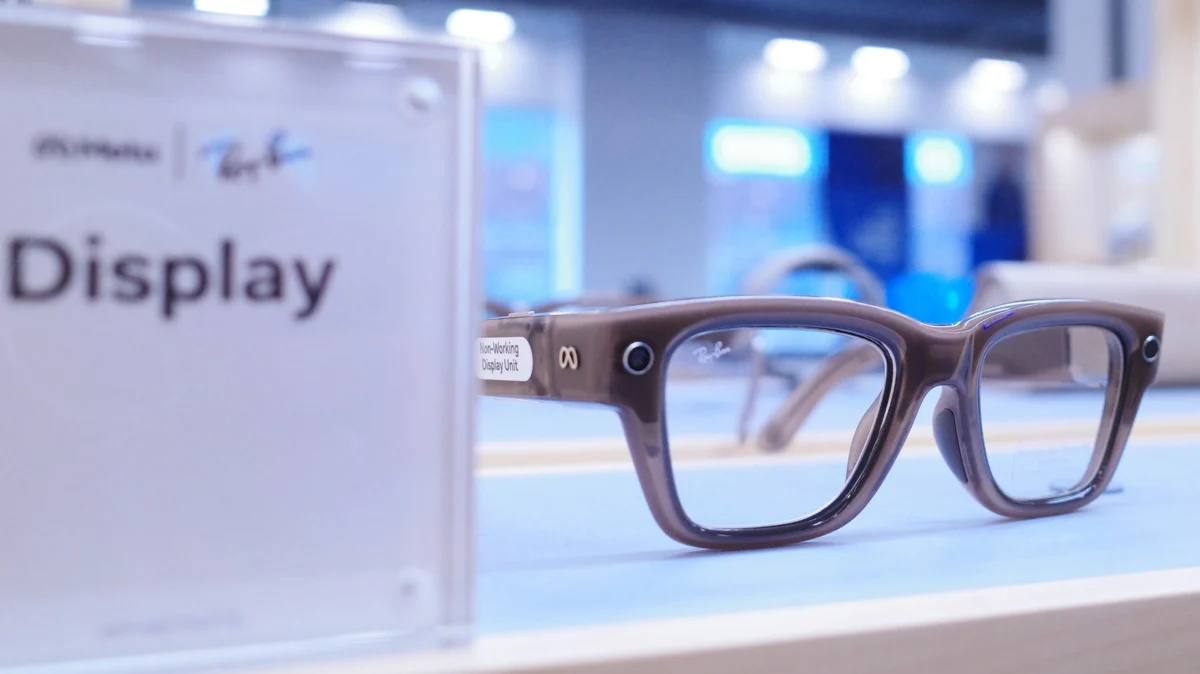
As smart eyewear transitions from niche novelty to a staple of the modern tech-savvy wardrobe, the integration of augmented reality (AR) and heads-up display (HUD) technology has prompted a new conversation regarding road safety. With Meta’s latest iteration of its Ray-Ban smart glasses—specifically those equipped with integrated display technology—users are finding themselves at the intersection of extreme convenience and potential vehicular hazard.
While the ability to receive notifications and handle calls without reaching for a smartphone is a major productivity booster, the visual nature of these displays can be a significant distraction for drivers. Meta has addressed this reality by introducing a sophisticated "Audio Only" mode, bolstered by automated driving detection, to ensure that users remain connected without compromising their focus on the road.
The Core Conflict: Wearable Displays vs. Road Safety
The core functionality of Meta’s display-enabled smart glasses relies on presenting information directly into the user’s line of sight. While this is invaluable for navigating a busy city street on foot or checking a calendar notification, the human brain’s capacity to process visual stimuli while operating a motor vehicle is limited.
Distracted driving remains one of the leading causes of traffic accidents globally. Introducing a persistent, glowing display in a driver’s peripheral vision—or worse, directly in their central view—introduces a high risk of cognitive overload. Recognizing this, Meta has engineered a solution that allows the device to remain a useful companion while stripping away the visual components that could divert a driver’s eyes from the windshield.
Chronology of the Feature Implementation
The rollout of the "Audio Only" and "Driving Detection" features represents a significant step in the maturation of Meta’s wearable ecosystem.
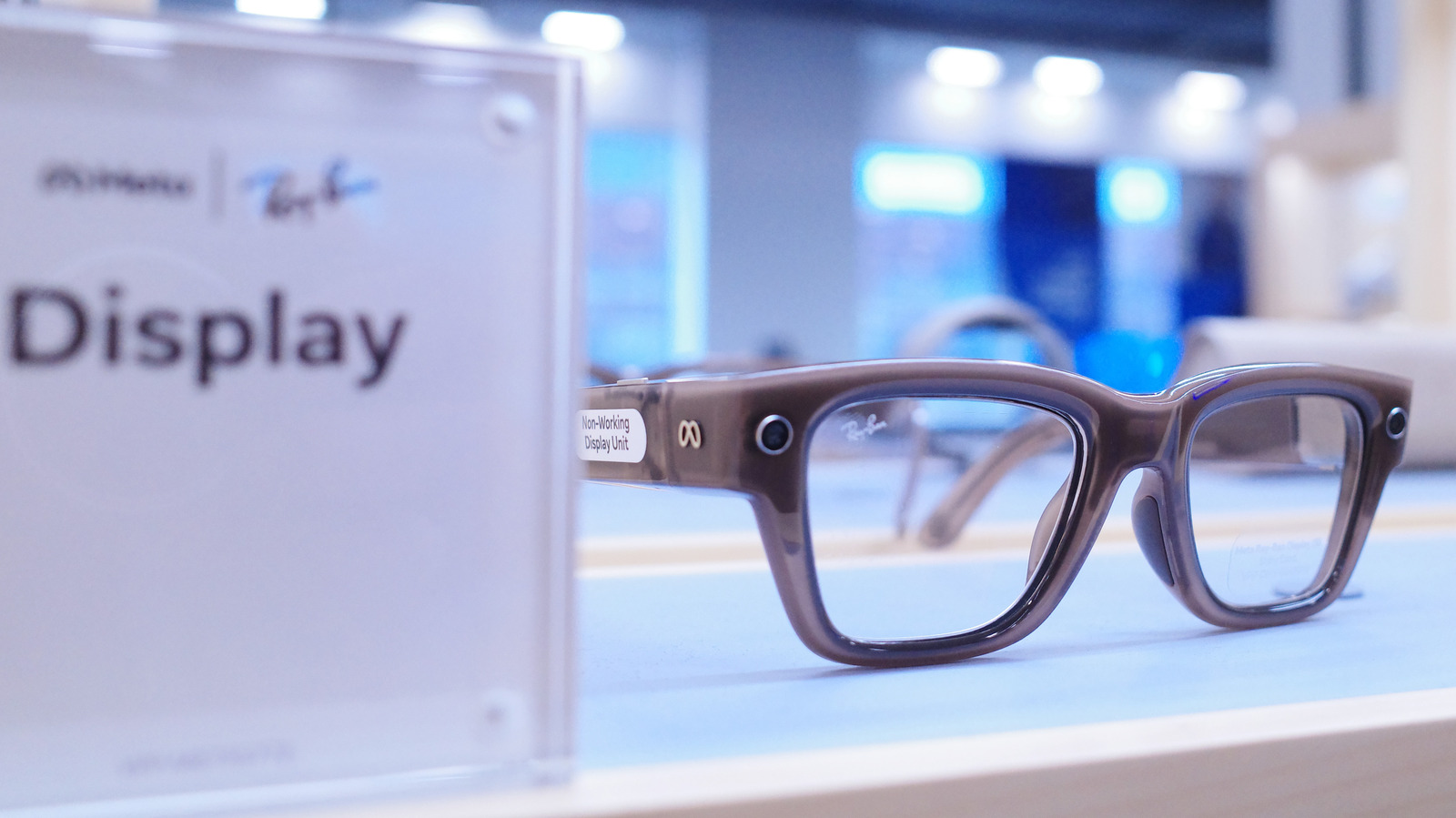
- Initial Launch Phase: When the first generation of Meta Ray-Ban glasses debuted, the primary focus was on audio, photography, and AI-driven voice commands. These early iterations were largely "passive" regarding display, as many models lacked a visual interface.
- The Introduction of Display Models: As Meta introduced display-capable hardware, the feedback loop from beta testers and early adopters highlighted a clear need for a "car mode." Users wanted to keep their glasses on for convenience—such as listening to podcasts or taking calls—but were concerned about the display lighting up during transit.
- The Integration of Sensor-Based Detection: Following user feedback, Meta updated the Meta AI app to include a specialized driving detection algorithm. By leveraging the internal sensors of the glasses—specifically the accelerometer and gyroscope—in conjunction with the connected smartphone’s GPS and motion data, the system can now intelligently determine when a user is in a moving vehicle.
- Refinement of "Audio Only" Mode: Most recently, Meta streamlined the UI within the companion app, allowing for seamless toggling between "always-on" display and "automated" display, ensuring that the transition into driving mode is invisible to the user.
How to Configure Your Meta Display Glasses for Safe Driving
Configuring the system is a straightforward process designed to be completed once, rather than requiring the user to fiddle with settings every time they start the engine.
Step-by-Step Setup
- Access the Meta AI App: Ensure your Meta AI app is updated to the latest version via the App Store or Google Play.
- Navigate to Device Settings: Within the app, select your paired glasses. Look for the "Device Settings" tab.
- Activate Audio Only: Toggle the "Audio Only" feature to the "On" position.
- Enable Driving Detection: Ensure the "Driving Detection" sub-toggle is active. This is the crucial step that allows the glasses to "wake up" the display once you exit the vehicle.
Once this is enabled, the glasses monitor the movement profile of the user. If the sensors detect the high-velocity movement typical of a car, the display is instantly cut, effectively transforming the device into a standard pair of audio-only smart glasses. When the car stops and the user exits, the sensors identify the cessation of motion, and the display functionality is automatically restored.
For those who prefer manual control, a simple voice command—"Hey Meta, turn on Audio Only"—serves as an immediate override, providing a quick way to kill the display if you find yourself in an unexpected driving scenario.
Supporting Data: Why Display Navigation Is Not Yet Ready for the Road
It is critical for consumers to understand the technical limitations of the current Meta Display generation. A common misconception is that these glasses can function as an alternative to a vehicle’s infotainment system or a smartphone’s turn-by-turn navigation.
According to Meta’s technical documentation, the current display interface is optimized for "pedestrian navigation" and stationary or slow-moving tasks. Several factors contribute to this:
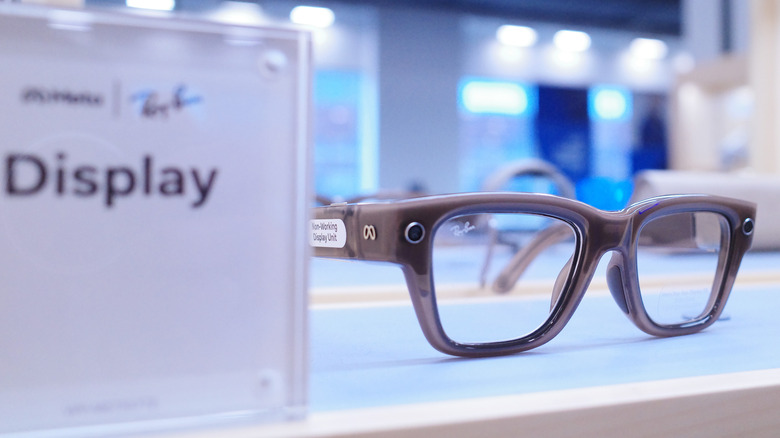
- Lack of High-Speed Latency Calibration: Navigating at 65 mph requires high-refresh-rate, real-time spatial mapping that the current glasses are not calibrated to handle.
- Absence of Infrastructure Integration: True automotive HUDs rely on complex data feeds, including lane departure warnings, traffic light status, and dynamic speed limit adjustments. The Meta Display glasses currently lack the software architecture to interpret this real-time road telemetry.
- Field of View Constraints: The current display is intended for brief, secondary glances. Using it for extended navigation while driving could lead to severe eye strain and, more dangerously, an over-reliance on the device at the expense of scanning the road.
Meta explicitly advises users to utilize the GPS on their phone or the car’s factory-installed navigation system. The goal of the smart glasses in a driving context is strictly communication and audio, not visual guidance.
Implications for Future Wearable Technology
The move toward "Driving Detection" signals a shift in how tech giants approach "Ambient Computing." As these devices become more powerful, they are increasingly required to show a level of social and safety responsibility.
The "Always-On" Responsibility
Meta’s proactive approach sets a precedent for other wearable manufacturers. By embedding safety sensors that respond to user context, the tech industry is acknowledging that its products exist in a complex physical world. The implication is that "smart" devices must now possess a level of situational awareness; they should know where the user is and what they are doing.
Battery Longevity and Energy Management
Beyond safety, the "Audio Only" mode has a secondary benefit: battery conservation. Powering an optical display is one of the most energy-intensive tasks for a pair of smart glasses. By disabling the display during a commute, users can extend the operational life of their device, ensuring that when they reach their destination, the glasses still have enough charge to function for the rest of the day.
The Future of AR in Transportation
While the current generation of Meta glasses is not meant for navigation, the foundation is being laid for future iterations. If and when AR eyewear evolves to the point where it can safely overlay navigation onto the windshield, the current "Driving Detection" and "Audio Only" protocols will likely serve as the safety "kill-switches" upon which future regulatory compliance is built.
Official Stance and User Recommendations
Meta continues to emphasize that the primary value proposition of its display glasses is to "keep your head up and your phone in your pocket." However, they maintain a strict stance on the limits of this technology. In all official communications regarding the glasses, Meta highlights that while they are designed to enhance your digital life, they are not intended to replace the essential human focus required to operate a vehicle.
Experts and Meta recommend the following best practices:
- Establish a Routine: Use the app to enable automatic detection, but keep the voice command as a backup for when the system might not immediately trigger.
- Prioritize Audio: Utilize the high-quality speakers in the temples for your GPS audio prompts, allowing your eyes to remain firmly on the road and your mirrors.
- Respect the Technology: Treat the glasses as a communication peripheral, not an information dashboard. If you need to view a complex map or a long text message, pull over safely.
In conclusion, the integration of Audio Only mode and Driving Detection is more than just a software update—it is a necessary evolution of wearable tech. By bridging the gap between digital utility and physical safety, Meta is ensuring that the future of smart glasses is not just innovative, but sustainable and safe for the road ahead. As the technology continues to mature, the focus will undoubtedly remain on keeping the user connected to the world around them, rather than trapped inside a screen.











