

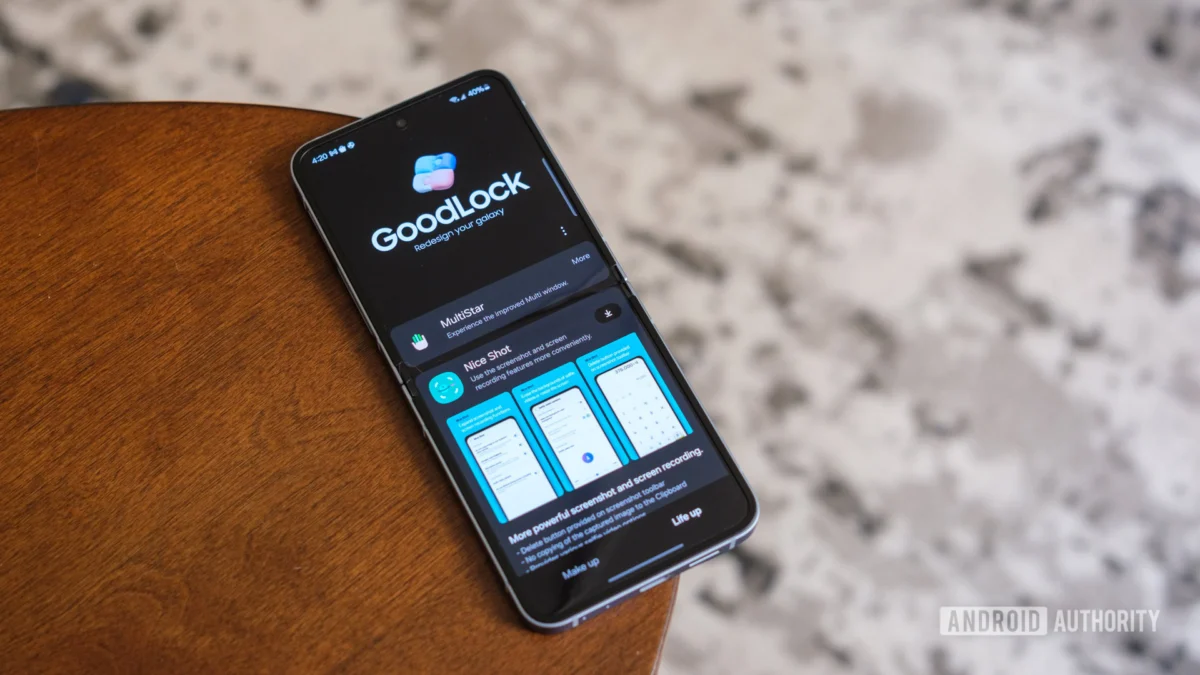
The hallmark of the Samsung Galaxy experience has long been the deep, granular customization offered through the "Good Lock" suite. For power users, these modules are not merely add-ons; they are essential tools that transform the standard One UI interface into a personalized computing environment. However, the rollout of the One UI 9 beta—Samsung’s latest iteration of its Android 17-based skin—has once again brought the inevitable friction between cutting-edge OS updates and legacy app compatibility to the forefront.
As Samsung initiates its early-stage testing for the Galaxy S26 series, the company has taken the proactive step of clarifying which Good Lock modules are ready for the new environment and which remain in the crucible of development.
Main Facts: The Beta Landscape
Samsung has officially confirmed that the One UI 9 beta program is now live, specifically targeting the flagship Galaxy S26 lineup. With every major operating system shift, the underlying APIs and system frameworks undergo significant revisions, often breaking the hooks that Good Lock modules use to manipulate the system UI.
For enthusiasts eager to join the beta program, the trade-off is clear: by opting into early software, you risk losing access to your favorite customization tools. Samsung’s recent communication via its Korean community forums provides a definitive ledger of which modules are currently functional and which are slated for future updates.
The Current "Green Light" Modules
As of the latest update, the following modules have been verified as compatible with the One UI 9 environment:
- LockStar: For those who demand total control over their lock screen aesthetics.
- QuickStar: Allowing users to refine the Quick Panel layout and status bar visibility.
- ClockFace: Enabling custom clock styles for both the Always On Display and the lock screen.
- MultiStar: The essential tool for power users managing split-screen and multi-window workflows.
- NavStar: Providing control over navigation bar icons and gesture settings.
- Home Up: The definitive utility for customizing the home screen, folder behaviors, and app switcher.
- NotiStar: Enhancing notification management and historical tracking.
- EdgeTouch: Refining the sensitivity of edge screen interactions.
- Keys Cafe: Enabling complex keyboard customization and effects.
- Sound Assistant: Providing granular control over per-app volume levels and audio routing.
- Theme Park: The cornerstone of system-wide color and theme customization.
- Pentastic: Specialized features for S Pen users.
- Wonderland: Allowing for the creation of unique, interactive live wallpapers.
- DropShip: Facilitating high-speed, cross-platform file sharing.
- Camera Assistant: Unlocking advanced settings for Samsung’s camera hardware.
- RegiStar: Providing deep control over settings menus and back-tap actions.
- Memory Guardian: Monitoring and optimizing system RAM usage.
- Battery Guardian: Offering insights and management for power consumption.
- Thermal Guardian: Keeping an eye on device temperatures during heavy loads.
- Media File Guardian: Managing hidden or legacy media files.
A Chronology of the Beta Rollout
The history of Samsung’s software updates is a study in iterative refinement. When the One UI 9 beta was first whispered about in the developer community, the primary concern was the jump to Android 17 and how that would interface with the deeply integrated Good Lock services.
- Phase 1 (Pre-Announcement): Speculation regarding Android 17’s architectural changes caused anxiety among the "Good Lock" community, as many feared that the deep-level UI hooks would be restricted by Google’s evolving security policies.
- Phase 2 (Beta Launch): The Galaxy S26 series was unveiled, accompanied by the One UI 9 beta. Initial reports from early adopters indicated immediate crashes in modules like "Sound Assistant" and "Theme Park."
- Phase 3 (Official Clarification): Recognizing the frustration, Samsung’s development team issued an official statement on their Korean community forum, providing a clear distinction between "supported" and "under development" modules.
- Phase 4 (The Roadmap): Samsung has committed to a rolling update schedule, aiming to have the full suite of Good Lock modules operational by the time the stable release of One UI 9 reaches the wider public.
Supporting Data: Modules Under Construction
While the list of compatible apps is extensive, there remains a critical subset of functionality that is currently "in the oven." Users who rely heavily on these specific modules may want to hold off on updating to the beta version of One UI 9:
- Nice Catch: Currently undergoing architectural adjustments to handle new Android 17 system event logging.
- One Hand Operation +: A staple for gesture navigation fans, currently being rewritten to ensure stability with the new gesture APIs.
- Routine+: The advanced automation engine is being updated to sync with new, more complex trigger conditions introduced in One UI 9.
- Nice Shot: Being optimized for the new screenshot and screen recording frameworks inherent in the latest OS update.
- SoundCloud/Music Modules: Minor compatibility issues with the new audio routing protocols.
These modules are in active development. Samsung engineers are currently stress-testing these against the final build candidate of the OS to ensure that they don’t introduce system instability or battery drain.
Official Responses: Samsung’s Commitment to Customization
In the official forum post, the Samsung Good Lock development team emphasized that "the delay in compatibility is not a sign of abandonment, but rather a necessity of the deep-level changes required by the Android 17 architecture."
Samsung’s philosophy remains centered on providing a "bespoke mobile experience." The Good Lock suite is, effectively, the company’s "sandbox" for innovation. Features that prove popular in Good Lock—such as specific lock screen layouts or volume management tools—often find their way into the standard One UI settings in subsequent years. Consequently, the company treats the development of these modules with the same rigor as it does its core system apps.
The official stance is one of caution: "We advise users to wait for the stable release of One UI 9 if their daily workflow is heavily dependent on the modules currently listed under development."
Implications for the Power User
What does this mean for the average Galaxy S26 user? It signifies a shift in how we view "Beta" software.
The Trade-off of Early Adoption
For tech enthusiasts, the allure of the latest Android 17 features—such as enhanced AI-driven background task management and improved energy efficiency—often outweighs the temporary loss of a custom keyboard layout or a specific lock screen animation. However, the ecosystem of Good Lock is so pervasive that for many, a "broken" Good Lock module feels like a "broken" phone.
The Future of Customization
As Google and Samsung move toward more secure, sandboxed OS architectures, the ability to modify system UI elements becomes increasingly difficult. Every major Android release represents a "cat and mouse" game where Samsung developers must find new, safe ways to allow users to hook into the system.
The fact that Samsung is maintaining such a robust list of compatible modules despite the leap to Android 17 is a testament to the company’s commitment to its power-user base. It suggests that, at least for the foreseeable future, the "Good Lock" experience will remain a cornerstone of the Galaxy identity.
Strategic Advice
For those currently contemplating the jump to the One UI 9 beta:
- Audit Your Modules: Compare your most-used Good Lock features against the "Compatible" list above.
- Back Up Your Configs: Many Good Lock modules allow you to export your settings. Do this before you even think about hitting the update button.
- Wait for the "Stable" Tag: If you rely on "One Hand Operation +" or "Routine+" for accessibility, the beta is likely not for you.
- Monitor the Forums: Samsung’s community forums are the primary source for real-time updates. Bookmark the thread mentioned in the official announcement to track when your specific "Under Development" modules are cleared for use.
In conclusion, while the transition to One UI 9 brings inevitable growing pains, Samsung’s transparent approach to compatibility management ensures that the power-user community is not left in the dark. By categorizing functionality into distinct tiers of readiness, Samsung is successfully balancing the need for rapid OS innovation with the preservation of the highly personalized user experience that has defined the Galaxy brand for over a decade.












No comments yet. Be the first to join the conversation!