Dwi Wanna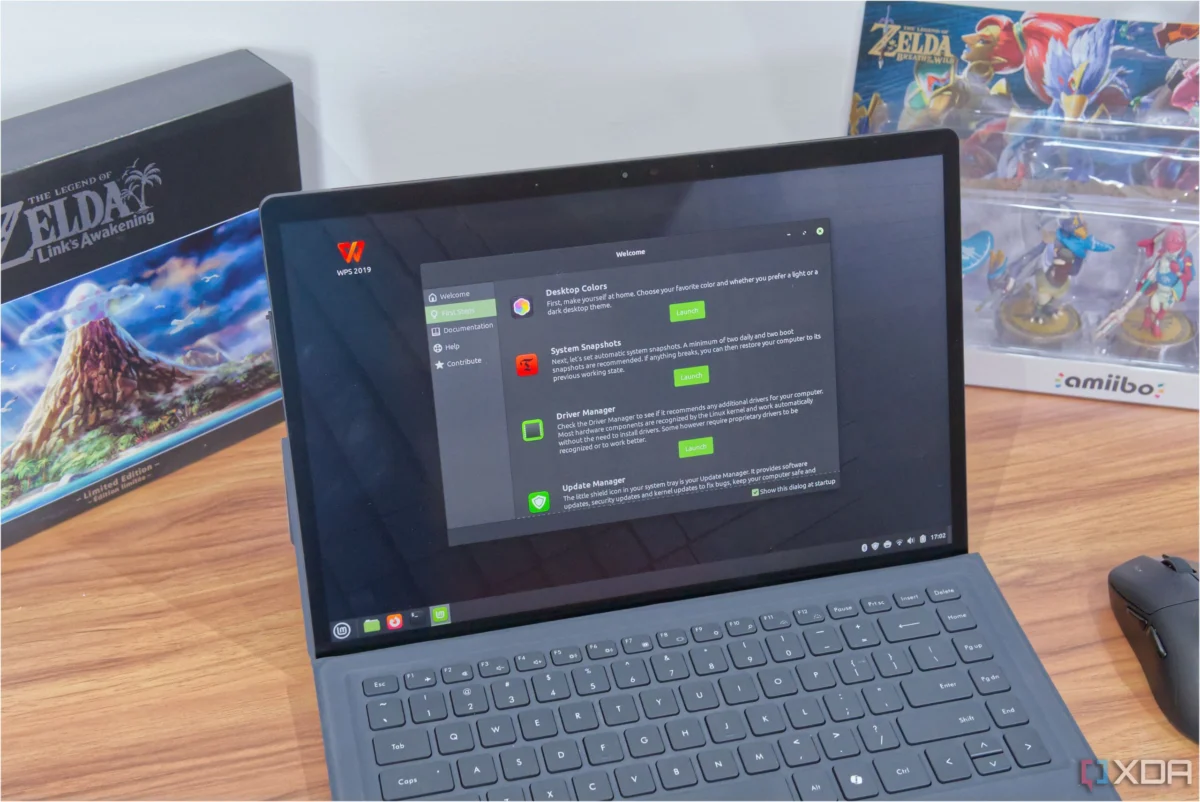
For those navigating the landscape of open-source operating systems, Linux Mint has long stood as a paragon of accessibility. Designed to bridge the gap between proprietary systems like Windows and the powerful, flexible world of Linux, it has become the go-to recommendation for newcomers and hardware enthusiasts alike. With a user interface that feels intuitively familiar to those transitioning from Windows and an impressive ability to breathe new life into aging hardware, Mint has secured a loyal, long-term user base.
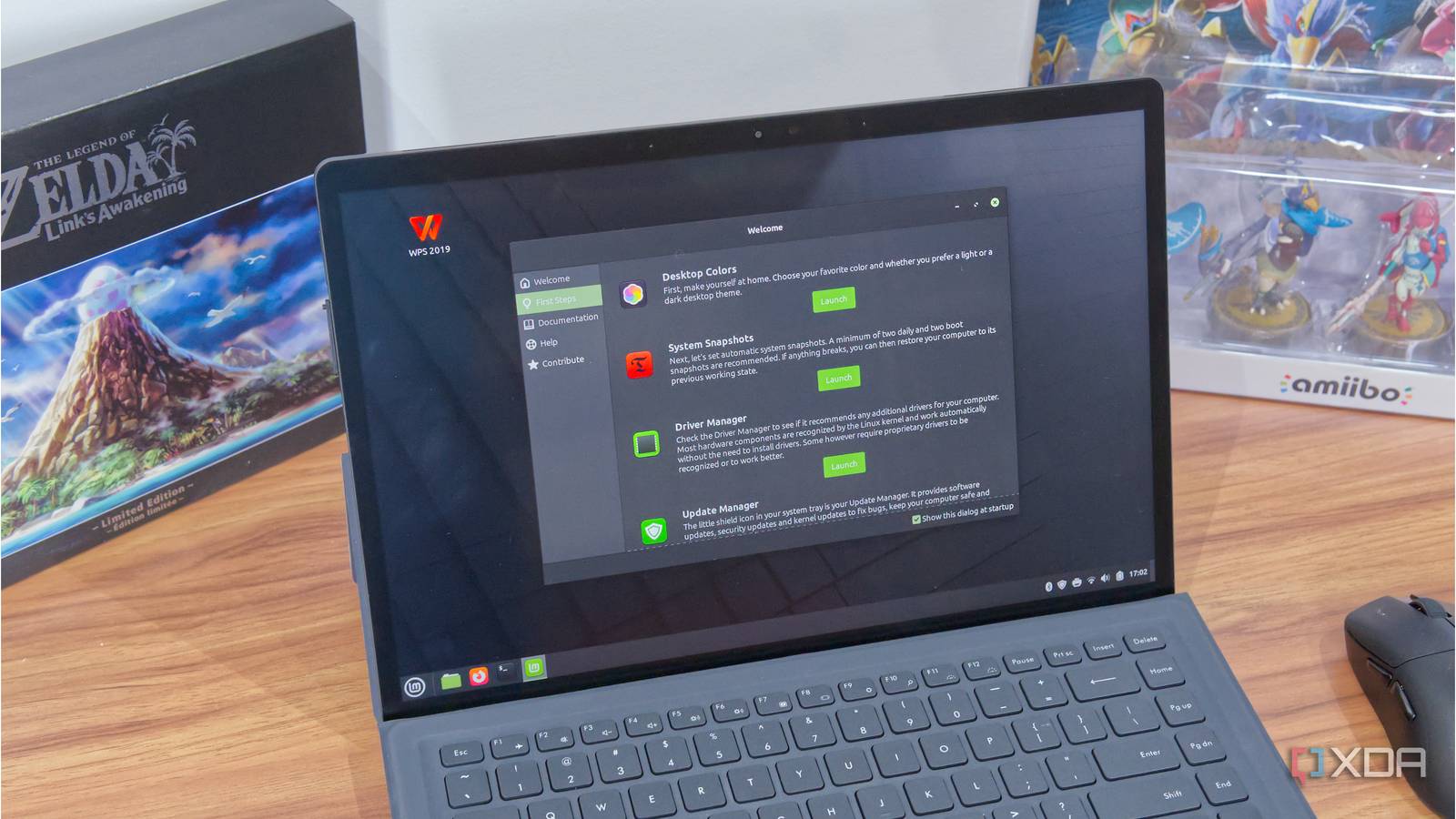
However, even the most refined operating systems require constant iteration to remain competitive. In its latest monthly development report for May 2026, the Linux Mint team unveiled a series of upcoming improvements designed to streamline the user experience. Chief among these is a performance optimization for "Nemo," the default file manager for the Cinnamon desktop environment. While the change may seem incremental on paper, it represents a commitment to the "snappiness" that defines a high-quality computing experience.
Main Facts: The Optimization of Nemo
The core of the recent announcement centers on how the Nemo file manager handles directory navigation. In the current iteration of Cinnamon, the system employs a deliberate 200ms delay between the moment a user clicks on a directory and the moment the folder contents appear on the screen.
While this may sound counterintuitive—why force a delay?—the logic behind it was rooted in visual consistency. By enforcing a minimum 200ms wait, the developers ensured that every directory transition felt uniform, regardless of whether a folder contained two files or two thousand. The intention was to prevent "flicker" and guarantee a smooth, professional rendering process.
The development team, led by project head Clement Lefebvre, has concluded that this artificial constraint is no longer necessary. By optimizing the code to handle folder loading dynamically, the team has managed to strip away that mandatory delay, allowing the interface to react instantly to user input. As the team candidly noted in their blog post, "200ms might not seem like much, and to be honest it never really bothered us before. But once you notice it, you cannot unsee it."
Chronology: The Evolution of a Desktop Staple
To understand the significance of this update, one must look at the timeline of Linux Mint’s refinement.
- Early 2025: The release of Linux Mint 22.1 set a new standard for stability and user-facing features, cementing the distribution’s reputation for reliability.
- Spring 2026: Following a steady cadence of maintenance updates, the team began internal testing for the next major iteration of the Cinnamon desktop environment, version 6.6.
- May 2026: The official development blog confirms that the "snappiness" project—a focus on reducing input latency across the UI—has reached a development milestone.
- Christmas 2026 (Projected): The development team has signaled that the next major feature update, incorporating the improved Nemo file manager, is scheduled for a holiday-season release.
This deliberate, methodical approach is a hallmark of the Mint philosophy. Unlike "rolling release" distributions that push experimental code to users daily, the Linux Mint team favors stability and thorough testing, ensuring that when an update reaches the end-user, it is polished and reliable.
Supporting Data: Why "Snappiness" Matters
In the realm of Human-Computer Interaction (HCI), latency is a silent killer of user satisfaction. While 200 milliseconds is technically a fraction of a second, the human brain is highly sensitive to the responsiveness of an interface.
Studies in interface design suggest that users perceive an interface as "instant" if it responds within 100ms. By hovering at the 200ms mark, the current version of Nemo was technically operating just outside of the "immediate" threshold. By removing this artificial bottleneck, the Mint team is aligning the file manager with modern expectations of fluid, real-time feedback.
Furthermore, this optimization is not happening in a vacuum. The May 2026 update also highlights:

- Native Screenshotting: The integration of a more robust screenshot tool directly into the Cinnamon environment, reducing the reliance on third-party utilities.
- Advanced Search Algorithms: A new method for indexing and searching files, which—when paired with the faster Nemo navigation—will significantly reduce the time users spend locating documents.
- Theming Tweaks: Refinements to the GTK themes to ensure better consistency across both legacy applications and modern, high-DPI displays.
Official Responses and Developer Philosophy
The Linux Mint team is widely respected for its transparent communication style. In their latest update, they acknowledged that while the change is subtle, it is part of a larger mission to "clean up" the Cinnamon experience.
"We are constantly looking for ways to make the desktop feel like an extension of the user’s intent," the team stated in their update. "If the computer makes you wait, even for a split second, you lose your flow state. Our goal is to remove as many of those micro-interruptions as possible."
This philosophy explains why, despite the high demand for new features, the team is comfortable delaying the release of these improvements until the end of the year. For the Mint developers, a release is not merely a collection of features; it is a promise of stability. They have opted to spend the next six months refining the code to ensure that the removal of the 200ms delay does not introduce new graphical glitches or stability issues in how file icons and metadata are rendered.
Implications for the Linux Ecosystem
The ripple effects of this update extend beyond the Linux Mint user base. As one of the most popular desktop Linux distributions, Linux Mint often acts as a trendsetter for the broader ecosystem. When Mint makes a UI improvement, it often influences the development paths of other desktop environments.
For the average user, the implications are straightforward:
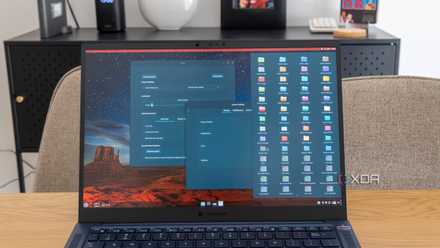
- Hardware Longevity: Because the UI will be more responsive, older hardware that previously struggled with UI lag will feel significantly faster.
- Improved Workflow: For professionals who spend their day in file managers, the cumulative time saved by eliminating a 200ms delay adds up to hours of productivity over the course of a year.
- Market Competitiveness: By continuing to prioritize user experience over sheer technical complexity, Linux Mint is effectively positioning itself as the primary alternative for users fleeing the increasingly cluttered interfaces of Windows 11.
Conclusion: The Long Road to Perfection
The decision to optimize Nemo is a microcosm of the broader Linux Mint strategy. It is not about reinventing the wheel or chasing the latest AI-driven trends; it is about refining the fundamentals. By focusing on the "small things"—like the latency of a file manager or the efficiency of a screenshot tool—the developers are ensuring that Linux Mint remains a robust, user-friendly, and highly efficient operating system.
While the wait until Christmas might feel lengthy for those eager to experience the snappier interface, it is a testament to the team’s dedication. In an industry where software is often pushed out in an unfinished, "beta" state, the Linux Mint team’s patience is a refreshing change. They are not just delivering an update; they are delivering a refined experience that respects the user’s time and workflow.
As we look toward the end of 2026, it is clear that Linux Mint is not content to rest on its laurels. By listening to the feedback of its community and constantly auditing its own code for inefficiencies, the distribution continues to prove that it is, perhaps, the safest and most satisfying bet for anyone who wants a Linux experience without the surprises.


 Muslim
 Siti Muinah