

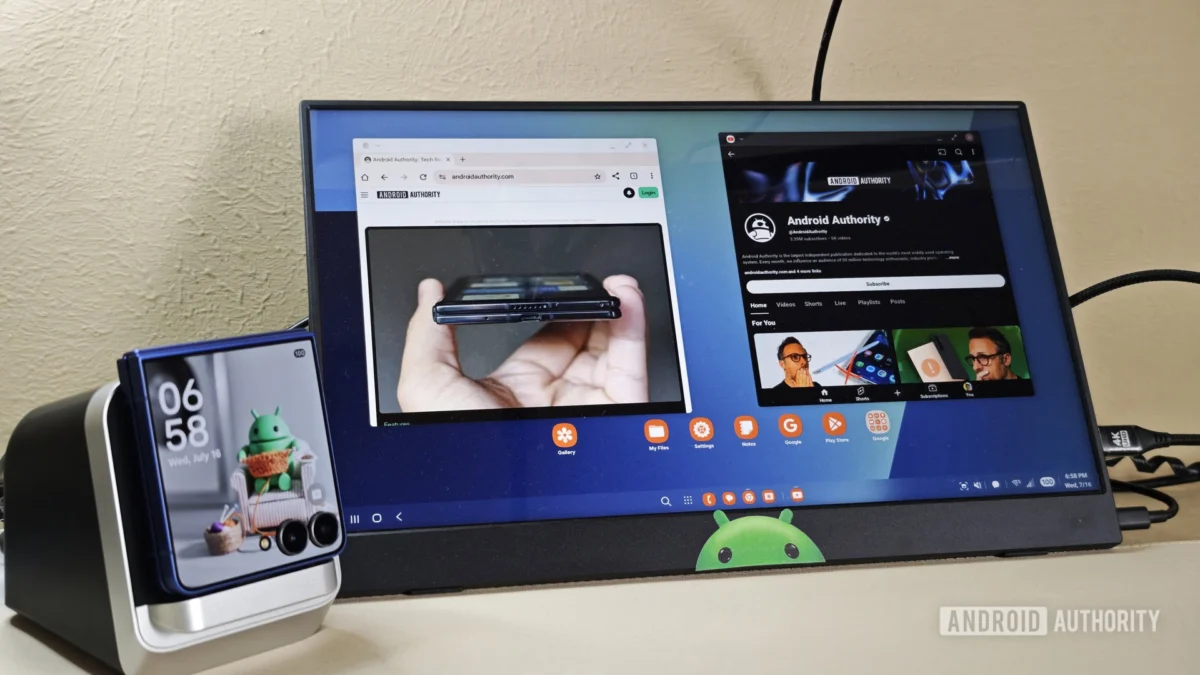
For years, Samsung DeX has existed in the shadow of marketing presentations—a "cool feature" designed to showcase the raw processing power of the latest Galaxy flagship. It is often dismissed as a gimmick, a technical parlor trick meant to impress tech enthusiasts at trade shows rather than a genuine productivity tool for the modern professional.
However, as mobile processors have begun to rival the thermal efficiency and performance of traditional laptop CPUs, the question of whether a smartphone can function as a primary workstation has shifted from science fiction to a tangible reality. To test this, I committed to a week-long experiment: abandoning my dedicated laptop entirely to see if a Samsung Galaxy S26, paired with a monitor and a standard suite of peripherals, could sustain a professional workflow.
The Core Premise: What is Samsung DeX?
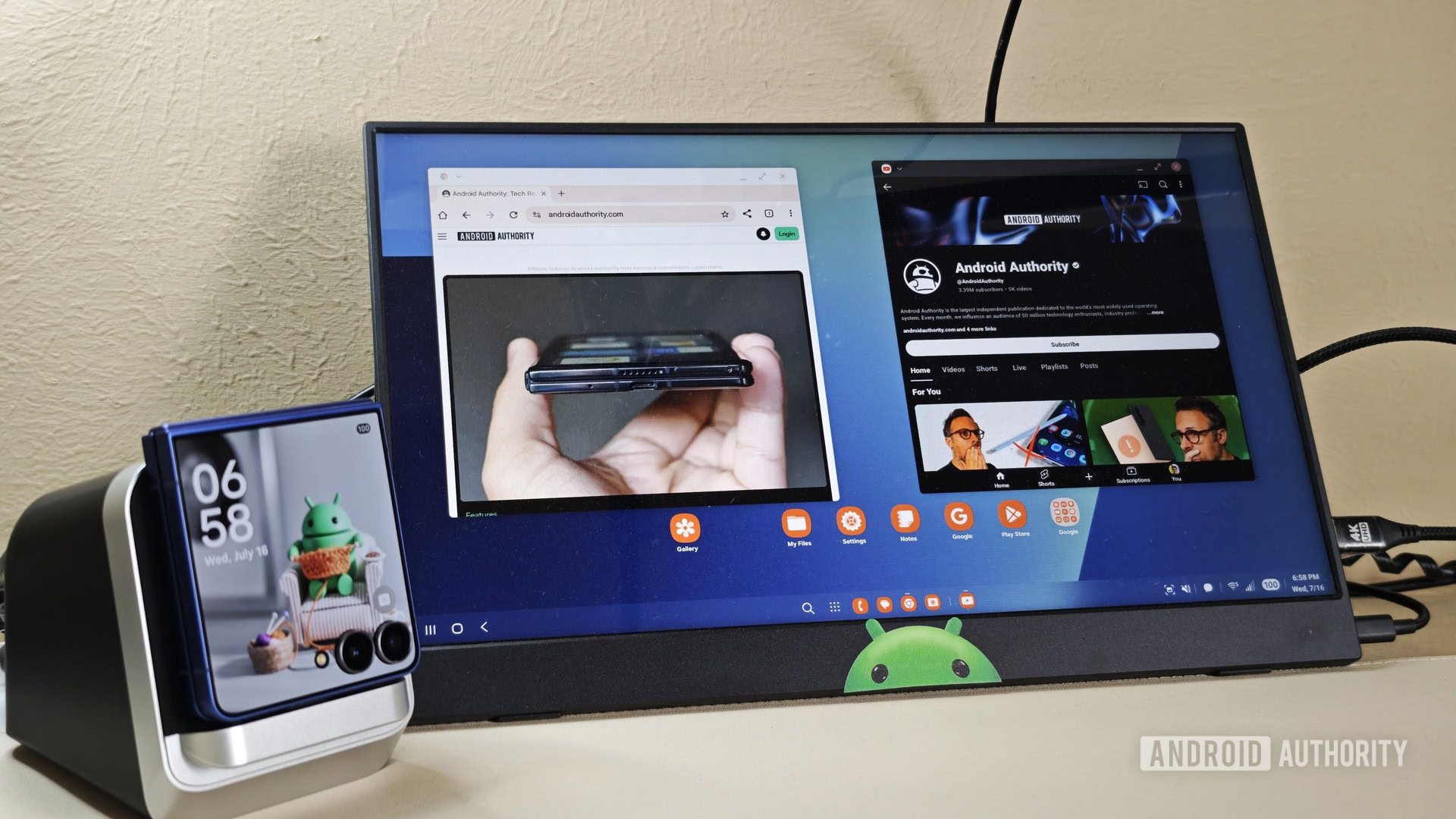
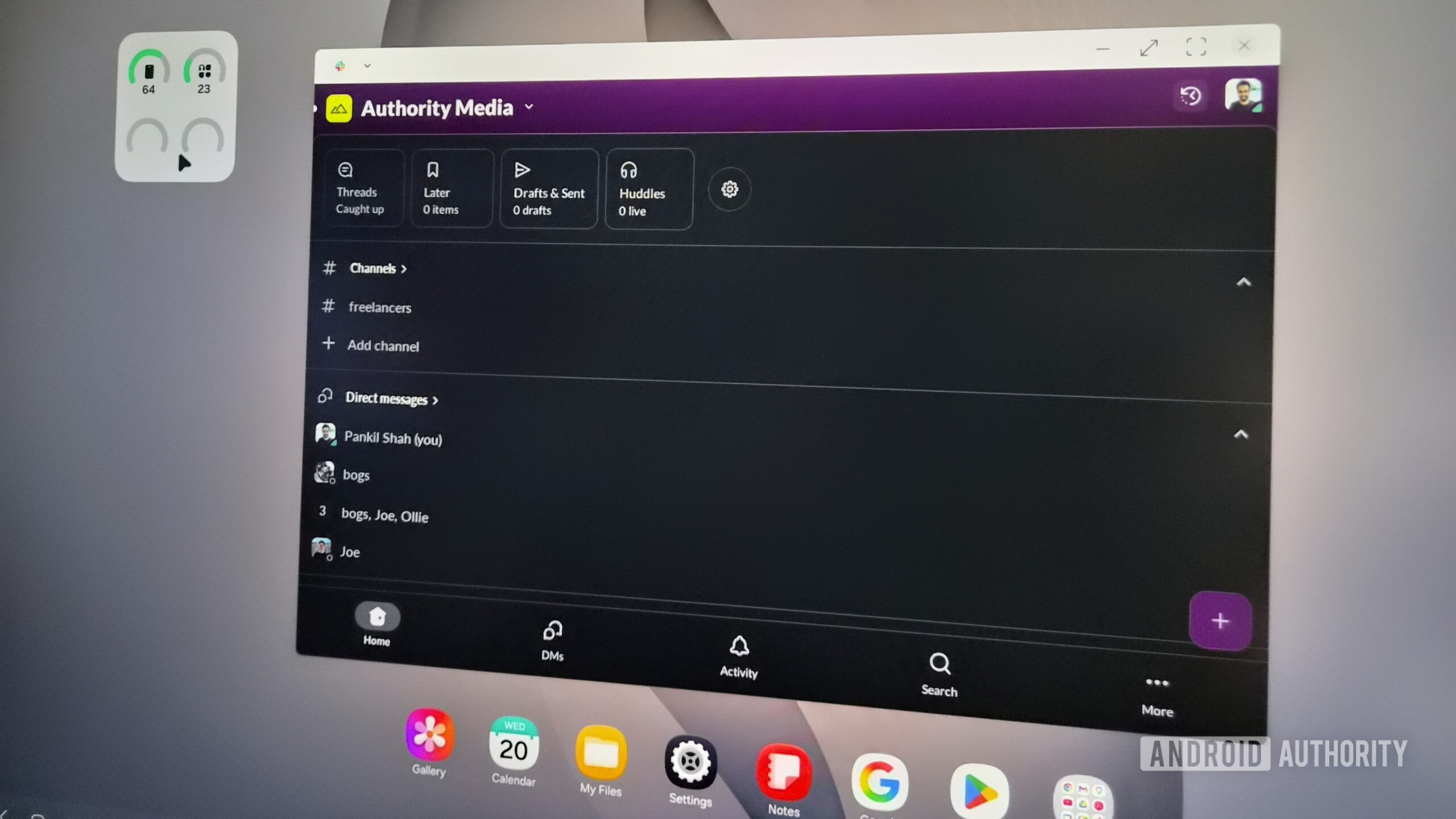
Samsung DeX (Desktop Experience) is a proprietary feature that transforms the interface of a Samsung smartphone or tablet into a desktop-like environment. When connected to an external display via HDMI or a USB-C hub, or cast wirelessly to a compatible monitor, the phone projects a windowed operating system.
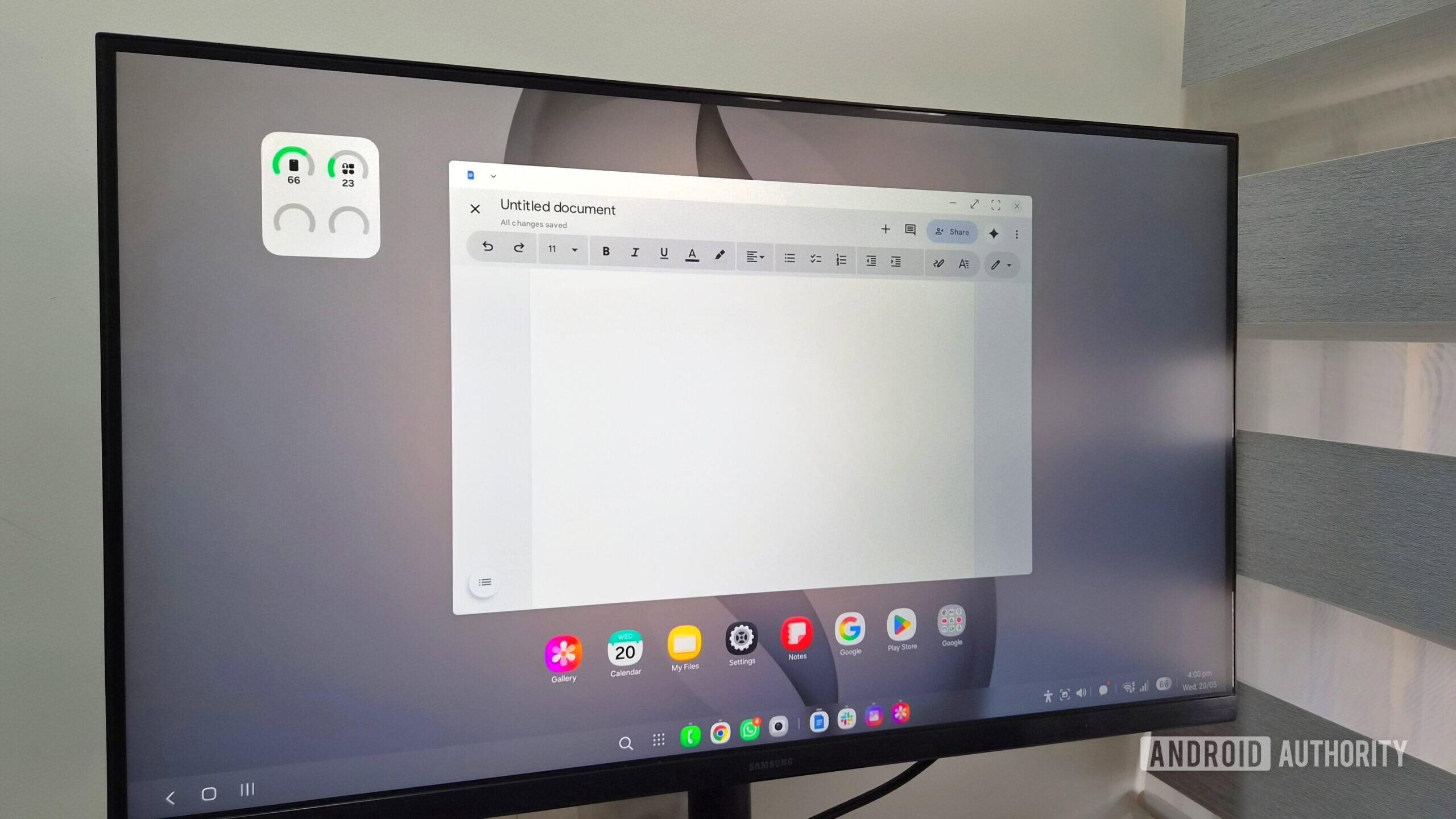
The environment includes a taskbar, a notification shade, a system tray for quick settings, and a desktop capable of hosting widgets and shortcuts. It is designed to mimic the familiarity of Windows or macOS, allowing users to run multiple apps in resizable windows rather than being restricted to the vertical, single-app view typical of Android.
A Chronology of the Seven-Day Experiment
Days 1-2: The Adjustment Phase
The initial setup felt surprisingly intuitive. By connecting the Galaxy S26 to a high-resolution monitor through a USB-C hub, the device instantly initialized the DeX environment. My first hurdle was the learning curve—not of the software, but of my own habits. I found myself instinctively reaching for non-existent laptop trackpads before remembering to utilize the keyboard shortcuts I had configured.
Days 3-4: The Workflow Integration
By the middle of the week, I had settled into a rhythm. My workflow involves heavy browser-based writing, Slack communication, email management, and cloud-based file storage. Because DeX relies on the phone’s underlying Android architecture, I experienced zero latency in file synchronization. Every document, image, and note was already "there" because it was stored on the device I was holding.
Days 5-7: The Limitations and Realizations
As I pushed the system toward the end of the week, the limitations began to manifest. Intensive multitasking—such as running a video conference while maintaining a dozen browser tabs—resulted in perceptible stuttering. I also faced the "app parity" problem, where certain Android versions of software lack the depth of their desktop counterparts. By the seventh day, I had learned to respect the boundaries of the system rather than fighting against them.
Supporting Data: Performance and Usability Metrics
The viability of DeX as a workstation hinges on three key pillars: UI responsiveness, peripheral compatibility, and software ecosystem limitations.
1. Peripheral Connectivity
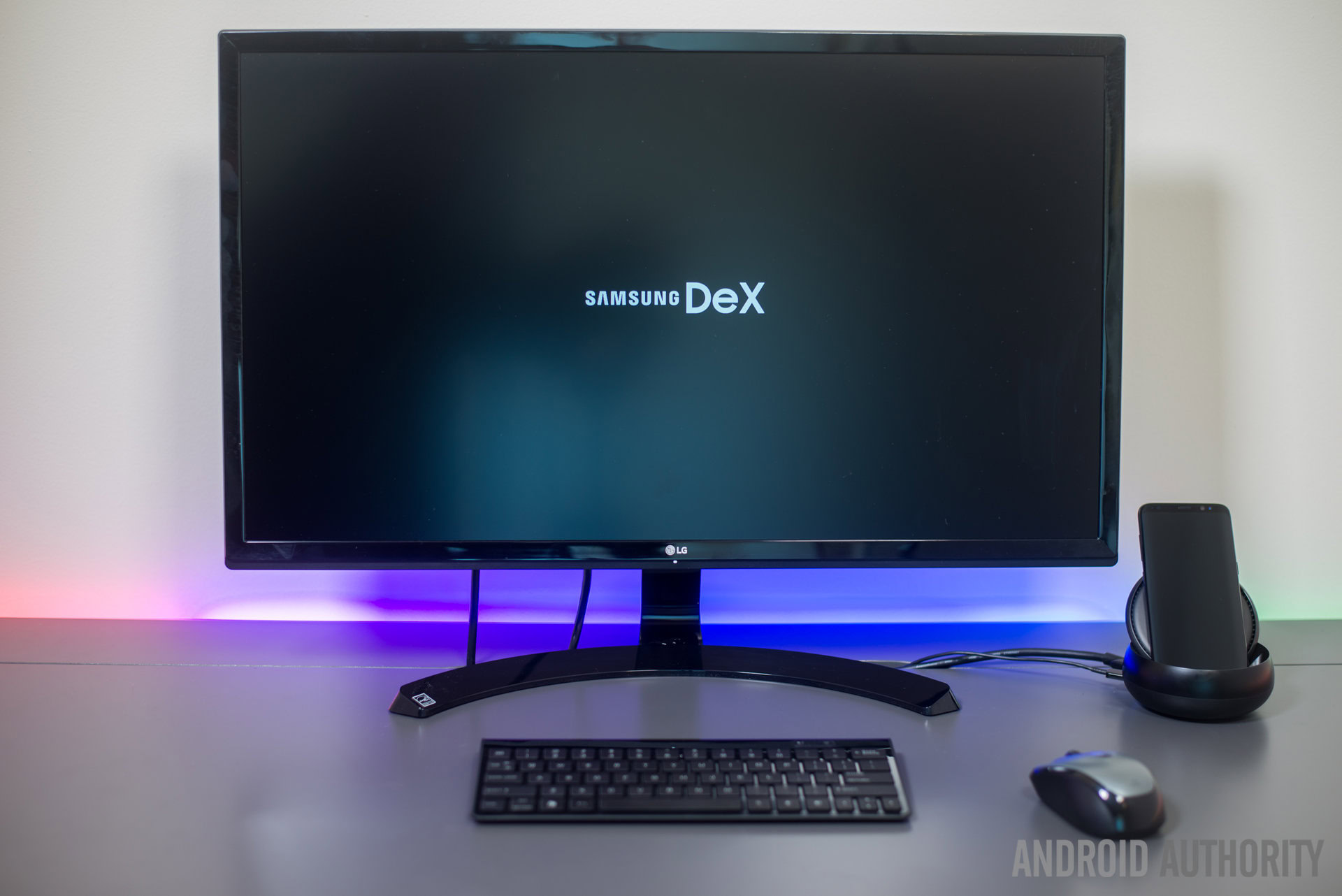
DeX supports standard Bluetooth and wired peripherals flawlessly. During my test, I utilized a mechanical keyboard and a wireless mouse. The system supports familiar Windows-style shortcuts, which significantly bolsters productivity.
- Alt + Tab: Window switching.
- Alt + F4: Closing active applications.
- Win + N: Notification center access.
- Win + L: System lock.
2. The Touchpad Advantage
When working away from a desk, the Galaxy S26 can function as a high-precision touchpad. Using multi-touch gestures—such as three-finger swipes to manage apps or pinch-to-zoom—Samsung has successfully translated mobile input into desktop navigation. While not as efficient as a physical mouse for long-form work, it is a highly capable fallback for field work.
3. The Browser Bottleneck
The most significant limitation discovered during this trial was the lack of support for desktop-grade browser extensions. While mobile browsers have improved, the absence of robust ad-blockers, password managers like Bitwarden, or writing assistants like Grammarly in their full desktop iterations created a tangible efficiency gap.
Official Perspectives and Industry Context
Samsung has maintained a consistent strategy with DeX, positioning it as an evolution of the "mobile-first" professional lifestyle. While the company has not provided specific sales data on how many users utilize DeX daily, they have consistently updated the software to include wireless connectivity and improved window management.
Industry analysts suggest that DeX represents a long-term hedge against the decline of the traditional PC market. By offering a "desktop-in-a-pocket," Samsung is attempting to secure a dominant position in the enterprise market, particularly for employees who require mobility above all else. However, critics point out that until Android app developers optimize their software specifically for desktop scaling—rather than just "stretching" phone apps—the experience will remain inherently limited compared to a dedicated laptop running a desktop-class operating system.
Implications for the Future of Mobile Computing
The results of this experiment carry significant implications for the future of hardware design.
The "Bag of Accessories" Dilemma
The primary argument against a phone-as-computer is the necessity of peripherals. While the phone itself is ultra-portable, the requirement for a hub, a keyboard, and a mouse means that for travel, you are simply swapping a laptop for a heavy bag of cables and accessories. If you do not have access to a monitor at your destination, you are essentially left with a smartphone screen, which is inadequate for serious desktop work.
The Rise of the "Cloud-First" Professional
The success of DeX in my experiment is largely due to the fact that I am a "cloud-first" worker. For those who rely on local storage, specialized creative software (like Adobe Creative Cloud), or heavy-duty coding environments, DeX is not currently a viable substitute. However, for the millions of administrative, sales, and content-writing roles that rely almost exclusively on web browsers and communication apps, DeX is not just a gimmick—it is a functional alternative.
The Psychological Shift
Perhaps the most profound takeaway from this week was the removal of the "syncing" friction. The traditional workflow of transferring files from a phone to a laptop, or emailing documents to oneself, disappeared entirely. When your phone is your computer, your digital life is unified.
Final Verdict: Is it Ready for You?
Samsung DeX has successfully moved beyond the stage of a "demo feature." It is a robust, well-designed environment that can handle 80% of the tasks required by a modern office worker.
It is recommended for:
- Writers and content creators who operate primarily in web browsers.
- Corporate professionals who rely on cloud-based suites like Google Workspace or Microsoft 365.
- Travelers who want to minimize the weight of their carry-on luggage while maintaining a "desktop" setup at their destination.
It is not recommended for:
- Software developers requiring local compilation environments.
- Creative professionals needing full-featured desktop applications like Adobe Premiere Pro or Photoshop.
- Users who rely heavily on complex browser extensions or niche desktop software.
In conclusion, while I am not ready to sell my laptop just yet, I no longer view Samsung DeX as a toy. It is a powerful, highly capable tool that, with further refinement in app optimization and browser capabilities, may eventually render the entry-level laptop obsolete. The future of mobile computing is not just about a faster phone; it is about the phone becoming the hub of our entire digital existence.












No comments yet. Be the first to join the conversation!