

By Ty Sherback | Published June 2, 2026
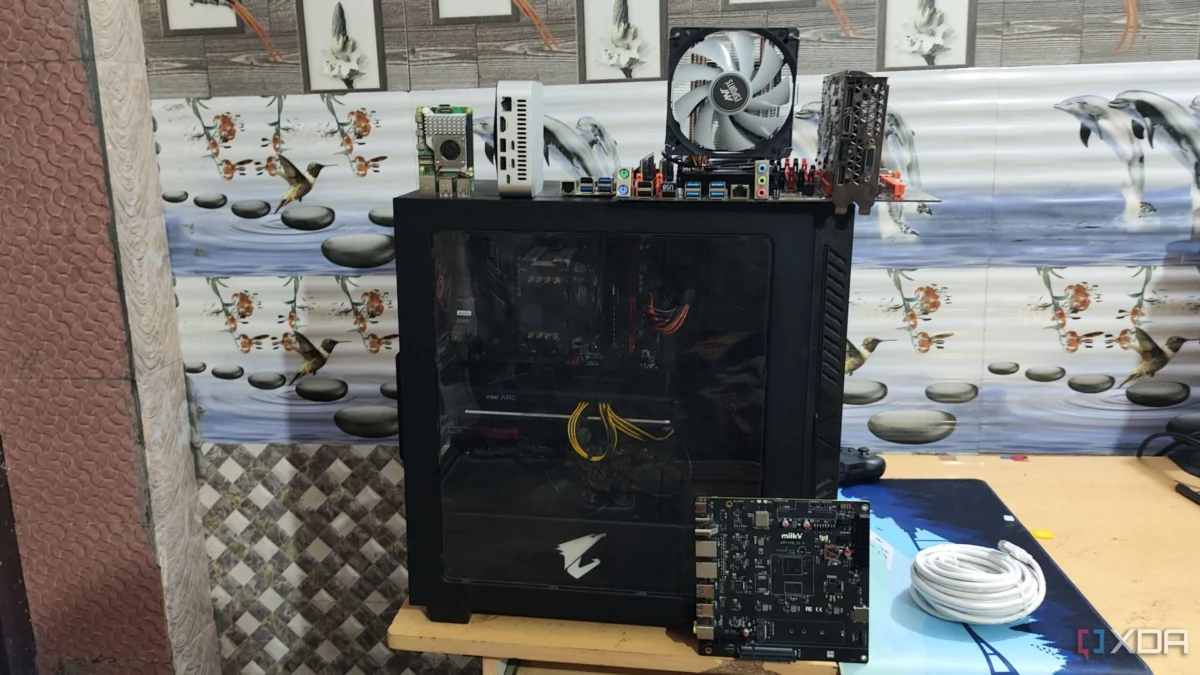
For the aspiring home lab enthusiast, the entry point into the world of self-hosting is often shrouded in conflicting advice. Ask three veterans where to begin, and you will likely receive three distinct answers: a Raspberry Pi, a budget-friendly N100 mini PC, or a refurbished enterprise-grade server sourced from an online marketplace. While these options are undeniably popular—lauded for their compact footprints, low power draw, and silent operation—they may not be the ideal starting point for a novice.
In my experience, the most effective "server" for your maiden voyage into self-hosting is likely already gathering dust in your closet. An aging ATX tower, long since retired from its life as a primary gaming rig or workstation, represents the single greatest value proposition for a beginner. It is an overlooked, versatile, and forgiving platform that offers a path for growth that smaller form factors simply cannot match.

The Evolution of the Home Lab: A Chronology of Hardware
To understand why the ATX tower remains relevant, one must look at the progression of the home lab hobby.
The Era of Scavenging (Pre-2015)
In the early days of the hobby, home labs were almost exclusively built from "hand-me-down" hardware. Users would repurpose old Dell OptiPlex towers or retired office PCs. This forced early adopters to learn the intricacies of BIOS settings, hardware compatibility, and the fundamentals of x86 architecture.
The Rise of the SBC (2015–2022)
The meteoric rise of the Raspberry Pi and the Single Board Computer (SBC) shifted the paradigm. Suddenly, the barrier to entry was a $35 board. This era prioritized power efficiency and physical miniaturization. However, it also introduced a bifurcation in the ecosystem: the ARM-based world of the Pi versus the x86-based world of traditional computing.

The Modern Hybrid Era (2023–Present)
We are currently in a transition period where users are looking for more compute power—driven by the demands of local Large Language Models (LLMs), high-bitrate media transcoding, and complex container orchestration. While mini PCs are the current "darling" of the community, they are beginning to hit the ceiling of their expandability, leading many back to the "old faithful" ATX chassis.
Why ATX Still Reigns Supreme for Beginners
A Foundation That Grows With You
A home lab is never truly "finished." It begins with a single container—perhaps a DNS sinkhole or a file server—and quickly evolves into a complex ecosystem of services. A full-size ATX machine provides the "headroom" required for this expansion without necessitating a costly hardware overhaul.
The primary advantage is modularity. With open PCIe slots, a user can seamlessly integrate a Host Bus Adapter (HBA) for massive storage expansion, a 10GbE Network Interface Card (NIC) for high-speed data transfer, or a discrete GPU to handle hardware transcoding and local AI inference. These are capabilities that an SBC or a compact mini PC cannot offer without complex, often unstable, external adapters.
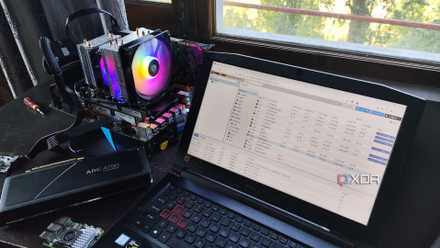
Furthermore, physical drive bays and multiple SATA ports allow for the creation of robust storage pools using ZFS or TrueNAS. While one can use USB-attached storage with an SBC, the reliability of a direct SATA connection is objectively superior for data integrity. Finally, the ability to upgrade system memory (RAM) via standard DIMM slots allows a user to scale from 8GB to 128GB as their virtualization needs grow, a feat impossible on platforms with soldered, non-upgradable memory.
The Dominance of x86 Architecture
For a beginner, the greatest hurdle is not hardware cost, but the "knowledge tax." When a service fails to launch, or a container throws a cryptic error, you need the world’s documentation at your fingertips.
The x86 architecture is the most documented platform in computing history. Operating systems such as Proxmox, TrueNAS Scale, and Ubuntu Server were designed, built, and optimized for x86 first. When you run these on an ATX tower, you are running them as the developers intended. There is no "waiting for an ARM port," no dependency conflicts, and no "amd64-only" limitations.
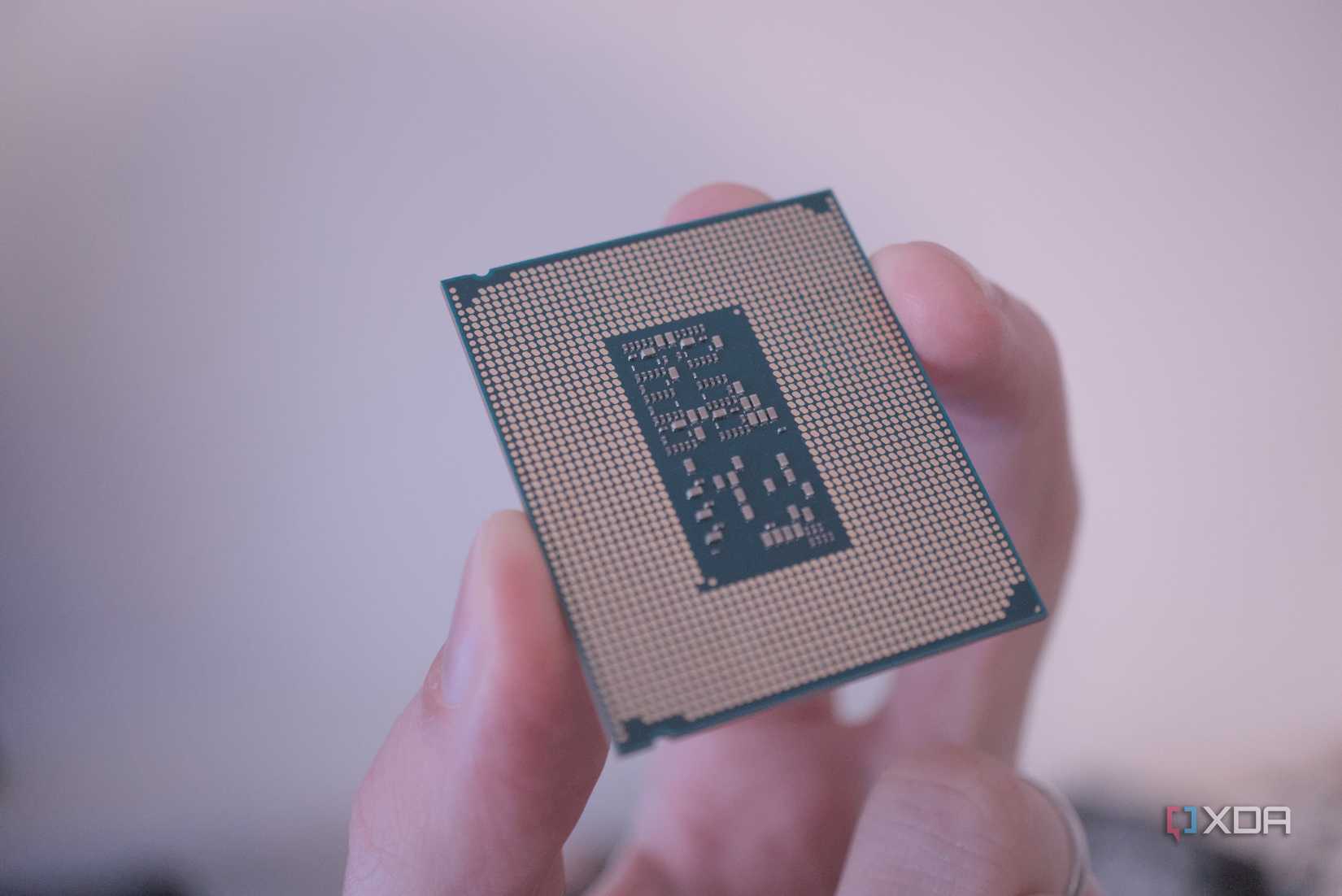
Documentation is significantly more abundant for x86. If you encounter an error, it is almost a mathematical certainty that another user has solved it on a similar setup. This allows the novice to focus on learning the logic of the system rather than fighting the limitations of the hardware.
Supporting Data: Efficiency vs. Versatility
| Feature | Raspberry Pi 5 | N100 Mini PC | Repurposed ATX Tower |
|---|---|---|---|
| Idle Power | ~3-4 Watts | ~8 Watts | ~50-100 Watts |
| Expandability | Minimal | Low | High (PCIe/SATA) |
| Architecture | ARM | x86 | x86 |
| Ease of Repair | Difficult | Moderate | Easy |
While the data clearly shows that an ATX tower is "hungrier" regarding power consumption, this gap is often overstated for the beginner. Many enthusiasts do not run their labs 24/7 during the early learning phase. Furthermore, modern power management and aggressive C-state settings in the BIOS can significantly reduce the idle power draw of older hardware.
Implications for the Future Home Labber
The "Right-Sizing" Fallacy
A common mistake among newcomers is "right-sizing" their hardware before they understand their workload. You cannot accurately predict your needs until you have spent months experimenting. Does your workload require massive compute power? Do you need high-speed storage? Does your software stack have specific hardware dependencies?
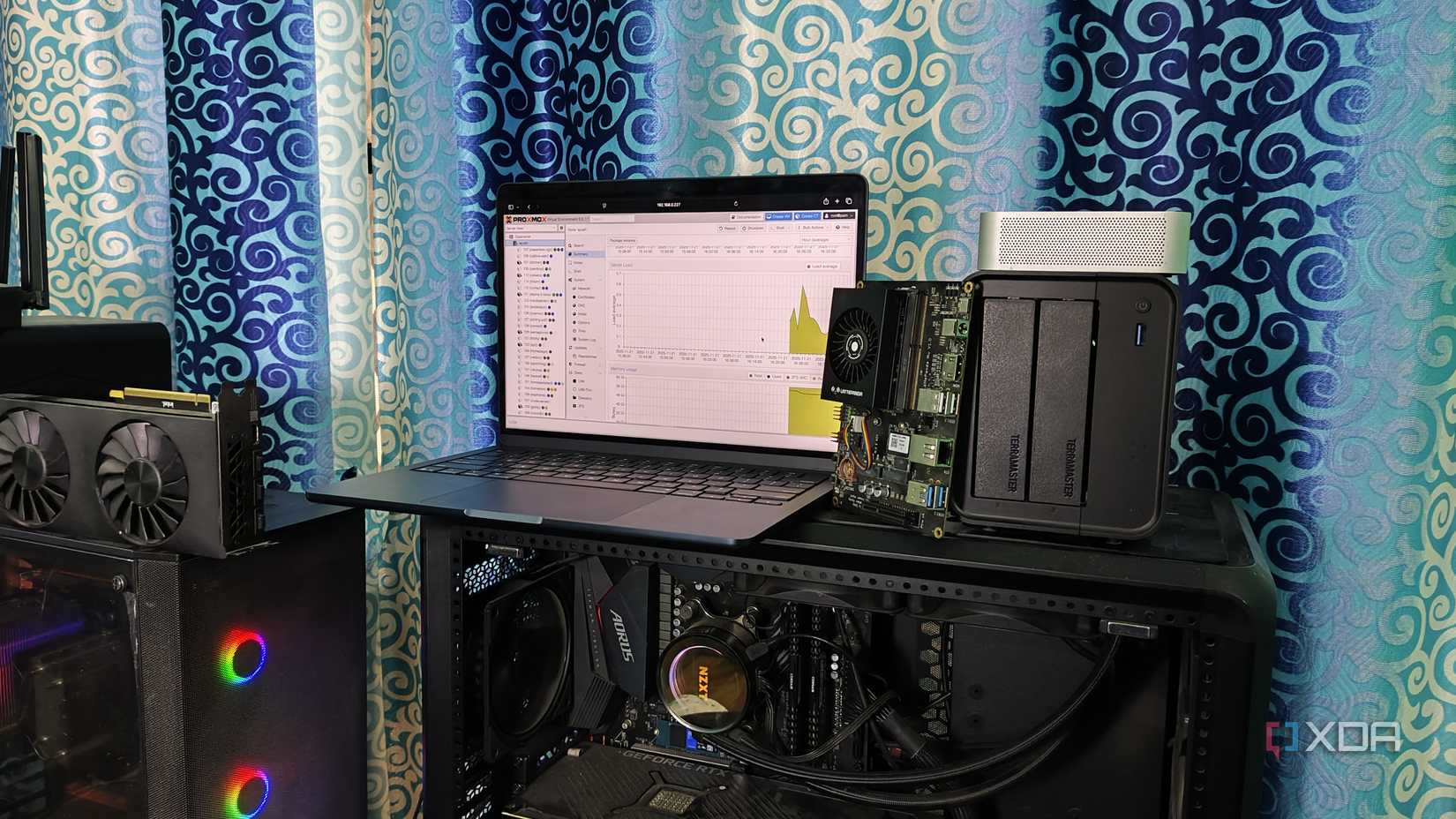
The ATX tower is a low-friction "on-ramp." It allows you to make mistakes—and learn from them—without the fear of having purchased a device that cannot be expanded. By the time you eventually move to a power-efficient mini PC or a dedicated rack-mount server, you will be making that purchase with the wisdom of a seasoned operator. You will know exactly why you need that specific hardware, rather than choosing it based on a "best-of" list written for a general audience.
The Psychological Aspect of Failure
Finally, we must consider the user experience of failure. On an SBC, when a project fails due to an architecture incompatibility, the user is often left feeling helpless. On an ATX machine, when a project fails, it is almost always due to "user error." While that may sound intimidating, it is actually the most empowering form of failure. It means the system works, the hardware is capable, and the solution is entirely within the user’s control.
Conclusion
If you are standing at the threshold of your first home lab, do not feel pressured to buy the latest, smallest, or most efficient device on the market. Instead, look to the legacy hardware in your home. An old ATX tower provides the modularity, the architectural compatibility, and the forgiving nature that a beginner needs. It is the perfect vessel for your first, second, and third experiments. Start there, learn the craft, and let your future hardware requirements dictate your next upgrade—not the other way around.












No comments yet. Be the first to join the conversation!