Rifan Muazin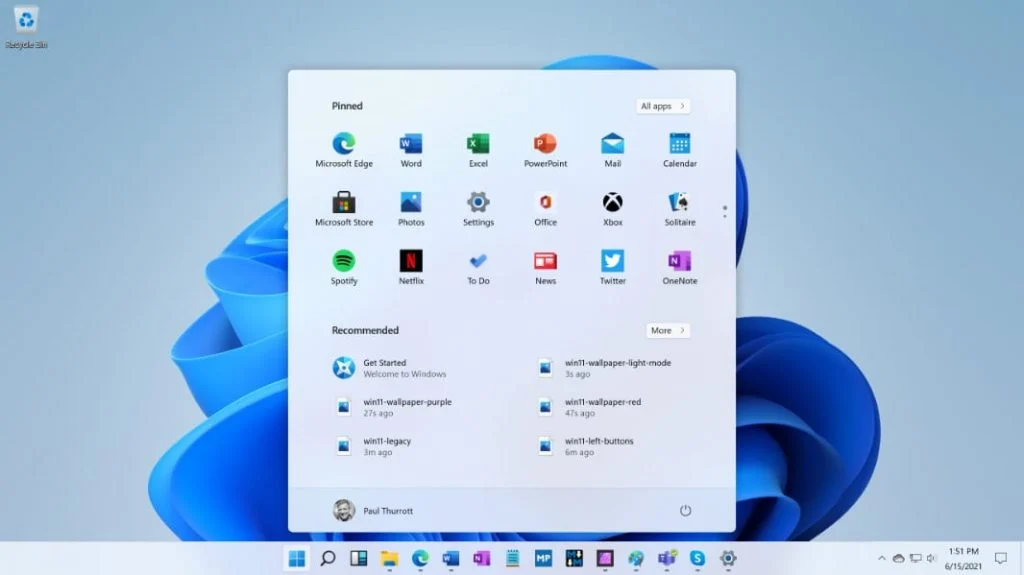
By João Silva
Published 2 days ago in Operating Systems
Microsoft has officially initiated the rollout of its June 2026 cumulative update for Windows 11, marking a significant shift in how the operating system handles resource allocation. With the release of security update KB5094126, which advances the OS to builds 26200.8655 or 26100.8655, the Redmond-based tech giant is targeting one of the most persistent user complaints: UI responsiveness. By introducing a new "low-latency profile" alongside "Shared Audio" capabilities and refined search indexing, Microsoft is aiming to make the Windows 11 desktop experience feel snappier than ever before.
Main Facts: A Shift Toward Aggressive Responsiveness
The core of the June 2026 update centers on a sophisticated power-management strategy. For years, Windows has operated on a delicate balance between power efficiency and raw performance. With KB5094126, Microsoft is leaning into the latter for specific, short-term tasks.
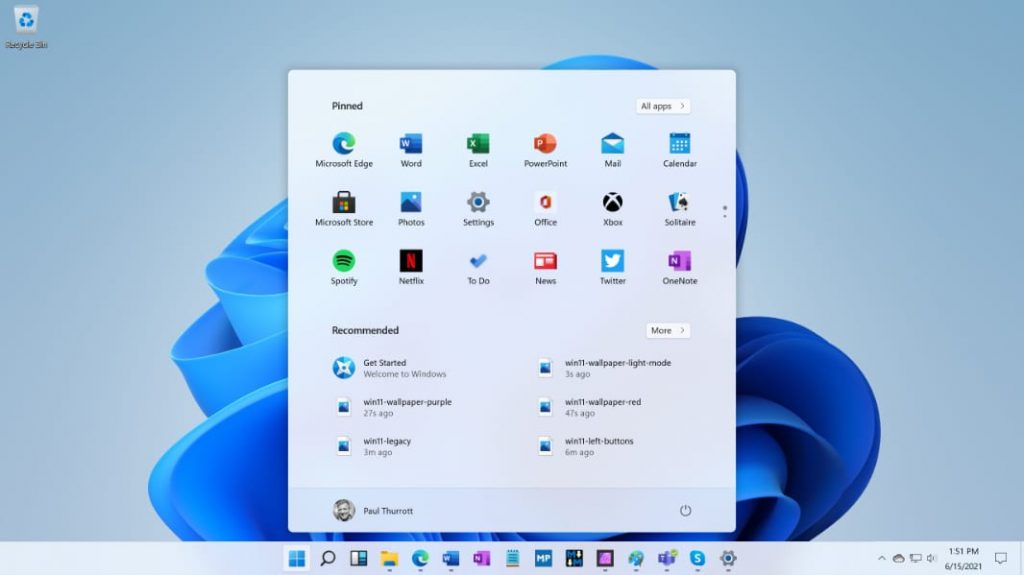
The new low-latency profile works by instructing the CPU to enter a brief, high-intensity boost state—typically lasting between 1 and 3 seconds—immediately upon user interaction with core shell components. When a user clicks the Start menu, initiates a Search query, or pulls up the Action Center, the system identifies these as high-priority UI events. By forcing the processor to ramp up its frequency instantly, the OS eliminates the micro-stutters often associated with waking a CPU from a power-saving state.
Initial reports suggest that this "burst" methodology is highly effective. Because the spike is limited to a few seconds, the impact on overall system thermals and battery life for mobile devices is expected to be negligible, effectively providing a "best of both worlds" scenario for laptop and desktop users alike.
Chronology of the Update Rollout
The deployment of this update follows a period of intense internal testing and feedback gathering via the Windows Insider program.
- Early May 2026: Microsoft begins seeding experimental builds in the Dev Channel, testing the efficacy of "burst-state" CPU management.
- Late May 2026: User reports from the Insider community highlight a perceptible decrease in input lag within the Start menu and Search flyouts.
- June 10, 2026: Microsoft officially pushes the June 2026 cumulative update (KB5094126) to the general public.
- Post-Launch: Hardware enthusiasts and power users begin documenting the activation process for the low-latency profile, which remains disabled by default for the general population.
Supporting Data and Technical Implementation
For those eager to experience these improvements immediately, the feature is currently gated behind a feature ID. Microsoft has opted for a "staged" release, meaning not every feature will activate simultaneously for all users. However, power users can manually force the update’s hidden components.
How to Enable the Low-Latency Profile
As reported by Windows Latest, the profile can be toggled using the community-developed utility ViveTool. By utilizing the feature ID 58989092, users can override the default state.
To verify that the system is responding as intended, standard Windows Task Manager is insufficient due to its polling interval. Enthusiasts are advised to use high-precision telemetry tools such as HWiNFO. When the feature is active, opening the Start menu should trigger a measurable, momentary spike in CPU core frequency. If the spike is absent, the system remains in its traditional, efficiency-oriented power state.
Shared Audio and Search Enhancements
Beyond the low-latency profile, the update introduces "Shared Audio," a feature designed to streamline the way Windows handles audio routing across multiple applications and virtual environments. While technical details remain sparse, early documentation suggests this will allow for more seamless transitions between system sounds and media playback, reducing the "audio pop" or delay sometimes experienced when switching between browser-based media and local applications.
Official Responses and Strategic Context
Microsoft has remained relatively quiet regarding the specifics of the CPU boosting mechanism, likely to avoid concerns regarding battery health. However, the move is widely viewed by industry analysts as a strategic response to the rising popularity of lightweight, high-performance operating systems, including various Linux distributions.
With projects like CachyOS gaining traction for their "bleeding-edge" performance optimizations, Microsoft is clearly under pressure to ensure that Windows 11 does not feel sluggish on modern hardware. The integration of this low-latency profile suggests that Microsoft is pivoting toward a "user-first" performance philosophy, where the OS prioritizes the immediate feeling of fluidity over absolute power efficiency in background processes.
Implications for the User Experience
The implications of this update are two-fold:
- Hardware Optimization: This update benefits users with modern, high-clock-speed CPUs the most. Older processors may see less benefit, as the "burst" state relies on the thermal headroom and frequency agility of newer architectures.
- The "Windows Feel": The perception of a fast OS is often more important than objective benchmark scores. By focusing on the milliseconds it takes for the Start menu to animate or for a Search box to appear, Microsoft is addressing the psychological component of system performance.
However, the "KitGuru" perspective remains one of cautious optimism. History has shown that Microsoft’s cumulative updates—while technically advanced—are prone to unforeseen side effects. Past updates have occasionally introduced memory leaks, driver conflicts, or UI glitches that weren’t caught in the testing phase. Users are advised to monitor their system stability closely in the days following the installation of KB5094126.
Looking Ahead: The Future of Windows Optimization
As we move into the second half of 2026, the success of this update will likely determine whether Microsoft continues to implement "aggressive boost" profiles in future versions of Windows. If the battery impact remains low and user feedback is positive, we may see this logic expanded to other areas of the shell, such as File Explorer, which has long been a target for performance-related criticism.
For now, the community is encouraged to test, document, and report. If you encounter any anomalies, such as unexpected fan ramp-ups or system instability after enabling the low-latency feature, reverting via ViveTool is the recommended course of action.
Disclaimer: As with all system modifications, using tools like ViveTool to toggle hidden features carries inherent risks. Always ensure your system is backed up before making changes to registry-level configurations.
For those interested in exploring alternatives to the Windows ecosystem, be sure to check our latest guide on installing CachyOS for high-performance gaming, providing a unique look at how Linux continues to challenge the status quo in the desktop OS market.

 Nana Wu
 Ammar Sabilarrohman