In the modern digital workspace, the standard QWERTY keyboard—a design largely inherited from the 19th-century typewriter—remains the primary interface between human and machine. Yet, as our workflows grow increasingly complex, juggling dozens of software applications, specialized editing tools, and multitasking demands, the standard 104-key layout often feels restrictive. Many power users respond to this by upgrading to mice with a dozen side buttons or complex "gaming" keyboards, but often, the most effective solution isn’t adding more keys to your main input device—it’s adding an entirely new one.
Enter the standalone macro pad: a dedicated, programmable hardware companion designed to offload your most frequent tasks, shortcuts, and macros. Whether you are a creative professional, a data analyst, or simply someone trying to shave seconds off your daily grind, a macro pad represents a shift from "typing" to "commanding."
The Evolution of Input: From Numpads to Stream Decks
The concept of a secondary input device is not entirely new. Historically, the 10-key numberpad was the original macro pad, designed for the rapid entry of financial data. However, in the last decade, the category has exploded into a diverse ecosystem of specialized hardware.
A Chronology of the Macro Pad
- The Pre-Digital Era: Specialized accounting machines utilized dedicated numeric clusters, establishing the standard for "side-car" input devices.
- Early 2000s: The rise of PC gaming saw the introduction of programmable gamepads, such as the Razer Nostromo or Tartarus, which allowed players to map complex sequences to a thumb-accessible cluster.
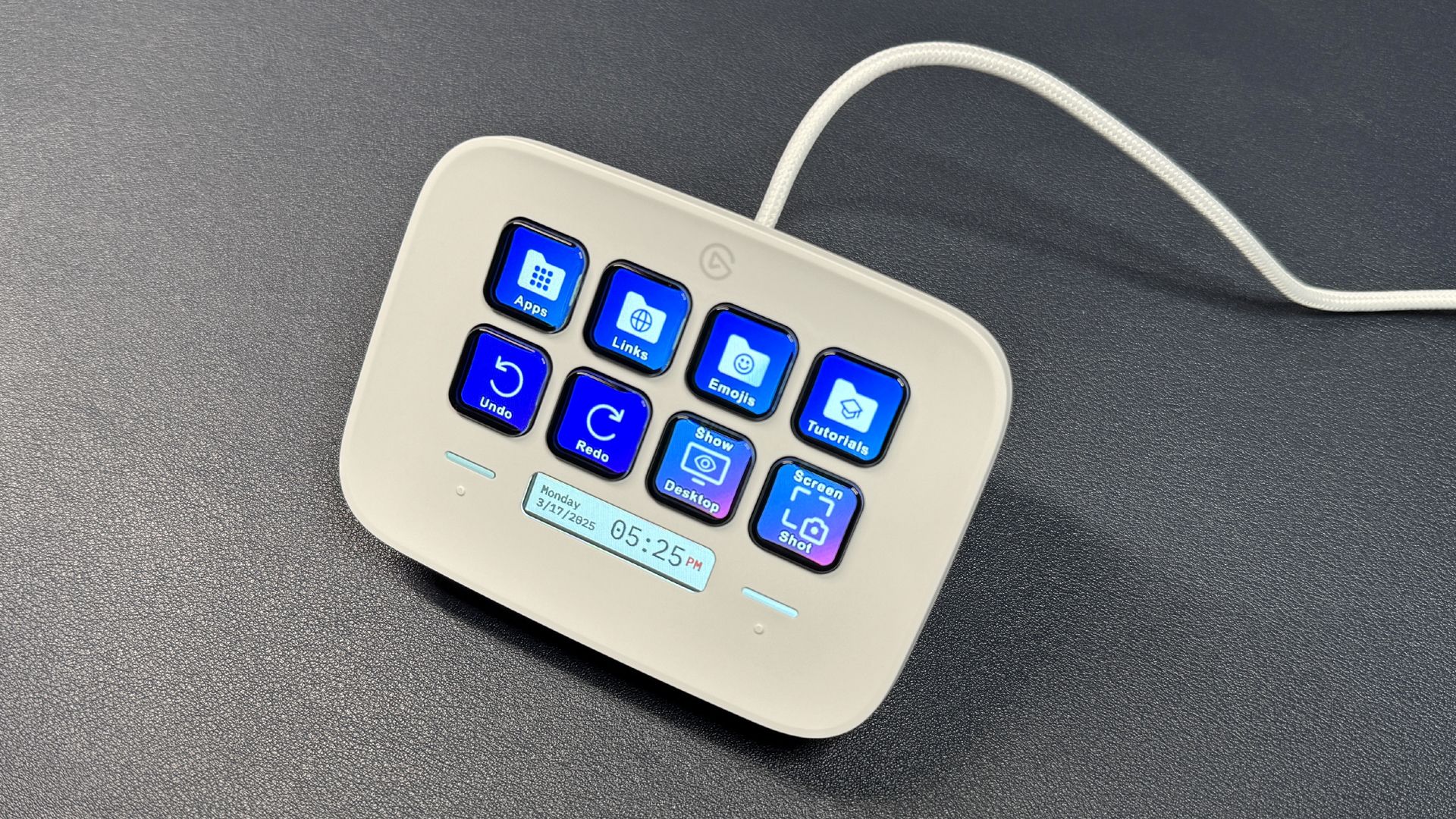
- 2017–2019: The "Streamer Boom" brought Elgato’s Stream Deck into the mainstream. Originally designed for live broadcasters to switch scenes and toggle audio, it introduced the concept of dynamic LCD keys that change their appearance based on the software in focus.
- 2020–Present: The democratization of mechanical keyboard hobbyism—led by sites like GeekHack and Reddit’s r/MechanicalKeyboards—has resulted in an influx of affordable, hot-swappable, DIY macro pads that allow users to customize their tactile experience and aesthetic.
Decoding the Hardware: What Are Your Options?
If you are looking to integrate a macro pad into your workflow, the options generally fall into three distinct tiers of functionality.
1. The Classic Numberpad
While often overlooked by gamers, the standalone numberpad is a powerhouse for productivity. Beyond simple data entry, these devices provide a block of keys that the OS recognizes as distinct inputs. Because they are cheap—often found for under $15—they serve as the perfect entry point for someone who wants to experiment with AutoHotKey scripts or basic macro assignments without a heavy financial investment.
2. The Custom Mechanical Macro Pad
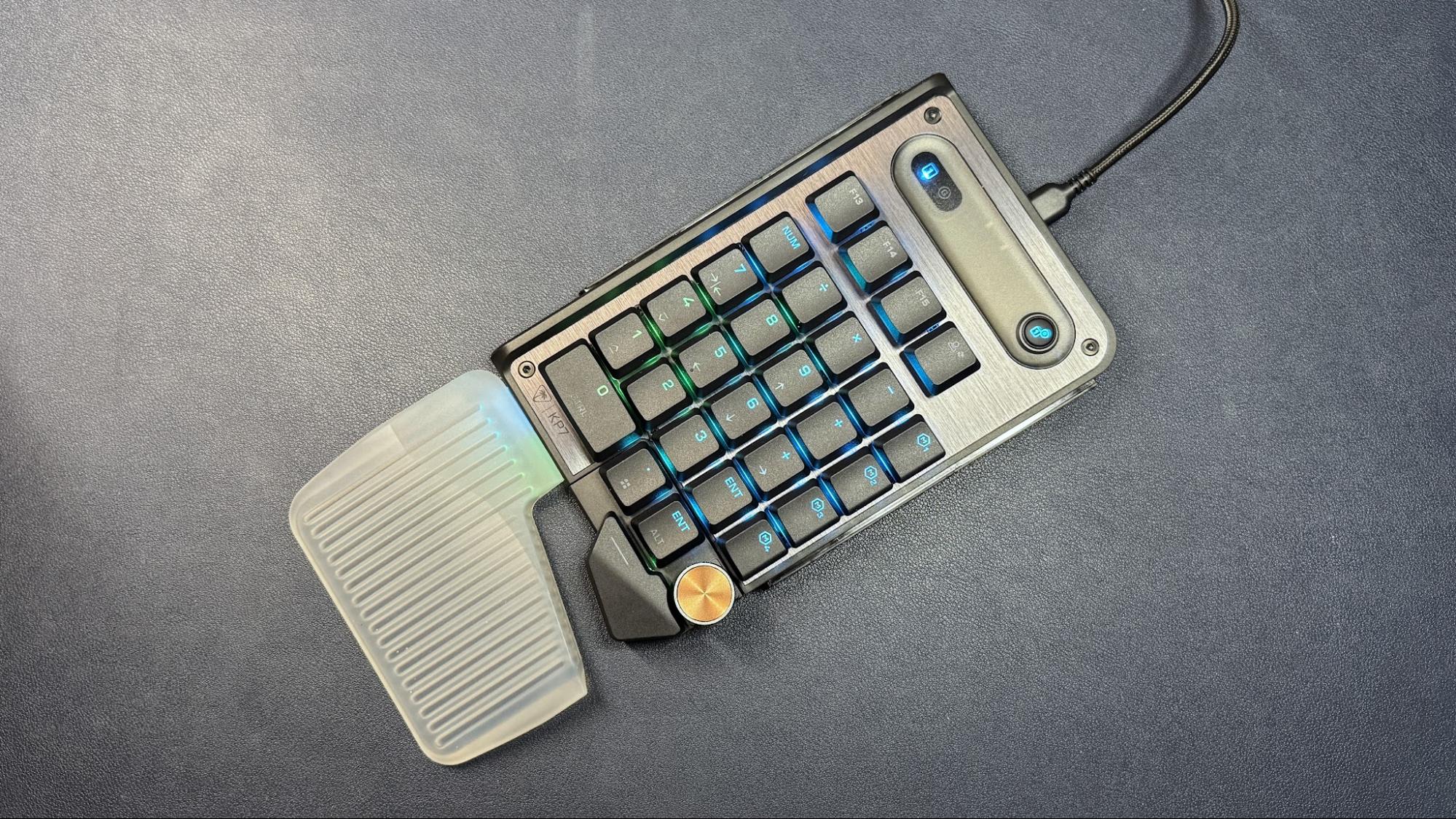
For the enthusiast, there is no substitute for a dedicated mechanical pad. These devices feature the same high-quality switches and keycaps as premium keyboards. They are often programmable via open-source firmware like QMK or VIA, allowing users to map layers. For instance, holding a "Shift" key on the pad could toggle a second layer, effectively doubling the functionality of your device. These are ideal for users who prioritize tactile feedback and durability.
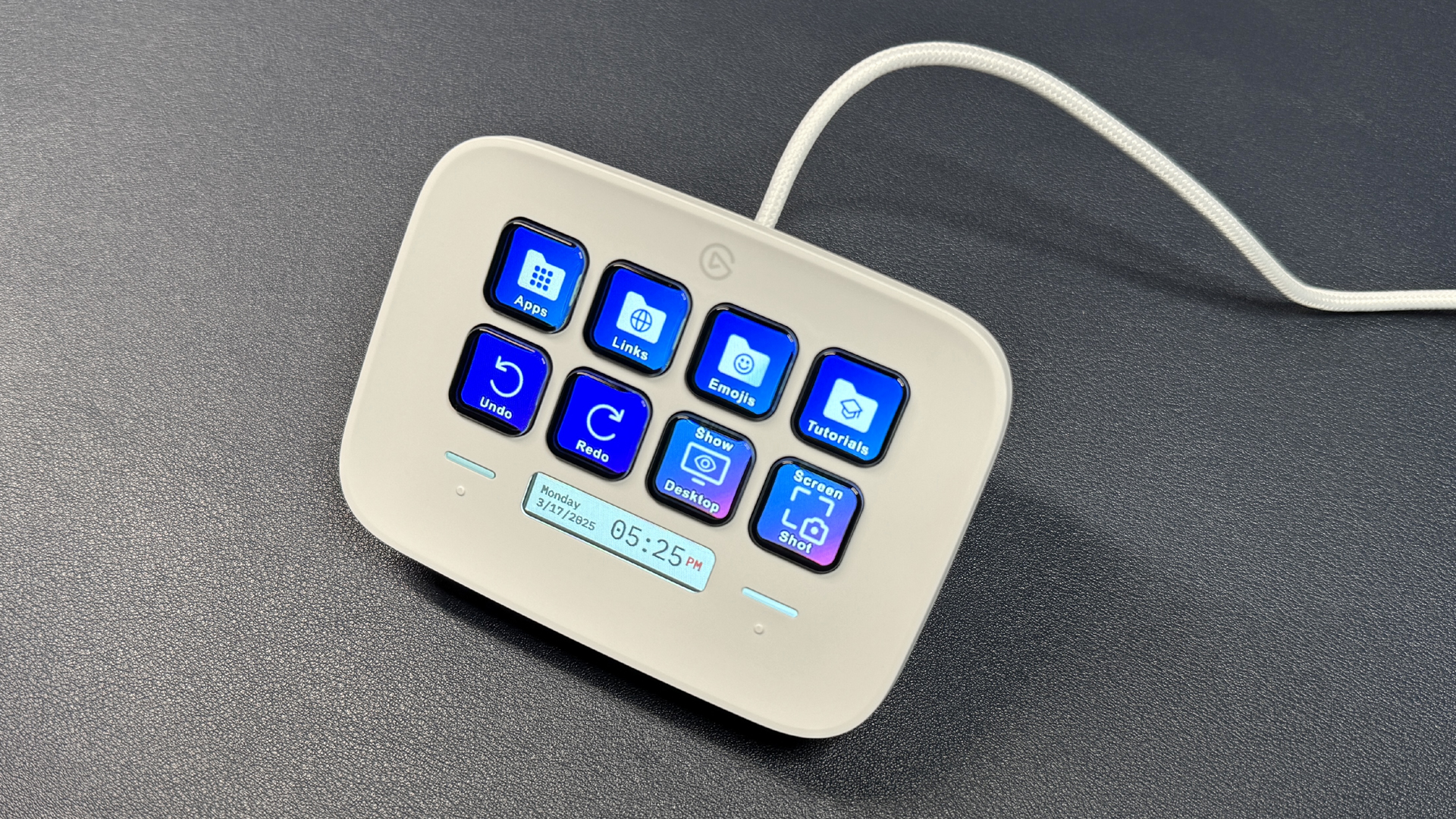
3. The Dynamic Streaming Deck
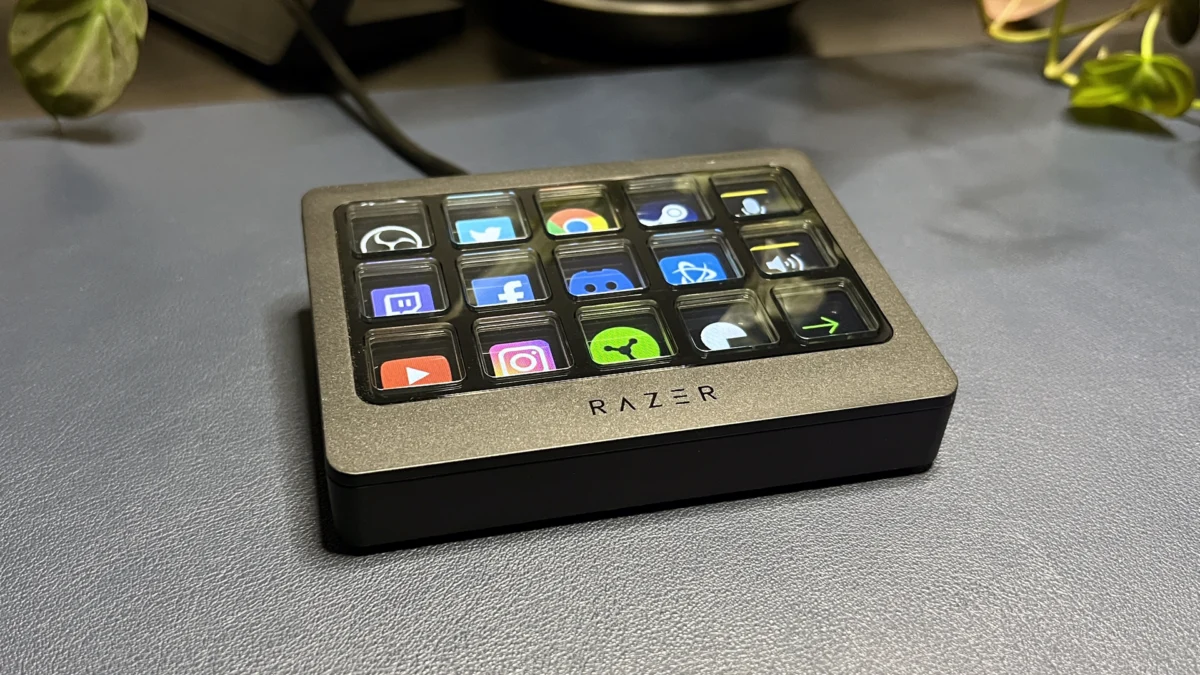
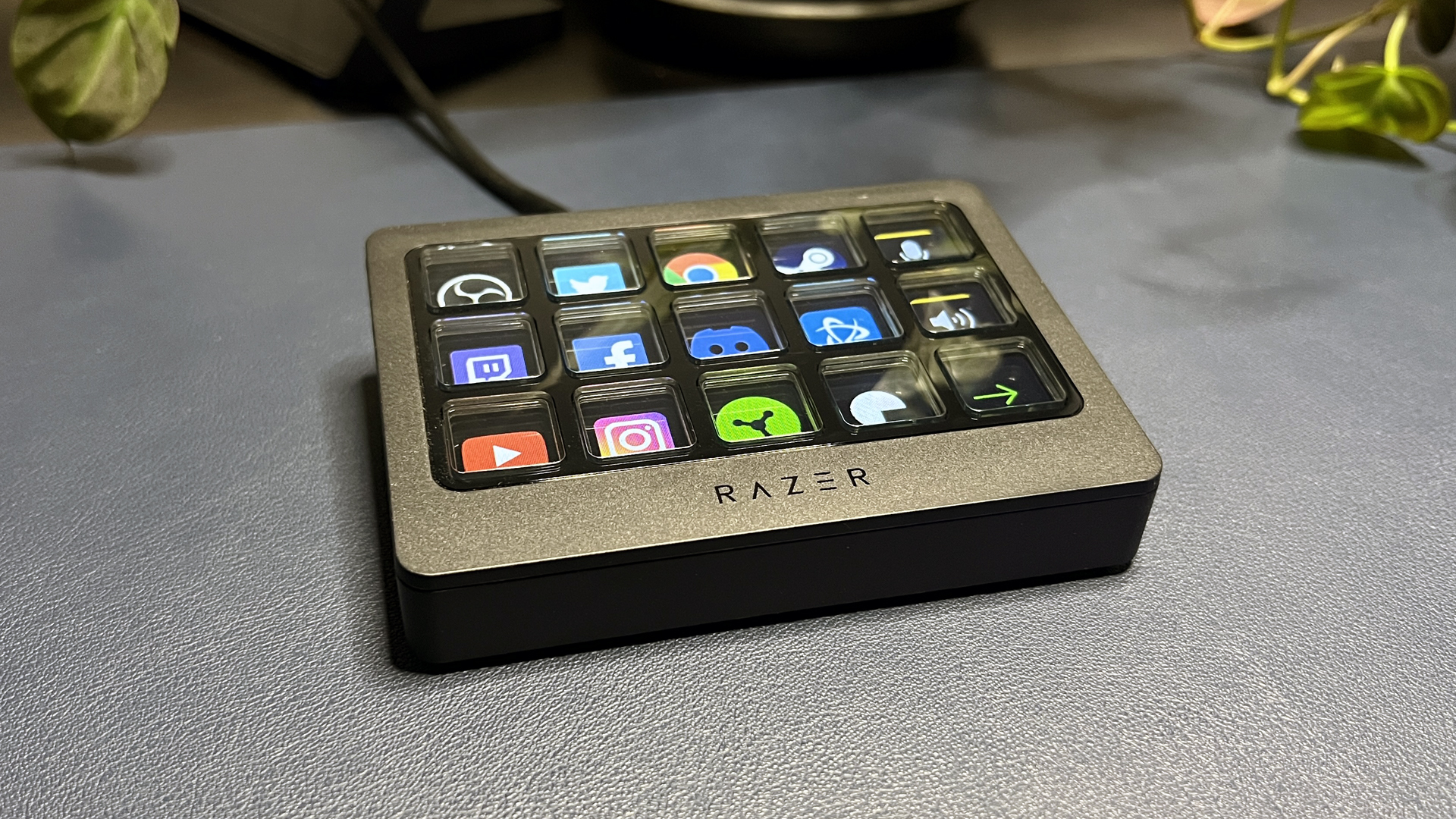
These devices utilize LCD screens behind transparent keys or integrated touch panels. This is the "high-end" tier. The primary advantage here is visual feedback: the key icon tells you exactly what the function is, and the software—such as Elgato’s or Razer’s—automatically swaps button profiles when you Alt-Tab between apps. If you are in Photoshop, your buttons represent brush tools; switch to Spotify, and they become playback controls.
Supporting Data: Why "More Keys" Equals Better Ergonomics
The argument for macro pads is not merely about "laziness"—it is about physiological health and cognitive efficiency.
Studies in human-computer interaction (HCI) have long suggested that repetitive strain injuries (RSI) are exacerbated by awkward hand positioning. Stretching fingers across a full-sized keyboard to trigger "Ctrl + Alt + Shift + F12" is not just inefficient; it is physically taxing.
By mapping these "chords" to a single key on a peripheral pad placed closer to your mouse, you reduce the distance your hands travel. Furthermore, cognitive load studies indicate that context-switching—the mental effort required to jump between a web browser, a spreadsheet, and an email client—is significantly reduced when the interface is predictable. A button that always opens your project folder, regardless of which application is active, minimizes the "where did I put that?" micro-frustrations that plague the average workday.
Implications: The Software-Hardware Divide
One of the greatest challenges with macro pads is the "software trap." Many gaming peripherals require proprietary software to be running in the background to handle the remapping. As any IT professional or peripheral enthusiast knows, bloated background software can lead to input lag, driver conflicts, and system instability.
The most robust solutions, therefore, are those that support on-board memory. When a macro pad saves your configurations directly to its internal firmware, the computer sees the device as a standard keyboard. This means your macros work instantly upon plugging the device in, without the need for constant background software processes. This is the gold standard for enterprise environments where you may not have permission to install third-party gaming drivers.
Practical Applications for Everyone
You do not need to be a professional streamer to justify a macro pad. Here is how you can transform your daily experience:
- Window Management: With four monitors, managing windows is a chore. A macro pad can be programmed with plugins that snap your active window to a specific screen or quadrant with one click.
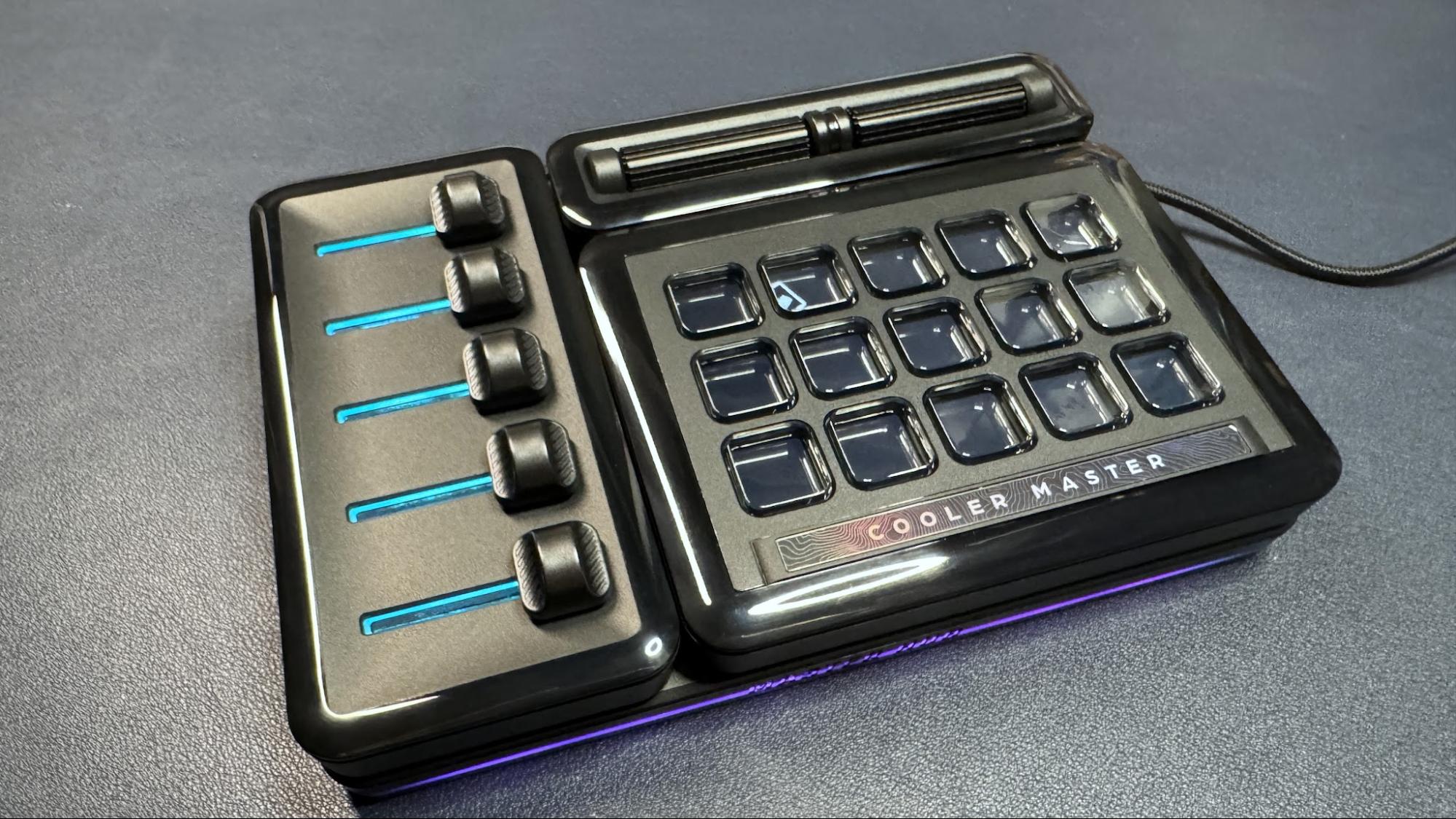
- System Controls: Instead of digging through the Windows Settings menu to change your default audio output or microphone gain, map these to a physical knob or dial on a device like the Stream Deck+.
- The "Panic" Button: Create a "Work Focus" macro that closes all entertainment apps, opens your project management suite, and mutes system notifications simultaneously.
- Text Expansion: For common phrases, email signatures, or complex search strings like
site:domain.com, a macro pad acts as a hardware-based text expander, saving you from repetitive typing.
Conclusion: Investing in Your Workflow
The decision to adopt a macro pad is an admission that the "standard" way of doing things isn’t necessarily the "best" way. While a mouse and keyboard will always be the core of your setup, the macro pad is the specialized tool that elevates your capability.
Whether you opt for a $30 mechanical numberpad to handle your Excel shortcuts or a $200 streaming deck to manage a multi-layered creative workflow, the result is the same: a cleaner, faster, and more ergonomic workspace. In an age where every second of productivity counts, offloading your most common inputs to a dedicated device isn’t just a luxury—it’s a competitive advantage.
As we look toward the future of office technology, the trend is clear: the keyboard is no longer enough. The future is modular, the future is specialized, and the future is sitting just to the left of your mouse, waiting for you to press the button.