Raul Delapena Setiawan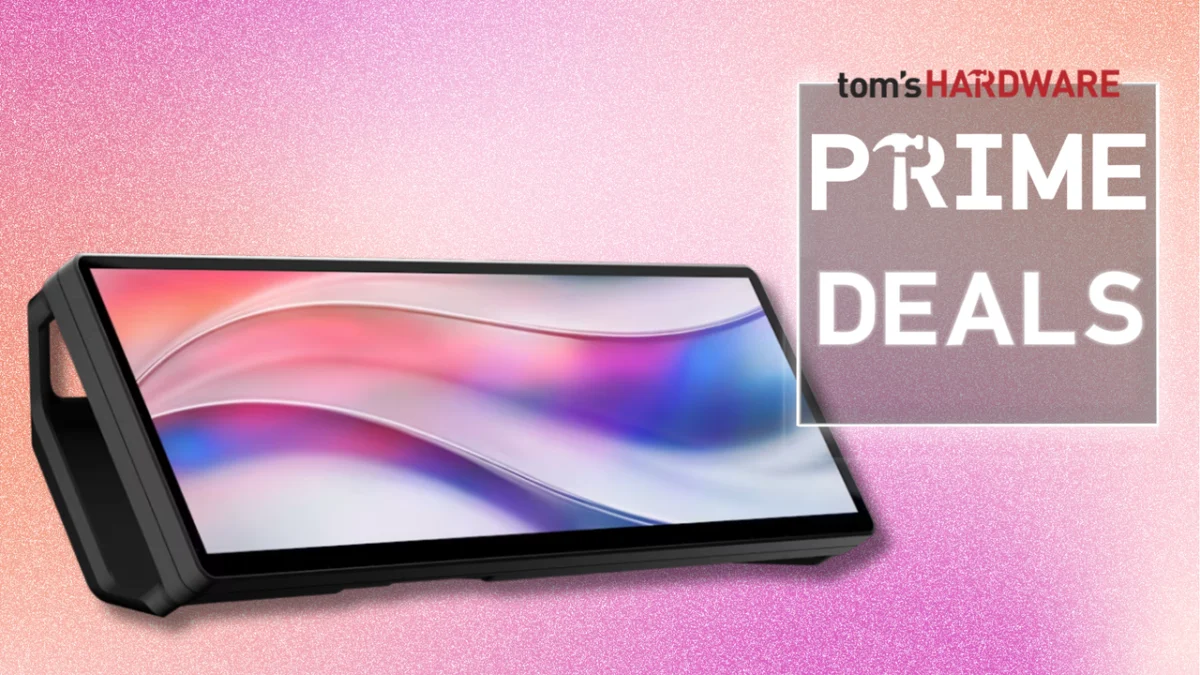
For power users, streamers, and PC enthusiasts, the struggle for screen real estate is a constant battle. While a triple-monitor setup offers unparalleled multitasking capabilities, the physical footprint required to house such a display array is often prohibitive for those working with limited desk space. Recognizing this constraint, Corsair has introduced a clever solution that adds a layer of productivity without sacrificing precious surface area: the Xeneon Edge 14.5-inch LCD touchscreen.
As part of the early promotions leading into Prime Day, Corsair has slashed the price of this versatile peripheral. Currently available on the official Corsair website for $199.99—a 20% discount off its standard $249.99 retail price—the Xeneon Edge represents a compelling investment for anyone looking to optimize their workflow or enhance their battlestation’s aesthetic.
Main Facts: The Anatomy of the Xeneon Edge
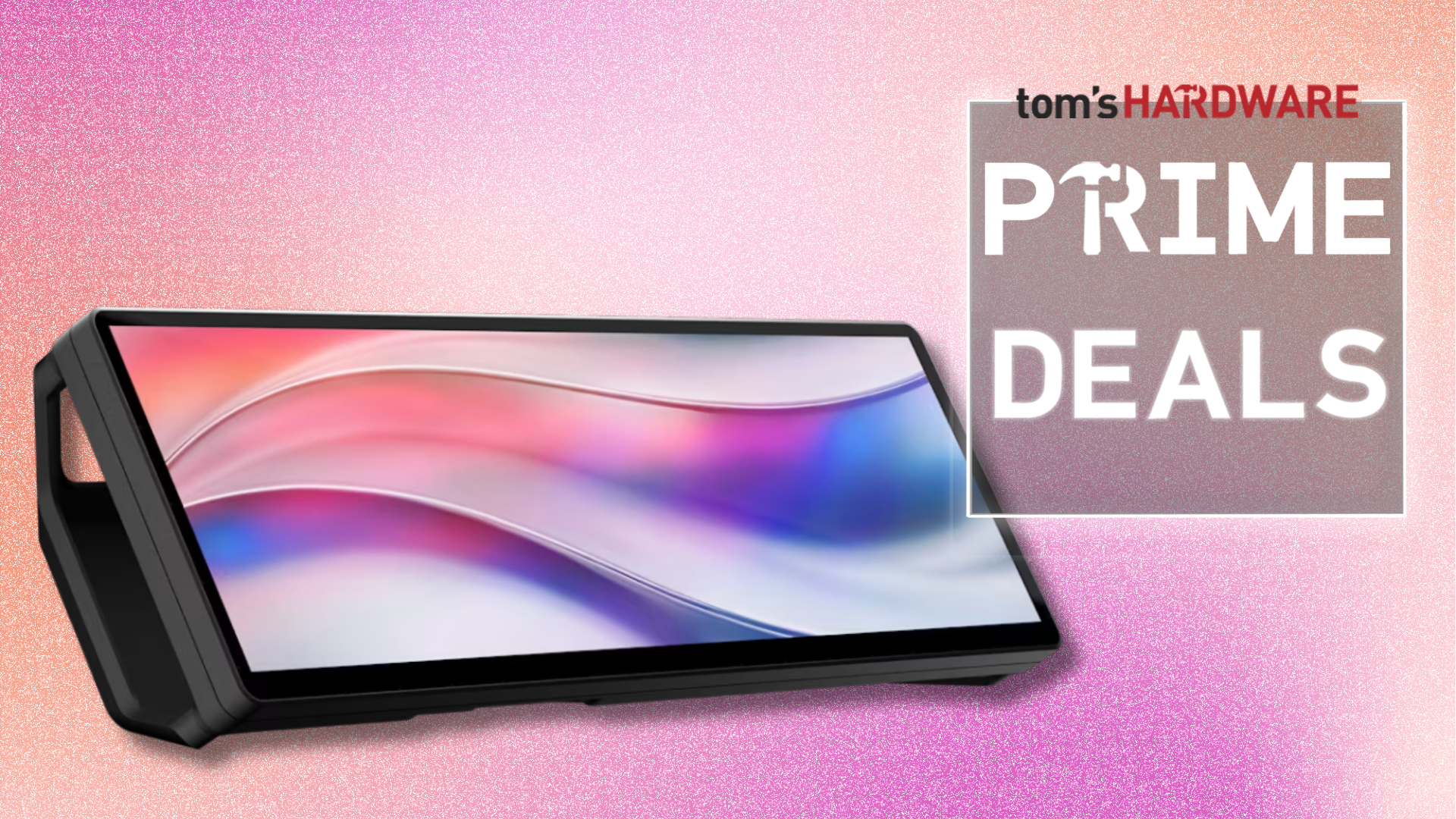
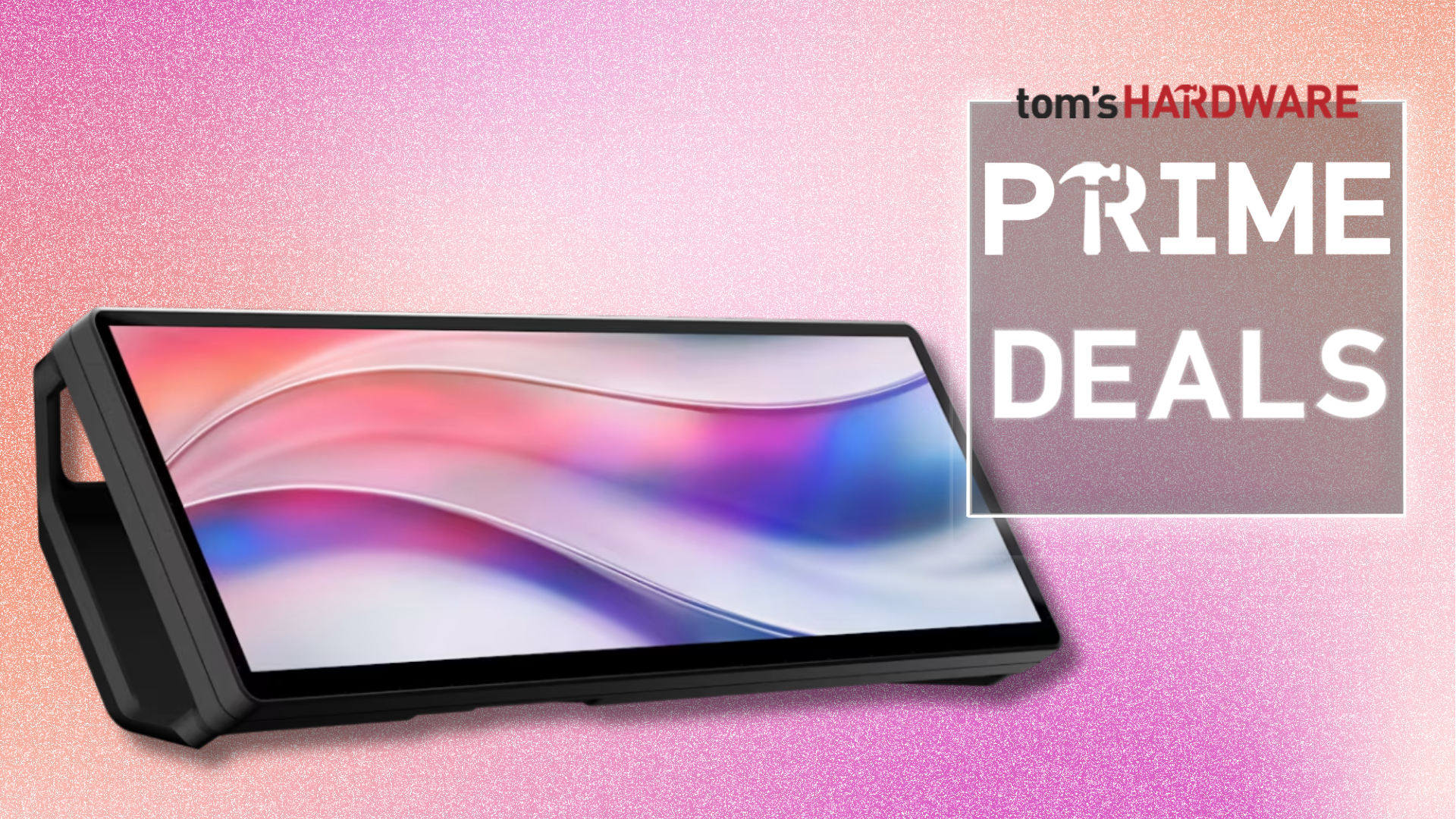
The Corsair Xeneon Edge is not a traditional monitor; it is a specialized, ultra-wide secondary display designed to act as a command center for your primary workstation. Measuring 14.5 inches diagonally, the display features a non-traditional resolution of 2560 x 720. This unique aspect ratio makes it ideal for displaying vertical or horizontal information strips that would otherwise clutter your primary monitor.
Key Specifications at a Glance:
- Display Size: 14.5 inches (diagonal).
- Resolution: 2560 x 720.
- Refresh Rate: 60Hz.
- Panel Type: AHVA (Advanced Hyper-Viewing Angle), ensuring consistent color and visibility from oblique angles.
- Connectivity: Supports both HDMI and USB-C (DisplayPort Alt Mode).
- Input Method: Integrated responsive touchscreen.
- Mounting Options: Magnetic stand (for under-monitor placement) and magnetic backplate (for attachment to metallic surfaces).
The device is built with a focus on modularity. Whether you choose to set it at the base of your main monitor, mount it vertically to the side of your chassis, or attach it to a metallic surface, the Xeneon Edge is designed to integrate seamlessly into existing PC environments.
Chronology: The Evolution of the Auxiliary Display
The rise of the "auxiliary display" trend can be traced back to the growth of the streaming industry and the increasing complexity of PC monitoring software. As users began demanding more granular control over their system performance, the need for a secondary screen to display telemetry—such as CPU temperatures, GPU utilization, and fan speeds—became apparent.
Initially, enthusiasts resorted to DIY solutions using Raspberry Pi screens or repurposing old smartphone displays. Recognizing a market gap, manufacturers like Corsair began developing purpose-built, high-quality hardware. The Xeneon Edge represents the culmination of this evolution, moving from a niche hobbyist project to a polished, consumer-ready peripheral that integrates directly with Corsair’s proprietary software ecosystem.
Supporting Data: Why Small Screens Matter
When evaluating the utility of a 14.5-inch auxiliary display, it is important to look at the "workflow tax" of traditional setups. According to productivity studies, Alt-Tabbing between applications results in a measurable cognitive load and a loss of focus. By moving secondary information—such as Spotify controls, Discord chat feeds, or system metrics—to a dedicated screen, users can maintain their primary focus on the task at hand.
Use Cases for the Modern Power User:
- System Monitoring: Through Corsair’s iCUE software, the Xeneon Edge can provide real-time updates on internal hardware health. This is particularly valuable for users who overclock their systems or those running intensive rendering workflows.
- Streaming Command Center: Streamers can use the display to view OBS Studio scenes, manage chat windows, or monitor incoming alerts without overlaying these elements onto their main gaming screen.
- Virtual Macro Deck: The integrated touchscreen allows for programmable shortcuts. Similar to physical stream decks, users can map frequently used functions, application launches, or system macros directly to the screen, turning it into a high-utility interface.
- AHVA Panel Advantages: The choice of an AHVA panel is significant. In an environment where the screen is often positioned at an angle—such as tucked under a main monitor or mounted on a side chassis—the wide viewing angles provided by the AHVA technology ensure that the information remains clear and color-accurate, regardless of the user’s seating position.
Official Responses and Strategic Positioning
Corsair’s positioning of the Xeneon Edge is a direct response to the "minimalist" movement in desk setups. Many users want the functionality of a complex system without the visual clutter of multiple full-sized panels.
"The Xeneon Edge is designed to be the ultimate companion for the PC enthusiast," says the product documentation from Corsair. By integrating the device into the iCUE ecosystem, the company ensures that the hardware is not just a secondary screen, but an extension of the PC’s own internal intelligence. This synergy between hardware and software is what separates the Xeneon Edge from generic portable monitors on the market.
While some critics might argue that a standard portable monitor or a budget 4K display offers more "total screen area" for a similar price, Corsair’s argument is one of ergonomics and form factor. A 4K monitor requires a mounting arm and significant horizontal space; the Xeneon Edge occupies "dead space" that is otherwise unused, making it an efficient rather than additive solution for cramped workspaces.
Implications: The Future of Desktop Customization
The release and subsequent discount of the Xeneon Edge reflect a broader shift in the consumer tech landscape. We are moving away from the era of "bigger is better" and toward a paradigm of "smarter and more efficient."
1. The Rise of the "Integrated" Desktop
As PC cases with tempered glass panels become the industry standard, internal and external peripheral displays are becoming the next frontier of customization. The Xeneon Edge is designed to bridge the gap between internal component monitoring and external user interaction.
2. Efficiency in Workflow
For professionals and content creators, the Xeneon Edge is an efficiency tool. The ability to offload peripheral tasks—email notifications, Slack channels, or media playback controls—to a secondary display allows the primary display to remain dedicated to the high-value work, whether that is video editing, coding, or gaming.
3. The Prime Day Factor
The current $199.99 price point makes this device an accessible entry point for those who were previously deterred by the $250 MSRP. With Prime Day approaching, we are likely to see a surge in the adoption of these auxiliary displays, potentially prompting competitors to innovate further in the "smart display" category.
Conclusion: Is the Xeneon Edge Right for You?
If you find yourself constantly Alt-Tabbing, or if your desk simply cannot accommodate a second or third full-sized monitor, the Corsair Xeneon Edge is a compelling, high-quality solution. Its build quality, supported by the robust iCUE ecosystem and flexible mounting options, places it firmly above the "budget" portable monitor alternatives.
While the 60Hz refresh rate and 2560 x 720 resolution mean it isn’t meant for primary gaming, its purpose—utility, monitoring, and workflow management—is executed with precision. As the price drops to $199.99 for the pre-Prime Day window, there has arguably never been a better time to integrate this "smart screen" into your personal computing environment.
Whether you are a streamer looking to clean up your UI, a professional wanting to offload communication apps, or an enthusiast who loves to track every metric of your PC’s performance, the Xeneon Edge offers a level of convenience that, once experienced, becomes difficult to live without. The battle for desk space is effectively over, and for those who choose wisely, the solution is just under the edge of their main monitor.

 Ali Ikhwan
 Nana
Nana