Lina Hope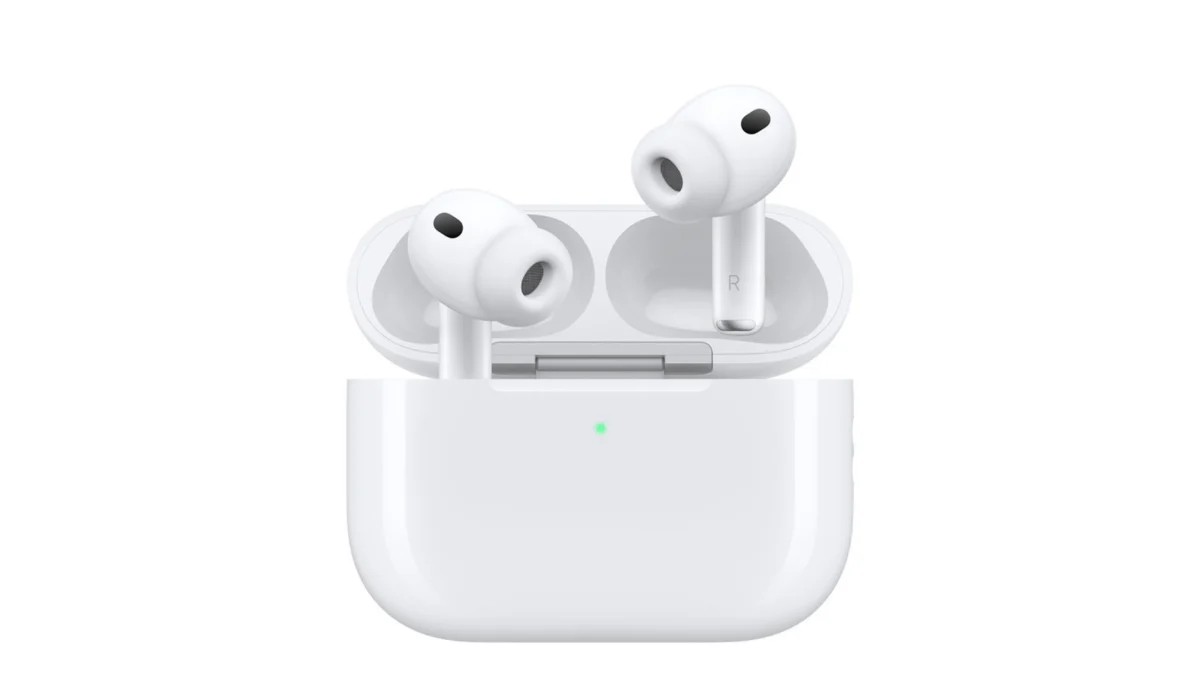
While Apple’s AirPods are renowned for their "plug-and-play" simplicity, relying solely on factory settings means you are likely missing out on the true sonic potential of your device. Whether you are using the latest AirPods 4, the professional-grade AirPods Pro, or the premium AirPods Max, these earbuds are packed with sophisticated, often hidden, software features designed to tailor your listening experience to your specific environment and personal hearing preferences.
This guide explores how to navigate the complex ecosystem of AirPods customization, ensuring that your audio is not just "good enough," but perfectly calibrated for your lifestyle.
The Core Philosophy: Why Customize?
Apple designs its audio products to be neutral out of the box, catering to a "one size fits all" auditory profile. However, individual hearing sensitivity varies, and the environments we inhabit—from quiet home offices to bustling city streets—require different acoustic signatures. By delving into the settings, you can shift from a passive listener to an active curator of your audio environment.
Understanding the Basics
Before diving into advanced configurations, it is vital to remember the prerequisites:
- Connectivity: Ensure your AirPods are paired and either in your ears or the charging case is open to access the specific device settings menu.
- Navigation: Settings are found under Settings > [Your AirPods Name] on your iPhone, iPad, or Mac.
Chronology of Control: Mastering Listening Modes
The most common point of confusion for new users is the "Listening Mode"—the toggle between Active Noise Cancellation (ANC), Transparency, and Off.
Programming the Force Sensor
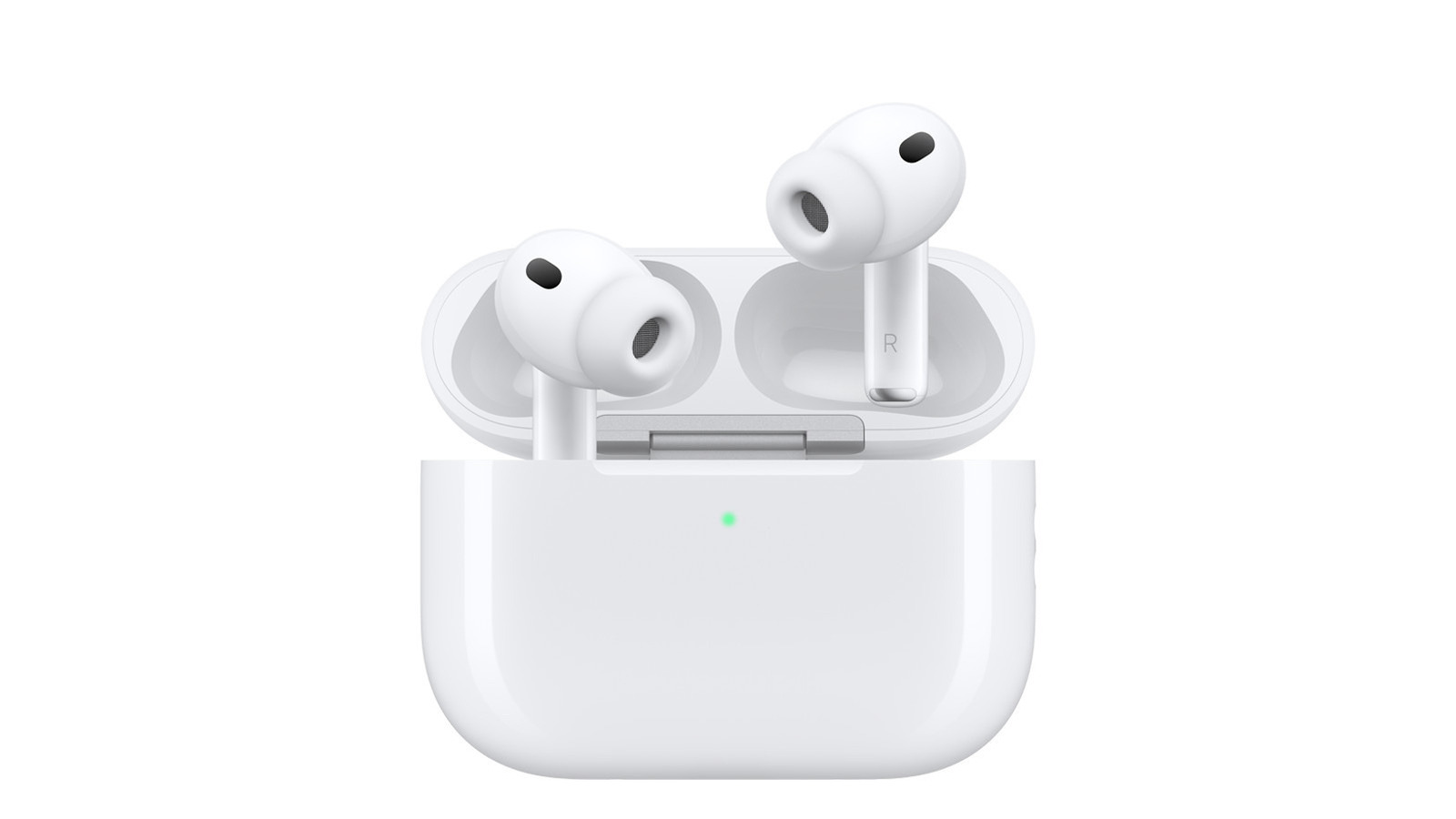
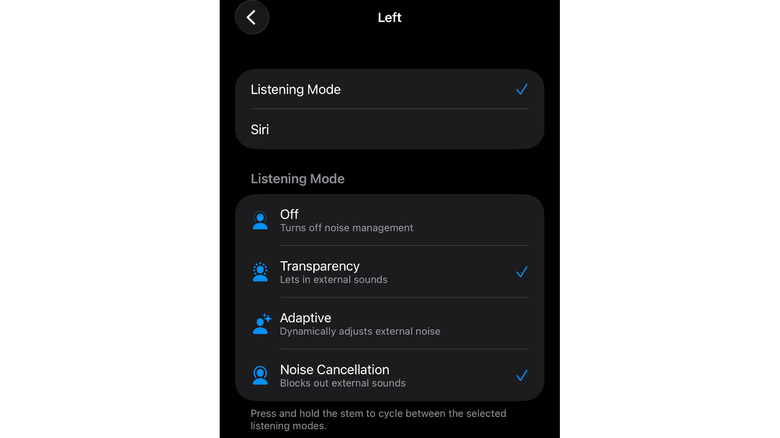
On AirPods 4 and AirPods Pro models, the stem features a pressure-sensitive force sensor. By default, a long press cycles through modes. However, you can personalize this in the Press and Hold AirPods menu.
- Customization: You can assign specific modes to the left or right earbud. For instance, you might prefer keeping the right earbud for ANC and the left for Transparency.
- Adaptive Audio: Introduced in recent iterations, Adaptive Mode intelligently balances external noise suppression and ambient passthrough based on your real-time surroundings. It is a set-it-and-forget-it feature that excels in dynamic environments.
- The "Off" Toggle: If you find you accidentally trigger modes too often, you can remove certain modes from the cycle entirely, streamlining your user experience.
Supporting Data: Enhancing Utility Through Software
Beyond simple noise control, Apple’s ecosystem offers a suite of "intelligence" features that change how the hardware interacts with your day-to-day life.
1. Conversation Awareness
This feature is a game-changer for office environments. When enabled, your AirPods detect when you begin speaking. They automatically lower your media volume and suppress background noise, allowing you to converse without removing your earbuds.
2. Personalized Volume
Using the onboard H1 or H2 chips, your AirPods analyze your listening habits and your current environment to adjust volume levels dynamically. This prevents the jarring experience of your music suddenly becoming too quiet in a loud area or too loud in a quiet room.
3. Spatial Audio and Head Tracking
Personalized Spatial Audio maps the unique shape of your ears to create a 3D soundscape. When you turn your head, the audio source feels anchored in space, providing a cinematic experience for films and immersive music.
4. Hearing Assistance Features
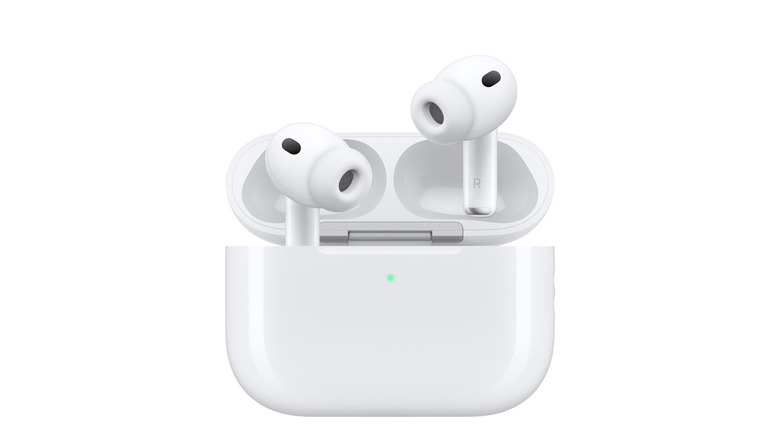
Perhaps the most significant advancement is the integration of clinical-grade hearing assistance. If you have mild to moderate hearing loss, your AirPods can function as a hearing aid. By performing an integrated hearing test—which requires a quiet environment—the software creates a custom audiogram. This profile then amplifies specific frequencies to improve clarity during conversations and media playback.
Implications: The Quest for the Perfect EQ
For years, the most common critique of the AirPods line was the lack of a system-wide equalizer. Apple has heard these concerns, and the implications of upcoming software updates are profound.
The Arrival of Custom EQ
With the impending release of iOS 27 (currently in beta), Apple is introducing a native equalizer that allows for granular control over low, mid, and high frequencies. This moves AirPods away from being "lifestyle" devices toward being legitimate tools for audiophiles.
Interim Solutions: Headphone Accommodations
If you cannot wait for the full EQ rollout, "Headphone Accommodations" is your best current tool. Found under Settings > Accessibility > Hearing > Audio & Visual, this menu allows you to:
- Boost Frequencies: Choose between Balanced, Vocal Range, or Brightness.
- Intensity Sliders: Use the slider to apply the boost at a slight, moderate, or strong level.
- Cross-App Integration: These changes apply globally, affecting music, podcasts, and even phone calls, ensuring a consistent sound signature regardless of the source.
Professional Perspectives and Industry Standards
Audio engineers have long noted that "flat" sound is subjective. By utilizing the Mono Audio and Balance settings within the Accessibility menu, users can compensate for imbalances in their hearing. This level of granular control was once reserved for professional studio equipment but is now available to any user with an iPhone.
Furthermore, industry experts suggest that utilizing in-app equalizers (such as those found in Spotify or Apple Music) provides a "second layer" of customization. If you boost the bass in your AirPods settings, you can then fine-tune the mid-range within the Spotify equalizer to prevent the sound from becoming "muddy."
Summary of Actionable Steps
To optimize your AirPods today, follow this checklist:
- Audit your Listening Modes: Remove "Off" if you never use it to speed up cycling.
- Enable Conversation Awareness: Especially if you frequently interact with others while wearing your buds.
- Run the Hearing Test: Even if you believe your hearing is perfect, the calibration can significantly improve the clarity of voices in podcasts.
- Configure Headphone Accommodations: Experiment with the "Vocal Range" boost if you struggle to hear dialogue in movies.
- Normalize Streaming: Turn on "Sound Check" in your music app settings to prevent volume spikes between different tracks.
The Future of Personalized Audio
The trend toward "software-defined hardware" means that your AirPods will only get better with time. As Apple continues to refine its machine learning algorithms for audio, the gap between consumer-grade earbuds and professional studio monitors will continue to narrow. By taking the time to explore these settings, you aren’t just using a pair of headphones; you are utilizing a highly advanced, personalized piece of audio technology tailored specifically to your physiology.
Whether you are a casual listener or an audio enthusiast, the power to define your sound is already in your hands—or rather, in your settings menu. Don’t leave your audio experience to chance; take control and experience the difference that fine-tuning makes.


 Suro Senen
 Nana Wu