

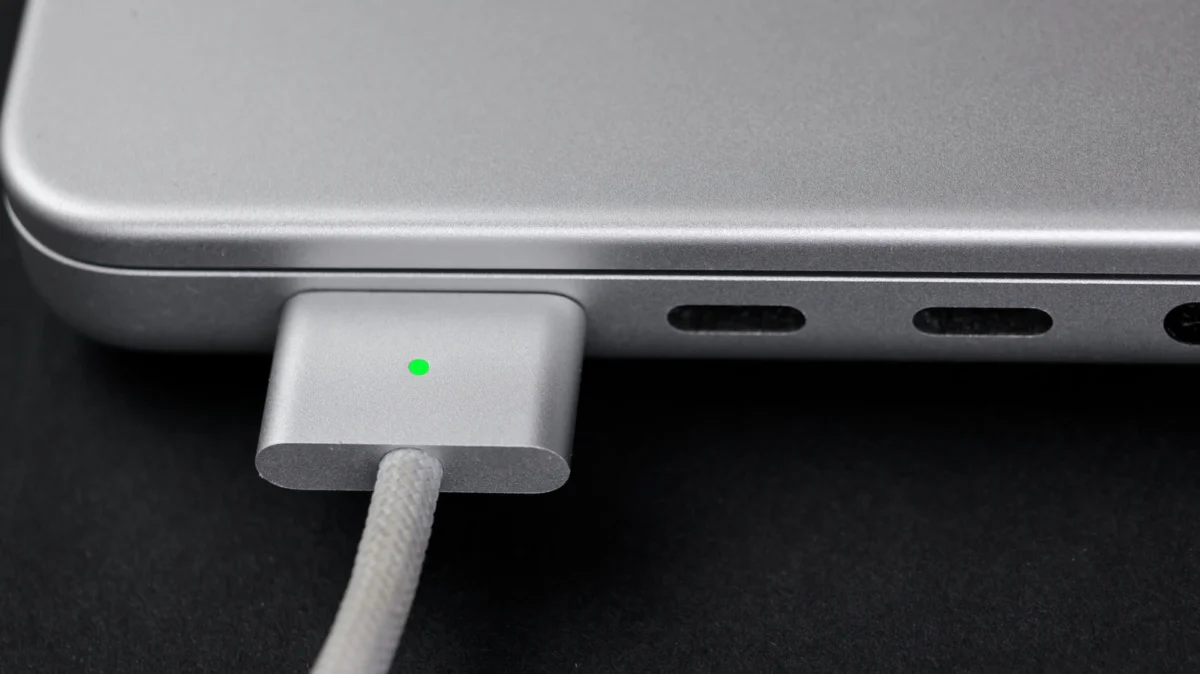
For years, the MacBook charging experience was defined by one of Apple’s most beloved inventions: MagSafe. It was a hallmark of user-centric design—a magnetic connector that could break away instantly if snagged, sparing the laptop from a catastrophic tumble. However, as the industry shifted toward the universal language of USB-C, Apple’s charging philosophy became a point of contention. Today, with modern MacBooks supporting both, users are left with a fundamental question: Which method truly reigns supreme?
While the two technologies offer similar results, they represent entirely different design philosophies. Understanding the nuances of each is essential for any Mac power user.
The Core Conflict: Proprietary Safety vs. Universal Convenience
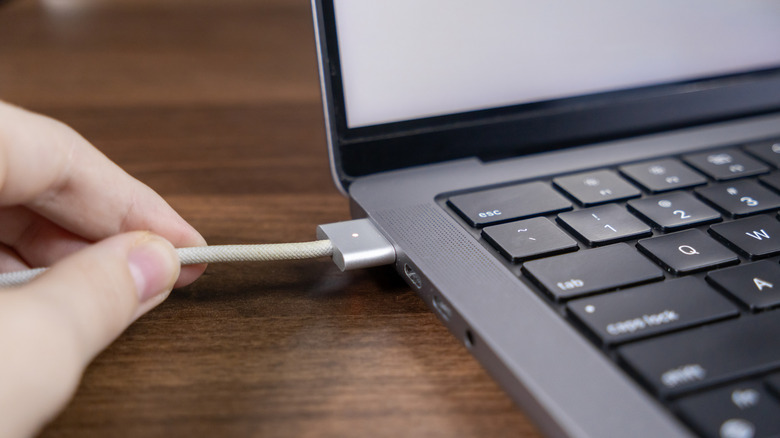
At the heart of the debate is a clash between safety and versatility. MagSafe, currently in its third iteration (MagSafe 3), remains a proprietary solution. It is designed with one primary goal: to protect the hardware. By using a magnetic interface, the cable creates a physical "break" point. If a user, a pet, or a vacuum cleaner catches the cord, the cable detaches, leaving the laptop safely on the desk.
Conversely, USB-C is the industry standard. It is a rigid, friction-fit connection. Once inserted, it is locked into the port. If the cable is pulled, the force is transferred directly to the chassis of the laptop, which, in a worst-case scenario, can lead to the device being dragged off a table. Yet, USB-C offers a level of convenience that MagSafe cannot match: it is a "one-cable-to-rule-them-all" solution that powers monitors, hubs, smartphones, tablets, and laptops interchangeably.
A Chronological Evolution of Charging
To understand why these two standards exist side-by-side, we must look at the timeline of Apple’s power design.
The Original Era (2006–2015)
When Apple introduced the original MagSafe in 2006, it was a revolution. It solved the issue of laptop cords being a tripping hazard. For nearly a decade, it was the gold standard for portable computing.
The USB-C Transition (2015–2020)
In 2015, Apple made a controversial move with the 12-inch MacBook, abandoning proprietary ports in favor of a single USB-C port for both data and power. By 2016, the MacBook Pro lineup followed suit, removing MagSafe entirely. This era was defined by "dongle life," where users were forced to sacrifice a charging port to connect external peripherals.
The Modern Hybrid Era (2021–Present)
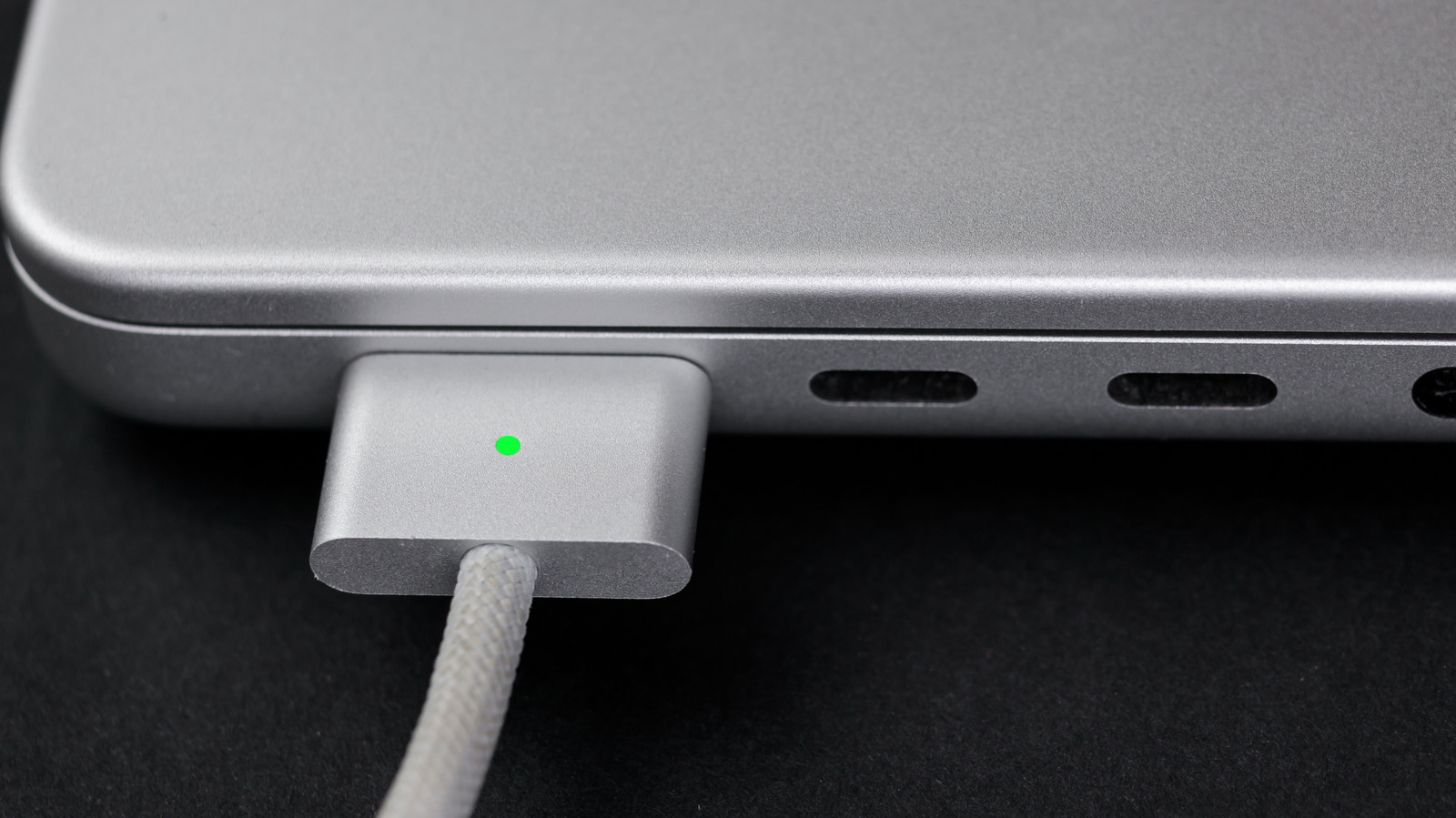
The release of the 14-inch and 16-inch MacBook Pro models in 2021 marked the return of MagSafe 3. Apple recognized that while USB-C was efficient, power users missed the safety and simplicity of the magnetic connector. Today’s MacBooks are unique in that they provide the best of both worlds: a dedicated, safe magnetic port for charging, and multiple USB-C (Thunderbolt) ports for data and expansion.
Supporting Data: Wattage, Speeds, and Technical Specs
The decision to use one over the other often comes down to technical capacity.
MagSafe 3: The Fast-Charge Specialist
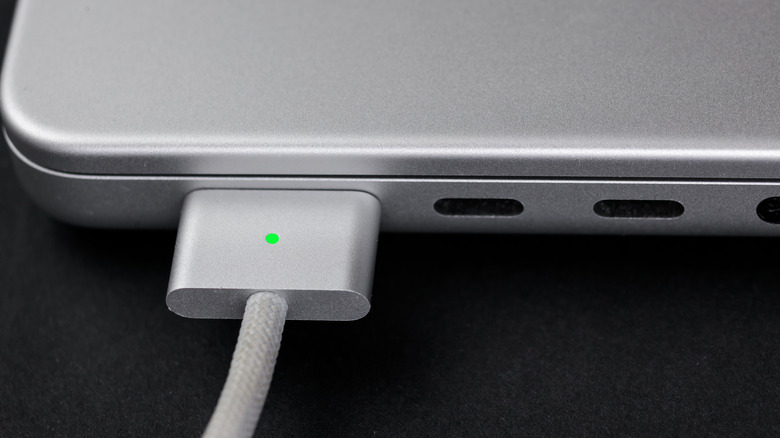
MagSafe 3 is engineered for the high-performance demands of modern silicon. When paired with a 140W USB-C Power Adapter, it is capable of incredible speeds. Apple’s internal testing suggests that this combination can take a MacBook Pro from 0% to 50% in approximately 30 minutes. This is an essential feature for professionals on the go who need to top up their battery during a brief airport layover or a quick meeting.
USB-C: The Versatile Contender
USB-C charging is governed by the Power Delivery (PD) specification. While standard USB-C cables might limit power flow to 60W, modern USB-C 3.1 and 4.0 cables—combined with high-wattage GaN (Gallium Nitride) chargers—can deliver 100W, 140W, and even up to 240W on the latest hardware.
For users who carry a single charger for their iPad, iPhone, and MacBook, USB-C is the winner. However, one must ensure they are using a "Certified" or high-rated cable. Using a low-quality cable will not only result in slower charging but could also lead to overheating or potential damage to the charging circuitry.
Official Stance and Industry Perspectives
Apple has consistently maintained that the re-introduction of MagSafe was a direct response to customer feedback. In marketing materials and technical documentation, the company highlights the "quick-release" nature of the connection as a primary benefit for users in high-traffic environments, such as coffee shops or open-plan offices.
Industry analysts suggest that Apple’s retention of USB-C alongside MagSafe is a pragmatic approach to EU regulations and global standardization. While Apple prefers the proprietary control of MagSafe for its power-delivery safety features, it cannot ignore the momentum behind the USB-C standard, which has become mandatory for mobile devices in many markets. By offering both, Apple effectively sidesteps regulatory pressure while maintaining its premium "ecosystem" experience.
The Implications: Which Should You Use?
Choosing between the two is not about which is "better" in a vacuum, but which is better for your specific workflow.
When to use MagSafe:
- High-Traffic Areas: If you work in a space where people walk behind your desk, MagSafe is a mandatory safety net.
- Port Conservation: On smaller laptops like the MacBook Air, which have limited ports, using MagSafe saves your USB-C ports for peripherals like external SSDs, hubs, or monitors.
- Fast Charging: When you are in a rush, the specific pairing of the MagSafe 3 cable and the 140W adapter provides the most reliable fast-charging experience.
When to use USB-C:
- Travel Minimalism: If you want to pack only one brick and one cable for your entire kit (phone, tablet, laptop), USB-C is the only logical choice.
- Desk Setups: If your MacBook is connected to a USB-C/Thunderbolt monitor that provides power delivery, there is no reason to plug in a separate MagSafe cable. The monitor acts as a single-cable docking station.
- Ultra-High Power Needs: If you own a post-2023 MacBook Pro, USB-C can technically support up to 240W, potentially providing a higher power ceiling than the current generation of MagSafe cables in specific edge-case scenarios.
Conclusion: The Case for Coexistence
The rivalry between MagSafe and USB-C is, ultimately, a false dilemma. In the contemporary Apple ecosystem, these technologies are meant to be complementary rather than mutually exclusive.
MagSafe represents the "Apple way"—a bespoke, thoughtful solution that prioritizes the longevity of the machine. USB-C represents the "Global way"—a democratic, universal standard that prioritizes connectivity and reducing electronic waste.
For the average user, the best strategy is to keep a MagSafe cable permanently attached to their home or office desk, ensuring their laptop remains protected and fully charged throughout the workday. Meanwhile, keeping a high-quality, high-wattage USB-C cable in a laptop bag ensures that whether you are at a hotel, a library, or a friend’s house, you will never be without power.
As technology advances, we may see the lines blur further, but for now, the flexibility of the modern MacBook is one of its greatest strengths. You don’t have to choose between safety and convenience; you simply have to choose the right tool for the right moment. By leveraging both, you ensure that your MacBook remains powered, protected, and ready for whatever your workflow demands.











