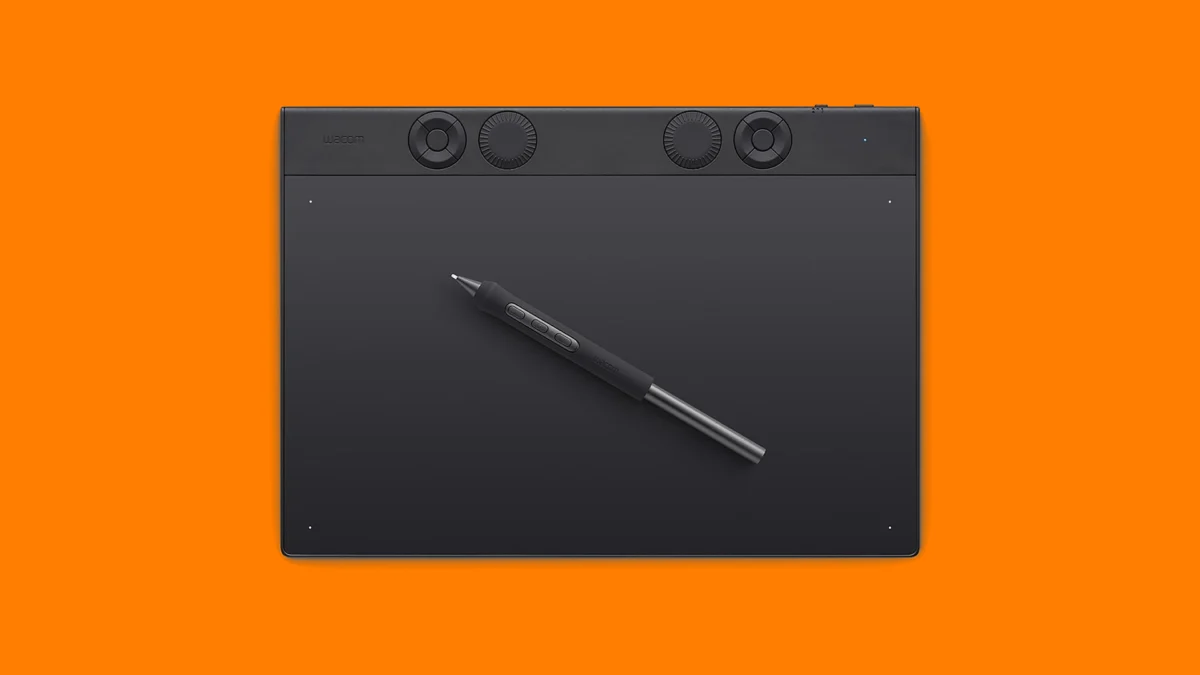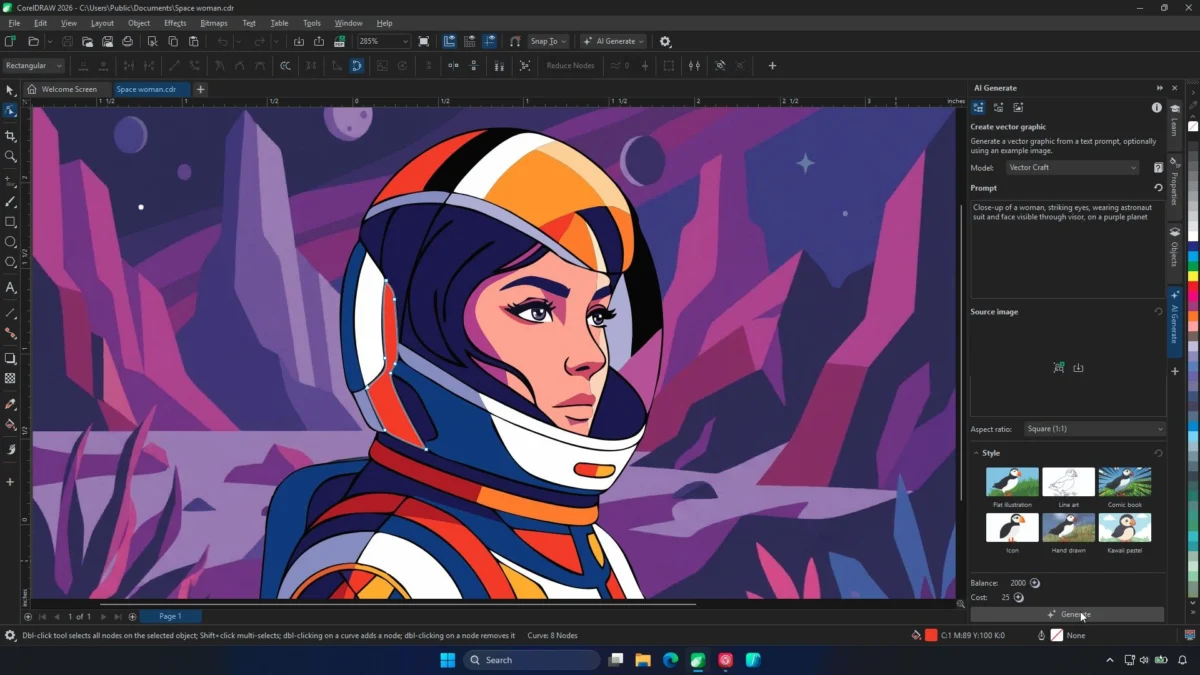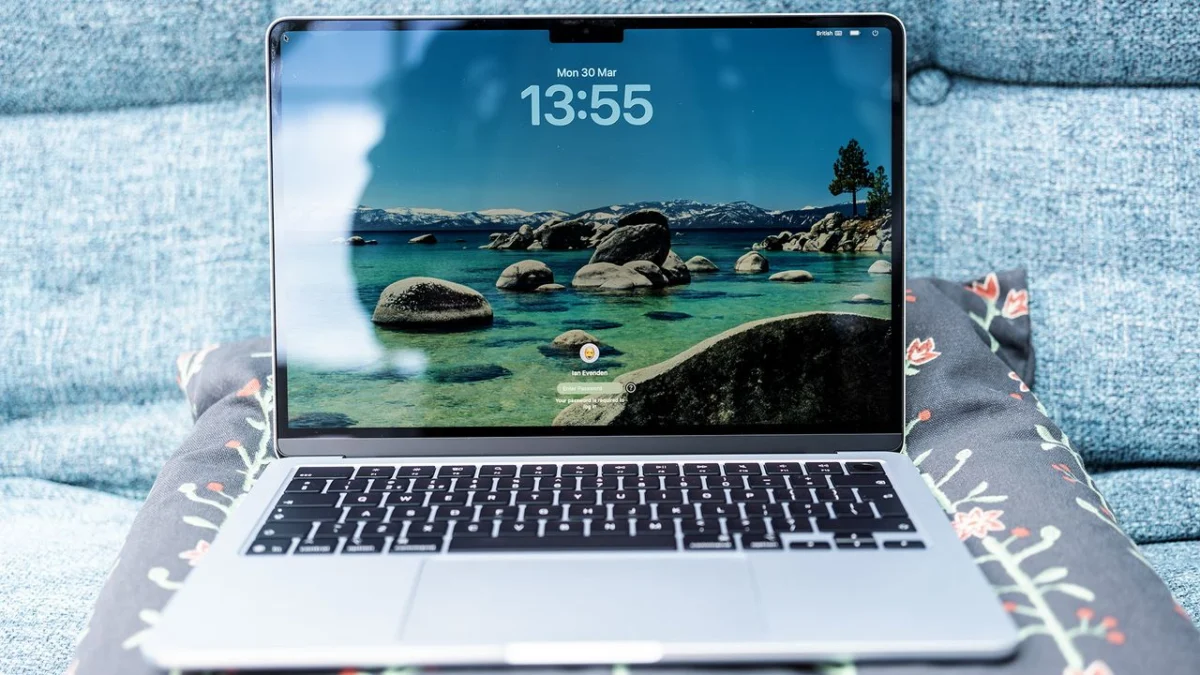
In the modern digital landscape, the definition of a "content creator" is as varied as the content itself. For some, the workflow involves trimming quick, vibrant clips for Instagram Reels or TikTok on a morning commute. For others, it involves hours of grading 10-bit Log footage from cinema-grade cameras, rendering complex 3D scenes, or managing massive multicam projects.
Selecting the right machine is no longer just about buying the most expensive model; it is about matching hardware architecture to your specific creative pipeline. Whether you are a freelance designer looking for a reliable mobile workstation or a studio editor seeking a desktop powerhouse, Apple’s current silicon-driven lineup offers a diverse range of solutions.
Main Facts: The Evolution of Apple Silicon
The transition from Intel to Apple Silicon (M-series chips) has fundamentally changed how we evaluate Macs. We have moved from an era of thermal throttling and fan noise to a new reality defined by high performance-per-watt efficiency.
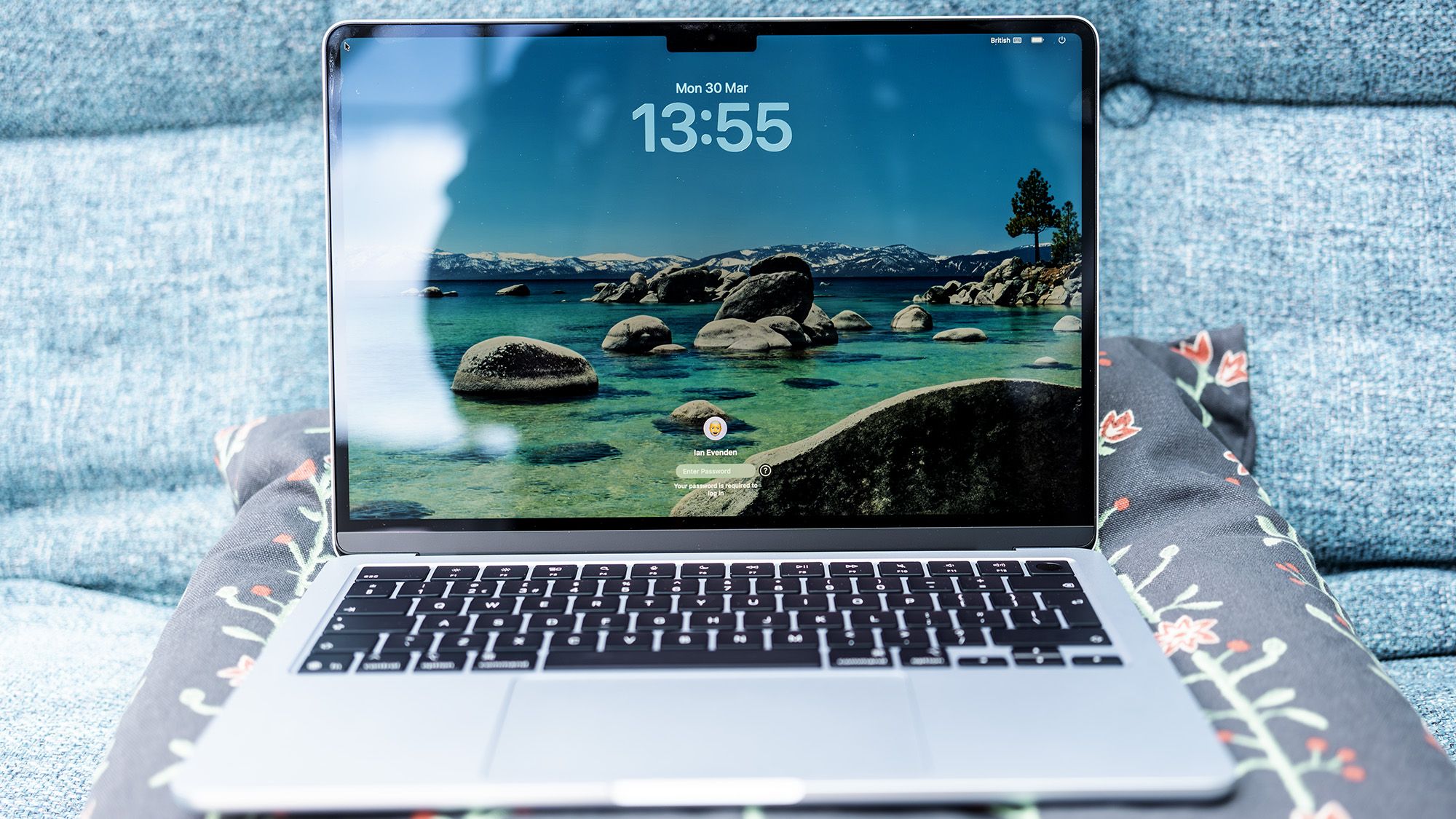
The current lineup—ranging from the ultra-portable MacBook Air to the high-octane M5 Pro/Max series—is structured around Unified Memory Architecture (UMA). This design allows the CPU, GPU, and Neural Engine to access the same pool of high-speed memory, effectively eliminating the bottlenecks previously associated with discrete VRAM. For creators, this translates to real-time playback of high-resolution timelines and near-instantaneous export speeds in creative suites like Adobe Premiere Pro, DaVinci Resolve, and Final Cut Pro.
Chronology: The Rise of the M-Series Ecosystem
To understand where we are, we must look at the rapid maturation of Apple’s chip design:
- 2020: The debut of the M1 chip shattered expectations, proving that ARM-based architecture could outperform traditional desktop chips in creative tasks.
- 2021-2022: The introduction of the Pro and Max chips addressed the "pro" market, providing the bandwidth and core counts necessary for professional-grade video editing.
- 2023-2024: The refinement of the M4 and M5 series has focused on specialized accelerators for AI, improved Ray Tracing capabilities for 3D artists, and enhanced neural processing.
- Late 2024: The current landscape sees a shift toward specialized machines, with the M5-powered MacBook Air and M4 Pro Mac mini setting new benchmarks for value and efficiency.
Supporting Data: Benchmarking the Creative Workflow
When evaluating these machines, we categorize them into "Light" and "Heavy" workflows.
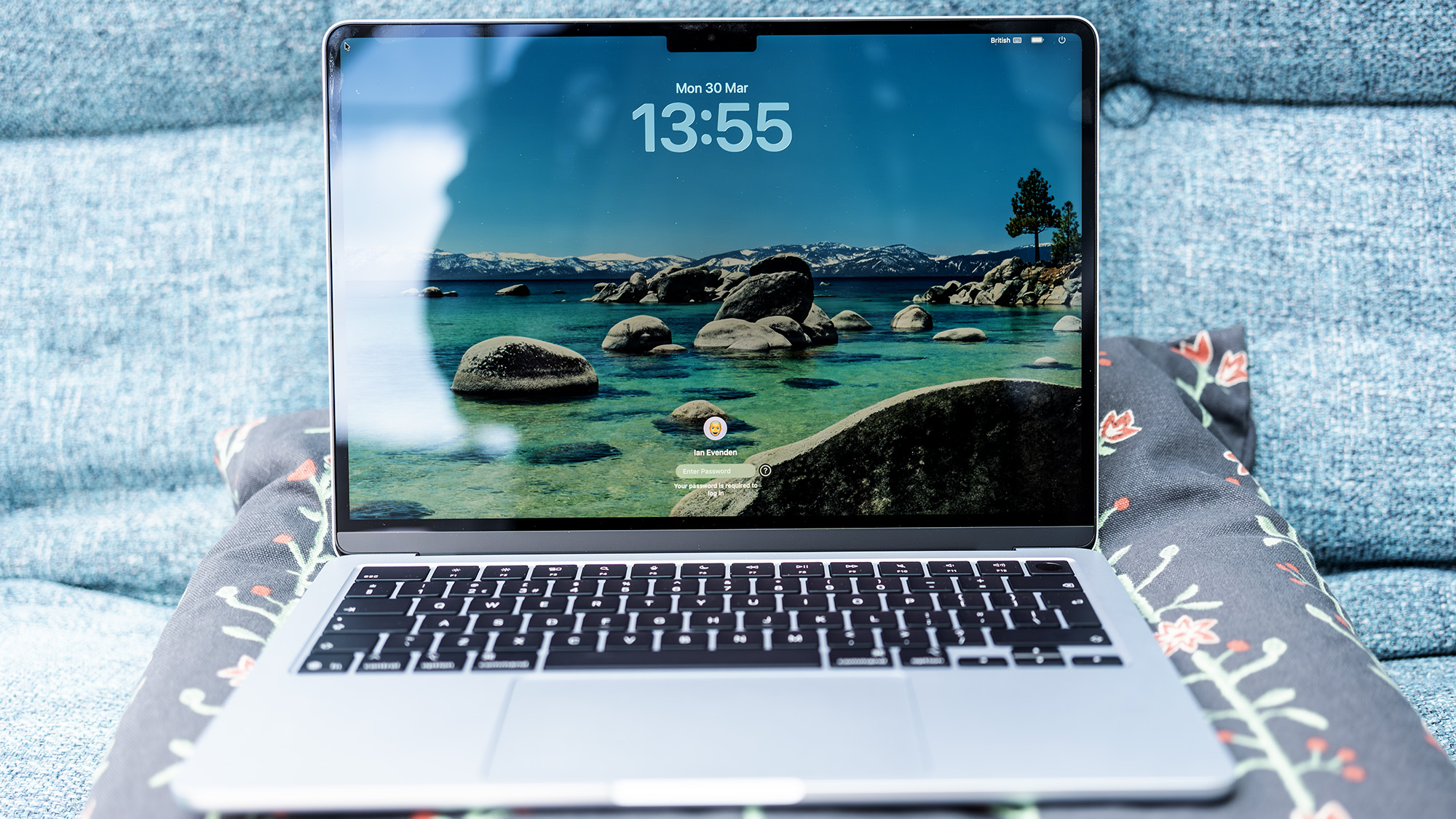
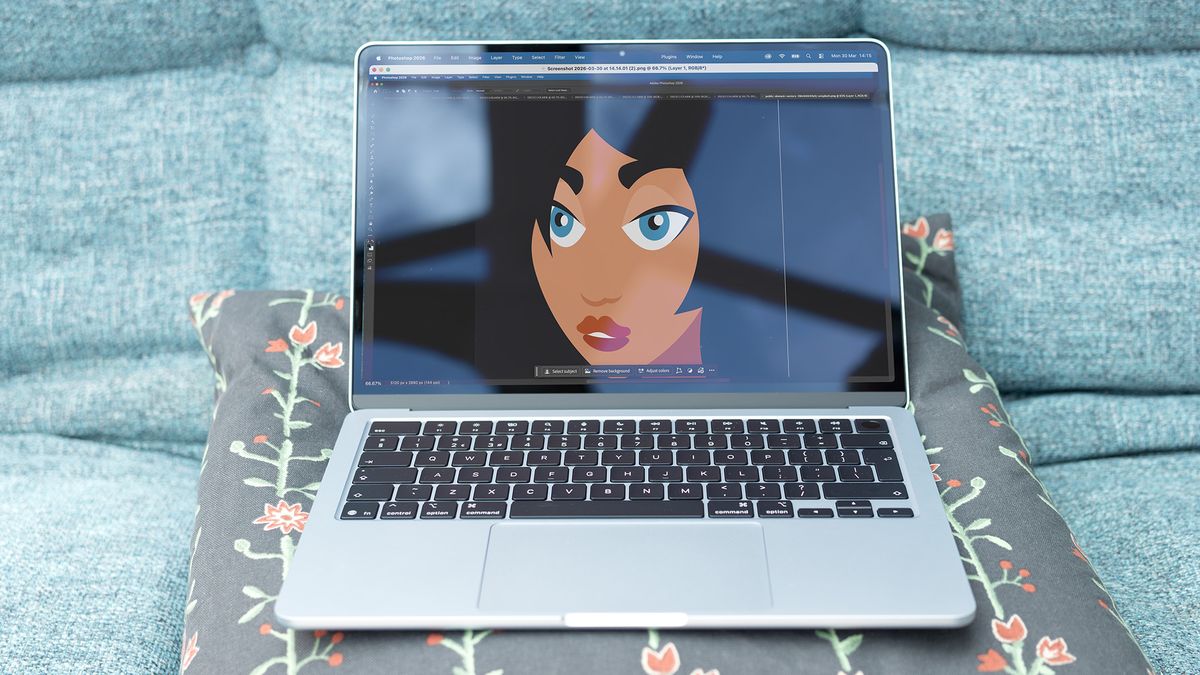
The Light Workflow: Efficiency First
For creators focusing on photo editing, social media video, and graphic design, the MacBook Air (M5) is the gold standard. In our Geekbench 6 testing, the M5 chip demonstrated a level of efficiency that rivals the entry-level Pro models. While the Air is 14% slower than the Pro in pure Photoshop tasks, it maintains a thermal profile that is nearly silent.
Key Limitations: The Air remains capped at 32GB of RAM. While sufficient for most, it is not a "future-proof" machine for those planning to pivot into 8K video or complex motion graphics in the next three years.
The Heavy Workflow: Power and Sustenance
For the professional, the MacBook Pro (M5 Pro) is the undisputed king. The addition of active cooling and higher memory bandwidth allows the machine to maintain "peak performance" during long renders.
- ProRes Performance: The M5 Pro easily manages large, high-bitrate files that would cause consumer-grade laptops to stutter.
- Multicore Scaling: The M5 Pro offers significant improvements in multicore tasks compared to the standard M5, making it the ideal choice for those who lean heavily on plugins and multicam editing.
The Desktop Dilemma: Mac Mini vs. The Future
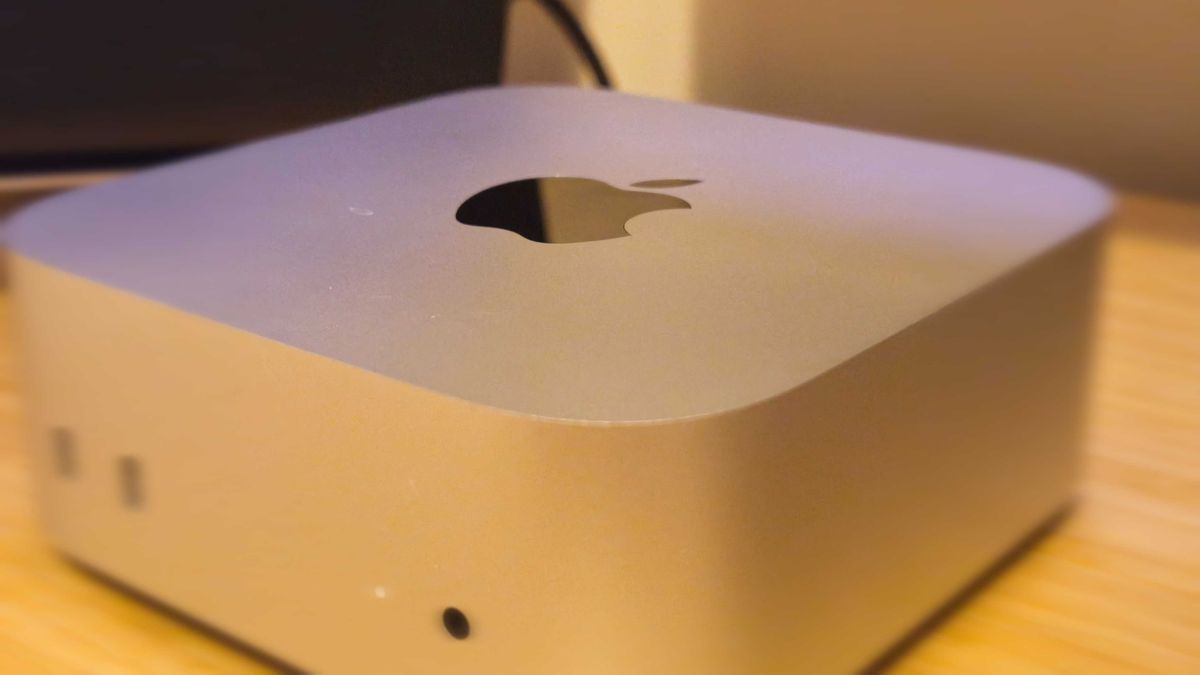
The Mac mini (M4 Pro) currently occupies a unique space. It is the best desktop option for creators who don’t need a built-in screen. Its tiny footprint conceals a powerhouse capable of handling heavy workloads, and it offers more I/O (Thunderbolt 5, HDMI, Ethernet) than any laptop in the lineup.
However, the industry is currently in a state of anticipation. With the next-generation Mac mini (featuring the M5 Pro/M6 chips) arriving in late September 2024, the market is bracing for a potential performance jump. While the M4 Pro remains highly capable, buyers are advised to weigh the current "excellent" performance against the looming release of the successor, which promises enhanced neural accelerators for AI-heavy workflows.
Implications: Making the Right Choice
When you are ready to invest in your next machine, consider these three pillars:
1. The Portability Trade-off
If you are a mobile creator, the MacBook Air is the best investment for 80% of creators. It is lightweight, offers industry-leading battery life, and carries enough power to handle high-resolution assets without struggle. Do not buy the MacBook Pro just for the "Pro" label if your workflow is primarily social-media-focused; the Air will save you money and shoulder strain.
2. The RAM Ceiling
For heavy creators, 24GB of RAM is the absolute floor. If you are doing 3D modelling or working with 4K/8K Log footage, aim for 48GB or 64GB. Because Apple Silicon uses Unified Memory, that RAM is shared across all processes; adding more RAM today is the single most effective way to ensure your machine stays relevant for five years.
3. GPU-Heavy Workflows
While Apple Silicon is incredible for video editing and general design, it is worth noting that for specific tasks—such as AI image generation via Stable Diffusion or heavy 8K transcoding—some Windows-based machines with discrete Nvidia GPUs may still hold a slight edge in raw rendering speed. If your work relies heavily on specific CUDA-accelerated tasks, ensure your software is fully optimized for Metal (Apple’s graphics API) before switching platforms.
Conclusion: Which Mac Should You Buy?
- The "Social Creator" (Light Work): The MacBook Air M5 (16GB/512GB). It is the perfect balance of price, performance, and portability. It handles Photoshop and Premiere Rush with ease.
- The "Permanent Desk" (Light/Medium Work): The Mac mini M4. It is a space-saving powerhouse that allows you to invest your budget into a high-quality color-accurate monitor, which is arguably more important than the computer itself.
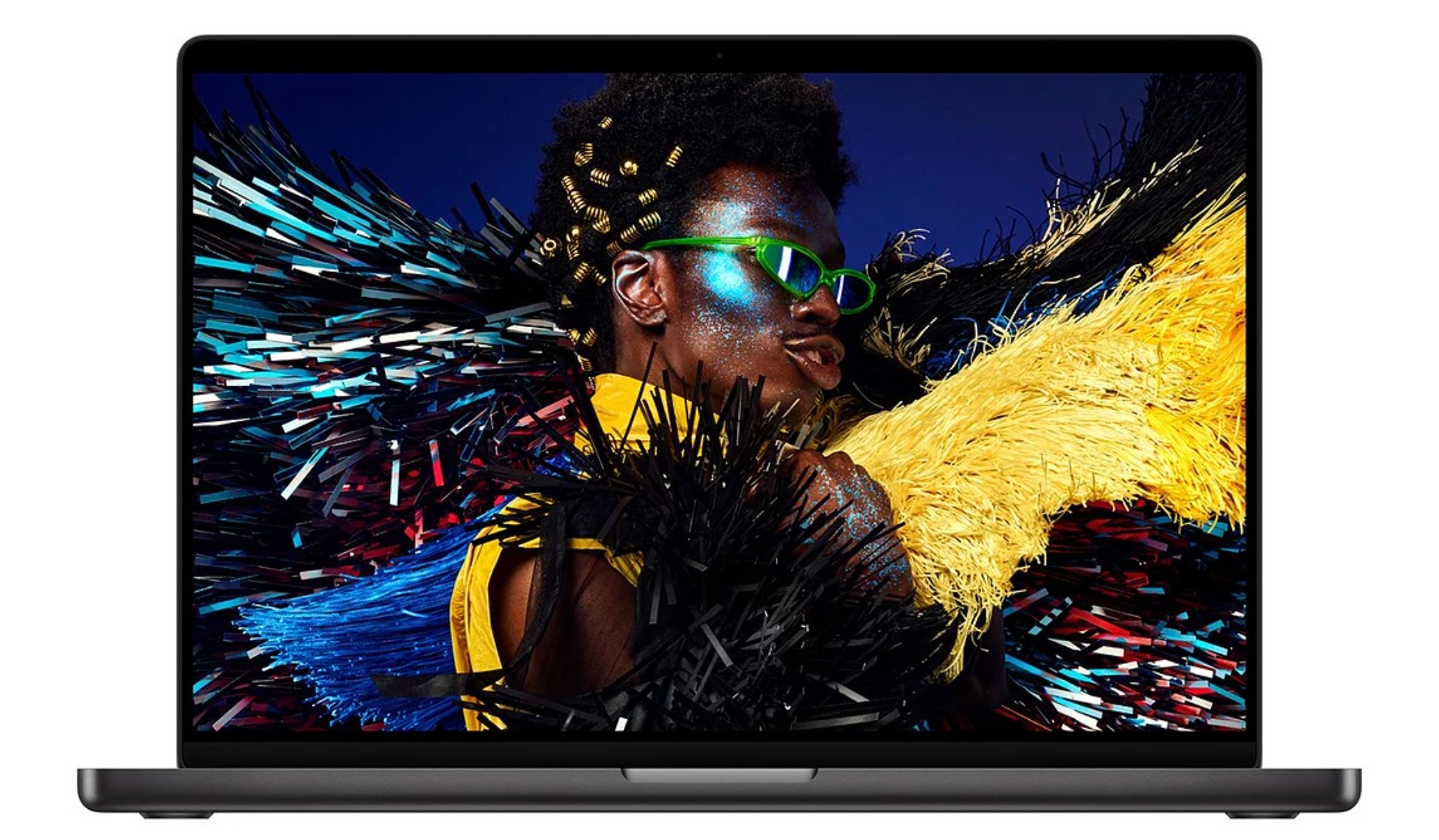
- The "Professional Video/Design Editor" (Heavy Work): The MacBook Pro M5 Pro. The active cooling, superior screen (Liquid Retina XDR), and increased memory bandwidth make it the only logical choice for someone earning a living from their timeline.
- The "3D/VFX Artist": The Mac mini M4 Pro (or waiting for the upcoming M5 Pro variant). With up to 64GB of memory and advanced cooling, it provides the sustained performance required for high-poly modelling and complex renders.
Ultimately, Apple has curated a lineup where every device has a clear purpose. By identifying whether your workflow is "light" (consumption and simple editing) or "heavy" (pro-grade production and multicam), you can cut through the marketing noise and choose the tool that will best serve your creative vision. The hardware is ready—the only question remaining is what you will create with it.