Nana Muazin
In the modern era of rapid technological turnover, few devices feel as disposable as the humble Wi-Fi router. As consumers gravitate toward the latest Wi-Fi 6E or Wi-Fi 7 standards—promising multi-gigabit speeds and lower latency—it is common to see older networking equipment relegated to the back of a junk drawer or, worse, the local landfill. However, these devices are far from obsolete. Beneath their aging exteriors, most routers are essentially dedicated, low-power computers capable of performing a wide array of secondary tasks that can enhance your home network’s infrastructure, security, and utility.
The Reality of Networking Obsolescence
The primary driver for upgrading one’s router is often the desire for faster throughput or better coverage in a home filled with smart devices. When a manufacturer stops releasing firmware updates for a specific model, security vulnerabilities become a legitimate concern for primary network traffic. However, this does not mean the hardware itself has failed.
Networking fundamentals have remained remarkably consistent over the last two decades. The logic of routing packets, managing DHCP assignments, and bridging connections is a constant. By demoting an aging router from its "primary" gatekeeper position to a specialized "subordinate" role, users can extend the lifecycle of their hardware by years, reducing electronic waste while saving money on auxiliary networking gear.
Chronology of Router Lifecycle and Repurposing
To understand how to maximize these devices, it is helpful to look at the progression of router utility:
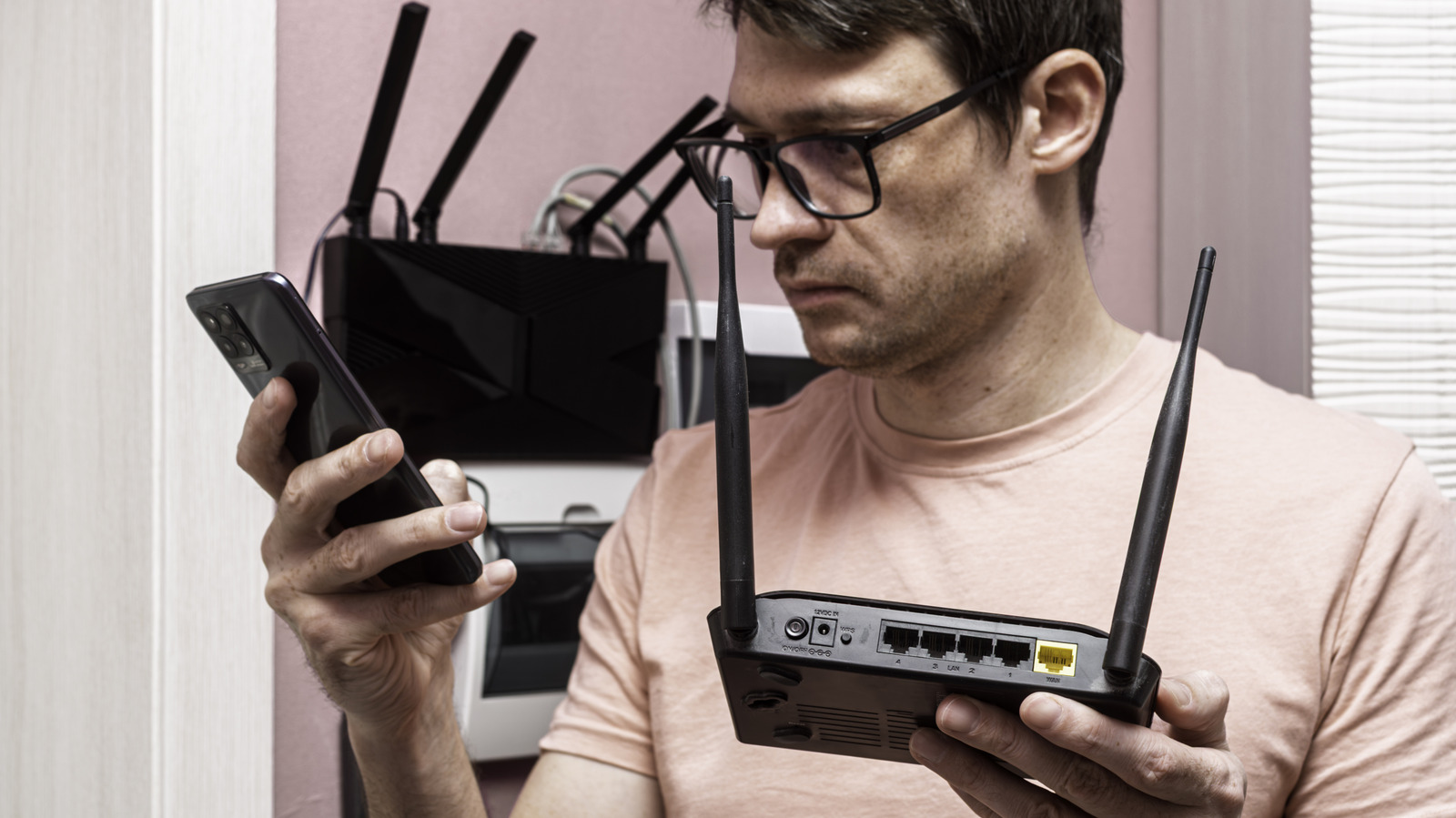
- The Primary Phase (Years 1–4): The router serves as the central hub, managing all ISP traffic, firewall protocols, and primary wireless distribution.
- The Secondary Transition (Year 5+): As the device loses support for modern security protocols or struggles with the density of modern Wi-Fi traffic, it is time for a transition. The user installs a modern, secure primary gateway.
- The Repurposing Phase (Year 5 onwards): The old router is reset and reconfigured to act as an access point, a dedicated bridge, a network switch, or a specialized server.
Expanding Your Reach: Repeater and Mesh Nodes
The most common pain point in home networking is the "dead zone." Thick walls, floor-to-ceiling mirrors, and expansive floor plans can stifle even the most powerful modern routers. Rather than investing in expensive mesh systems or single-purpose wireless extenders, your old router can act as a dedicated access point.
Wired vs. Wireless Backhaul
The gold standard for this configuration is a wired backhaul. By running an Ethernet cable from your primary router to the old unit, you maintain maximum speed and reliability. If running cable through walls is not feasible, many routers offer "Wireless Bridge" or "Repeater" modes.
Pro Tip: Avoid broadcasting two overlapping Wi-Fi networks on the same frequency. If your primary router is handling the 5GHz band, configure your old router to broadcast exclusively on the 2.4GHz band. Because 2.4GHz waves have superior penetration through solid obstacles, this allows the older hardware to "fill in" the gaps where your high-frequency, high-speed 5GHz signal fails.
Infrastructure Upgrades: The LAN Switch
Modern homes are increasingly reliant on high-bandwidth, low-latency connections for gaming consoles, desktop PCs, and 4K streaming devices. Often, the back of a primary router is packed with cables, leaving no room for new additions. A network switch is a standard piece of hardware, but it is an unnecessary expense if you have a spare router.
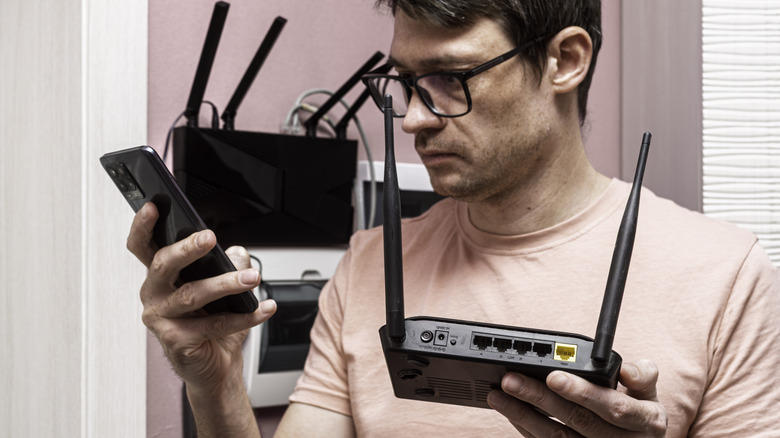
By setting an old router to "Switch Mode"—which effectively disables its routing, DHCP, and NAT functions—you turn its LAN ports into an extension of your primary network. This allows you to group devices in a media center or home office, connecting them all to a single, high-speed uplink back to your main router.
Advanced Utility: File and Print Servers
Many routers produced within the last ten years include a USB port intended for "ReadySHARE" or similar features. While these ports are rarely fast enough to function as a professional-grade NAS (Network Attached Storage), they are perfectly adequate for basic file sharing.
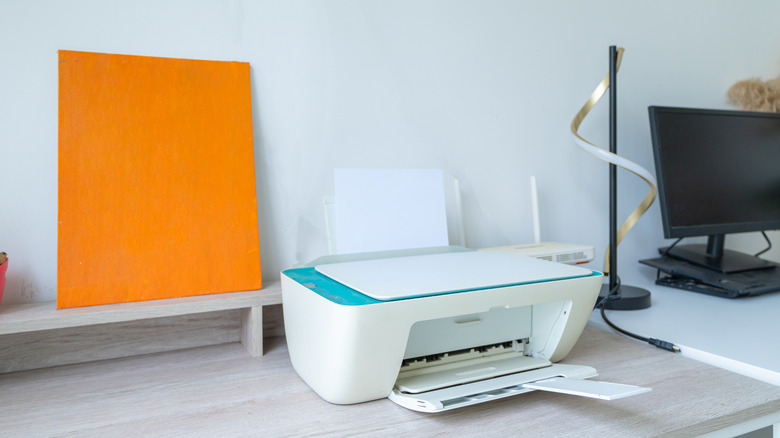
- Network Printing: If you own a legacy printer that lacks Wi-Fi connectivity, connecting it to the USB port of an old router can turn it into a wireless network printer.
- Media Hosting: Plugging a USB flash drive or portable hard drive into the router allows you to share documents or media across the entire local network, creating a "home cloud" for your family to access files without relying on internet-based cloud services.
The VPN Gateway
Privacy is a growing concern, and while most modern routers support VPN client features, forcing a router to encrypt and decrypt every packet of data can significantly degrade performance. By setting up a dedicated VPN router, you create a "privacy tunnel" for specific devices.
When you want to browse securely, simply connect to the Wi-Fi network provided by your old, VPN-enabled router. Because this device is independent of your primary gateway, your daily traffic remains fast and unencumbered, while specific, privacy-sensitive tasks are routed through your preferred VPN provider at the hardware level.
Maximum Flexibility: Custom Firmware
For the power user, the ultimate way to breathe new life into a router is through custom firmware. Projects such as OpenWRT, DD-WRT, and FreshTomato are open-source operating systems designed to replace the often-restrictive software provided by manufacturers.
Why Custom Firmware Matters:
- Enhanced Control: Gain access to granular traffic shaping, advanced firewall rules, and detailed bandwidth monitoring.
- Application Support: Some custom firmware allows you to install lightweight torrent clients, ad-blockers like Pi-hole (or similar implementations), or specialized network protocols.
- Security: Open-source communities often maintain these projects long after manufacturers have abandoned the hardware, providing critical security patches for known vulnerabilities.
Cautionary Note: Installing custom firmware involves "flashing" the device, which carries a risk of "bricking" (rendering the router unusable). Always verify that your specific hardware revision is fully supported by the firmware project before proceeding, and follow installation instructions meticulously.
Implications for the Modern Consumer
The movement toward repurposing hardware is not just a hobbyist’s trend; it is an economic and environmental imperative. Electronic waste is one of the fastest-growing waste streams globally. By extracting additional years of utility from a router, consumers reduce their individual carbon footprint and challenge the culture of planned obsolescence.
Moreover, the process of configuring these devices serves as a masterclass in networking. Users who take the time to learn how to bridge a connection or set up a static IP for a print server gain a deeper understanding of how their digital lives function.
Conclusion
Before you consign your old router to the recycling bin, consider the roles it could fill in your home. Whether it is acting as a signal booster for your back patio, a dedicated switch for your gaming rig, or a secure VPN gateway, your old hardware is capable of far more than it was ever designed for. By shifting your perspective from "replacement" to "repurposing," you can build a more resilient, capable, and efficient home network.
Summary of Best Practices
- Security First: If using an old router for network access, ensure its administrative password is changed and that any unnecessary remote management features are disabled.
- Update Where Possible: Before repurposing, check the manufacturer’s website one last time for any "final" firmware updates to patch critical bugs.
- Disable Routing: When using an old router as an access point or switch, always disable the internal DHCP server to prevent IP conflicts with your primary router.
- Stay Organized: Label your secondary devices with their IP addresses and purpose to simplify troubleshooting in the future.


 Raul Delapena Setiawan
 Neng Nana