Nana
Nana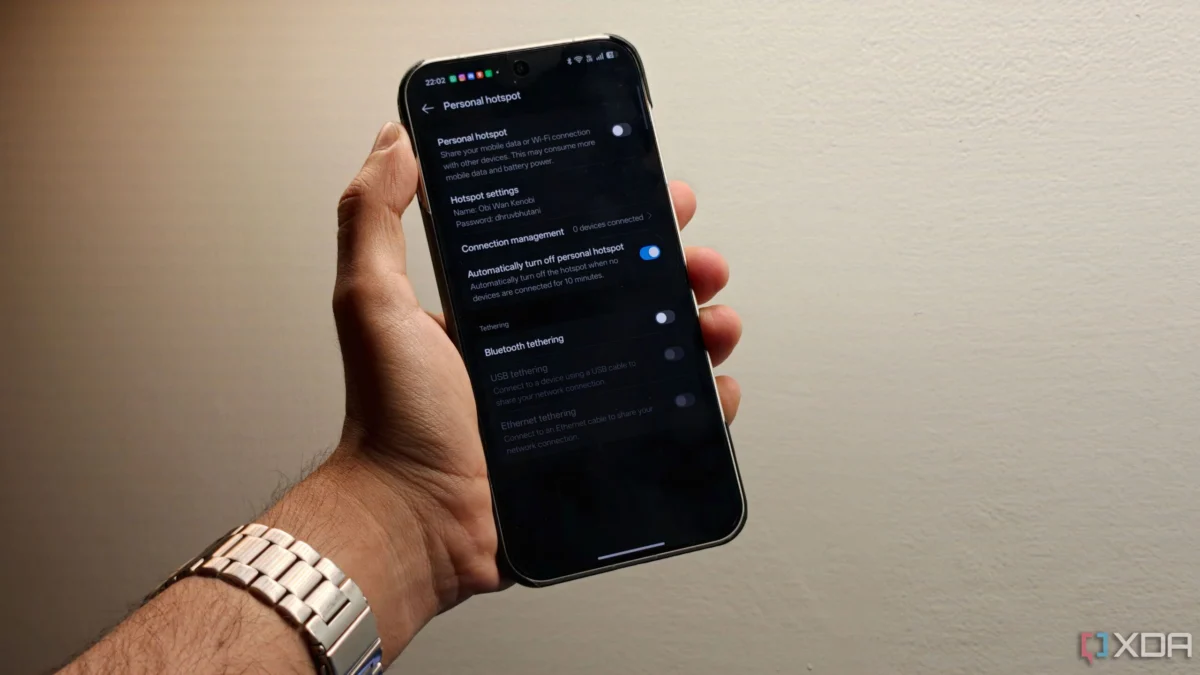
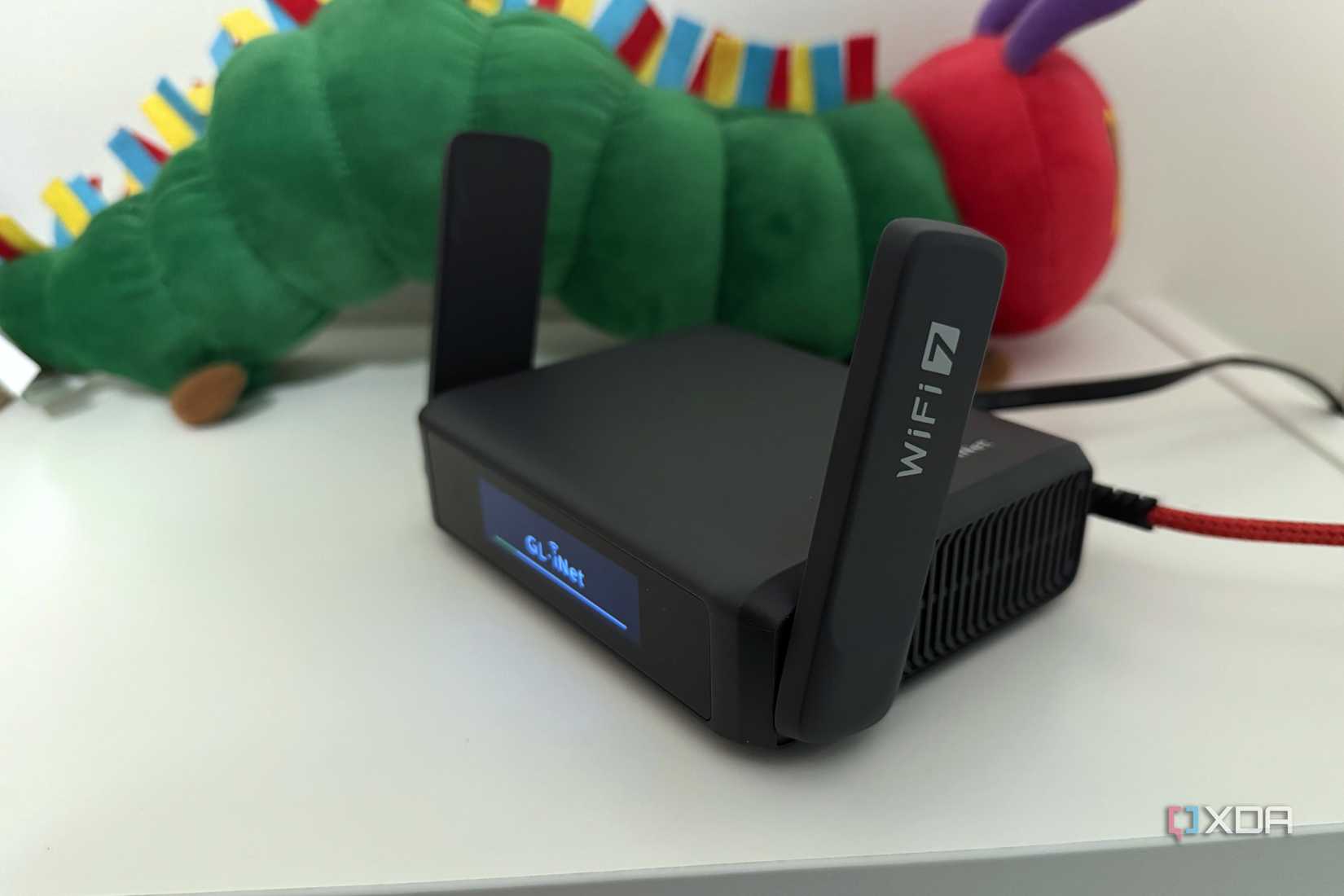
For the modern digital nomad, the quest for a stable, secure internet connection while traveling is a constant battle. Hotel Wi-Fi is notoriously unreliable, airport hotspots are security nightmares, and the dreaded "captive portal"—the login page that never seems to load correctly—is the bane of every traveler’s existence. For years, the industry-standard solution has been the dedicated travel router. Brands like GL.iNet have become household names among tech enthusiasts for their compact, feature-rich devices that promise to bring home-like networking performance to the road.
However, a growing movement of tech-savvy travelers is questioning the necessity of adding yet another gadget to their carry-on luggage. With the rising power and efficiency of modern Android smartphones, many are asking a simple question: Why carry a dedicated router when you already have a device in your pocket—or a spare one in your drawer—that can perform the exact same functions?
The Evolution of Mobile Connectivity
To understand the current debate, we must look at how we got here. In the early 2010s, mobile tethering was a clunky, battery-draining feature that most users avoided. Routers like the early MiFi devices were essential because they had dedicated cellular modems and batteries that far outperformed the smartphones of the era.
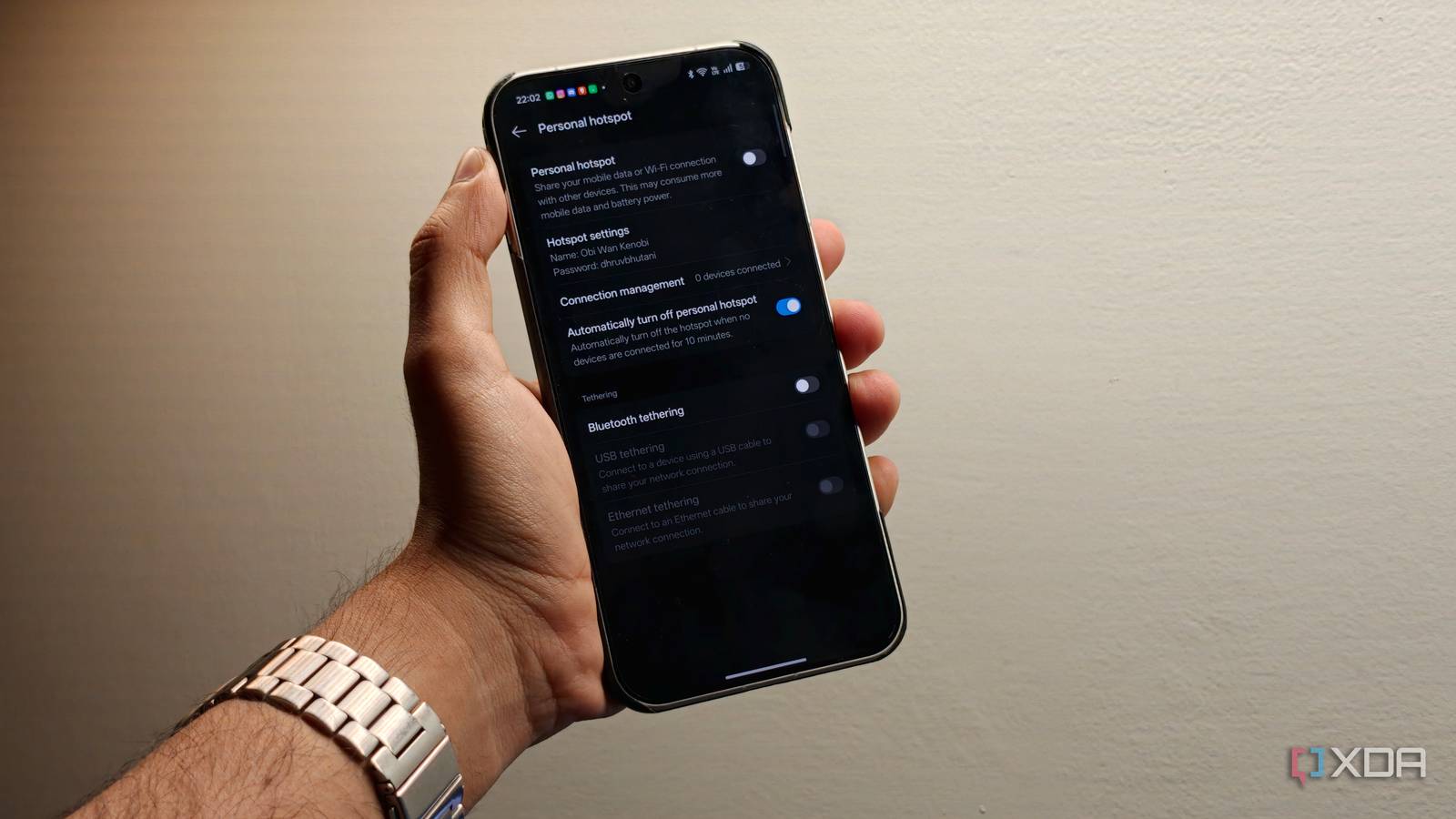
As of May 2026, the landscape has shifted dramatically. Today’s flagship and even mid-range Android phones are essentially pocket-sized supercomputers. They support advanced 5G bands, Wi-Fi 6E/7, and sophisticated power management software. Many users now have spare devices from previous upgrade cycles sitting in desk drawers—devices that are perfectly capable of acting as a dedicated 24/7 hotspot.
The Case for the "Smartphone Router"
The appeal of repurposing an old Android phone as a travel router is grounded in minimalism and efficiency. As travel becomes more expensive and baggage constraints tighter, shedding even a few ounces of gear is a win.
1. Reducing Packing Friction
Every gadget requires a charger, a cable, and a place in your bag. A dedicated router adds a layer of complexity to your "power management" strategy. By using a spare phone, you are essentially consolidating your hardware. If you already have a secondary device, you are simply repurposing an existing tool rather than buying a new, single-purpose piece of hardware.

2. Battery Anxiety and Thermal Management
One of the primary complaints about using a daily-driver phone as a hotspot is the rapid battery drain and the heat generated by the modem. By offloading this task to a "secondary" device, you protect your primary phone’s battery health and ensure it remains available for critical tasks like navigation, emergency communication, and photography. If the secondary phone dies, you simply plug it into a power bank, and because it is not being used for high-intensity tasks like gaming or video editing, it is far less likely to throttle its performance due to heat.
3. Versatility and Connectivity
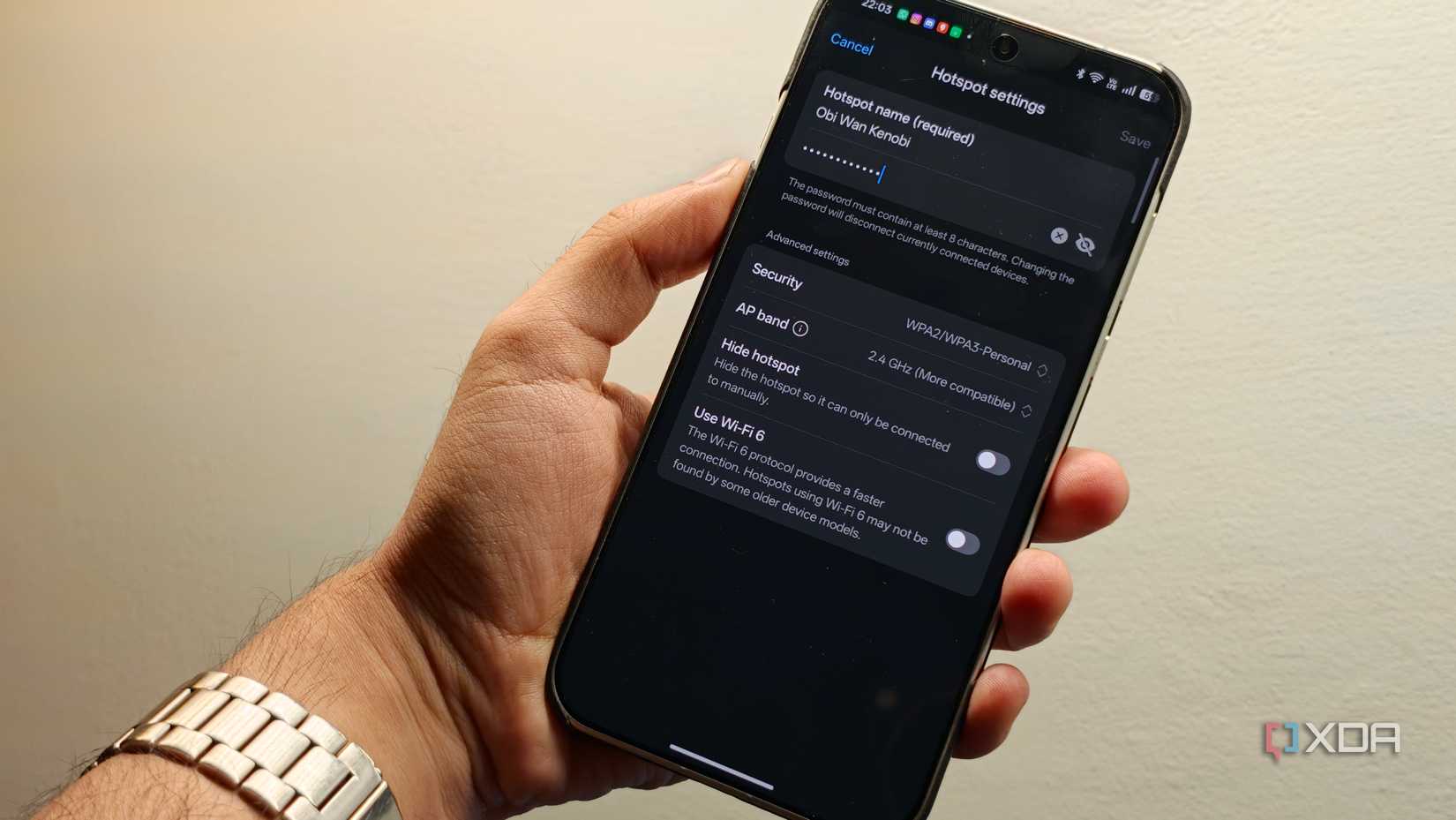
Modern Android devices offer a trifecta of connectivity options: Wi-Fi, Bluetooth, and USB tethering. USB tethering, in particular, is an underrated powerhouse. When connected to a laptop via USB, the phone provides a stable, low-latency connection that often outperforms standard wireless bridges, while simultaneously receiving a charge from the laptop’s battery.
The Professional Case for Dedicated Hardware
Despite the ingenuity of the smartphone-hotspot approach, dedicated hardware still holds a significant advantage for specific use cases. There is a reason companies like GL.iNet and TP-Link continue to dominate this market niche.

Better Antennas and Signal Reception
A dedicated router is designed with one goal: maximizing wireless throughput. Its internal antenna arrays are tuned for stability across wider ranges than a smartphone, which is designed to be held in a hand or kept in a pocket. If you are staying in a large hotel suite or a remote Airbnb where the signal from the local gateway is weak, a dedicated router with high-gain antennas will consistently outperform an Android phone.
Network Sophistication: VPNs and Ethernet
For professionals, security is paramount. Dedicated travel routers often run custom firmware based on OpenWrt, allowing for native, system-wide WireGuard or OpenVPN integration. While Android supports VPNs, running one on a phone that is also acting as a hotspot can lead to significant overhead, reduced speeds, and potential DNS leaks.
Furthermore, the "killer feature" of a dedicated router is the Ethernet port. Being able to plug an Ethernet cable directly into a hotel wall jack and broadcast that signal via Wi-Fi creates a "private network" that is significantly more secure and stable than relying on a weak, shared wireless signal. While some Android phones can interface with Ethernet via USB-C adapters, the implementation is often finicky and unreliable compared to the "plug-and-play" nature of a dedicated router.
Chronology of the Travel Networking Shift
- 2015–2018: The era of the "MiFi" dongle. Dedicated hardware was mandatory for reliable internet on the go.
- 2019–2022: The rise of the "Smart Travel Router." Brands like GL.iNet introduced OpenWrt-based routers, making advanced networking accessible to non-engineers.
- 2023–2025: The "Hardware Saturation" point. As phones became more powerful, users began to realize their old smartphones were essentially mini-routers, leading to the rise of DIY tethering setups.
- 2026 and Beyond: The current period of divergence. The market is splitting between casual travelers who prefer the simplicity of their phones and power users who require the robust, security-focused performance of dedicated hardware.
Supporting Data: Why Your Needs Dictate Your Choice
To determine which path is right for you, consider the following metrics:
| Feature | Android Phone (Hotspot) | Dedicated Travel Router |
|---|---|---|
| Portability | Excellent (already in pocket) | Good (but extra bulk) |
| VPN Integration | App-based (can be buggy) | Native/Firmware-level (stable) |
| Ethernet Input | Limited (requires dongles) | Native (standard) |
| Multi-Device Handling | Moderate | Superior |
| Cost | $0 (repurposed device) | $50 – $150 |
The Implications of the "DIY" Trend
The trend of using Android phones as routers has broader implications for the consumer tech market. It signals that consumers are becoming more resourceful with their legacy hardware. As the environmental impact of electronic waste becomes a greater concern, the shift toward repurposing old phones is a positive development.
However, it also highlights a gap in the smartphone market. If manufacturers wanted to, they could easily include "Advanced Router Mode" settings in Android to allow for easier VPN configuration, guest network creation, and better management of connected devices. Until that happens, the dedicated travel router remains the gold standard for those who treat their travel setup as a mobile office.
Conclusion: Which One Should You Choose?
If your travel routine consists of checking emails, light web browsing, and streaming an occasional episode of a show on a tablet, your old Android phone is more than enough. It saves you money, reduces the number of items in your bag, and leverages hardware you already own.
However, if you are a professional who relies on consistent, encrypted connections for high-stakes video calls, or if you frequently find yourself in locations with poor Wi-Fi where an Ethernet connection is the only lifeline, a dedicated travel router is an investment that will pay for itself in saved time and reduced frustration.
The "best" travel router isn’t necessarily the one with the highest specs on the box; it’s the one that aligns with your specific tolerance for complexity versus performance. For the majority, the answer is already in your pocket—you just haven’t looked at your old phone through the right lens yet.


 Evan Lee Salim
 Ali Ikhwan