

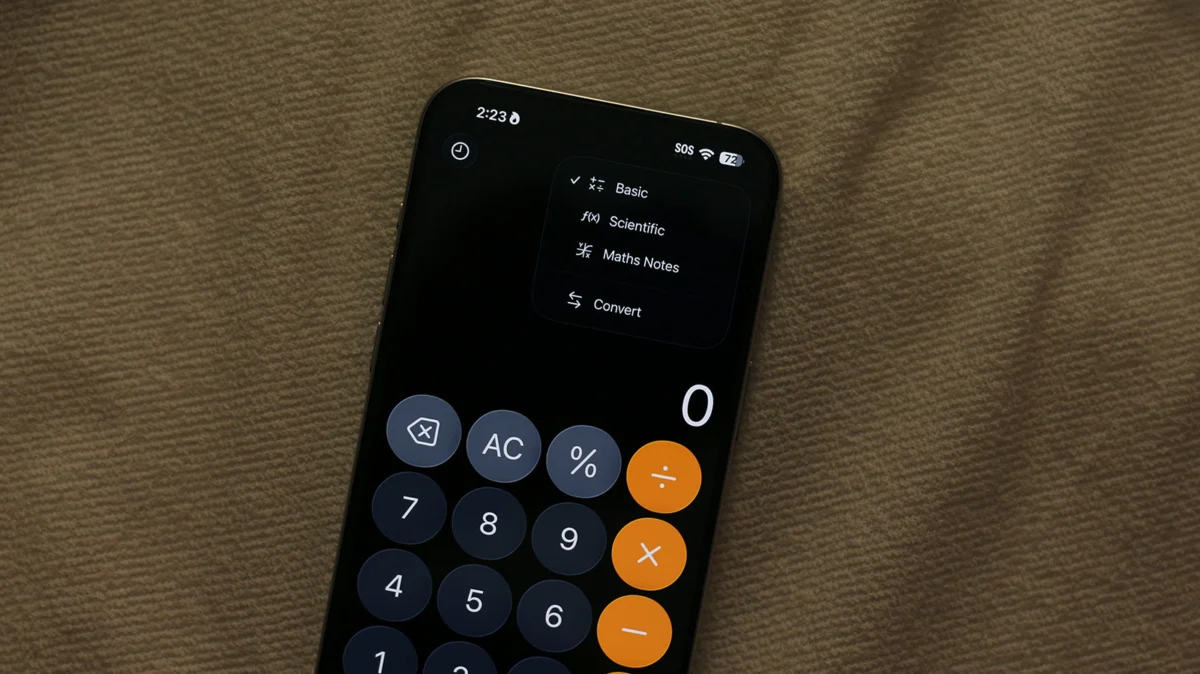
For years, the narrative surrounding Apple’s native iOS apps was one of utilitarian simplicity. Users seeking complex functionality—be it scientific graphing, unit conversions, or advanced algebraic problem-solving—were almost invariably directed toward the App Store. While third-party developers have indeed populated the ecosystem with sophisticated tools, Apple has quietly been elevating its built-in suite. The most significant leap in this evolution arrived in 2024 with the introduction of "Math Notes," a feature that fundamentally changes how iPhone users interact with numbers, equations, and data.
The Evolution of the iPhone Calculator
The journey of the iPhone’s Calculator app is a study in restrained design. From its inception, the app prioritized accessibility. Its clean, grid-based interface offered the four basic arithmetic functions: addition, subtraction, multiplication, and division. By simply rotating the device to landscape mode, users could unlock a scientific calculator, providing access to logarithmic, exponential, and trigonometric functions.
However, the leap to modern computational power required more than just a horizontal orientation. Apple recognized that the modern professional and student needed a workflow that mimicked the fluidity of a physical notebook. The introduction of Math Notes, integrated into the iOS 18 ecosystem, marks the transition from a passive calculation tool to an active, dynamic "math workstation."
Math Notes: Bridging the Gap Between Ink and Silicon
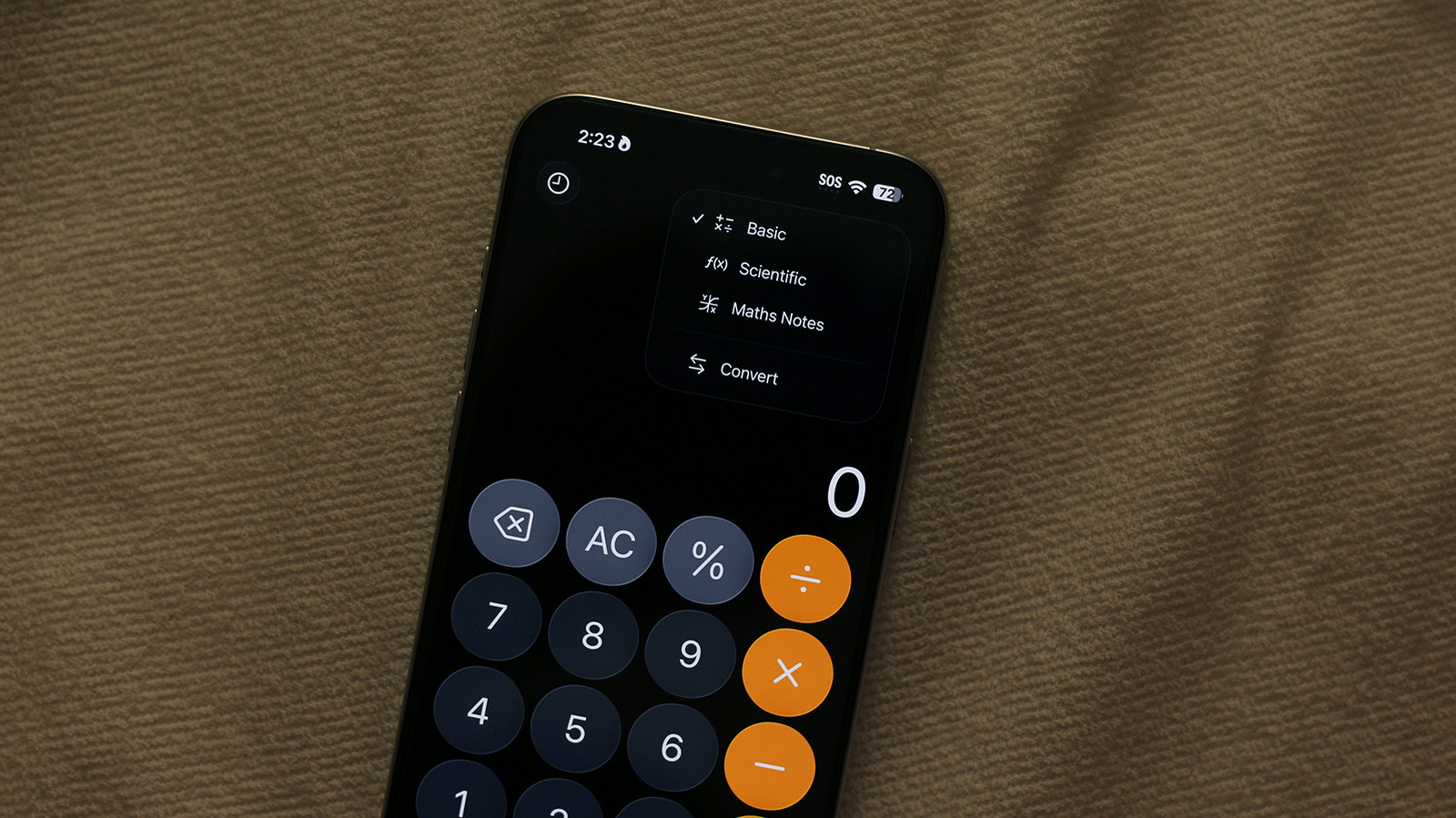
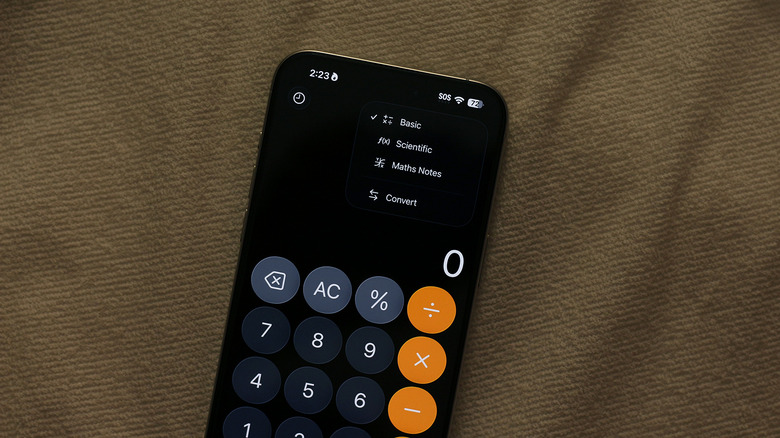
At its core, Math Notes is a sophisticated fusion of the Calculator app and the Notes app, powered by Apple’s machine learning frameworks. By tapping the calculator icon in the bottom-left corner of the Calculator app, users can toggle between the Standard, Scientific, and Math Notes modes.
The genius of Math Notes lies in its handwriting recognition capabilities. Using a finger or an Apple Pencil (on supported iPads, with feature parity on iPhone), users can write equations directly onto the screen. The system processes the input in real-time, providing an instant solution the moment an equals sign is placed at the end of the expression.
The Mechanism of Real-Time Computation
The system is designed to be highly intuitive. If a user writes an equation, the iPhone’s internal engine—which Apple has optimized for low-latency feedback—calculates the result immediately. Furthermore, the software attempts to replicate the user’s own handwriting style when displaying the answer, creating a cohesive visual experience that feels less like a computer output and more like a handwritten note.
Error Detection and Intelligent Feedback
One of the most critical aspects of any educational or professional tool is its ability to identify fallibility. Math Notes includes a sophisticated error-handling system:
- The Dotted Red Line: When the app detects an expression that is mathematically impossible or structurally incorrect, it highlights the area with a dotted red line, signaling the user to review their input.
- The Dotted Blue Line: This indicates a legibility issue. If the software struggles to decipher a specific character or numeral, it flags it in blue, allowing the user to clarify their handwriting.
Chronology of the Update
The deployment of Math Notes follows Apple’s broader strategic shift toward "Intelligence" features across their hardware stack:
- Pre-2024: The iPhone Calculator remained a static tool. While reliable, it lacked the ability to save history or perform complex variable-based calculations without manual input.
- WWDC 2024: Apple officially unveiled iOS 18, introducing the system-wide integration of Math Notes.
- Late 2024/Early 2025: The feature became a cornerstone of the productivity suite, allowing for cross-app functionality. Users gained the ability to pull up the calculator interface within the Notes app, effectively turning a text-based document into a live spreadsheet-like environment.
Advanced Functionality: Variables and Graphing
Math Notes is not merely for simple arithmetic. It allows for the assignment of variables, meaning users can define x = 10 and then build subsequent equations based on that value. If the value of x is changed, all dependent equations update automatically.
For students and engineers, the ability to generate graphs is a game-changer. By inputting an algebraic expression, the software can generate a visual representation of the function, allowing users to see the intersection of lines or the curve of a parabola. This capability essentially bridges the gap between the iPhone and dedicated graphing calculators, which have long been an expensive requirement for high school and collegiate mathematics.
Supporting Data and Cross-Functional Integration
The utility of Math Notes extends beyond pure mathematics into the realm of practical, daily application. One of the most highly touted features is the app’s ability to handle multi-currency and unit conversions within a single line.
For instance, writing "150 USD + 50 EUR =" will trigger an automatic conversion based on current market data, providing the sum in the user’s preferred currency. This "on-the-fly" processing is made possible by the integration of the iPhone’s system-wide conversion libraries, which are also accessible via the standard keyboard.
Keyboard-Based Quick Calculations
For users who prefer typing over handwriting, the functionality is still present. By navigating to Settings > General > Keyboard and enabling Math Results, users can type an equation in any text field—be it Messages, Mail, or Notes—and see the result immediately upon typing the "=" symbol. This effectively places a calculator at the user’s fingertips regardless of which app is currently open, reducing the need for app-switching.
Implications for Education and Productivity
The implications of this technology are significant. In an educational context, Math Notes serves as a sandbox for learning. Students can experiment with complex equations, see the results of their variables changing, and visually confirm their understanding through graphing, all without needing to switch between different specialized software.
For professionals, the ability to organize these calculations within the Notes app means that work is no longer fragmented. A project plan can now contain a budget, a schedule, and the raw mathematical formulas used to derive those figures, all in one place. These notes are automatically stored in a dedicated folder, ensuring that complex calculations are not lost in the shuffle of daily tasks.
Official Responses and User Reception
Apple has framed these updates as part of their broader initiative to make "intelligent" features seamless and privacy-centric. By performing much of the calculation and handwriting recognition on-device (leveraging the Neural Engine in the A-series chips), Apple ensures that sensitive financial or academic data does not necessarily need to be sent to the cloud for processing.
Early user feedback has been overwhelmingly positive, particularly among the student demographic, who have long complained about the "dumbness" of the native calculator compared to the robust, albeit expensive, hardware offered by companies like TI or Casio. While professional mathematicians might still rely on specialized software like Mathematica or MATLAB for heavy-duty research, for 99% of daily use cases, the iPhone has officially transitioned from a simple arithmetic tool to a capable, portable, and intelligent math workstation.
Conclusion: A New Standard for Utility
The evolution of the iPhone Calculator into the Math Notes ecosystem represents a maturing of the smartphone as a productivity device. By focusing on the "how" of the user experience—making math feel as natural as writing on paper while providing the computational power of a modern processor—Apple has set a new benchmark for mobile utility. Whether you are a student solving for x, a traveler calculating currency conversions on the fly, or an engineer checking a quick variable, the tools are now integrated, intelligent, and, most importantly, invisible in their efficiency.
The iPhone is no longer just a communication device or a window to the internet; with the latest iterations of iOS, it has become an extension of the user’s own analytical capabilities, proving that even the most basic utilities can be reinvented for the modern age.












No comments yet. Be the first to join the conversation!