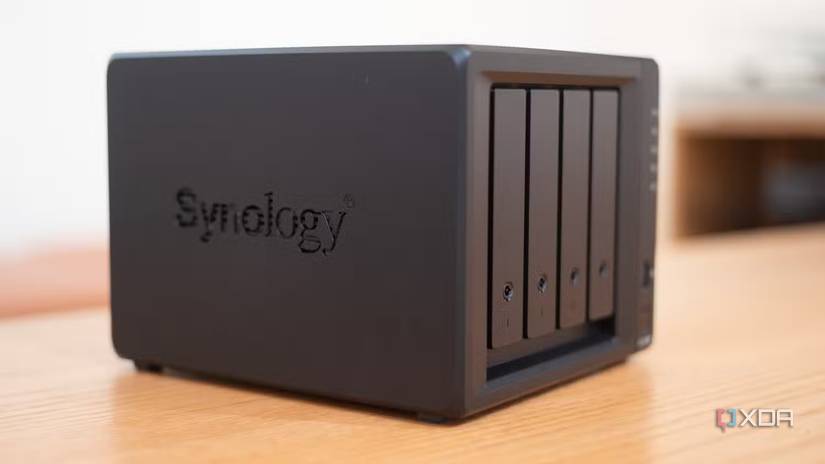
For many enthusiasts entering the world of self-hosting, the journey begins at the local electronics retailer or a familiar online storefront. The allure of a pre-built, four-bay Network Attached Storage (NAS) unit is intoxicating: it is sleek, power-efficient, whisper-quiet, and promises a "plug-and-play" experience that spares the user from the headache of terminal commands and hardware compatibility lists.
I was one of those enthusiasts. I bought into the promise of the polished appliance, believing that four drive bays would be more than enough to satisfy my storage needs for years to come. However, what I discovered was that for those who treat a home server as a dynamic, evolving laboratory rather than a static filing cabinet, these proprietary appliances often serve as expensive, restrictive gatekeepers.
The Mirage of the "Perfect" Appliance
When I first commissioned my home server, I viewed the purchase of a dedicated four-bay NAS as the "responsible" choice. I spent hours researching RAID configurations, high-capacity mirrored drives, and software ecosystem stability. On paper, it was the perfect solution: a purpose-built device with a polished operating system (OS) that promised to handle my data with the grace of a enterprise-grade machine.
However, the honeymoon period was short-lived. Almost immediately after the initial setup, I realized that I was asking the hardware to do things it was never meant to handle. As my requirements shifted from simple file storage to a robust environment for virtualization, containerization, and high-bitrate media transcoding, the limitations of the "appliance" model became impossible to ignore.

The Four-Bay Ceiling: A Chronology of Limitations
The realization that I had outgrown my NAS did not happen overnight; it was a slow, creeping awareness of technical walls.
Phase 1: The Capacity Wall
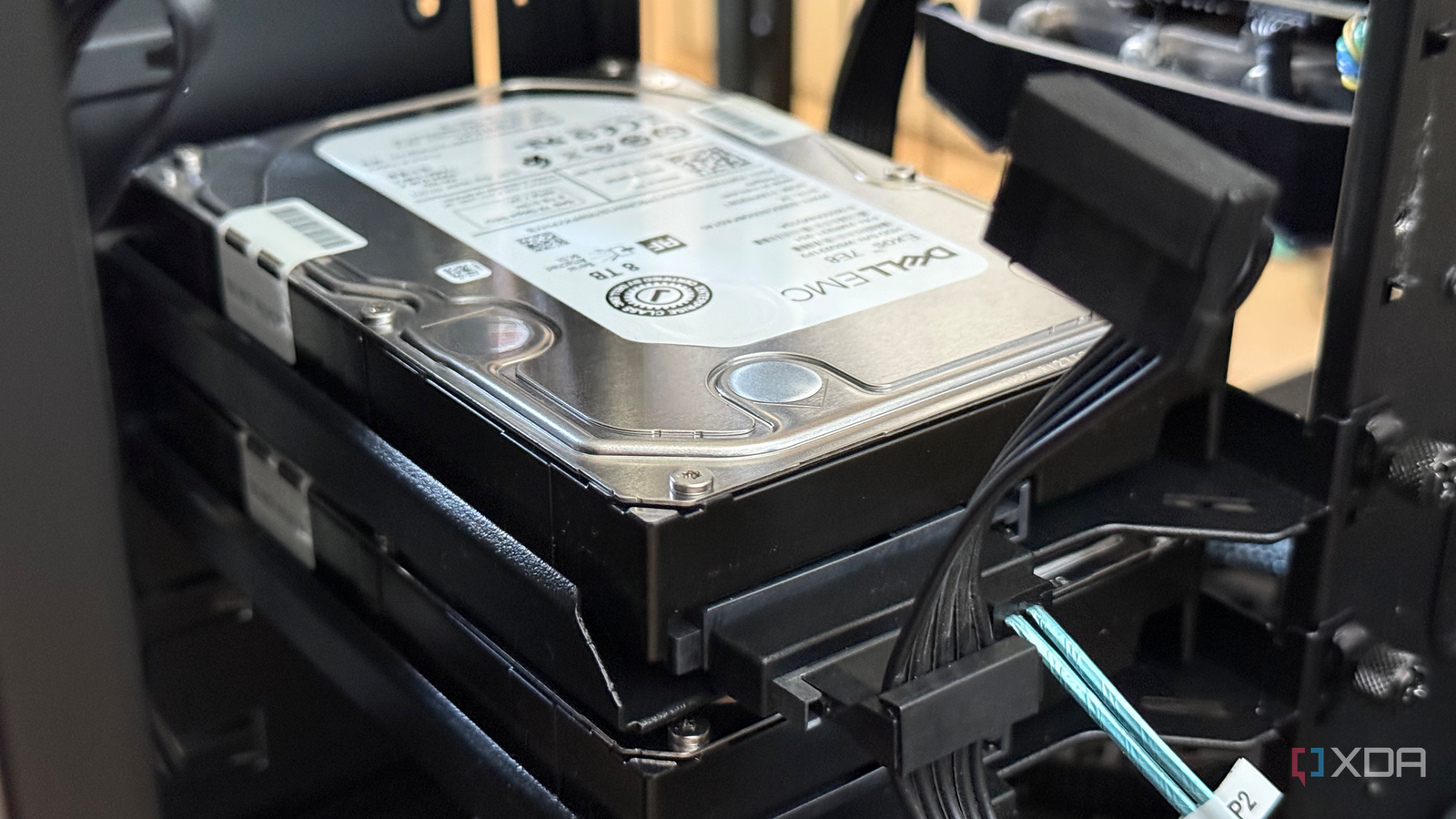
Four bays sound like a generous amount of storage to the uninitiated. Yet, in a world of high-definition media and massive datasets, filling those slots is a matter of months, not years. Once those bays are populated, the "upgrade path" offered by many manufacturers is often abysmal. Users are frequently forced to look toward external expansion enclosures—which are often as expensive as a new unit—or perform a painful migration to an entirely new, higher-capacity chassis.
Phase 2: The Network Bottleneck
Many mid-range four-bay NAS units are still shackled to 1GbE (Gigabit Ethernet) ports. In an era where 2.5GbE and 10GbE are becoming standard in modern home networking, relying on a 1GbE connection for a multi-drive array is a significant performance bottleneck. While some high-end units offer PCIe slots for network upgrades, many manufacturers, including Synology with its recent DS925+ model, have begun stripping these expansion slots out of their hardware. If your unit doesn’t ship with multi-gig support, you are effectively stuck in the past.
Phase 3: The Performance Deficit
The most critical realization occurred when I began pushing the processor. Many popular four-bay units utilize low-power, embedded dual-core processors. While these are sufficient for serving files, they collapse under the weight of modern home lab tasks. If you are running Jellyfin or Plex, the lack of a powerful integrated graphics processor (iGPU) for hardware transcoding can lead to a stuttering, unusable experience. Moving from an embedded, soldered chip to a traditional desktop CPU—even one several generations old—provides a level of computational headroom that an appliance simply cannot match.
The Software Monopoly: Trusting the Manufacturer
Perhaps the most significant factor in my decision to move to a self-built system is the shift in the relationship between the hardware manufacturer and the consumer.
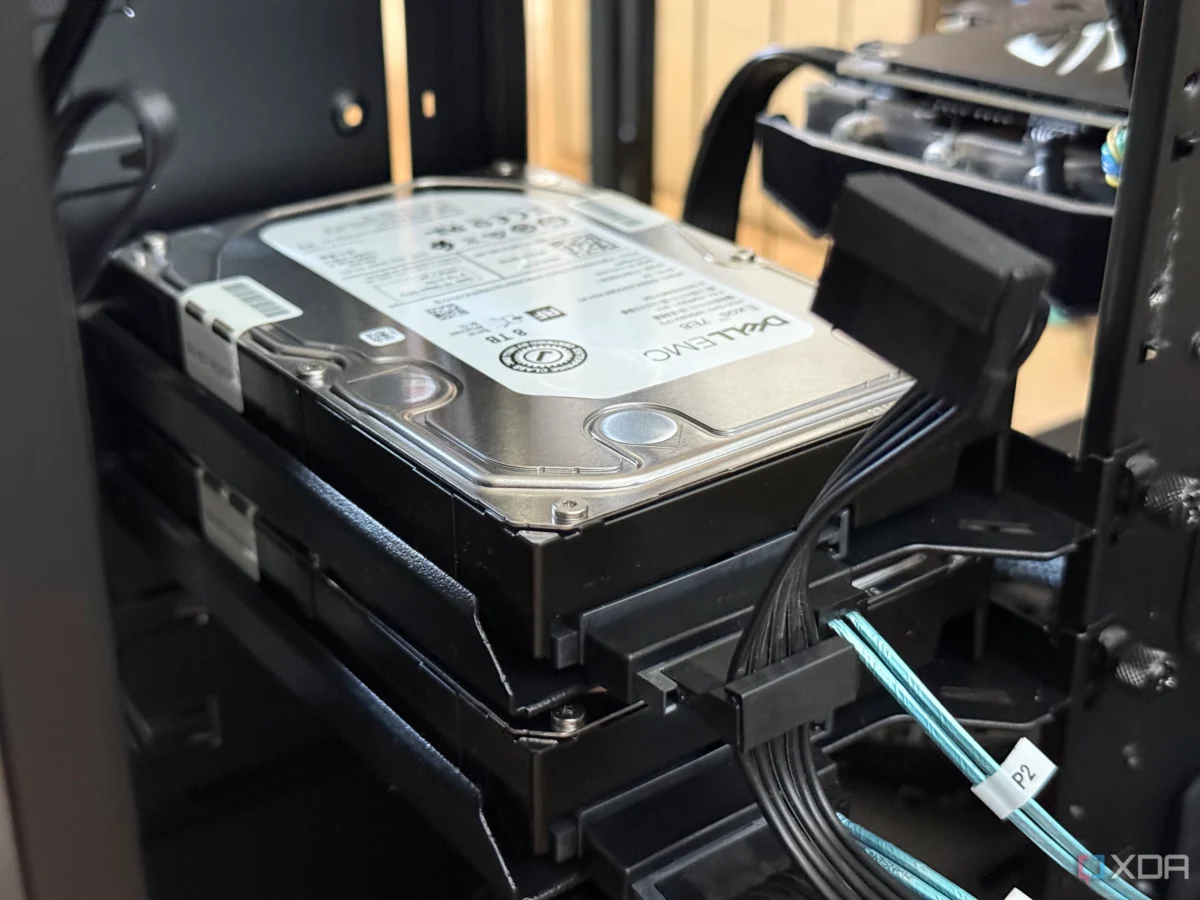
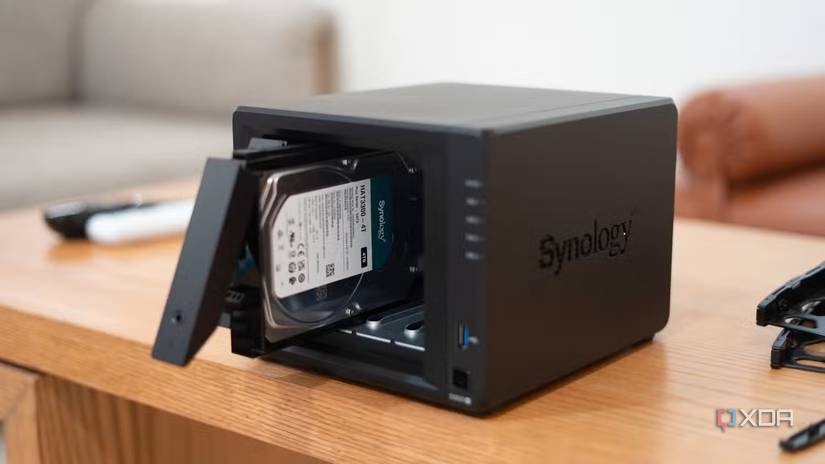
In 2025, the storage community faced a major controversy when major NAS vendors began restricting their proprietary operating systems (such as Synology’s DSM) to only support their own branded, certified hard drives. This "walled garden" approach effectively locked users out of using more affordable or higher-capacity third-party drives, or at the very least, forced them to deal with persistent, annoying compatibility warnings.
While public backlash eventually forced a partial retreat from these restrictive policies, the precedent had been set. When you run a proprietary OS, you are at the mercy of the manufacturer’s business decisions. A simple firmware update can suddenly turn your hardware into a product you no longer own, but merely rent. By contrast, an x86 system running open-source platforms like TrueNAS, Unraid, or Proxmox grants the user total sovereignty over their hardware and software.
Supporting Data: Efficiency vs. Scalability
Critics of self-built servers often point to power consumption as the primary argument for buying a pre-built NAS. It is a valid point: a dedicated four-bay NAS often idles in the 15-to-30-watt range, whereas a full-tower desktop server might idle at 50 watts and climb significantly higher under load.
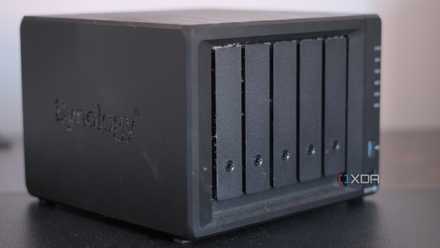
However, this argument ignores the "performance per watt" reality. While a pre-built NAS is more efficient at idling, it lacks the raw power to perform complex tasks, often leading to longer wait times for tasks like file indexing, parity checks, or media transcoding.
The expansion potential of an ATX-based build is also a significant differentiator. A single PCIe slot can host an HBA (Host Bus Adapter) card, allowing for the addition of 8 or more extra drives. A standard motherboard provides multiple PCIe lanes for 10GbE networking, NVMe storage acceleration, or even dedicated AI accelerators. For the home lab enthusiast, the extra power usage is a small price to pay for the ability to scale indefinitely.
Implications for the Home Lab Enthusiast
So, what should the modern enthusiast do? The transition from an appliance-based setup to a DIY rig is not as intimidating as it seems. Most people already have the foundation for a superior home server sitting in their closet: a retired gaming PC or an old office desktop.
- Repurpose Existing Hardware: A retired desktop is often faster and more expandable than a $600 proprietary NAS.
- Prioritize Flexibility: By choosing a standard motherboard and CPU, you ensure that you can swap out parts, add RAM, or upgrade your networking without being locked into a manufacturer’s specific ecosystem.
- Choose Open Software: Platforms like Proxmox allow you to run storage (via ZFS) alongside virtual machines and Docker containers, giving you a professional-grade environment in your own home.
Conclusion: The Right Tool for the Job
It is important to be fair: the humble four-bay NAS is not a "bad" product. For a home office that needs a simple, set-it-and-forget-it file server, these devices are excellent. They are quiet, compact, and aesthetically pleasing.
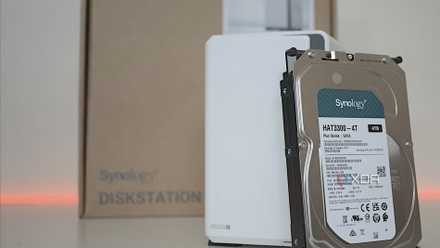
However, they are not the end-all-be-all for the home lab community. If your goals include running a suite of self-hosted services, experimenting with virtualization, or scaling your storage beyond a few drives, you will eventually hit the "four-bay ceiling."
For me, the trade-off was clear. I would rather accept a slightly higher electricity bill and the need for a larger footprint in exchange for the freedom to build, upgrade, and control my server without the interference of a manufacturer. The era of the "locked-in" appliance is ending, and the era of the custom, empowered home lab is just beginning. Don’t let a plastic box define the limits of your digital infrastructure—build your own, and you’ll never look back.