

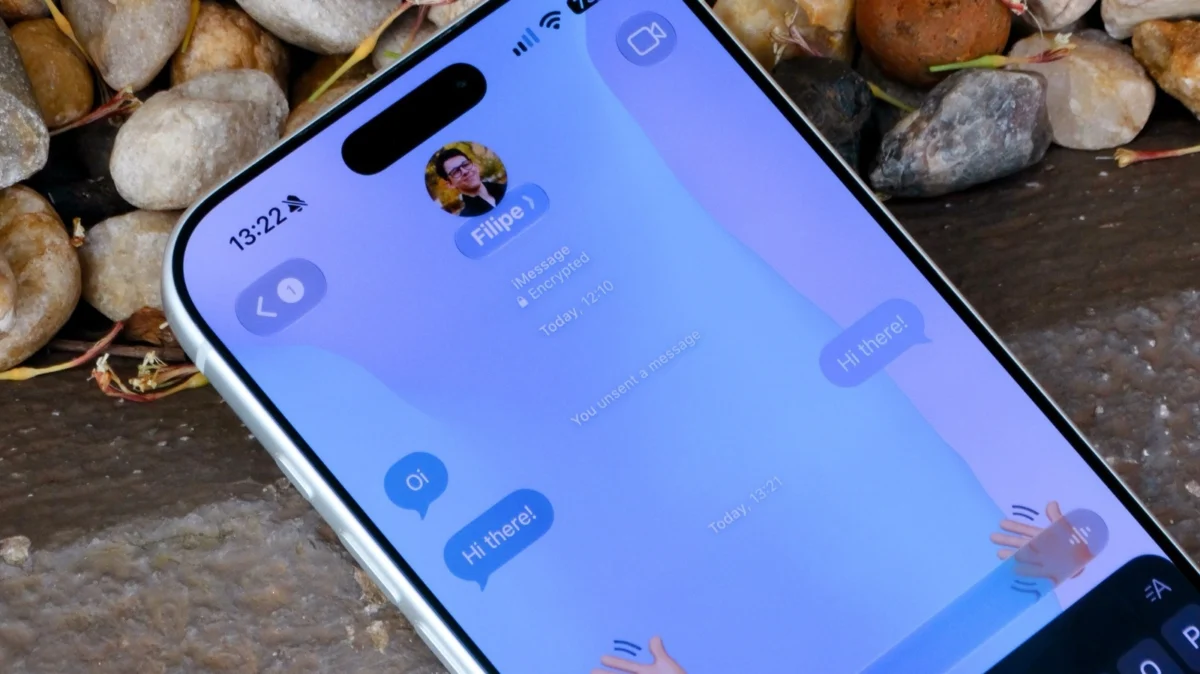
For years, the aesthetic landscape of Apple’s native Messages app remained largely static. While Android users and those utilizing third-party platforms like Telegram, WhatsApp, and Signal enjoyed granular control over their chat interfaces—ranging from custom bubble colors to bespoke background wallpapers—Apple’s iconic blue and green bubbles remained tethered to a rigid, binary color scheme: stark white for Light Mode and deep black for Dark Mode.
That era of uniformity has officially ended. With the rollout of iOS 26, Apple has finally ceded control, allowing users to inject personality into their digital conversations. This shift marks a significant milestone in Apple’s design philosophy, signaling a move toward a more modular and user-centric approach to its core communication tools.
The Evolution of Apple’s Design Philosophy
From Uniformity to Expression
To understand why this update is so significant, one must look at the history of iOS. For over a decade, Apple prioritized "design coherence"—the idea that the operating system should look and feel consistent across every device, for every user. While this created a polished, professional look, it often left power users wanting more agency.
The journey toward customization began in earnest with the introduction of Lock Screen widgets and home screen icon modifications. However, the internal chat environment remained the final frontier. The introduction of the "Liquid Glass" effect in recent iterations paved the way for more visual complexity, yet the background of the Messages app persisted as the "final bastion" of the minimalist aesthetic. With iOS 26, Apple has bridged the gap between its utilitarian roots and the modern user’s demand for self-expression.
Setting Up Your Custom Background: A Step-by-Step Guide
The process for modifying your chat background is intentionally intuitive, reflecting Apple’s focus on accessibility. However, there are nuances to the implementation that users should understand to optimize their experience.
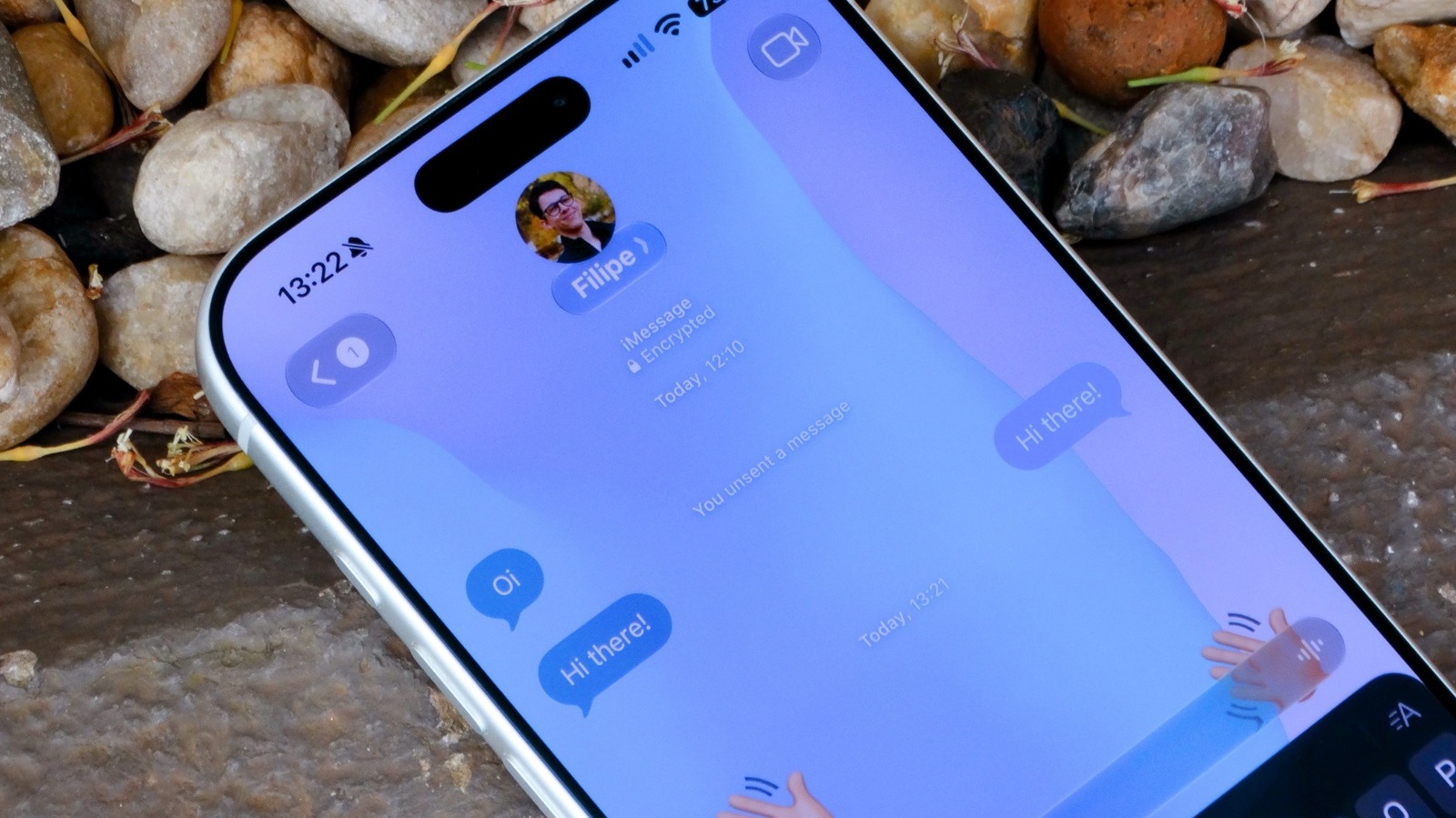
How to Apply a Custom Background
- Navigate to the Conversation: Open the Messages app and select the specific chat or group thread you wish to customize.
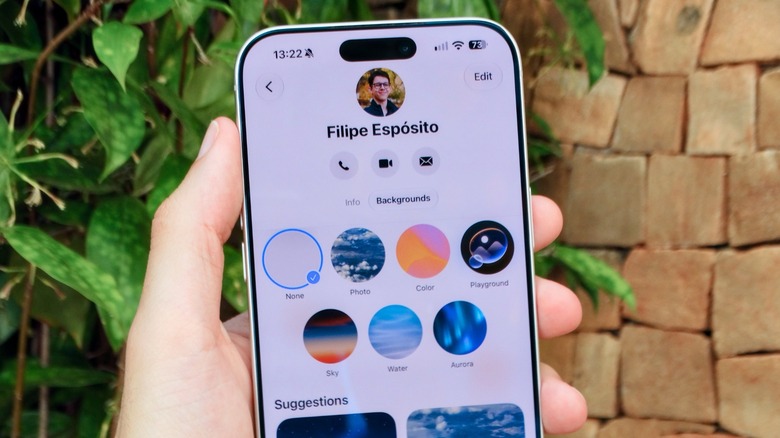
- Access the Settings Menu: Tap the contact’s name or the group icon located at the top of the interface. This will open the information pane.
- Locate the Backgrounds Tab: Within this menu, you will find a dedicated "Backgrounds" section.
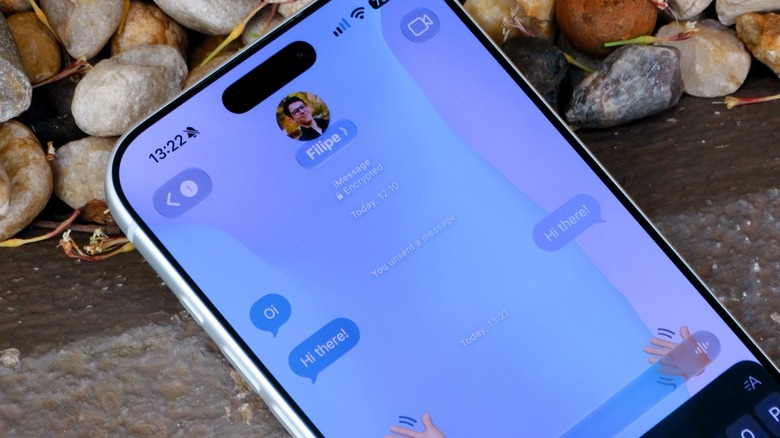
- Select Your Visual Style: Apple provides a curated suite of animated, dynamic wallpapers, categorized by themes like "Color," "Sky," "Water," and "Aurora." These are not static images; they possess a subtle, fluid animation that reacts to the interface, providing a sense of depth.
- Personalize with Photos: Beyond the curated selection, you can upload images from your own library. Whether it is a photo of your pet, a landscape from a recent trip, or a piece of digital art, the system allows for cropping and adjustment.
- Harnessing Apple Intelligence: For users with an iPhone 15 Pro or later, the "Playground" feature allows you to generate entirely new backgrounds using generative AI. By providing a prompt, you can create a one-of-a-kind backdrop that matches the specific mood or context of a conversation.
Important Note: It is crucial to remember that these backgrounds are not localized to your device alone. When you set a custom background for a group chat or a specific contact, that change is often visible to other participants who also support the feature, making this a communal design experience rather than a solitary one.
Technical Prerequisites and Limitations
While the prospect of a vibrant, personalized chat is enticing, it is not universally available across all devices or message types. Understanding the "fine print" is essential to avoiding frustration.
The iMessage Barrier
The most critical limitation is that these custom backgrounds are restricted to the iMessage ecosystem. If you are communicating via standard SMS or the newer RCS (Rich Communication Services) protocol, the feature will not be available. Apple has prioritized its proprietary end-to-end encrypted messaging service for these visual upgrades. Consequently, chats with Android users will continue to display the default solid-color background.
System Requirements
To utilize this feature, your device must be running at least iOS 26. To verify your status:
- Navigate to Settings.
- Select General.
- Tap Software Update.
- If an update is pending, ensure your device is charged and connected to Wi-Fi before initiating the download.
Opting Out
Not every user desires a decorative background. For those who find the animations distracting or who prefer the classic, high-contrast look, Apple has included a global "kill switch." By navigating to Settings > Messages and toggling off the "Conversation Background" option, you can force the app back to its default appearance across all threads, regardless of what your contacts may have selected.
Implications for the Future of Digital Communication
The introduction of customizable backgrounds in Messages is more than just a cosmetic change; it reflects a broader strategy shift for the tech giant.
1. Increased User Retention
By allowing for personalization, Apple is directly competing with third-party messaging apps that have long used customization as a retention hook. When users invest time in tailoring their digital environments, they are statistically less likely to migrate to competing platforms.
2. The Role of Generative AI
The integration of the "Playground" feature is a clear signal of where Apple intends to take the user experience. By leveraging Apple Intelligence to generate custom imagery, Apple is transforming the chat background from a static wall into a dynamic, personalized asset. This is a preview of a future where every element of the UI could be generated or modified on the fly to suit the user’s preference.
3. Sociological Impacts
The "shared" nature of these backgrounds changes the social dynamics of group chats. A chosen background can now set the tone for a conversation—whether it’s a professional group chat with a neutral, calm backdrop or a family thread featuring a bright, energetic theme. It adds a layer of non-verbal communication that was previously absent in the sterile environment of text-based messaging.
Expert Commentary and Industry Analysis
Tech analysts have noted that this move brings Apple in line with modern expectations. "For years, the argument was that Apple’s minimalism was its greatest strength," says digital interface consultant Sarah Jenkins. "But the modern user, particularly the younger demographic, views their smartphone as an extension of their personal brand. If you don’t allow them to customize their space, they feel restricted. With iOS 26, Apple has finally acknowledged that ‘functional’ and ‘expressive’ are not mutually exclusive."
However, some privacy advocates have raised questions regarding the shared nature of these backgrounds. If a user sets a potentially offensive or controversial image as a background, how does that impact the recipient? Apple has mitigated this by implementing standard content moderation guidelines, but the responsibility of maintaining a professional or appropriate environment remains with the user.
Conclusion: A New Era of iOS Customization
The update to the Messages app is a microcosm of the current state of Apple. The company is slowly but surely opening the "walled garden," allowing users to exert more influence over their devices. While a custom background might seem like a small addition in the grand scheme of software engineering, it is a significant step toward a more flexible, personal, and human-centric digital experience.
As we move forward into the era of iOS 26 and beyond, it is likely that we will see further customization options introduced, perhaps extending to bubble shapes, font styles, and notification soundscapes. For now, users have a powerful new tool to make their iPhone feel a little less like a standardized piece of hardware and a little more like their own.
Whether you opt for a sleek, minimalist gradient or an AI-generated masterpiece, your Messages app is now a canvas. It is up to you to decide how to paint it.











