

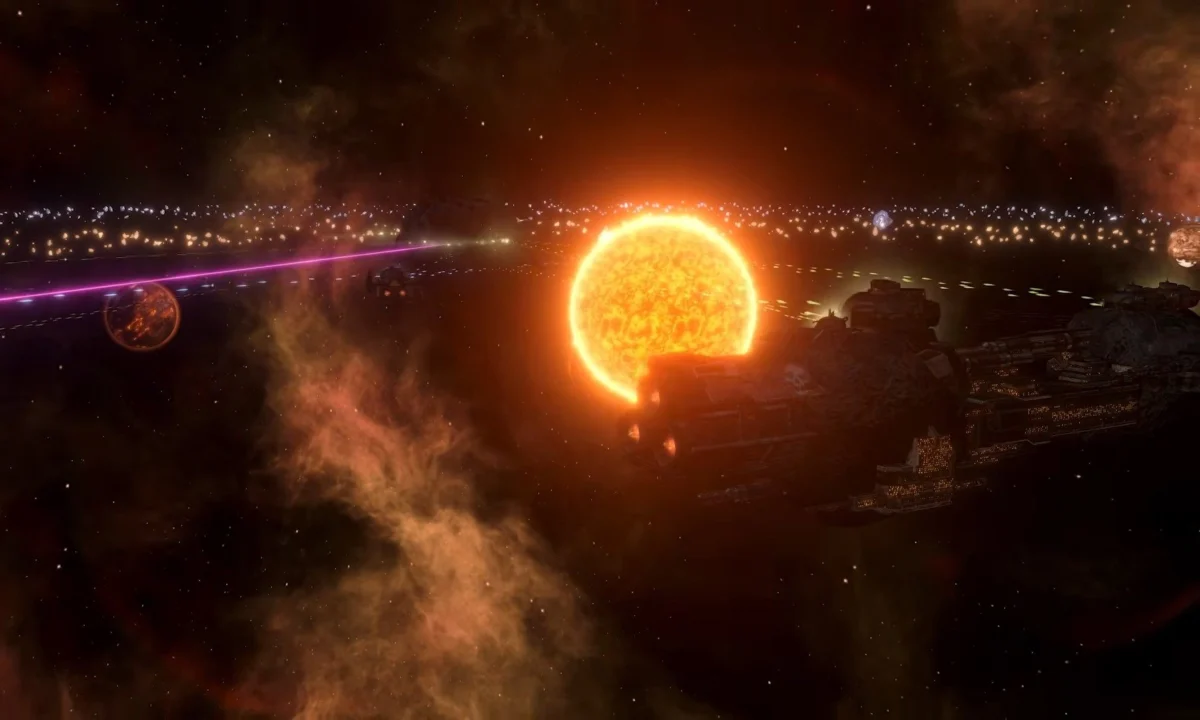
Managing a galactic empire is a task of immense proportions, fraught with the perils of economic collapse, diplomatic betrayal, and the ever-present threat of existential annihilation. In Paradox Interactive’s grand strategy masterpiece Stellaris, a single strategic misstep—a poorly timed war, an overextended economy, or a hostile neighbor with a suspiciously superior fleet—can turn a flourishing save file into a slow-motion disaster.
However, for players looking to recover from a catastrophic error, test the viability of a specific build, or simply indulge in the chaotic fun of an empire with more alloys than sense, the game offers a powerful utility: the console command interface. This guide explores the mechanics, utility, and implications of using cheats to reshape the galaxy to your whims.
The Philosophy of the Console: Why Use Cheats?
In the context of Stellaris, the "console" is not a reference to gaming hardware, but rather a developer-grade command line interface. It serves as a sandbox tool that allows users to manipulate the game’s underlying variables.
From a professional gameplay perspective, console commands are often used for "stress testing." By instantly spawning megastructures or researching all technologies, players can simulate the endgame environment to see how their fleet designs hold up against the late-game crises. Furthermore, for narrative-focused players, the console acts as a "dungeon master" tool, allowing them to trigger specific galactic events or force diplomatic resolutions that might otherwise be locked behind layers of RNG (Random Number Generation).
Chronology of Command: How to Access the Interface
The implementation of the Stellaris console is straightforward but requires specific conditions to function.
Accessing the Terminal
To access the developer console, simply press the tilde (~) key on your keyboard, typically located beneath the Esc key and to the left of the "1" key. On some keyboard layouts, this may be bound to Shift + Alt + C. Once the window appears, you can input your commands and press Enter to execute.
The Ironman Constraint
It is crucial to note that the console is strictly a PC-feature. Furthermore, it is completely disabled in Ironman Mode. This is because Ironman mode is designed for competitive achievement hunting and the maintenance of a singular, "legitimate" save file. If you are playing with Ironman enabled, the game prevents any form of modification to ensure that the achievements earned are genuine. If your goal is to experiment, you must start a standard campaign without Ironman restrictions.

Troubleshooting Access
If the console fails to open, verify the following:
- Game Version: Ensure your game is updated to the latest version.
- Mod Conflicts: Some heavy-duty mods may override key bindings. Try disabling all mods to see if the interface becomes responsive.
- Keyboard Layouts: If your regional keyboard layout does not support the tilde key, look for "Keyboard Settings" in your Windows/macOS menu and ensure it is set to US-International or standard English to map the key correctly.
Supporting Data: An Encyclopedia of Commands
The power of the console lies in its depth. Below is a categorized breakdown of the most essential commands for manipulating the galaxy.
Fundamental Resource & Empire Commands
These commands are the "bread and butter" of the console user, allowing you to stabilize a crumbling economy or accelerate growth.
cash [amount]: Grants the specified amount of Energy Credits.minerals [amount]: Grants the specified amount of Minerals.alloys [amount]: Grants the specified amount of Alloys.influence [amount]: Grants Influence, essential for expansion and edicts.finish_research: Instantly completes all active technology projects.research_all_technologies: Completes all non-repeatable technologies in the game.
Planet and Population Manipulation
add_pops [species ID] [amount]: Populates a planet with a specific species.planet_size [amount]: Increases the size of your chosen world.effect add_building = [building ID]: Instantly constructs a building on a planet.populate: Fills all available job slots on the selected planet.
Diplomatic and Political Control
yesmen: The ultimate diplomatic cheat. Toggling this makes every AI empire accept any deal you offer, regardless of the logic or cost.annex [empire ID]: Instantly claims control of an enemy empire’s entire territory.add_opinion [amount]: Forces an AI to like you, preventing war or securing trade deals.force_integrate: Bypasses the waiting period for integrating subjects.
Advanced Gameplay: Modifying the Galaxy
Beyond simple resource injection, the console allows for the manipulation of galactic events and crises.
Triggering Crises
If you wish to test your fleet’s mettle, you can force the arrival of the galaxy’s most dangerous entities:
crisis.199: Triggers the Prethoryn Scourge.crisis.1000: Triggers the Unbidden invasion.crisis.2000: Triggers the Contingency.
Archeology and Exploration
survey: Surveys all celestial bodies in the galaxy, saving hours of early-game ship movement.finish_special_projects: Instantly clears all ongoing scientific research projects.create_megastructure [ID]: Spawns a megastructure in your current system.
Implications: The Ethics of Cheating
While the Stellaris console offers unparalleled freedom, its use carries significant implications for the player experience.
The "Sandbox" Effect
Paradox Interactive has designed Stellaris as a emergent narrative generator. The "fun" is often derived from overcoming the odds in a fair fight. Using yesmen or invincible can strip the game of its tension. When there is no risk of defeat, the weight of the player’s choices evaporates. Many long-time veterans suggest using the console only for "repairing" broken save files—such as when a game-breaking bug prevents a diplomatic event from firing—rather than for active play.

Achievement Integrity
As mentioned previously, the game treats the use of console commands as a violation of the achievement system. This is a vital distinction. For many players, the "Stellaris grind" is about proving mastery over the game’s complex mechanics. By using cheats, you effectively void your ability to earn Steam achievements, marking your save file as "modified."
Official Stance and Community Support
Paradox Interactive has maintained a transparent stance regarding the console. They view it as an essential tool for developers and modders. Because Stellaris is an inherently moddable game, the console is necessary for creators to test their new assets, events, and UI changes in real-time.
For the average player, the company encourages the use of these tools for educational purposes. Many players use the console to learn how the game calculates production values or how AI weights their decisions. By using the debugtooltip command, you can hover over any UI element to see the exact variable ID and logic behind it. This transforms the game from a black box into an educational experience about systems design and economic simulation.
Conclusion: Shaping Your Destiny
Whether you are a seasoned Admiral looking to fix a bug, a modder testing a new galaxy-altering script, or a newcomer who just wants to see the galaxy burn, Stellaris console commands provide the keys to the kingdom.
However, remember the adage of the grand strategist: with great power comes the loss of narrative satisfaction. The most memorable stories in Stellaris are usually the ones born from struggle, not from the effortless spawning of a thousand dreadnoughts. Use these tools wisely, keep your save files backed up, and may your empire thrive—whether through hard work or a well-placed command.
Quick Reference for Beginners:
- Open Console: Tilde (~)
- Toggle Tooltips:
debugtooltip(To find IDs) - Get Cash:
cash 10000 - Instant Research:
finish_research - Stop AI Resistance:
yesmen
Note: Always use commands with caution. Some commands, such as crash or game_over, will terminate your session instantly. Always maintain a clean, non-cheated backup save file before experimenting with the terminal.












No comments yet. Be the first to join the conversation!