The landscape of personal computing has undergone a radical shift in 2024. For years, the term "AI laptop" was synonymous with exorbitant price tags and high-end workstation configurations. However, the integration of Neural Processing Units (NPUs) into mid-range chipsets has effectively democratized artificial intelligence. Today, users no longer need to spend thousands of dollars to leverage the power of on-device machine learning; a new generation of devices from Asus, Acer, HP, and Lenovo has brought "Copilot+" capabilities to the sub-$1,000 market.
The Shift: Why NPUs Change the Creative Workflow
At the heart of this revolution is the NPU—a specialized processor designed specifically to handle the heavy mathematical lifting required for AI tasks. Unlike traditional CPUs or GPUs, which are general-purpose processors, the NPU excels at the repetitive, parallel calculations fundamental to neural networks.
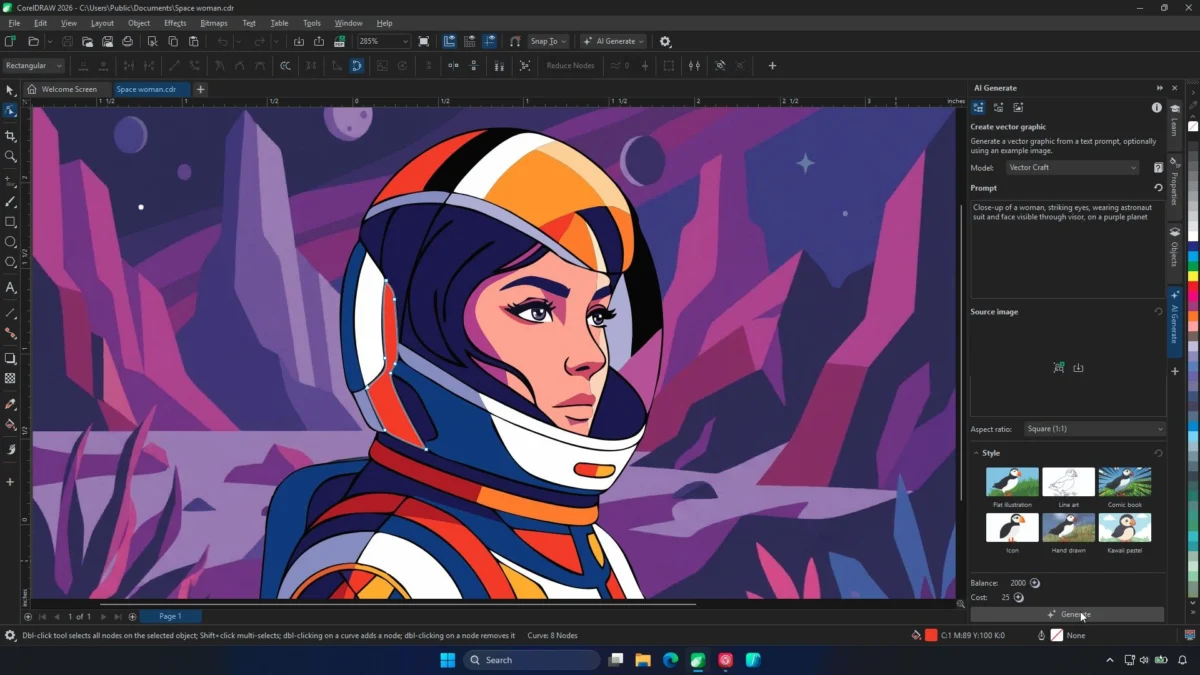
For graphic designers, photographers, and creative professionals, this hardware transition is transformative. Tasks that previously required a stable, high-speed internet connection to process in the cloud—such as real-time background removal, AI-assisted image upscaling, advanced noise reduction, and instant voice-to-text transcription—can now be performed locally. This shift minimizes latency, protects data privacy, and ensures that the creative workflow remains uninterrupted, even when working from a remote location or during a commute.
Chronology of the Budget AI Integration
The rapid arrival of these devices is the result of a deliberate industry push that began in late 2023 and accelerated through the first half of 2024:
- Late 2023: Qualcomm and AMD announce new mobile platforms (Snapdragon X and Ryzen AI) with dedicated NPU architectures.
- Q1 2024: Microsoft formalizes the "Copilot+ PC" certification, setting clear benchmarks for NPU performance, minimum RAM, and SSD requirements.
- Q2 2024: Manufacturers begin integrating these chips into mainstream chassis, moving away from expensive gaming-only tiers.
- Q3 2024: A saturation of models appears in the $600–$900 price bracket, signaling that NPU technology has become a standard requirement rather than a premium luxury.
Supporting Data: The Specs That Matter
When evaluating these budget-friendly machines, consumers should look beyond the marketing jargon. The current "entry-level" for a functional AI laptop includes three non-negotiable pillars: 16GB of RAM, a high-speed SSD (preferably 512GB or higher), and a processor capable of at least 40 TOPS (Trillion Operations Per Second) of NPU performance.
1. The All-Rounder: Asus Vivobook 14 (AMD Ryzen AI 7)
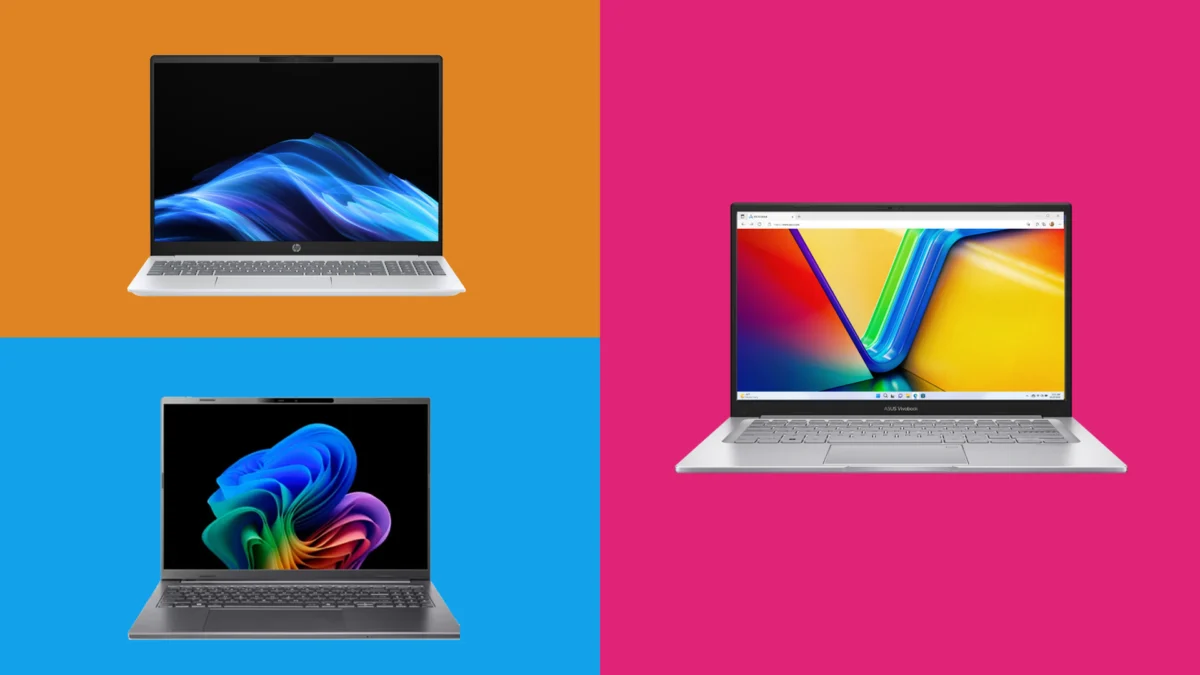
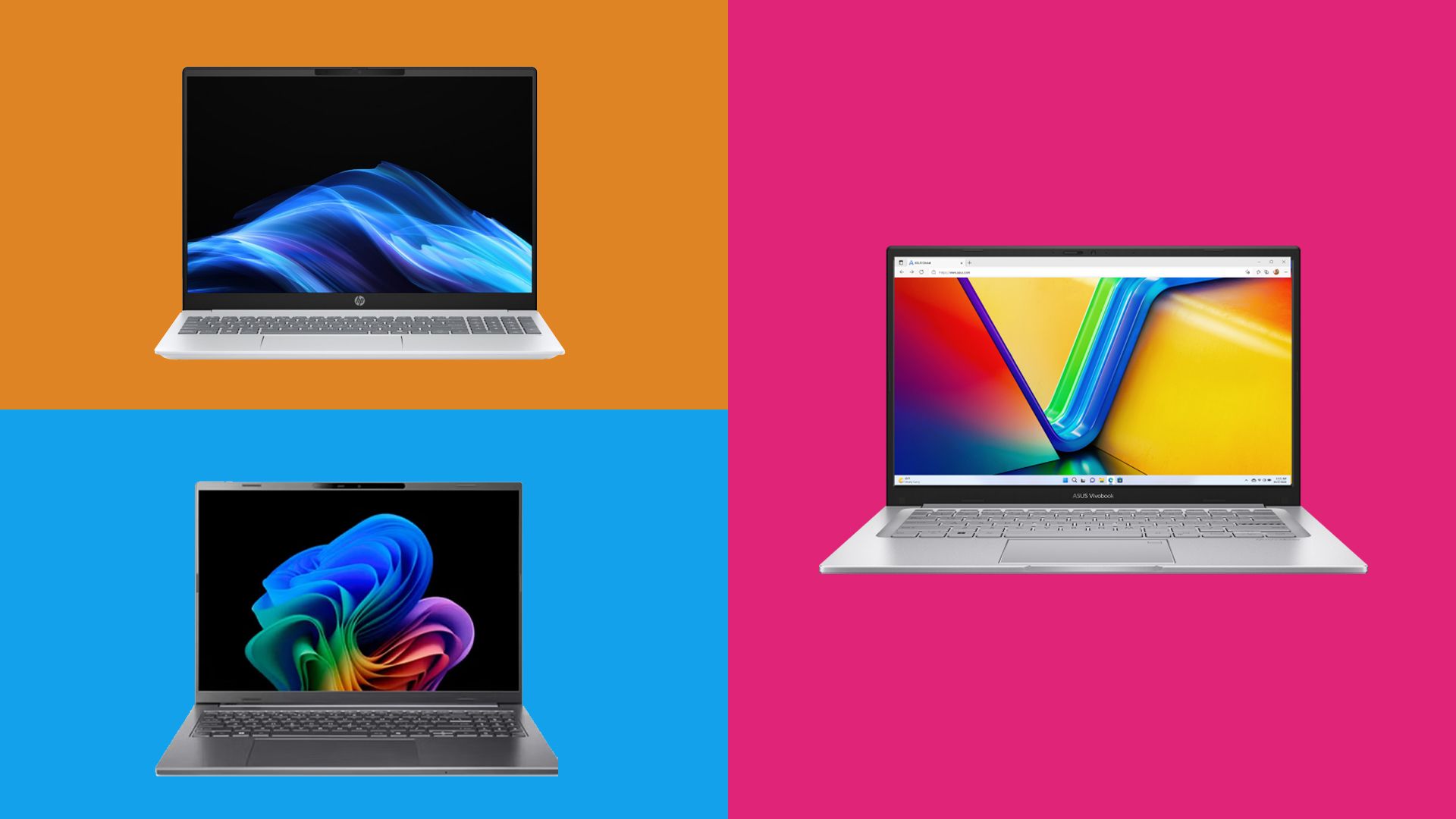
The Vivobook 14 stands out as the most balanced option currently on the market. By pairing the AMD Ryzen AI 7 350 processor with a massive 1TB of storage, Asus has effectively neutralized the "budget compromise" narrative.
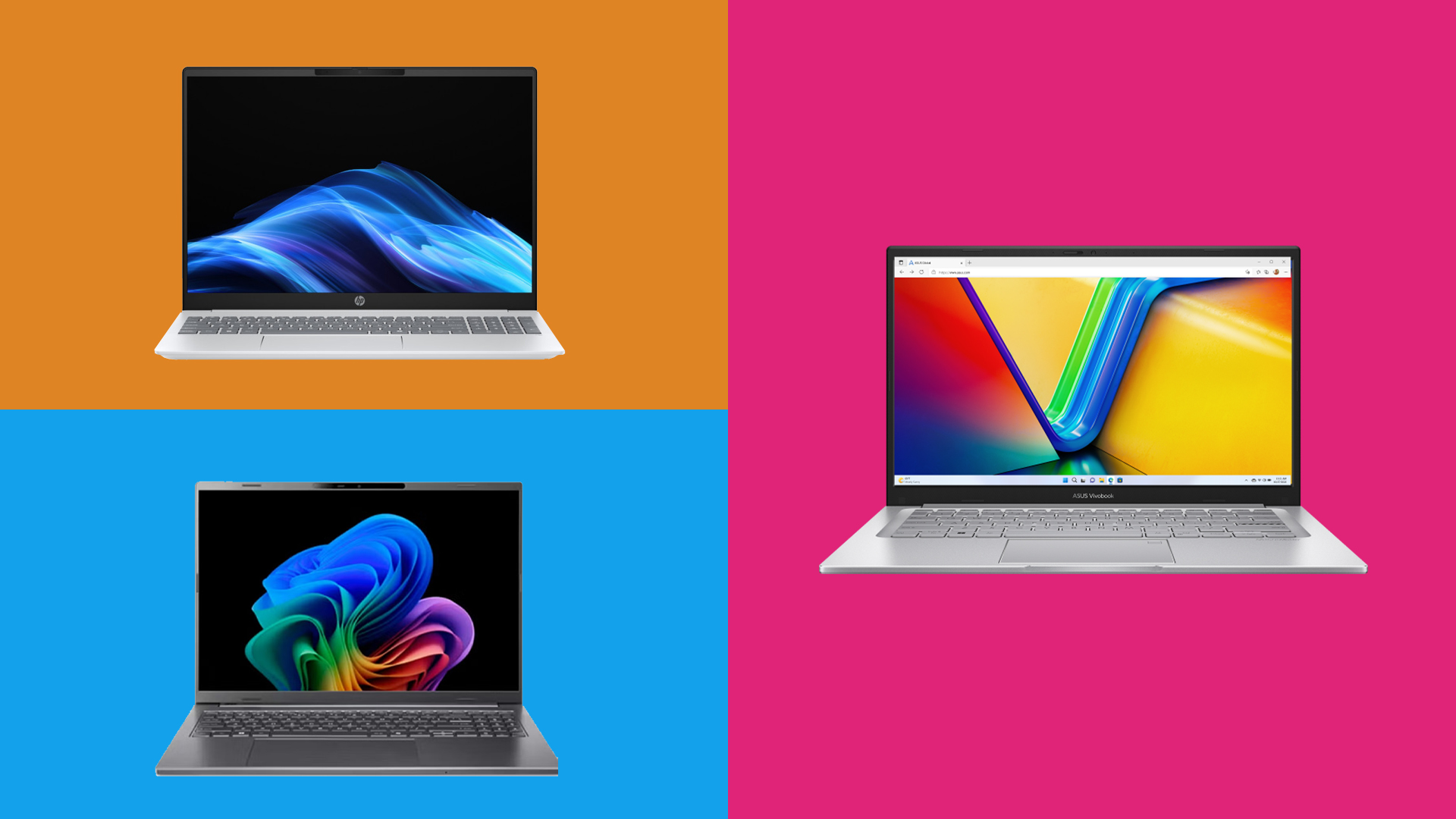
- Performance: The 8-core CPU, combined with the AMD XDNA architecture, provides a smooth experience for multitasking.
- Thermal Management: Our testing suggests the cooling system is highly efficient, maintaining performance without excessive fan noise—a rare feat for a thin-and-light laptop at this price point.
2. The Productivity Giant: Acer Aspire 16 AI (Snapdragon X)
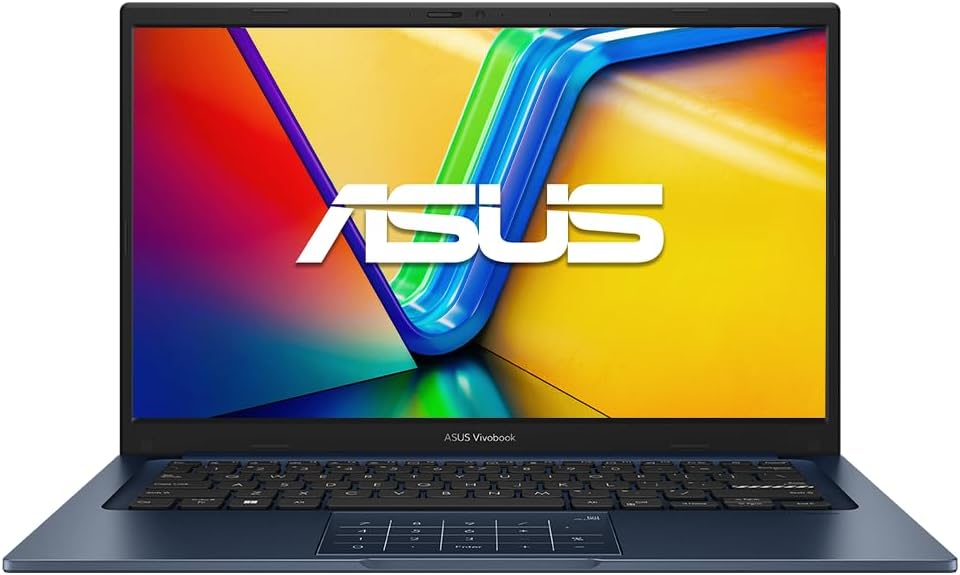
For those who prioritize screen real estate, the Aspire 16 is unmatched in this category. Its 16-inch display, bolstered by a 120Hz refresh rate, makes it ideal for side-by-side window workflows. While the Qualcomm Snapdragon X chip is more focused on efficiency than raw gaming power, its ability to manage office-heavy workloads is exemplary. It is, quite simply, the best device for power users who spend their days in browsers and spreadsheet applications.
3. The Endurance King: HP OmniBook 5 AI (AMD Ryzen AI 5 340)
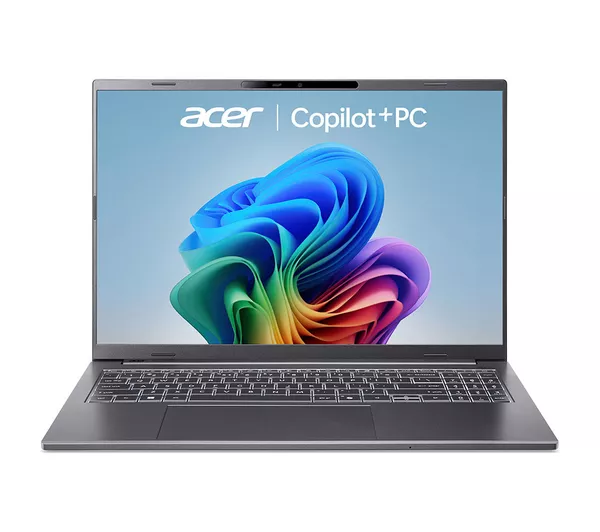
The HP OmniBook 5 is the answer to the age-old problem of battery anxiety. Thanks to a highly efficient 6-core architecture, this device consistently lasts through a full workday. It hits the "sweet spot" for mobile professionals who require the 50 TOPS of NPU power for live captioning and translation but cannot afford to carry a charger everywhere.
4. The Visual Specialist: Lenovo IdeaPad Slim 5x (Snapdragon X Plus)
Lenovo has opted for a stunning OLED display on the Slim 5x, making it the top choice for users who value color accuracy and contrast. With the Qualcomm Hexagon NPU handling the AI heavy lifting, the laptop feels snappy and responsive. While its multi-core performance isn’t designed for heavy video rendering, the build quality—an all-aluminum chassis—makes it feel significantly more expensive than its sub-$900 price tag would suggest.
Manufacturer Perspectives and Industry Response
The industry response to the "budget AI" trend has been overwhelmingly positive, though not without nuance. Representatives from major manufacturers have emphasized that the goal is not to replace high-performance workstations, but to provide "intelligent accessibility."
"We wanted to ensure that the benefits of on-device AI weren’t gated behind a $2,000 price wall," stated a spokesperson for a leading hardware manufacturer. "By focusing on efficient NPU integration rather than trying to cram high-end gaming GPUs into slim chassis, we’ve created a product category that actually serves the majority of students, office workers, and casual creatives."
Conversely, some industry analysts warn that while these laptops are perfect for current AI tools, the software landscape is evolving quickly. "Users should consider the ‘future-proofing’ aspect," suggests one tech analyst. "While 16GB of RAM is sufficient for current AI tasks, we are already seeing software developers pushing for 32GB as the new standard for heavy LLM (Large Language Model) usage."
Implications for the Future of Work
The rise of sub-$1,000 AI laptops has several long-term implications for both the consumer and the broader technology ecosystem:
The Democratization of Creativity
Historically, tools like noise reduction or high-end upscaling were hidden behind professional software suites running on expensive hardware. Now, with the NPU handling these tasks locally, entry-level users can produce "pro-level" work in a fraction of the time. This lowers the barrier to entry for digital artists, podcasters, and content creators.
Data Privacy and Security
The transition to local processing is perhaps the most significant victory for the average user. By moving AI tasks off the cloud, these laptops offer a layer of security that cloud-based services cannot match. For sensitive documents, private voice recordings, or proprietary creative assets, the ability to "work offline" is a major selling point.
The Death of the "Slow" Laptop
For years, the budget laptop market was defined by sluggish performance and poor multitasking capabilities. The integration of NPUs has forced manufacturers to improve the baseline specifications across the board. Because these AI chips require a certain amount of system overhead to function, manufacturers are effectively forced to ship better RAM and faster SSDs even at the lowest price points.
Final Verdict: Which One Should You Buy?
Choosing the right machine depends entirely on your specific workflow:
- If you are a student or general user: The Asus Vivobook 14 provides the best overall value and storage.
- If you manage multiple windows simultaneously: The Acer Aspire 16 is the clear winner for its screen size and refresh rate.
- If you work on the move: The HP OmniBook 5 offers the best battery life for long days away from a power outlet.
- If you care about display quality: The Lenovo IdeaPad Slim 5x features a gorgeous OLED panel that is hard to beat at this price.
As we look toward 2025, it is clear that the integration of NPUs is no longer a "nice-to-have" feature; it is the new standard. Whether you are a professional designer looking to streamline your workflow or a student preparing for the demands of a modern digital environment, the technology is now affordable, reliable, and more powerful than ever before.