

For many Google Pixel Watch users, the wearable experience—intended to be a seamless extension of one’s digital health journey—has recently been interrupted by an persistent, inexplicable software glitch. A recurring permission prompt, adorned with the Fitbit logo, has begun appearing on users’ wrists, demanding access to sensor data. Despite users repeatedly granting these permissions, the warning refuses to vacate the screen, creating a persistent annoyance that defies conventional troubleshooting.
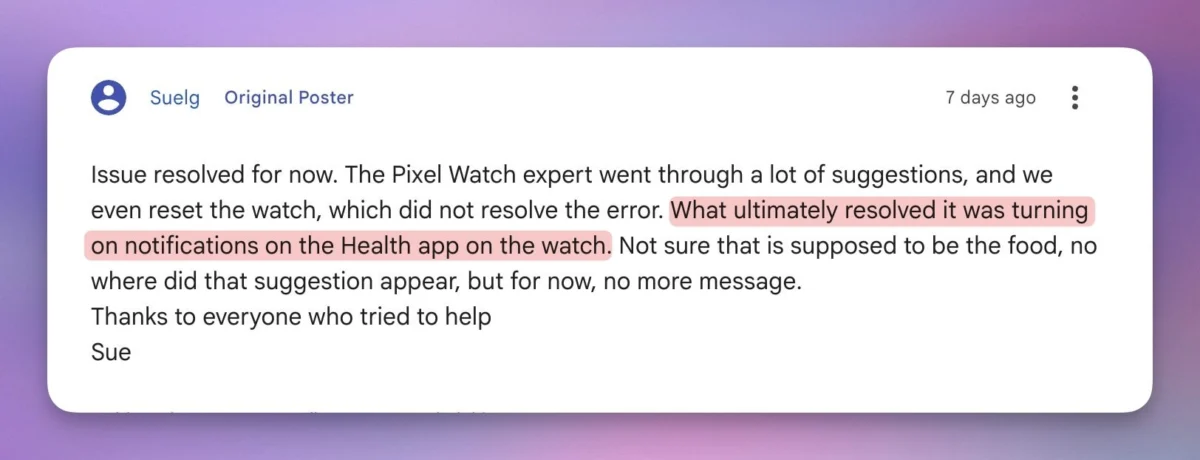
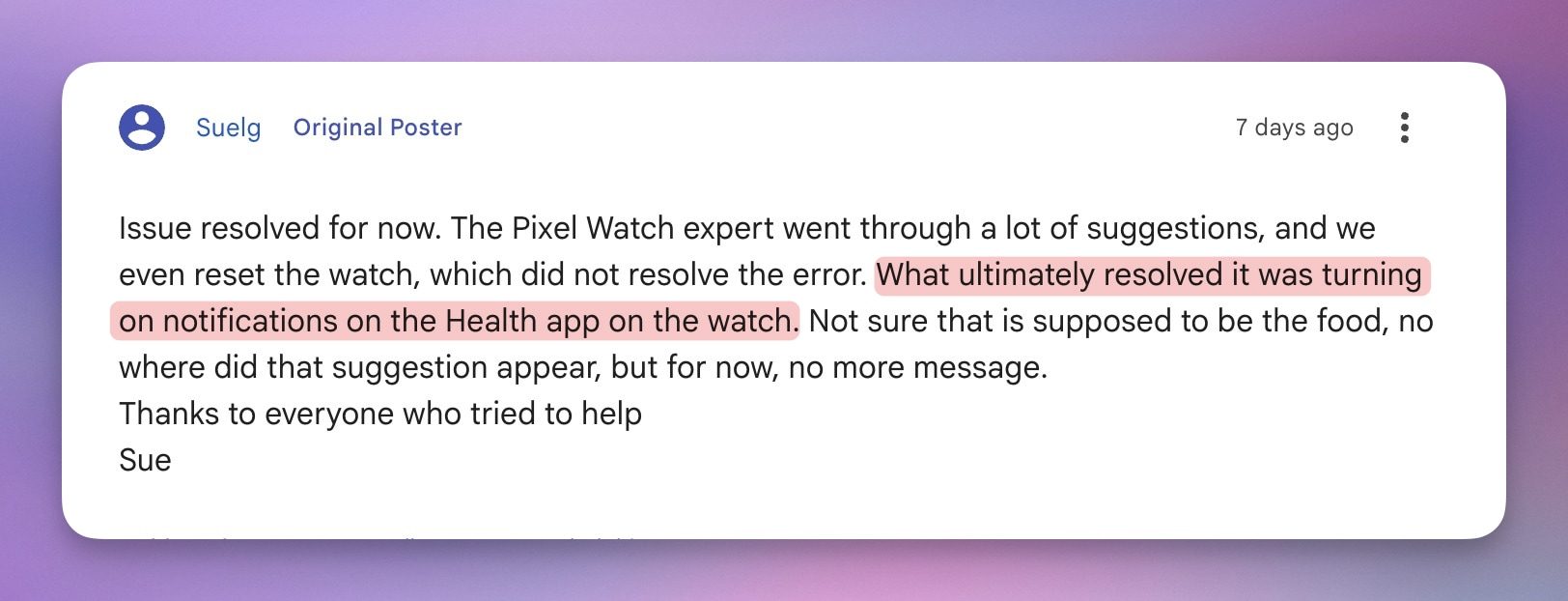
While initial reports suggested a deeper system failure or a critical privacy breach, the investigation into this issue has taken a bizarre turn. As it turns out, the fix for this digital headache has absolutely nothing to do with privacy permissions and everything to do with a counterintuitive settings toggle: notifications.
The Anatomy of the Glitch
The error typically presents as a modal window on the Pixel Watch interface, explicitly requesting access to "sensor data" to facilitate Fitbit’s tracking capabilities. Under normal circumstances, this is a standard request that appears during the initial setup or after a significant software update. However, for a growing segment of the user base, this prompt has become a "zombie" notification—it is dismissed, only to reappear minutes or hours later, regardless of whether the user has manually verified their permission settings in the Android Health app.
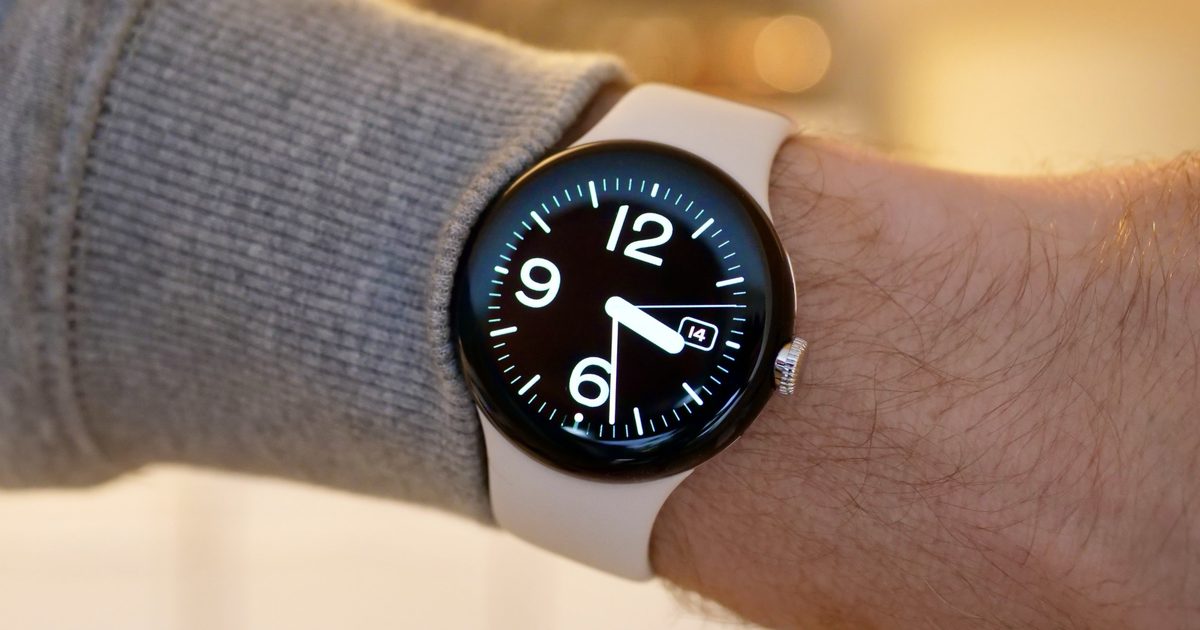
The technical inconsistency of this bug is what makes it particularly frustrating. For many, the "Health" app remains fully functional; it continues to record heart rate, step counts, and sleep metrics in the background without a hitch. This has led many to conclude that the device is "crying wolf," displaying a high-priority warning for a problem that does not actually exist. However, a minority of users report a more severe manifestation: the total cessation of data syncing. In these cases, the watch effectively stops communicating with the companion smartphone, rendering the health-tracking features of the device useless.
Chronology of the Issue
The timeline of the bug points toward a software-centric origin. While reports began surfacing on community forums and Reddit threads in recent weeks, there is no evidence that this issue is hardware-dependent. Users owning the original Pixel Watch, the Pixel Watch 2, and the latest iteration have all reported identical symptoms.
- Early July 2026: Initial threads appear on Google Support forums and Reddit. Early reports described the error as a "minor annoyance" that could be cleared by restarting the device.
- Mid-July 2026: The frequency of the bug increases. Users note that simple restarts are no longer effective, and the prompt returns with greater regularity.
- Late July 2026: A consensus begins to form that the bug coincided with a recent rollout of the Google Health 5.0 update. Community members note that the update, which was intended to improve data synchronization and user interface performance, appears to have introduced a regression in how the device communicates its permission status to the wearable.
The lack of a specific device-model pattern suggests that this is a systemic issue within the wearable’s software stack or the way the Health app interacts with Wear OS, rather than a hardware defect inherent to any specific watch generation.
The "Notification" Paradox: An Unexpected Solution
In the world of consumer technology, the standard protocol for a "permission denied" error is to navigate to the system settings and toggle the permission switches off and on again. When that fails, users are often instructed to perform a factory reset—a nuclear option that wipes the device clean and forces a re-sync.
However, in this instance, traditional troubleshooting has proven to be a waste of time. Users who went to the lengths of factory resetting their devices found that the persistent prompt returned almost immediately upon re-pairing the watch with their phones.
The breakthrough came from community member "Suelg" on the Google support forums, who discovered a workaround that defies standard logic: enabling notifications for the Health app on the watch itself.

How to Apply the Fix:
- Open the Settings menu on your Pixel Watch.
- Navigate to Apps & notifications.
- Locate the Health/Fitbit app in the list.
- Ensure that Notifications are toggled to "On."
- If notifications were already on, toggle them off and back on again to refresh the connection.
This "weird fix" has been corroborated by dozens of users who report that the stubborn permission prompt vanished almost instantly after the notification toggle was engaged. The technical irony is palpable: a system warning about sensor permissions is suppressed by changing a notification setting that, in any logical software architecture, should be entirely unrelated to data access.
Implications for Google’s Wearable Strategy
This incident highlights the growing complexity of the modern "Health Ecosystem." As Google continues to integrate Fitbit’s sophisticated tracking algorithms into the broader Pixel ecosystem, the reliance on multiple layers of background services—each requiring specific permissions and constant communication—creates a "fragile" software environment.
The Problem of "Over-Notification"
This bug raises questions about how wearable interfaces prioritize information. When a device is designed to be hyper-attentive to user health, it creates a feedback loop where the device feels empowered to nag the user about technical status updates. If a simple notification toggle can bypass a security-critical permission prompt, it suggests that the software’s error-handling mechanisms are, at best, loosely coupled.
The Burden on the User
For the average consumer, a watch is a "set it and forget it" tool. When the device begins to demand attention for non-existent errors, the perceived reliability of the brand takes a hit. Google, which has been pushing hard to compete with the Apple Watch and high-end Garmin devices, needs its software to be invisible and dependable. Persistent, inexplicable prompts are the antithesis of a premium wearable experience.
Official Responses and Next Steps
As of late July 2026, Google has not released an official patch for this specific bug, nor have they issued a formal statement explaining why the notification toggle serves as a "cure." However, the prevalence of the issue within support forums suggests that the engineering team is likely aware of the correlation between the recent Health app update and the reported errors.
For now, the community-sourced solution remains the only effective way to silence the persistent prompts. Experts advise that if users are still experiencing sync issues even after applying the notification fix, they should check for pending updates in the Google Play Store on the watch itself. Occasionally, the version of the Health app on the watch can become desynchronized from the version on the phone, leading to lingering stability issues.
Final Thoughts: The Cost of Automation
The irony of this situation was captured by many observers who noted that we are entering an era of "smarter" devices that are increasingly prone to "dumber" bugs. As AI and machine learning are baked into every layer of our household and wearable technology, the underlying codebases become more difficult to debug.
While the notification toggle fix is a relief for those currently plagued by the prompt, it serves as a reminder to the tech industry that "smart" features are only as good as their implementation. When a piece of wearable tech starts acting like a needy desktop computer from the early 2000s, it breaks the illusion of the seamless, ambient computing future that companies like Google are trying to sell.
For Pixel Watch owners, the immediate path forward is clear: turn on those notifications, ignore the technical absurdity of the requirement, and wait for a formal patch to resolve the underlying communication breakdown. Until then, the "Phantom Permission" remains a quirky, if annoying, chapter in the ongoing evolution of the Pixel Watch platform.











