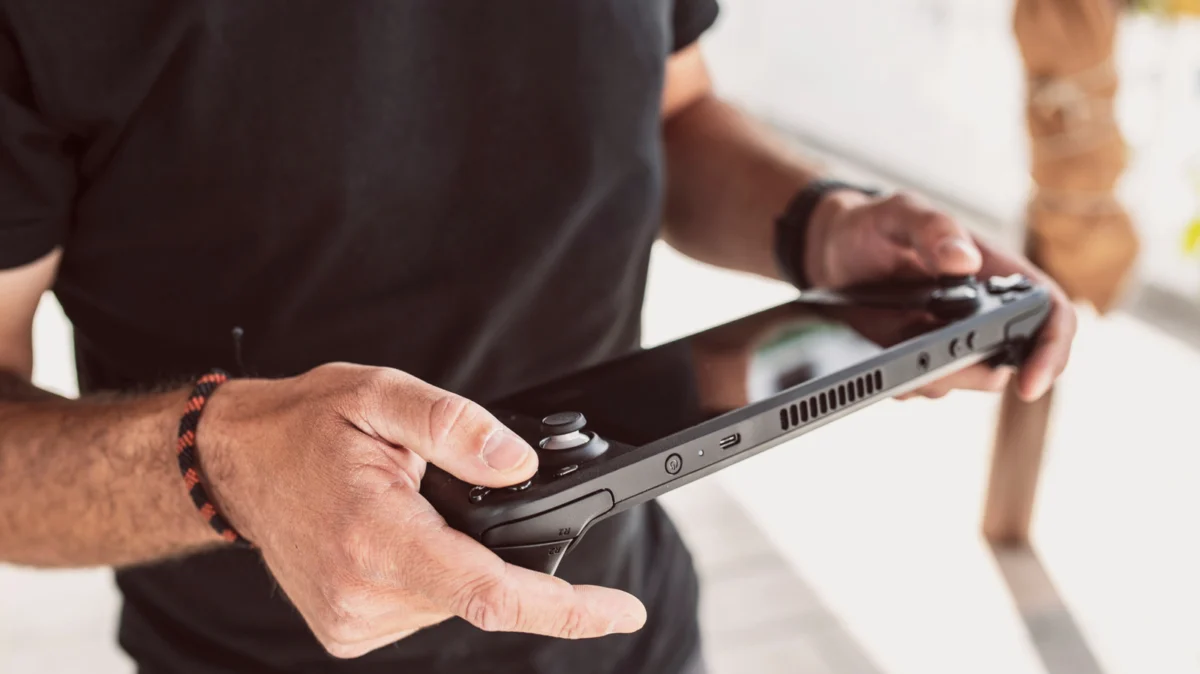
In the rapidly evolving landscape of portable gaming, devices like the Valve Steam Deck and the ASUS ROG Ally have revolutionized how we experience high-fidelity titles on the go. These machines are marvels of modern engineering, packing the processing power of a mid-range desktop into a chassis that fits in a backpack. However, despite their sleek interfaces and console-like convenience, these devices are, at their fundamental core, PCs.
Whether they run on Valve’s custom SteamOS (a Linux-based environment) or Windows 11, these handhelds are governed by the same computing principles as the machines on our office desks. This reality brings with it the age-old, often mocked, but undeniably essential IT mantra: "Have you tried turning it off and on again?" While it may sound like a reductive platitude, the act of a full system restart is a vital maintenance ritual for any modern gaming handheld.
The Technical Reality: Why "Always-On" Isn’t Always Better
Modern gaming handhelds are designed for convenience. Features like "Quick Resume" and deep sleep/hibernation modes allow players to drop into a game of Elden Ring or Cyberpunk 2077 in seconds. However, this convenience comes at a hidden cost. When a device is never fully powered down or restarted, the operating system remains in a state of "dirty" suspension.
Memory Management and the "Leak" Problem
One of the primary reasons for regular restarts is the management of Random Access Memory (RAM). RAM is the high-speed workspace your processor uses to store active data. In an ideal scenario, when you close an application, the operating system should reclaim that memory. However, due to software bugs or inefficient code, some games and background processes suffer from "memory leaks."
A memory leak occurs when an application fails to release memory back to the system after it is no longer needed. Over days of putting your handheld into sleep mode, these leaks accumulate. The result? You may notice sudden, unexplained frame rate drops, stuttering during gameplay, or even long-term instability that leads to application crashes. A full restart wipes the slate clean, purging the RAM and allowing the OS to reallocate resources from a stable, empty baseline.
Background Processes and "Zombies"
Beyond games, handhelds are constantly running background services—checking for cloud syncs, managing Wi-Fi handshakes, and monitoring system thermals. Over time, these processes can hang, creating "zombie" tasks that consume CPU cycles and battery life. By rebooting, you force the OS to terminate these hanging processes and restart the services from a clean state, often resulting in a snappier user interface and improved battery efficiency.
Chronology of Maintenance: The Lifecycle of a Reboot
To understand why a restart is so effective, we must look at how a handheld behaves over the course of a typical week.
- Day 1: The Fresh Start. The system is snappy. Memory usage is optimized, and background services are running efficiently. The device feels like it did the day it was unboxed.
- Day 3: The Accumulation Phase. After several sessions of hibernating and resuming, the "cache" starts to fill up. You might notice that the interface takes a fraction of a second longer to respond when switching between the library and the settings menu.
- Day 5: The Stability Threshold. If you are playing resource-heavy titles, the accumulation of unreleased memory blocks may begin to manifest as "micro-stuttering" during gameplay. This is the point where the operating system may struggle to find contiguous memory blocks for high-performance tasks.
- Day 7: The System Purge. By initiating a full power-cycle or restart, you trigger the OS’s cleanup routine. System logs are rotated, temporary cache files are cleared, and the kernel is reloaded. The device returns to its Day 1 performance state.
Supporting Data: What Experts and Manufacturers Say
Valve, the company behind the Steam Deck, explicitly lists "Restart Device" as a primary troubleshooting step in its official support documentation. This isn’t a coincidence; it is a fundamental design philosophy.
The Update Integration Lifecycle
Operating systems are rarely static. Whether it is a GPU driver update from AMD or a kernel patch for SteamOS, these updates often modify core files that are currently "in use" while the device is running.
When an update is pushed to your handheld, it often requires a system reboot to "apply." If you simply hibernate your device for weeks on end, you are effectively delaying the implementation of security patches and performance optimizations. By making regular restarts a habit, you ensure that these critical updates are integrated correctly, which prevents the "file lock" issues that often cause update loops or corruption.
Software Glitch Mitigation
Software glitches are the silent killers of the gaming experience. A minor conflict between a background service and a game engine can cause a "hitch." While modern operating systems are good at self-healing, they cannot fix every conflict on the fly. A restart acts as a forced synchronization point. It ensures that the state of the software matches the hardware’s expected configuration, effectively acting as a "hard reset" for the logic governing your device’s performance.
Official Perspectives: The Manufacturer’s Stance
Both Valve and manufacturers like ASUS and Lenovo (for the Legion Go) emphasize the importance of power management. In technical forums, support engineers frequently note that users who experience "audio crackling" or "Bluetooth connection drops" often find these issues vanish after a cold boot.
Valve has often commented that the Steam Deck’s "Suspend/Resume" feature is intended for short-term convenience, not a permanent substitute for a reboot. The system is designed to handle temporary suspension, but the architecture of a PC operating system fundamentally relies on the periodic clearing of the system state to maintain long-term reliability.
Implications for the User: The "Restart Habit"
If you want to get the most out of your handheld, you need to adjust your relationship with the power button. Here are the practical implications of adopting a "restart-friendly" mindset:
1. The Strategy: How Often?
You do not need to restart every time you finish a level. That would be counter-productive to the convenience these devices offer. However, a "once every few days" rule is the gold standard. If you are a power user who plays for several hours a day, a reboot every two days is recommended. For casual users, a weekly restart is sufficient to maintain system health.
2. Hibernate vs. Shutdown
It is important to distinguish between these states:
- Hibernate: Saves the current state of the RAM to your SSD. This is great for saving battery when you want to pick up exactly where you left off. It does not clear your system’s memory or reset the OS.
- Shutdown/Restart: Flushes the RAM and clears the system state. This is the "deep clean" your device needs.
3. Safety and Hardware Longevity
Regularly powering off your device also allows it to cool down properly. While handhelds have excellent thermal management, keeping a device in a "warm" sleep state inside a carrying case—especially one with poor ventilation—can be stressful on the internal components. Turning the device off completely during transport is a best practice for both performance and hardware longevity.
Conclusion
The gaming handheld has brought the freedom of PC gaming to the palm of our hands, but it has not stripped away the complexity of the machines themselves. We have become accustomed to the "always-on" nature of smartphones and consoles, but we must remember that a Steam Deck or ROG Ally is closer to a high-performance workstation than a Nintendo Switch.
By embracing the simple, effective habit of regular restarts, you aren’t just following old-school advice—you are actively optimizing your hardware, ensuring security updates are applied, and protecting your device from the slow-motion decay of memory leaks and software bloat. The next time your favorite game starts to stutter or the interface feels sluggish, don’t blame the hardware. Give your device the fresh start it deserves. A simple reboot remains the most powerful tool in your digital arsenal.