

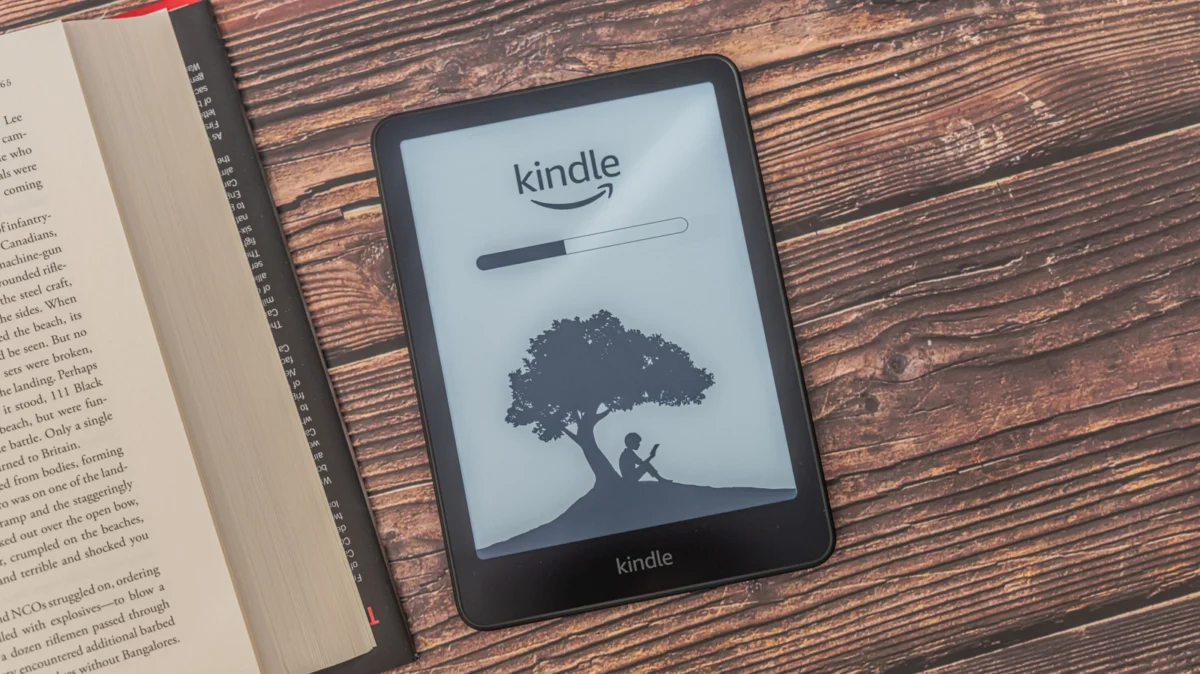
For the millions of users who reach for an Amazon Kindle, the experience is almost universally defined by the tactile nature of e-ink: the soft glow of the backlight, the crisp contrast of the text, and the singular focus of a device designed to minimize digital distractions. Given this philosophy of simplicity, the inclusion of Bluetooth connectivity—a staple of modern smartphones and tablets—often catches users by surprise. Why would a device dedicated to the stillness of reading require wireless connectivity meant for audio streaming?
The reality is that while the Kindle remains a "reading" device, its ecosystem has evolved significantly over the last decade. Bluetooth is not merely an extraneous feature; it is the backbone of Amazon’s strategy to transform the Kindle from a static e-reader into a comprehensive multimedia consumption tool.
The Main Facts: Why Bluetooth Matters
To understand why your Kindle is equipped with Bluetooth, one must look at the transition away from physical hardware ports. Older e-readers often featured 3.5mm headphone jacks and integrated speakers. As Amazon prioritized thinner, more water-resistant, and more durable designs, these physical outputs were sacrificed.
Bluetooth acts as the essential bridge for the modern Kindle. Its primary utility is twofold:
- Audible Integration: It allows users to pair wireless headphones or speakers to stream high-fidelity audiobooks directly from the Audible library.
- Accessibility (VoiceView): It facilitates the use of VoiceView, a screen-reading technology that allows users with visual impairments to navigate the Kindle interface and listen to written content through text-to-speech (TTS) engines.
Crucially, this is not a general-purpose Bluetooth radio. You cannot pair a Bluetooth keyboard to write notes, nor can you use it to transfer files from your phone. It is a strictly audio-centric implementation designed to support the Kindle’s growing role as an audio-literary hybrid.
A Chronological Evolution
The history of Kindle hardware is marked by a clear pivot point in 2016. Before this year, the Kindle was almost strictly a visual device.
- Pre-2016 Era: Kindles focused on Wi-Fi and 3G connectivity. Audio functionality was limited to specific models (like the Kindle Keyboard) that featured physical headphone jacks.
- The 2016 Turning Point: With the release of the Kindle Oasis (8th Generation) and subsequent models, Amazon began phasing out physical jacks. This shift necessitated a wireless audio solution, marking the first broad rollout of Bluetooth integration.
- 2017–2020: Bluetooth became a standard feature across the entry-level Kindle, Paperwhite, and Oasis lineups. During this period, Amazon aggressively pushed the "Whispersync for Voice" feature, which allows users to seamlessly switch between reading text and listening to audiobooks without losing their place.
- 2021–Present: Bluetooth functionality has matured. It is now a core requirement for the "Assistive Reader" and "VoiceView" features, cementing the Kindle’s status as an inclusive device for all readers, regardless of visual ability.
Supporting Data and Technical Constraints
While Bluetooth adds immense value, it is governed by specific technical parameters that often confuse new users.
Compatibility Requirements
Only devices manufactured in 2016 or later possess the hardware necessary for Bluetooth. If you are using a legacy device, the Bluetooth option will be entirely absent from your settings menu. Furthermore, the Kindle uses a specific Bluetooth profile optimized for audio streaming (A2DP).
Troubleshooting Common Pairing Issues
Users frequently report difficulty when first pairing devices. Data suggests that most issues stem from:
- Software Lag: If your Kindle has not been updated to the latest firmware, the Bluetooth stack may fail to handshake with newer Bluetooth 5.0+ headphones.
- Multiple Pairings: Like many simple Bluetooth implementations, Kindles can struggle if your headphones are already connected to a smartphone or laptop nearby. Always ensure your headphones are in "pairing mode" and disconnected from other sources before initiating a search on the Kindle.
- Rebooting: A simple hard restart of the Kindle (holding the power button for 40 seconds) often clears the temporary cache of the Bluetooth module, resolving connection loops.
Official Responses and Strategic Vision
Amazon has been characteristically quiet regarding the specific technical specifications of their Bluetooth modules, but their strategic intent is clear through their software updates. In various developer documentation and accessibility guides, Amazon emphasizes that the Kindle is designed to be a "frictionless gateway to content."
By removing physical audio ports, Amazon achieved two engineering goals: improved structural integrity (making the device easier to seal against water) and a thinner physical profile. When asked about the lack of broader Bluetooth support (such as for keyboards or data transfer), Amazon’s ecosystem philosophy remains consistent: the Kindle is for focus. By limiting Bluetooth to audio and accessibility, Amazon prevents the "feature creep" that plagues tablets, ensuring that the Kindle remains a dedicated reading device rather than a secondary computer.
Implications: The Future of E-Reading
The presence of Bluetooth in your Kindle has profound implications for the future of digital literacy.
The Accessibility Revolution
The most significant impact of Bluetooth is the maturation of VoiceView. For users with low vision, the Kindle was once a challenging device to use. Today, through Bluetooth, the Kindle provides a personalized, private audio experience that rivals high-end screen readers. This has moved the Kindle from a niche product to a standard accessibility tool in the educational and public library sectors.
The Hybrid Reading Experience
The "Immersive Reading" experience—where text is highlighted on the screen as the audio plays—is a game-changer for language learners and those with dyslexia. Bluetooth provides the private, high-quality audio stream necessary to make this technology viable in public spaces, like buses or libraries, where a speaker-based system would be disruptive.
The "Page-Turner" Workaround
A common user complaint remains the inability to use Bluetooth to trigger page turns. Amazon has effectively ceded this market to third-party manufacturers. Devices that use radio frequency (RF) clips to simulate a finger tap on the screen have become popular among users with mobility issues or those who prefer a "hands-free" reading setup in bed. While Amazon has not integrated this natively, the existence of this thriving third-party market suggests that the user base is eager for more advanced control schemes. Whether Amazon will eventually integrate Bluetooth-based page-turning remains a subject of intense speculation within the e-reader community.
Conclusion: Embracing the Invisible
Your Kindle’s Bluetooth connectivity is a subtle testament to how hardware design must adapt to changing media habits. While it may seem out of place on a device meant for quiet contemplation, it is the primary engine behind the device’s versatility.
It allows the Kindle to be whatever the reader needs it to be: a silent e-book reader, an immersive audiobook player, or a powerful accessibility tool. As we look toward the future, it is highly likely that this connectivity will become even more integrated, perhaps moving toward more sophisticated synchronization with smart-home devices or advanced haptic feedback systems.
For now, the next time you put on your wireless headphones to listen to a chapter of your favorite novel, remember that your Kindle is doing exactly what it was designed to do: connecting you to your story, whether through the ink on the screen or the sound in your ears. The Bluetooth radio may be invisible, but its impact on the modern reading experience is undeniable.











