

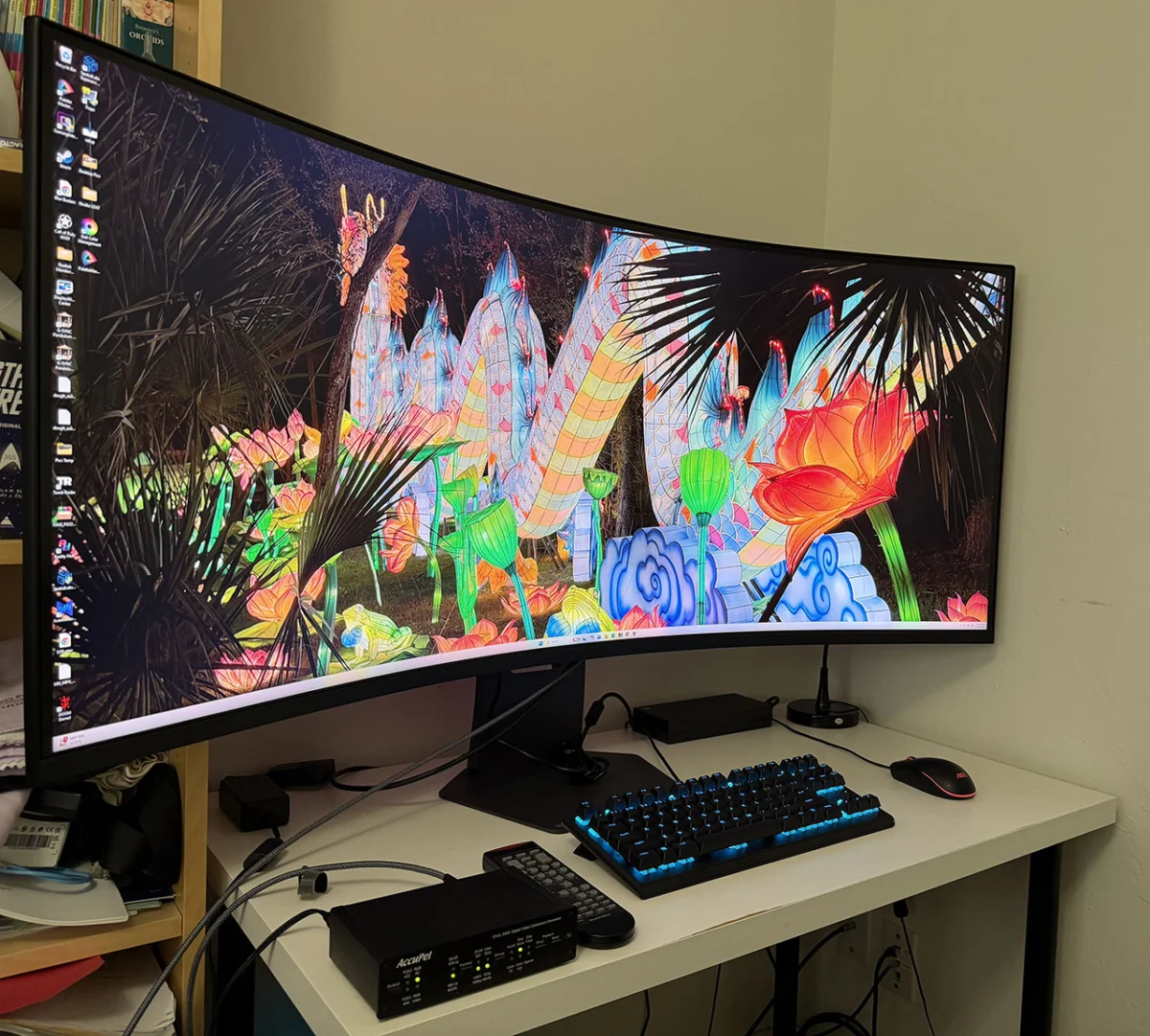
For years, the gold standard for competitive gaming has been the 27-inch monitor. It sits in that "Goldilocks" zone of pixel density and field-of-view, offering enough screen real estate to see the action without requiring the user to physically scan the periphery. However, there has always been a segment of the enthusiast community that refuses to compromise—those who believe that in the world of high-fidelity gaming, bigger is undeniably better.
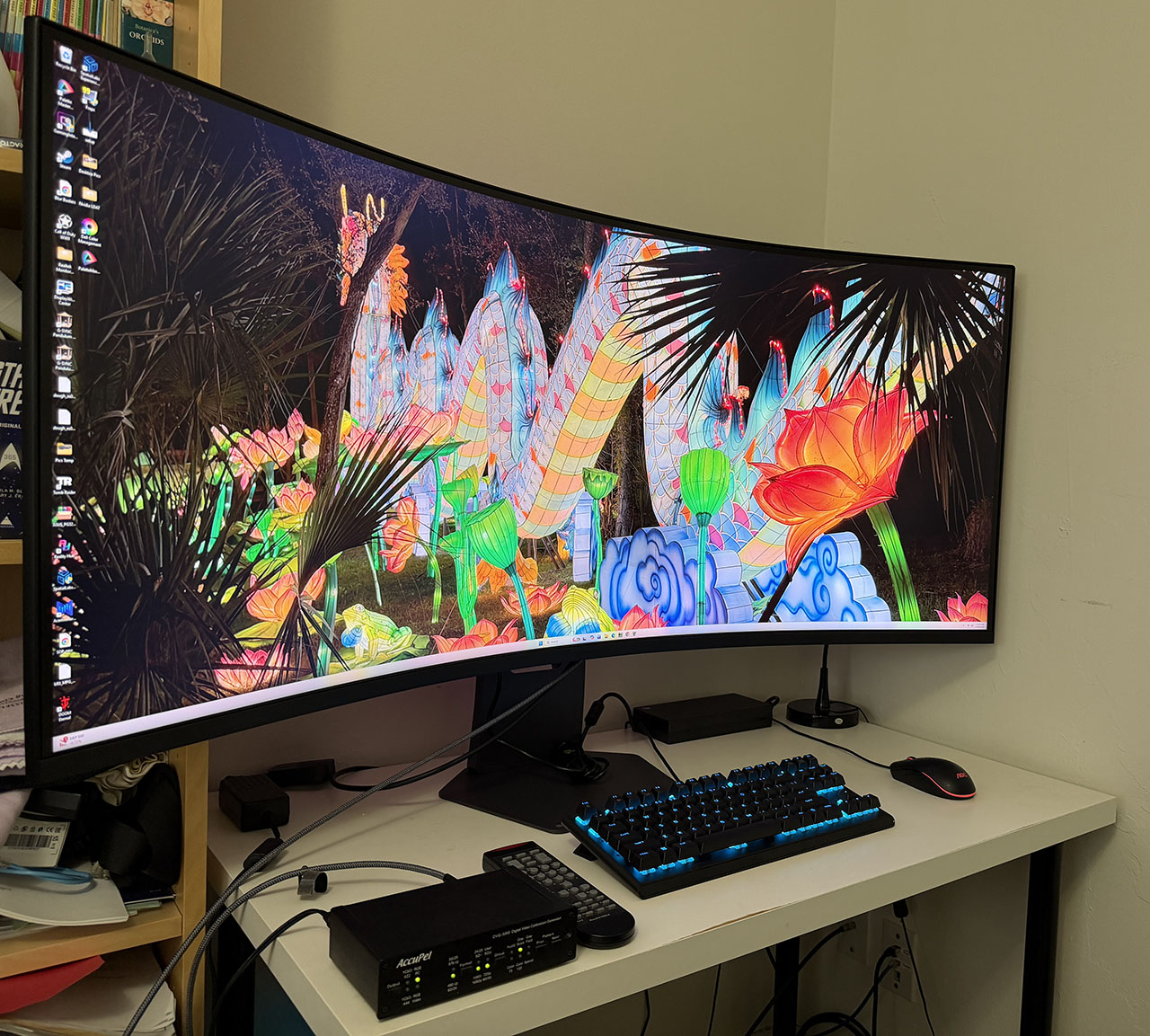
Enter the LG UltraGear 52G930B. At a staggering 52 inches, this display isn’t just a monitor; it is a dedicated piece of visual architecture. Designed to eliminate the distracting bezels of multi-monitor setups, the 52G930B aims to wrap a virtual world around the player. While its $1,700 price point and demanding hardware requirements position it as a luxury item, it offers an experience that effectively redefines the concept of "immersion."
Main Facts: The Specifications of a Titan
The LG UltraGear 52G930B is built on a VA (Vertical Alignment) panel featuring an edge-array W-LED backlight. Its defining characteristic is the massive 52-inch screen diagonal, which utilizes a 21:9 aspect ratio. The resolution is an ultra-sharp 5120 x 2160 (5K2K), which results in a pixel density of approximately 108ppi—matching the sharpness of standard 27-inch 1440p displays.
Performance is where the monitor truly earns its keep. It supports a blazing 240 Hz refresh rate, facilitated by modern DisplayPort 2.1 and HDMI 2.1 connectivity. With a 1ms GTG (Gray-to-Gray) response time and support for both AMD FreeSync and G-Sync, it is built to handle the most demanding graphical workloads. Out of the box, it delivers 94.4% coverage of the DCI-P3 color gamut, making it a formidable tool for both high-end gaming and color-sensitive media consumption.
Chronology of the Experience: From Setup to Simulation
The arrival of the 52G930B is an event in itself. The packaging is cavernous, yet LG has engineered the unboxing process to be intuitive, with components lifting easily from protective foam. The stand, which features a heavy-duty metal base, provides a rock-solid foundation for a panel that weighs in at 37 pounds.
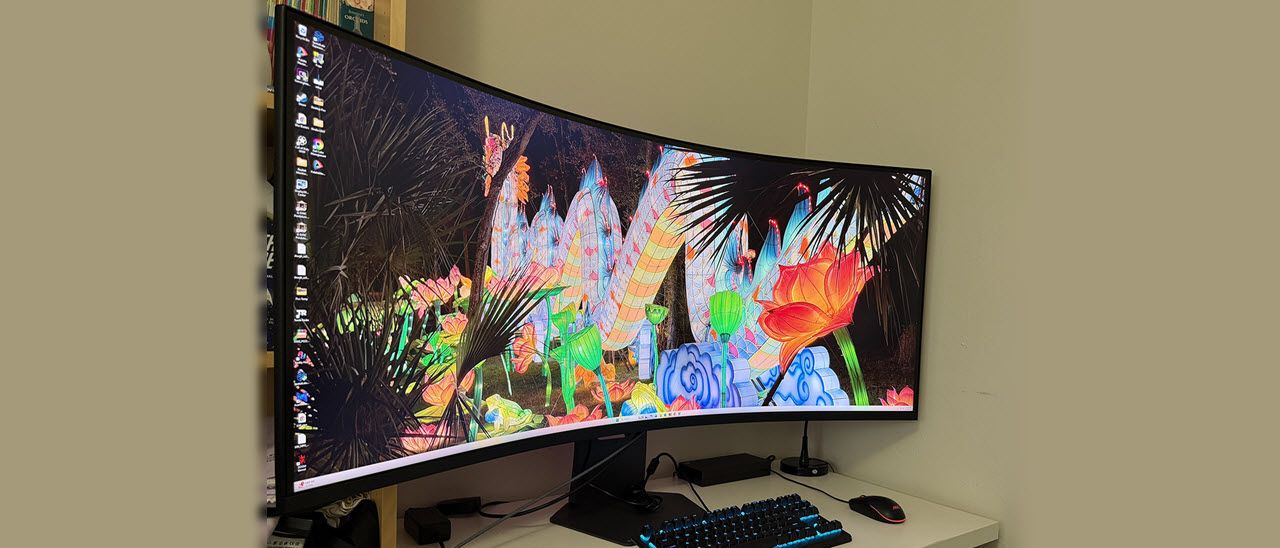
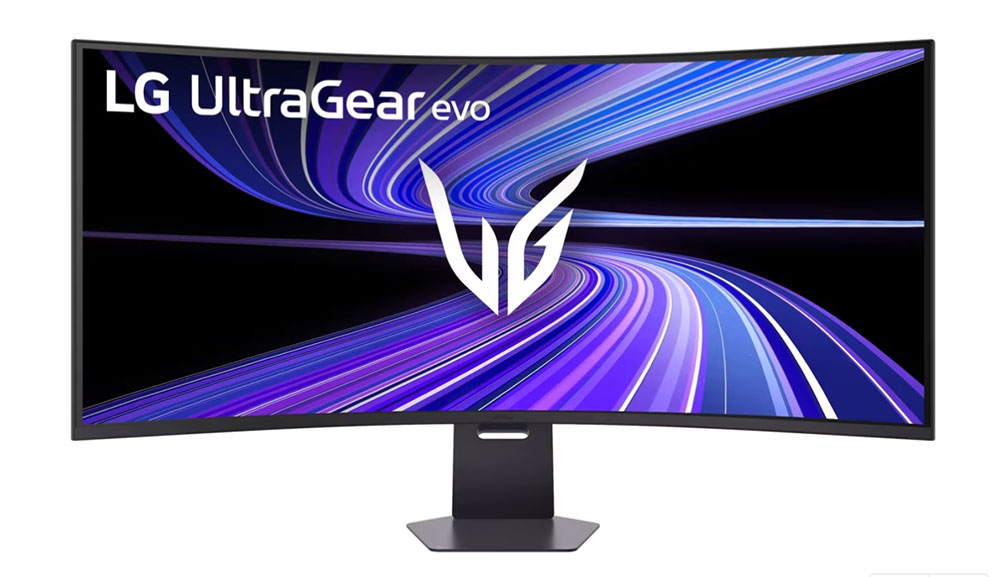
Once assembled, the "Product 360" reveals a design that balances industrial utility with aesthetic flair. A 1000R curvature ensures that the edges of the display are angled toward the user, which is essential at this size to prevent color shifting and maintain a consistent focal distance. While the bezels are not "frameless"—measuring 12mm on the sides and 19mm at the bottom—they become invisible once the game begins and the 52 inches of light start to dominate the room.
The setup process is straightforward, though users should be prepared to dedicate significant desk space. The stand offers 4.7 inches of height adjustment and 20 degrees of tilt, but, tellingly, there is no forward tilt. This is a deliberate design choice: a display of this magnitude is intended to be viewed perfectly vertically, with the center of the screen aligned directly with the user’s eye level.
Supporting Data: Testing and Calibration
In our rigorous testing environment, the 52G930B demonstrated that it is more than just a large screen—it is an accurate one. The "Gamer 1" picture mode provided excellent grayscale and gamma tracking right out of the box, requiring almost no manual intervention.
Brightness and Contrast
The monitor boasts impressive light output. We measured over 450 nits for SDR content and 625 nits in HDR mode, earning it a VESA DisplayHDR 600 certification. The "Deep Black Pro" dimming feature, when enabled, pushes the contrast ratio to a remarkable 16,000:1, allowing for deep, ink-like blacks that significantly enhance the depth of dark scenes in cinematic games.
Motion and Responsiveness
For those concerned about motion blur at this scale, the 52G930B performs admirably. Its three-level overdrive setting, specifically the "Fast" mode, effectively eliminates ghosting. While we noted the absence of a backlight strobe (like ELMB or MPRT), the panel’s native response time is so quick that it remains highly competitive with OLED alternatives. In our input lag tests, it actually outperformed several other jumbo curved monitors currently on the market.
Audio Integration
A surprising standout feature is the audio. LG has included 5W speakers that sound clear and surprisingly robust. Because of the extreme 1000R curve, the sound is naturally focused toward the center, creating a pseudo-acoustic chamber effect. Furthermore, the inclusion of DTS Headphone:X processing is a masterstroke. By using the dedicated app, users can achieve an incredibly immersive surround-sound experience through their own headphones, making the 52G930B a self-contained entertainment hub.
Official Responses and Software Features
One of the most controversial aspects of the 52G930B is the omission of a physical remote control. In an era where large-format displays almost universally include remotes for input switching and OSD (On-Screen Display) navigation, the reliance on a joystick and the "LG Switch" desktop application feels like a cost-cutting measure that doesn’t quite fit a $1,700 price tag.
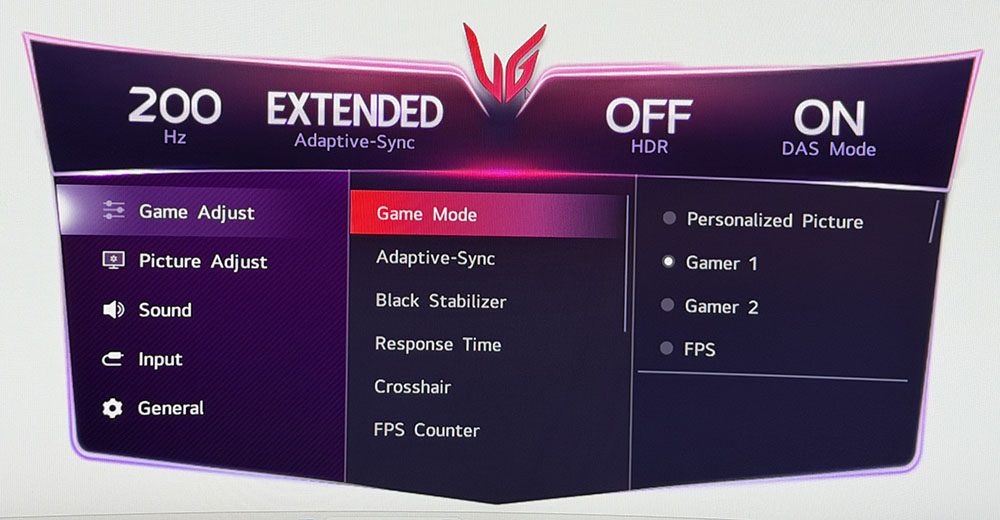
However, LG compensates for this with robust software. The LG Switch app allows users to control almost every aspect of the monitor—from custom calibration to the "Personalized Picture" settings—directly from the Windows desktop. The OSD itself is clean, logically organized, and can be accessed via two clicks of the joystick. It includes support for Picture-in-Picture (PIP) and Picture-by-Picture (PBP), allowing power users to treat the massive screen as two distinct monitors, which is a massive boon for streamers or multitasking professionals.
Implications: The Reality of Daily Use
Using the 52G930B requires a recalibration of one’s expectations regarding desk ergonomics. In a gaming context, the immersion is absolute. Whether navigating the high-speed turns of a racing simulator or the intense firefights of a first-person shooter, the monitor creates a sense of scale that is genuinely life-changing. You aren’t just looking at the game; you are inside the game.
However, for productivity, the story is different. Using a 52-inch curved display for spreadsheets or document editing requires the user to slide their chair back to about four feet. If you sit too close, the "head-swivel" effect becomes a genuine ergonomic fatigue factor. It is a screen meant for big tasks, big images, and big experiences.
Furthermore, the hardware demands are substantial. Driving 11 million pixels at 240 Hz is no trivial task for a GPU. While an RTX 4090 handles the load with aplomb, it will push the card to its thermal limits, and users of older or mid-range hardware will find themselves needing to compromise on graphical settings to maintain fluid frame rates.
Conclusion: Is the 52G930B Worth It?
The LG UltraGear 52G930B is, without reservation, a luxury product. It is expensive to purchase, and it is expensive to "drive" in terms of the high-end PC hardware required to unlock its potential.
However, if you have the means and the desk space, it provides a gaming experience like no other. It manages to capture the vibrant color and deep contrast of a high-end VA panel while offering the speed and responsiveness of a competitive gaming monitor. Its ability to create an immersive, bezel-free field of view, combined with top-tier audio processing and a sharp 5K2K resolution, makes it one of the most compelling displays currently on the market.
While the lack of a remote is a minor frustration in an otherwise premium package, it does little to diminish the fact that the 52G930B is a technological marvel. For the gamer who wants to push the boundaries of what is possible on a desktop, this monitor is the new benchmark. It is a bold, oversized, and brilliant statement from LG, proving that when it comes to the virtual world, size truly does matter.







No comments yet. Be the first to join the conversation!