Dwi Wanna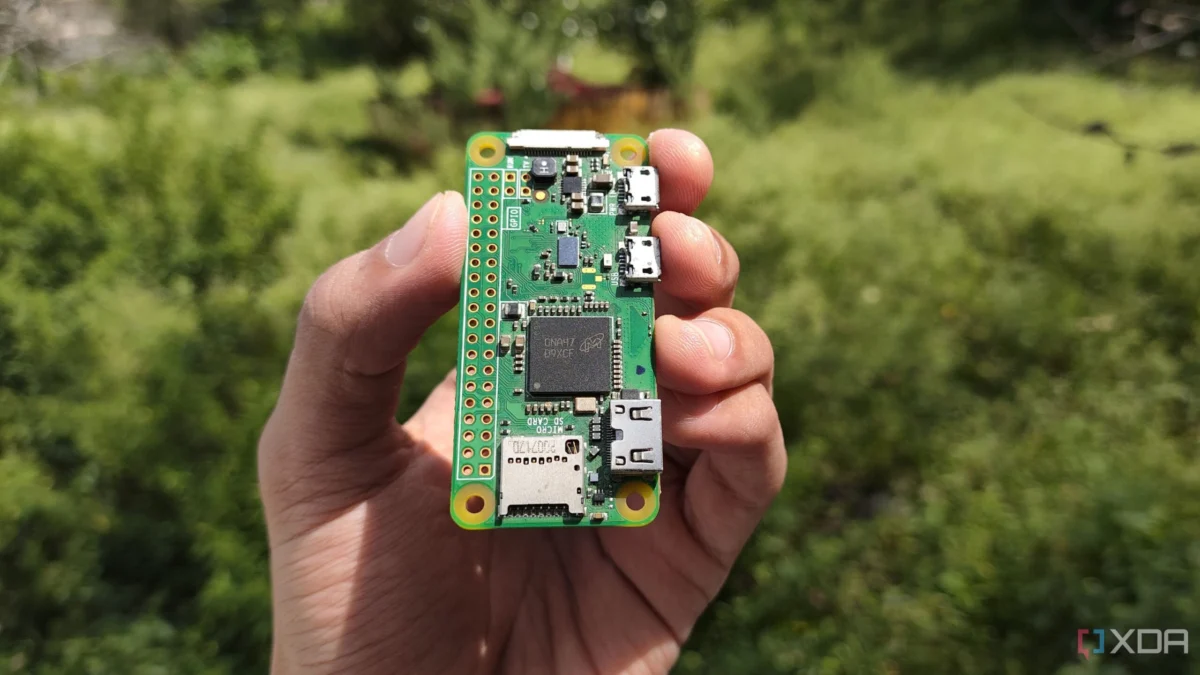
In the world of home lab enthusiasts, the temptation to consolidate is powerful. With the advent of affordable, power-efficient mini PCs—often packing Intel N100 processors and ample RAM—it is remarkably easy to turn a single machine into a digital Swiss Army knife. From hosting media servers like Jellyfin to managing file shares and VPN endpoints, these machines can handle a heavy load of Docker containers and virtual machines.
However, there is a critical oversight that many home sysadmins make: bundling your Domain Name System (DNS) service onto that same multipurpose server. When your DNS, the very heartbeat of your home network, is trapped inside the "blast radius" of a machine prone to reboots, updates, and experimental tinkering, you are essentially setting a trap for yourself and your household.
The Infrastructure Trap: When "Up" Means "Down"
For years, the author—a veteran tech journalist—operated under the assumption that hardware utilization was the ultimate goal. If a machine had extra CPU cycles and gigabytes of unused RAM, it felt like a waste to leave them idle. Consequently, the home DNS service, Pi-hole, was relegated to a container on a primary mini PC.
The reality, however, was far from optimized. Every time a Docker container required a restart, a virtual machine needed a kernel patch, or a hardware upgrade mandated a power cycle, the entire home network vanished. To a casual user, this manifested as an "internet outage." To the family, it was a recurring frustration.
The core issue is that DNS is a foundational service. When it fails, devices cannot resolve hostnames to IP addresses. While most modern operating systems have some local caching, a persistent DNS failure effectively kills the user experience. The "simpler, yet problematic" issue was not a lack of compute power; it was a lack of architectural separation.
Chronology of a Network Evolution
The transition from a consolidated server to a dedicated DNS appliance did not happen overnight. It was the result of a long-term realization that some tasks require high-availability, not high-performance.
Phase 1: The "All-in-One" Era
Initially, the home lab was built around the philosophy of consolidation. Using a robust mini PC, the author managed a suite of services:
- Media Streaming: Hosting movies and music via Jellyfin.
- Storage: A DIY Network Attached Storage (NAS) solution.
- Network Security: A VPN endpoint and the Pi-hole DNS sinkhole.
For a time, this worked perfectly. The CPU load rarely exceeded 15%, and the RAM overhead was negligible. The efficiency of the hardware was high, but the "service availability" was abysmal whenever maintenance was performed.

Phase 2: The Realization of Dependency
The catalyst for change was a series of maintenance windows that accidentally disrupted the network during peak hours. Each reboot of the host machine resulted in a total loss of connectivity for every device in the home—smart TVs, mobile phones, and laptops were all left in a "no internet" state while the server finished its initialization sequence.
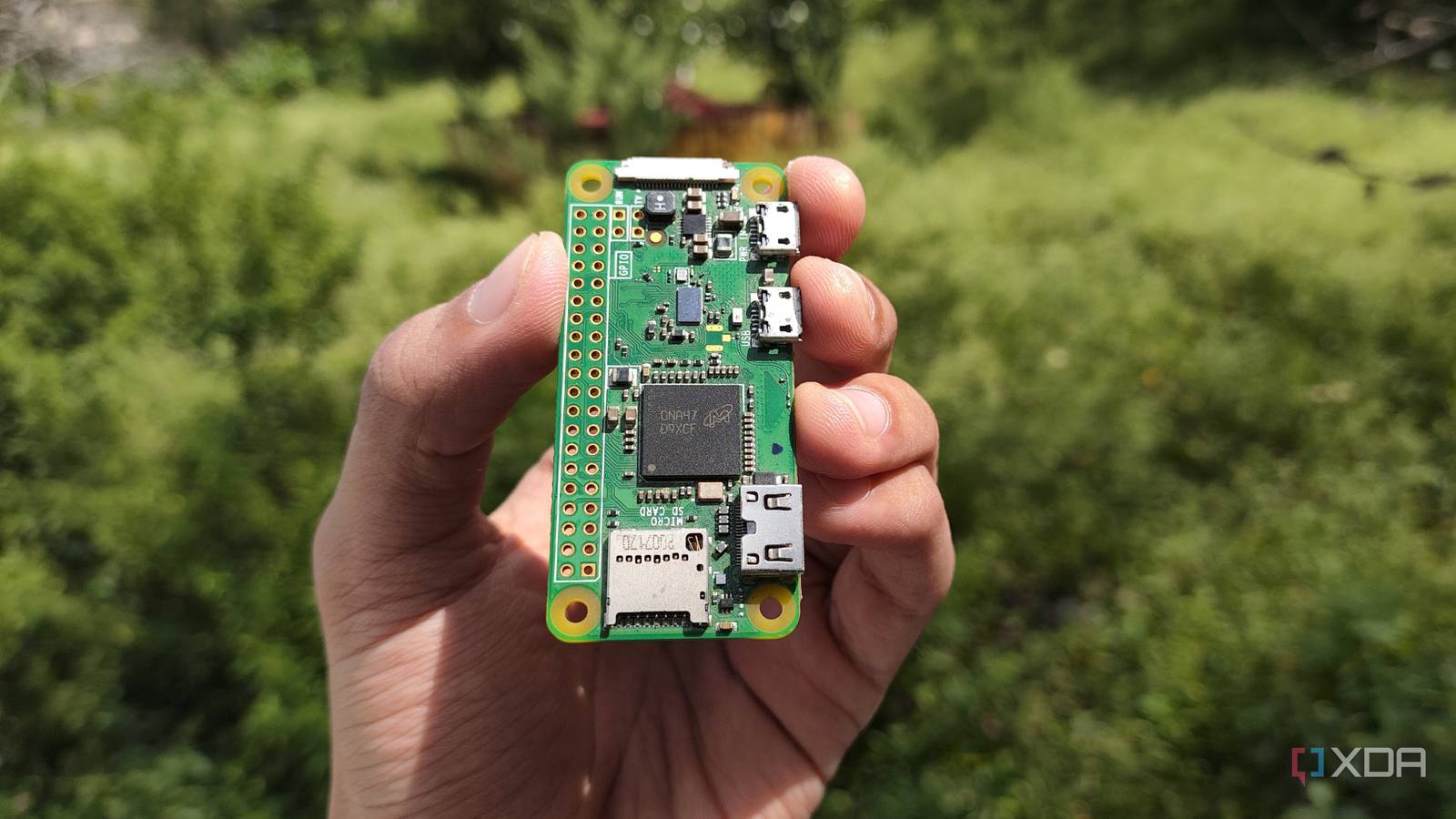
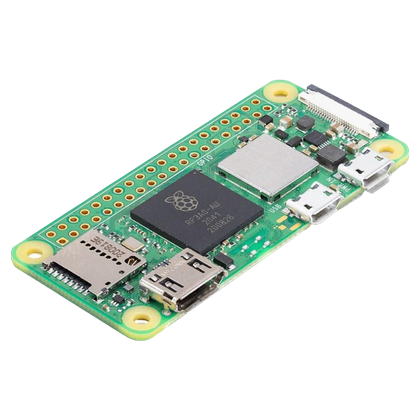
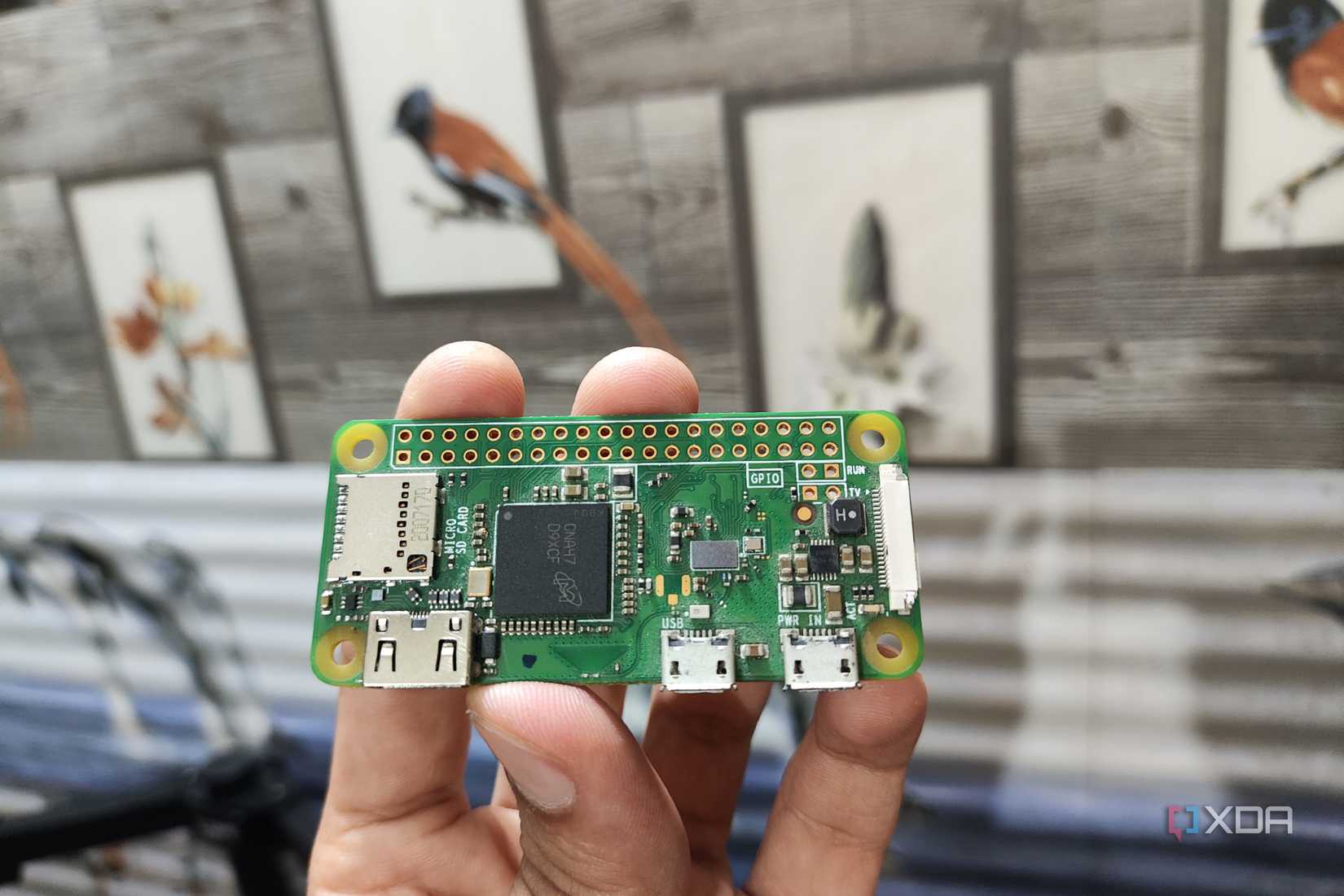
Phase 3: Decoupling with the Raspberry Pi Zero 2 W
The solution was to revert to the "old ways"—moving the DNS service to a dedicated, low-power piece of hardware. The choice fell on the Raspberry Pi Zero 2 W. It was not selected for its raw processing power, but for its role as a "set it and forget it" appliance. By isolating the DNS service, the main server could be taken offline for maintenance, upgrades, or crashes without the rest of the household losing their ability to browse the web.
Supporting Data: The Case for Lightweight Hardware
A common misconception is that a DNS filter requires a PC’s worth of hardware to be effective. In reality, a DNS service is primarily an I/O and memory-mapped operation rather than a CPU-intensive one.
The Myth of Compute Requirements
Pi-hole operates by loading a "gravity" database—a list of domains to block—into memory. When a query arrives, the software checks the domain against this list. If the domain is on the list, it returns a null response; if not, it forwards the query to an upstream resolver. There is no heavy transcoding, compression, or complex computation involved.

Power Draw and Environmental Impact
The difference in power consumption between a mini PC and a Raspberry Pi Zero 2 W is staggering when viewed over a 24/7/365 operational cycle:
- Mini PC: Even the most efficient mini PCs typically draw between 10 and 35 watts at idle, depending on connected peripherals and storage drives.
- Raspberry Pi Zero 2 W: This board idles at a mere 1 to 2.5 watts.
While a few watts might seem trivial, the compounding effect over a year is significant. More importantly, the mini PC requires active cooling (fans), which introduces mechanical failure points and acoustic noise. The Zero 2 W is completely silent and requires no active cooling, making it ideal for placement near a router.
Architectural Implications: Why Separation is Superior
Decoupling your network infrastructure provides several strategic advantages that extend beyond mere uptime.
1. Fault Tolerance
By separating DNS from your experimental lab, you create a "blast radius" buffer. If your Docker container for a media server experiences a memory leak or a kernel panic, your internet access remains untouched. This is the hallmark of professional infrastructure design: isolating critical services from volatile ones.
2. Simplified Troubleshooting
When a network issue occurs, the first diagnostic step is usually to check if DNS is functioning. By having a dedicated device, you can instantly rule out "server-wide" issues. If the Pi-hole is online, you know the issue is either upstream or with the client device, significantly reducing the mean time to repair (MTTR).
3. The "Unbound" Advantage
The Raspberry Pi Zero 2 W is more than capable of running Pi-hole in conjunction with Unbound. Unbound acts as a local, recursive DNS resolver. Instead of sending your queries to a third party (like Google or Cloudflare), the Pi-hole retrieves the information directly from the root servers. This setup is highly recommended for privacy enthusiasts and functions perfectly on the Zero 2 W, proving that you do not need enterprise-grade iron to achieve enterprise-grade privacy.
The "Human" Factor in Home Lab Management
It is important to acknowledge that not every home lab enthusiast should strictly separate every service. If you are a single user living alone, the convenience of a single box might outweigh the risk of occasional downtime. However, for those living in households with others, the "social cost" of network downtime is high.
When family members are trying to stream a show or finish a work task, the "server is updating" excuse wears thin very quickly. By dedicating a small, reliable, and low-power device like the Raspberry Pi Zero 2 W to the network foundation, you protect the "domestic peace" while maintaining the freedom to break your main server as often as you like.
Implementation Tips for the Dedicated DNS Server
If you decide to migrate your DNS service, consider these best practices to ensure stability:
- Ethernet vs. Wi-Fi: While the Zero 2 W is natively Wi-Fi only, consider using a USB-to-Ethernet adapter or a HAT that provides a wired connection. Reliability is key for a service that must always be "on."
- Storage Integrity: Since the Pi runs on a microSD card, use an "A2" rated card. These are optimized for random read/write operations, which are more common in database-heavy applications like Pi-hole, compared to the sequential speeds favored by cameras.
- Power Redundancy: Use a high-quality, stable power supply. A cheap wall adapter can lead to voltage drops that cause intermittent, hard-to-diagnose stability issues.
- Redundancy: If you want to be truly professional, run a second, secondary DNS server on a different piece of hardware. Even a $5 virtual machine in the cloud can serve as a secondary DNS resolver should your primary home device fail.
Conclusion
The evolution of the home lab often follows a trajectory: we start with one device, grow into a cluster of virtual machines, and eventually realize that complexity is the enemy of reliability. By decoupling your DNS service from your multipurpose server, you aren’t just saving a few dollars on electricity or avoiding a fan noise—you are building a more resilient, manageable, and professional network.
The Raspberry Pi Zero 2 W may look like a toy, but in the context of a dedicated DNS sinkhole, it is one of the most effective tools in the sysadmin’s arsenal. It teaches us a valuable lesson: sometimes, the most sophisticated solution is simply the one that stays out of the way. Stop letting your experiments hold your internet hostage. Separate your services, simplify your architecture, and enjoy a network that is as reliable as it is private.


 Evan Lee Salim
 Suro Senen