Basiran
For many tech enthusiasts, the siren song of enterprise-grade hardware is irresistible. There is a certain aesthetic and intellectual allure to the soft, rhythmic hum of a rack-mounted server sitting in a home office, blinking with the quiet authority of a data center. For those who cut their teeth on consumer-grade hardware, the prospect of utilizing equipment that originally cost thousands of dollars—now available for a fraction of the price on the secondary market—feels like "beating the system."
However, as I transitioned from a modest, low-power Network Attached Storage (NAS) setup to a rack filled with retired enterprise hardware, I discovered that the upfront sticker price is merely the entry fee. The true cost of a home lab is measured not in dollars spent on eBay, but in kilowatt-hours, proprietary headaches, and the inevitable reality of aging infrastructure.
The Allure of Enterprise Hardware: A False Economy?
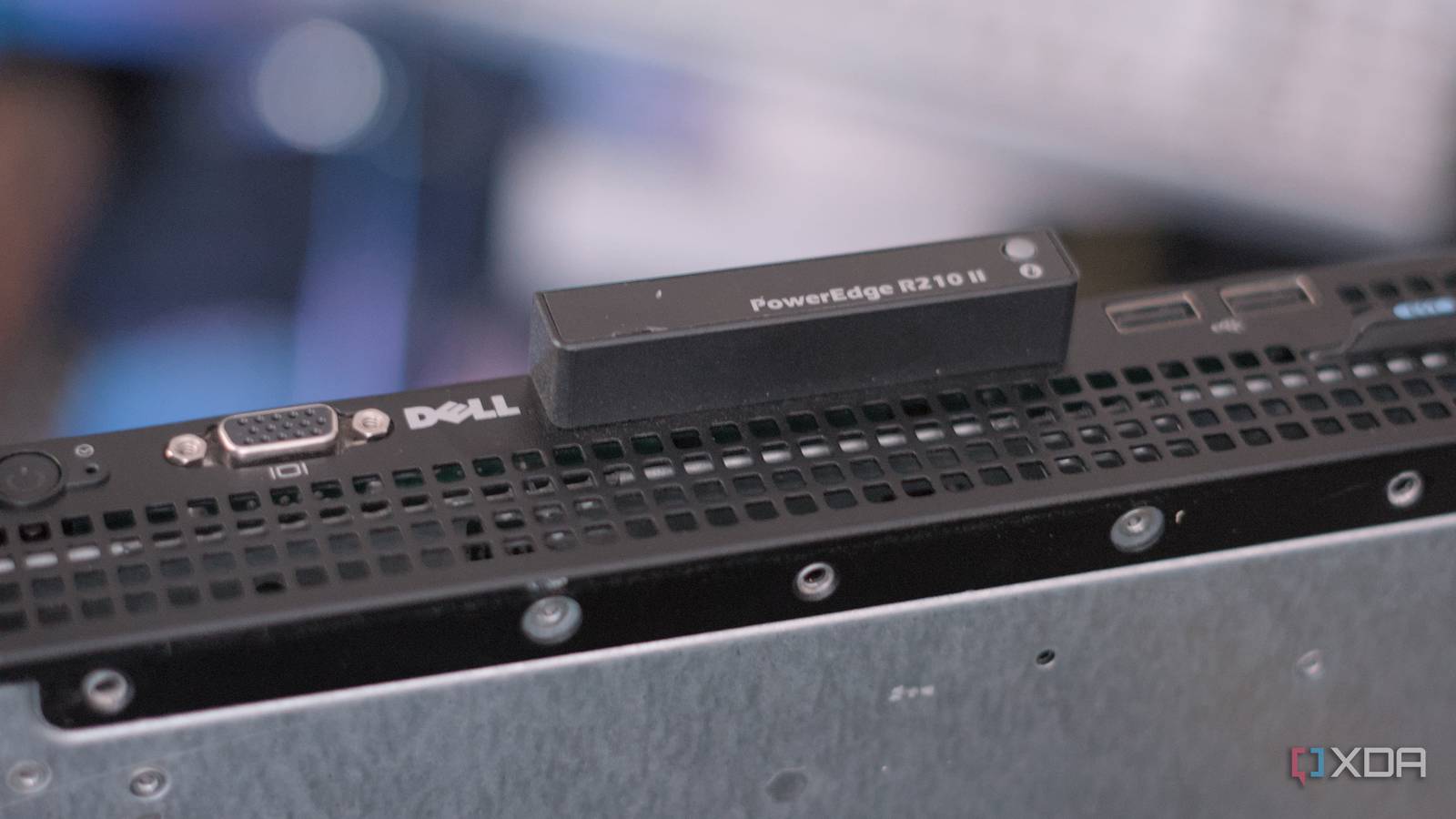
The primary driver behind the home lab movement is the promise of professional-grade performance at consumer-level prices. By sourcing decommissioned gear—such as Dell PowerEdge R210 IIs or Lenovo ThinkServer SR250 V2s—enthusiasts gain access to enterprise features that simply do not exist in the consumer space.
Features like dedicated hardware management controllers (e.g., Lenovo’s XClarity or Dell’s iDRAC), Error Correction Code (ECC) memory, and redundant power supply units are standard in the enterprise world. For a home user, these features provide a level of stability and remote management that turns a simple hobby into a robust, 24/7 self-hosted infrastructure.
Yet, there is a fundamental disconnect in the "bargain" narrative. When you buy a used luxury car, you expect higher maintenance costs, and the same logic applies to servers. While a $50 server might seem like a steal compared to a $2,000 retail unit, that $50 price tag is a reflection of its age, its energy inefficiency, and the fact that its support lifecycle has long since expired.
A Chronology of the "Home Lab" Evolution
My journey into the world of professional-grade home labs followed a familiar, albeit expensive, trajectory:
- The NAS Phase (The Baseline): Like many, I started with a compact, dedicated NAS enclosure. It was quiet, unobtrusive, and pulled a modest 40W under load. It handled file storage and basic media streaming without complaint.
- The Migration (The "Upgrade"): Craving more control, I migrated to a rack-mounted setup. I introduced a collection of Dell PowerEdge R210 II servers and a Lenovo ThinkServer SR250 V2. The capabilities were immense—I could run dozens of containers and multiple virtual machines simultaneously.
- The Power Shock (The Reality Check): Shortly after deployment, the true cost manifested. My power bill saw a sharp, consistent climb. I was no longer running a device that idled at 40W; I was managing a power-hungry ecosystem that was drawing significantly more, even during periods of low activity.
- The Maintenance Crisis: As the months passed, the proprietary nature of the hardware became a liability. A motherboard failure or a PSU issue wasn’t a quick trip to the local PC store; it was a scavenger hunt for rare, legacy components.
Supporting Data: The Hidden Financials
To understand why enterprise gear can become a financial burden, one must look at the power consumption metrics. My current setup, comprising three PowerEdge units and a Lenovo ThinkServer, consumes enough electricity to cost roughly $3 per day. Over a month, that adds up to $90—nearly $1,100 per year in electricity alone.
When the goal of a home lab is often to save money on cloud subscriptions (like AWS, Azure, or Google Cloud), spending over $1,000 annually in power for a home lab starts to look like a poor return on investment. Furthermore, this calculation excludes the cost of cooling. Enterprise servers are designed to be cooled by high-RPM fans in a data center’s forced-air environment. Running them in a home environment often necessitates higher airflow or more aggressive cooling strategies, further increasing the energy footprint.
The Proprietary Trap: When "Repairable" Means "Replaceable"
The most significant danger of relying on legacy enterprise gear is the ecosystem’s lack of standardization. In a standard gaming PC, if a power supply dies, I can walk into any electronics retailer and buy a replacement.
In the enterprise world, components are often proprietary:

- PSUs: Custom form factors that don’t fit standard ATX cases.
- Drive Trays: Specifically keyed to a single server model, making storage expansion a logistical nightmare.
- Cabling: Often custom-length or proprietary connectors that cannot be sourced from third-party vendors.
When one of my R210 II servers suddenly refused to boot, it wasn’t a simple BIOS tweak. It was a complete system failure that rendered the unit useless. Because the components are proprietary, I was forced to rely on "cannibalizing" other units or hunting for parts on the secondary market—a market that is shrinking as these older models reach the end of their useful life.
The Industry Perspective: Efficiency vs. Legacy
Manufacturers like Dell, Lenovo, and HP build these systems for the enterprise, where the cost of electricity is often offset by the density of the computing power and the necessity of uptime. Enterprise hardware is built to last, but "lasting" does not mean "remaining efficient."
Modern processors and system-on-a-chip (SoC) architectures have made massive strides in power efficiency. A modern mini-PC or a custom-built, energy-efficient server can often outperform a decade-old enterprise server while drawing a fraction of the power. The industry has shifted toward "Performance per Watt," a metric where legacy gear—no matter how powerful it once was—inevitably loses to modern, consumer-grade alternatives.
Implications for the Home Lab Architect
Does this mean one should abandon the dream of a home data center? Not necessarily. However, it requires a change in perspective.
1. Define the Use Case: If you are building a lab for educational purposes—to learn how to navigate enterprise software like VMware, Proxmox, or complex networking—then the cost of the hardware is effectively a "tuition fee." In this context, the inefficiency is an acceptable expense for the knowledge gained.
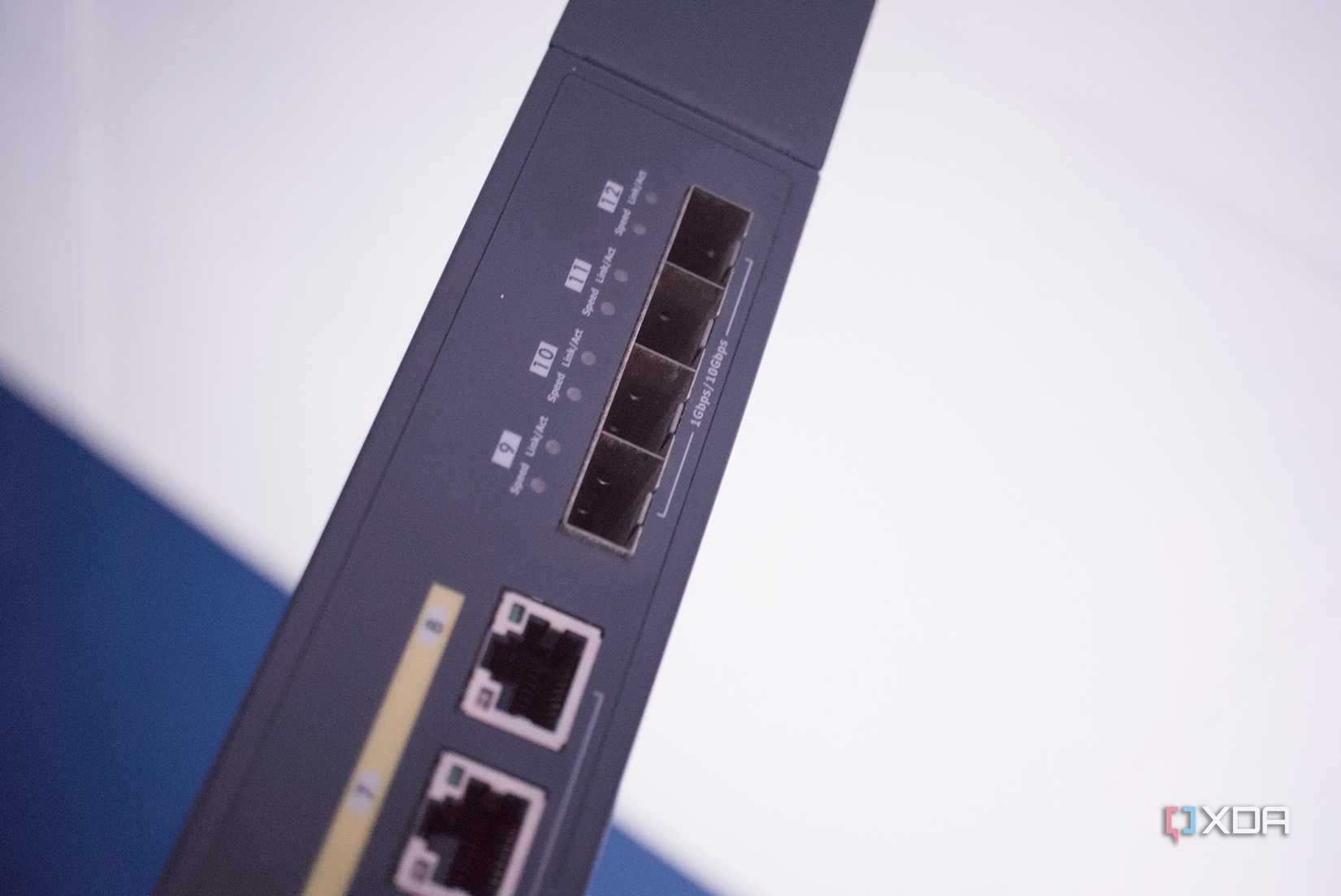
2. Efficiency First: If your goal is 24/7 service (like hosting a website, file server, or media center), prioritize hardware that is built for efficiency. Modern ARM-based systems or power-sipping Intel N-series chips can often do the work of a rack server at 1/10th the power consumption.
3. The Risk of Obsolescence: Understand that when you buy enterprise hardware that is 10 years old, you are buying a product at the end of its life. Do not build a critical infrastructure (like your only data backup solution) on hardware that is impossible to repair without buying a secondary donor unit.
4. Balance is Key: There is no "right" choice. The beauty of the home lab community lies in the diversity of setups. Some will always prefer the enterprise aesthetic and the satisfaction of managing complex, "pro" hardware. Others will find more joy in the silent, efficient, and reliable performance of modern compact systems.
Conclusion
The transition from a basic NAS to a full enterprise rack is a rite of passage for many in the IT world. It is a rewarding, challenging, and deeply educational experience. However, it is vital to enter this hobby with eyes wide open. The "cheap" price of a server on the secondary market is a trap if you aren’t prepared for the compounding costs of electricity, the scarcity of replacement parts, and the reality of managing aging, proprietary technology.
If you are going to walk the path of the enterprise home lab, do it for the learning, the challenge, and the passion. Just don’t do it under the illusion that you’re saving money. In the long run, the most expensive server is often the one that was "too cheap to pass up."


 Azzam Bilal Chamdy
 Suro Senen