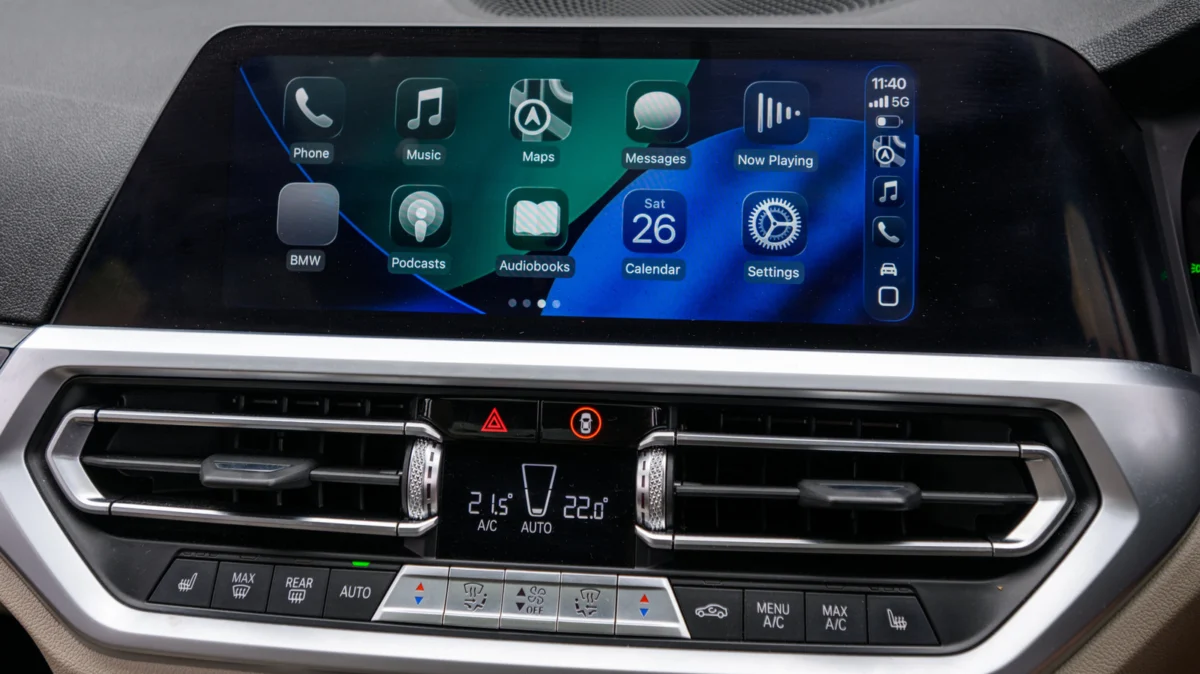
For many, the morning commute is a mundane necessity—a transition from the sanctity of home to the demands of the office. However, thanks to the robust automation capabilities hidden within Apple’s iOS ecosystem, your vehicle can now serve as an active participant in your morning routine. By leveraging the Shortcuts app, users can transform their Apple CarPlay experience from a passive infotainment interface into a personalized, interactive welcome system. Whether you want a cinematic fanfare as you start your engine or a gentle reminder to grab your coffee before backing out of the driveway, the power to customize your car’s "personality" is now firmly in your hands.
The Core Concept: Bridging iOS Automation and Automotive Tech
At its heart, this customization relies on the "Automation" tab within the Apple Shortcuts app. By triggering an action the moment your iPhone establishes a handshake with your vehicle’s infotainment system, you can force the phone to execute a command—such as playing an audio file—that broadcasts directly through your car’s speakers.
It is important to clarify the scope of this modification: this is not a hack of your vehicle’s factory software. It does not replace the manufacturer’s startup logo, the mandatory seatbelt chimes, or the native infotainment animations. Rather, it is a "layer" on top of the existing system. Because this process is entirely dependent on your iPhone’s connectivity, the speed and reliability of the trigger can vary depending on whether you are using a wired USB connection or a wireless CarPlay adapter.
Establishing the Foundation: A Step-by-Step Guide
Before diving into the technical setup, preparation is paramount. The goal is to ensure the automation triggers flawlessly every time you enter the vehicle.
Phase 1: Preparing Your Audio Assets
The most effective welcome sounds are short, punchy, and meaningful. Experts recommend keeping clips between two and five seconds. Anything longer risks overlapping with essential navigation prompts or incoming notification sounds.
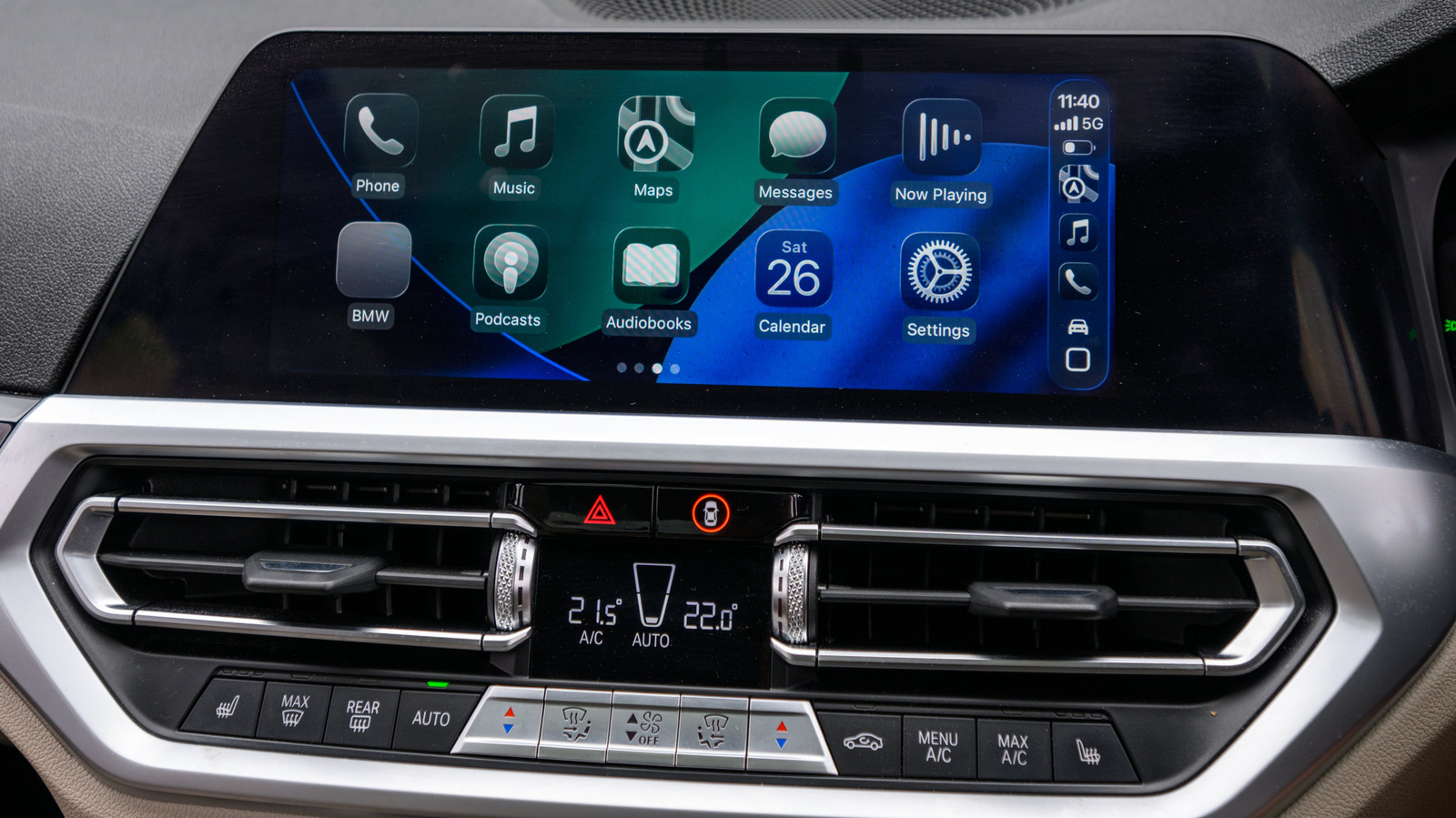
- Source Your Files: Locate the audio clip you wish to use (MP3, WAV, or M4A formats are preferred).
- Organize for Accessibility: Create a dedicated folder within the "Files" app on your iPhone. Avoid using iCloud Drive if you experience connectivity latency; a local folder on your device ensures the Shortcut can retrieve the file instantly upon ignition.
- Naming Convention: Give your file a clear, distinct name (e.g., "Carplay_Intro_01") to ensure it is easily selectable in the Shortcuts interface.
Phase 2: Building the Automation
Once your asset is ready, follow these procedural steps:
- Open Shortcuts: Navigate to the "Automation" tab at the bottom of the app.
- Create New: Tap the "+" icon and select "Create Personal Automation."
- Define the Trigger: Scroll down to find the "CarPlay" option. Select "Connects" and ensure the "Run Immediately" toggle is set to "On." This is crucial; if you leave it on "Ask Before Running," the automation will require a manual tap, defeating the purpose of a seamless welcome.
- Action Selection: Tap "Next" and then "New Blank Automation." Select "Add Action," search for "Get File," and choose the file from the folder you created earlier.
- Finalizing the Command: Add a second action: "Play Sound." The Shortcut will automatically pull the file retrieved in the previous step. Tap "Done."
Chronology of Integration: From Concept to Car
The evolution of Apple’s Shortcuts app from a niche power-user tool to a mainstream consumer feature has been marked by a significant increase in trigger options. When Shortcuts first launched, automotive triggers were limited and inconsistent. With the refinement of iOS, the "CarPlay Connects" trigger has become one of the most stable automation entry points.
- Early Days (2018-2020): Automation was largely manual. Users had to tap buttons on their screens to trigger audio or navigation sequences.
- The "Run Immediately" Update (2021-2022): The introduction of background automation execution removed the "Ask Before Running" hurdle, allowing for the "hands-free" experience we enjoy today.
- Present Day: Users are moving beyond simple audio clips, experimenting with complex "if-then" logic, such as checking the time of day before choosing between a "Good Morning" greeting and an "Evening Commute" playlist.
Supporting Data: Why Personalization Matters
Psychological studies into human-machine interaction (HMI) suggest that personalization plays a vital role in user satisfaction. A study on vehicle infotainment systems indicated that users who felt a sense of "ownership" over their interface reported lower stress levels during heavy traffic conditions. By introducing a personal element—such as a custom sound—the car ceases to be a cold piece of machinery and becomes an extension of the driver’s digital environment.
Furthermore, from a technical standpoint, the efficiency of this method is high. Because the audio file is stored locally, the resource load on the iPhone’s processor is negligible. The latency between "engine start" and "audio playback" is usually less than two seconds, depending on the speed at which the vehicle’s head unit recognizes the iPhone via Bluetooth or USB.
Official Perspectives and Implications
While Apple does not officially "support" third-party sound injection as a core feature, the company has fostered an environment where Shortcuts is a first-class citizen in the iOS experience. By providing the API access required for Shortcuts to interact with media playback, Apple has implicitly encouraged this type of creative customization.
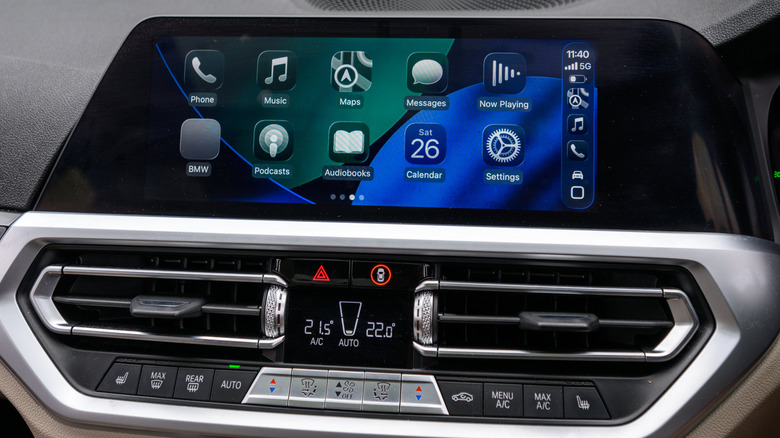
Implications for the Future of Automotive UX
The trend toward "Software-Defined Vehicles" (SDVs) suggests that this is only the beginning. As vehicles become more integrated with personal ecosystems, we can expect:
- Context-Aware Greetings: Future updates could allow Shortcuts to pull real-time data, such as your calendar status. If you have an early meeting, your car could automatically set the navigation destination to your office the moment you connect.
- Multi-User Profiles: As CarPlay evolves, the potential for personalized greetings based on which family member’s iPhone is connected could become a native, rather than manual, feature.
Advanced Customization: Beyond the Sound Clip
If a simple greeting becomes monotonous, the Shortcuts app allows for infinite iterations. You can easily edit or swap your audio files by returning to the Automation tab, selecting your CarPlay trigger, and modifying the "Get File" action.
For those who want to push the boundaries of their vehicle’s utility, consider these "Stackable" automations:
- The Morning Briefing: After your intro clip, add an action to "Speak Text." You can have Siri read your morning calendar appointments or the current weather forecast.
- The Commute Launcher: Follow your greeting by setting an action to "Open App" (e.g., Apple Maps or Waze) and "Set Volume" to a comfortable driving level.
- The Departure Sequence: Create a second automation for when you disconnect from CarPlay. You can have the phone automatically pause all media, set a reminder to grab your belongings, or even trigger a smart home scene to turn off the lights in your garage.
Conclusion: Crafting Your Digital Persona
The ability to add an intro to your Apple CarPlay experience is a testament to the versatility of modern mobile technology. It is a minor change that yields a disproportionate increase in the enjoyment of your daily commute. Whether you opt for a professional greeting, a humorous sound effect, or a functional morning briefing, the process highlights the shift toward a more human-centric driving experience.
As technology continues to advance, the gap between our personal devices and our vehicles will continue to shrink. By taking the time to master these small automations today, you aren’t just adding a sound clip; you are learning to curate the environment in which you spend a significant portion of your life. Start small, experiment with different files, and transform your car into a space that truly welcomes you.