Entering the world of 3D printing is an exhilarating step for any creative, whether you are a hobbyist looking to prototype custom household items, a tabletop gamer crafting intricate miniatures, or a student beginning your journey into industrial design. While the barrier to entry for the printers themselves has dropped significantly, the hardware required to drive the software ecosystem—slicing engines and Computer-Aided Design (CAD) programs—can be a daunting financial hurdle.
Choosing the right laptop doesn’t mean you have to break the bank. You don’t necessarily need a top-tier mobile workstation to succeed, but you do need to understand the balance between processing power, graphical rendering, and long-term utility.
The Landscape of 3D Printing Hardware
Understanding Your Workflow
Before selecting a machine, it is vital to distinguish between two primary 3D printing workflows. The first is slicing, which involves taking an existing 3D model (often an .STL or .OBJ file) and converting it into G-code that your printer can read. This process is relatively light on hardware; almost any modern laptop with a decent processor and 8GB of RAM can handle it.
The second, more demanding workflow is 3D modeling and CAD design. If you intend to create original geometries from scratch, you will need a machine capable of handling the high-polygon rendering required by software like Blender, Fusion 360, or SolidWorks. This is where the hardware requirements shift toward dedicated graphics cards and higher memory capacities.
Top Recommendations for Budget-Conscious Creatives
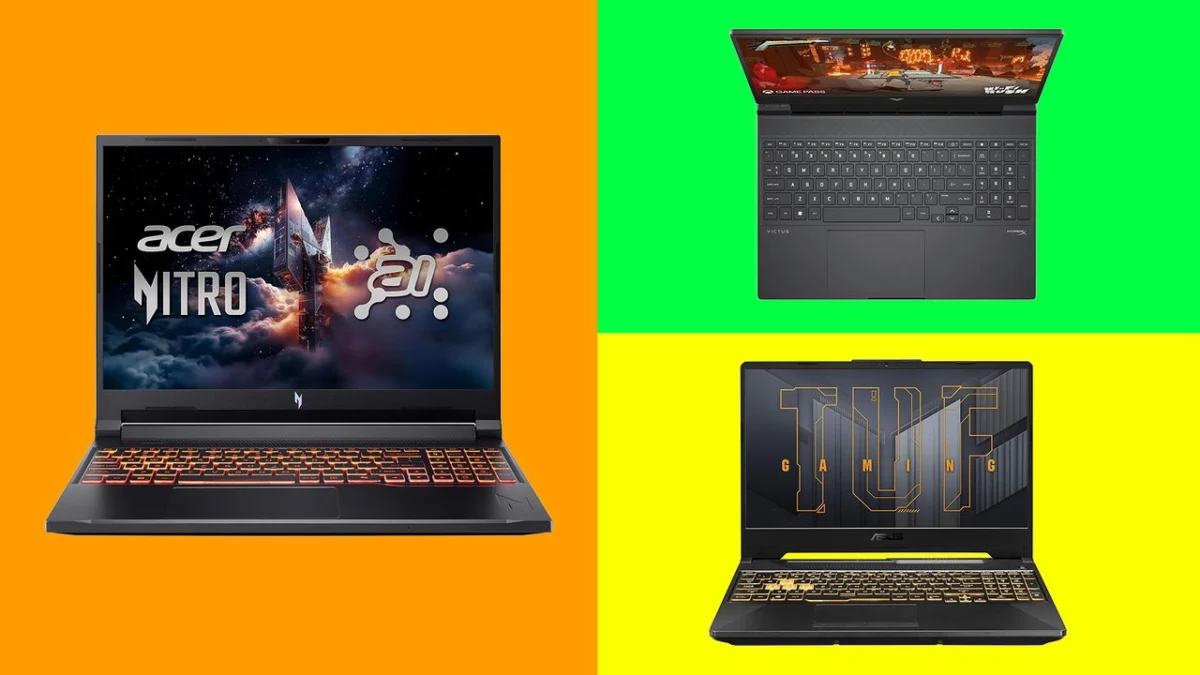
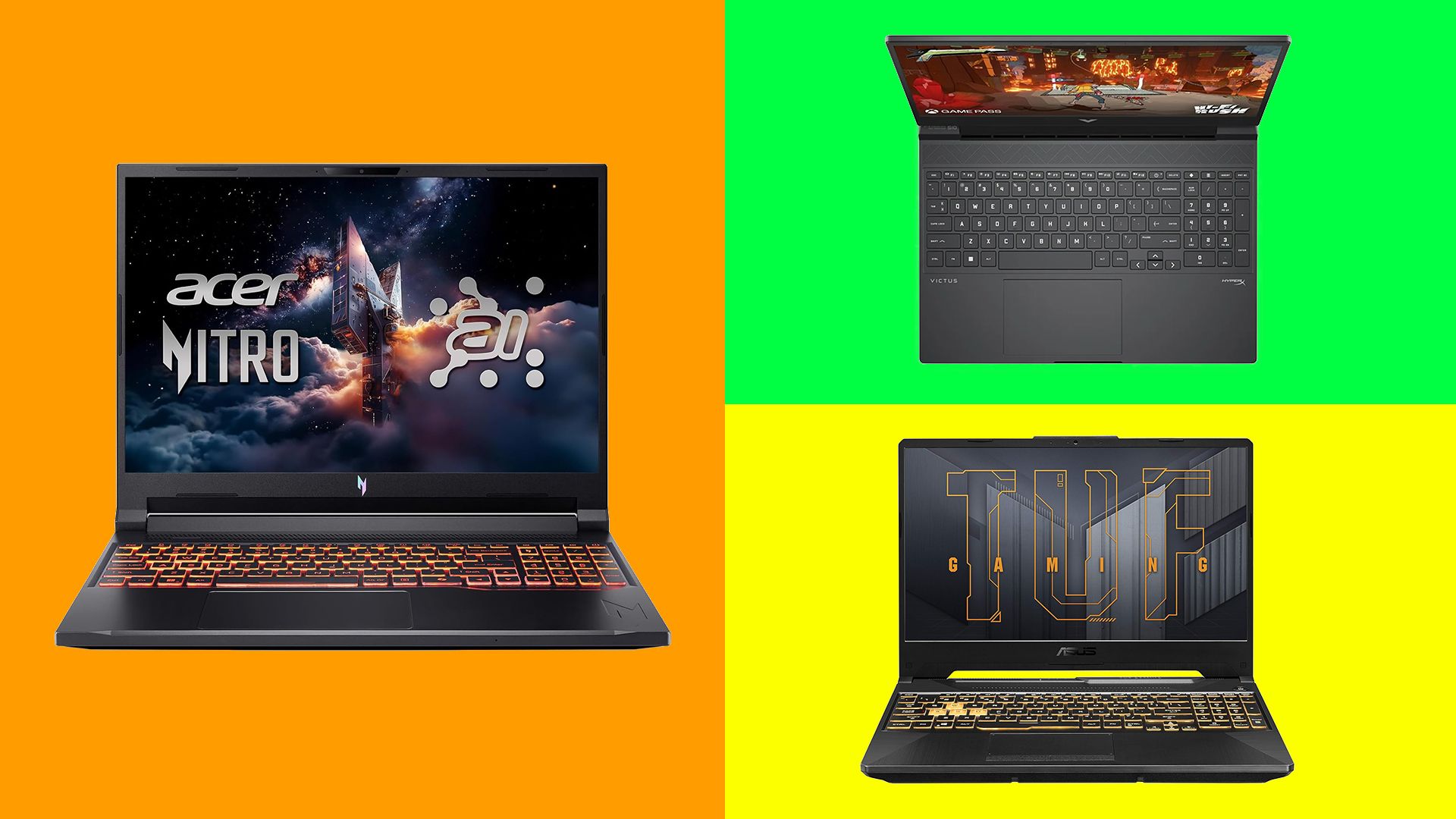
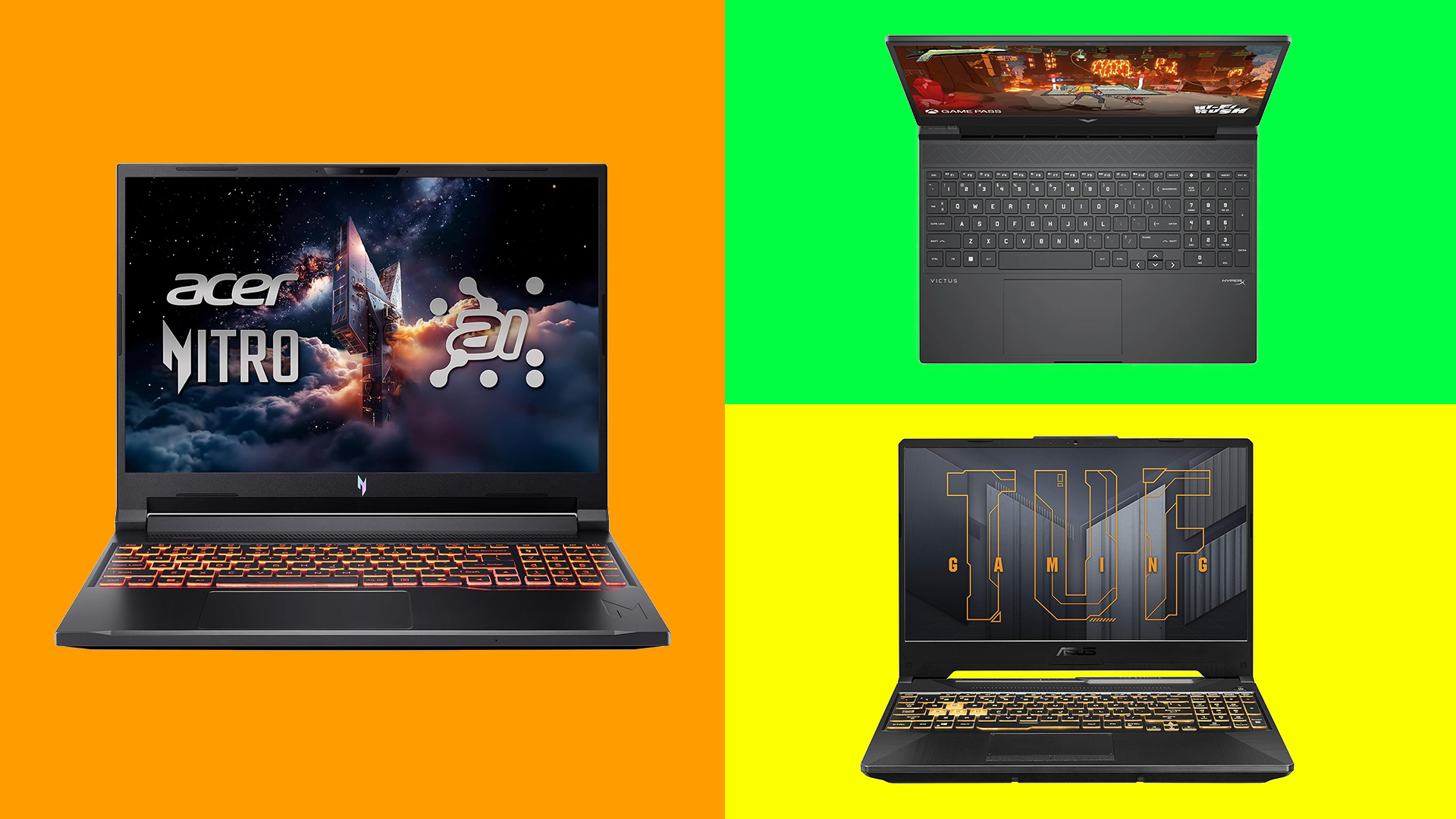
1. The Overall Best Choice: Acer Nitro V 16S AI
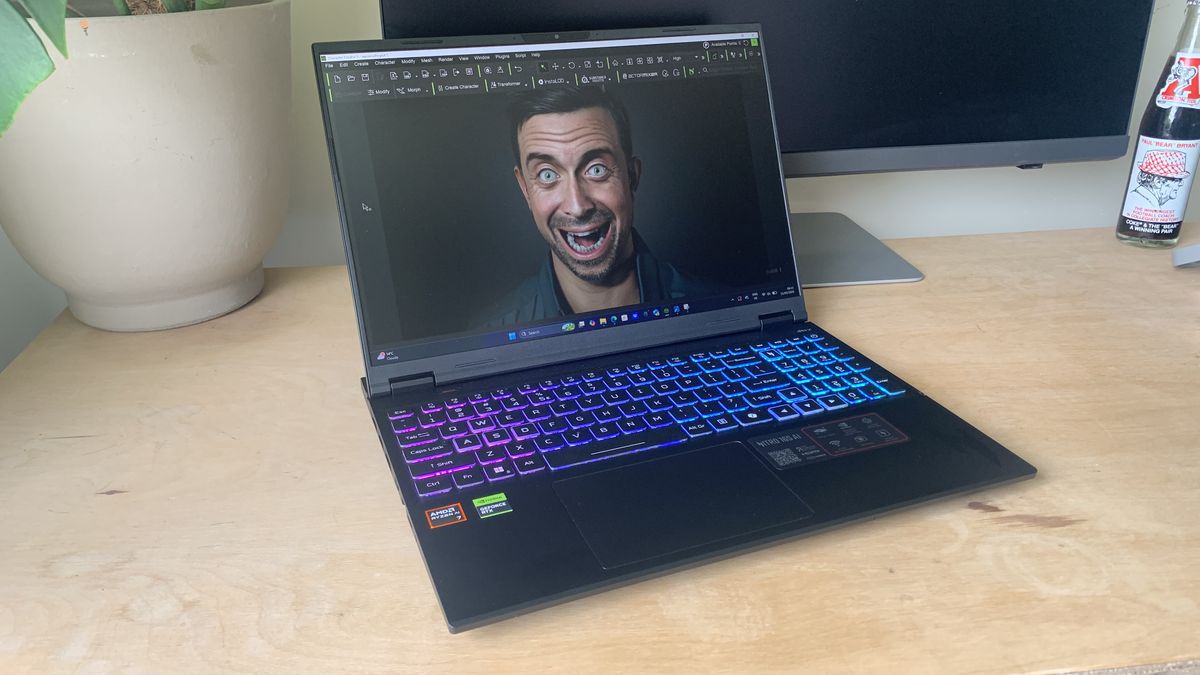
The Acer Nitro V 16S AI sits at the sweet spot of performance and affordability. It is priced for those who want to move beyond basic slicing and dive into serious CAD work without the "workstation" price tag.
- Specifications: AMD Ryzen AI 5 340 processor, Nvidia GeForce RTX 5060, 16GB RAM, 16-inch WQXGA display.
- Performance: During our benchmarks, the Nitro V handled complex character creation in Reallusion and intricate modeling in Blender with impressive stability. Its 180Hz refresh rate and high-resolution display offer the visual fidelity required for fine-detail work.
- Implications: While it carries a gaming aesthetic, its performance is remarkably balanced. At 2.18kg, it remains portable enough for students or professionals on the go, making it a reliable investment that won’t require an upgrade for several years.
2. The Best for Beginners: HP Victus 15
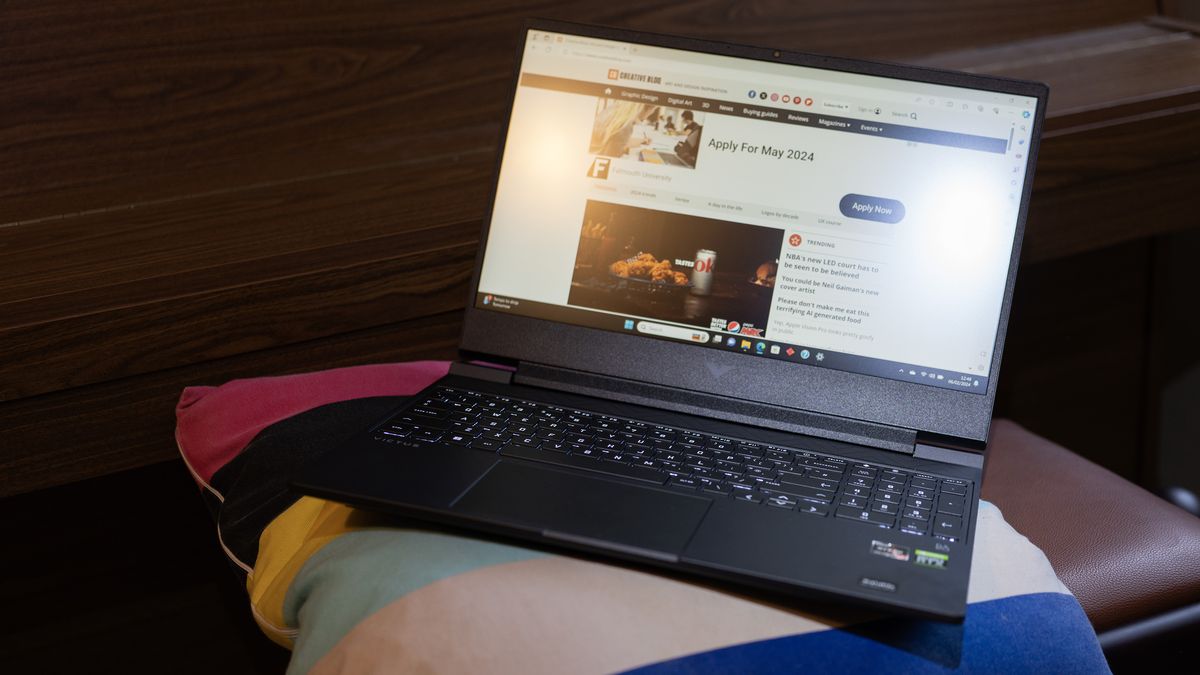
If your primary focus is entry-level printing and learning the ropes of slicer software like Orca Slicer, the HP Victus 15 is an unparalleled value proposition.
- Specifications: Up to AMD Ryzen 7 8845H, Nvidia GeForce RTX 4060, 16GB RAM, 15.6-inch FHD display.
- Performance: It provides a robust entry point for under $1,000. While the build is functional rather than flashy, it handles the demands of hobbyist CAD work with minimal stuttering.
- Strategic Advice: The base configuration is perfect for beginners, though we recommend opting for the 16GB RAM variant to ensure longevity as your designs become more complex.
3. The Best for Durability: Asus TUF Gaming A15
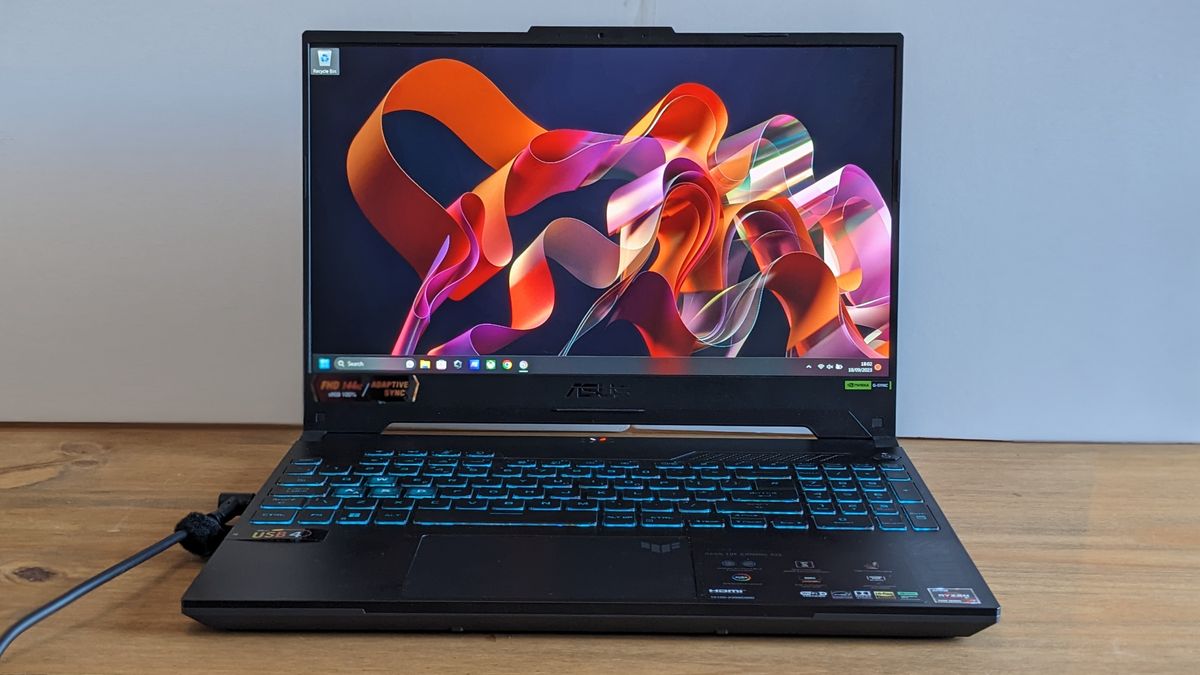
For those who frequent makerspaces, workshops, or academic labs, the Asus TUF Gaming A15 offers the ruggedness necessary for a mobile lifestyle.
- Specifications: AMD Ryzen 7, Nvidia GeForce RTX 4060, 16GB/32GB RAM.
- Why it shines: This machine feels built for the road. Beyond its physical durability, it boasts excellent battery life—reaching nearly ten hours in our testing—which is a rarity in the world of high-performance laptops.
- Workflow Integration: The GPU performance is highly reliable for 3D modeling, ensuring that your workflow isn’t interrupted by system crashes or thermal throttling during long rendering sessions.
4. The Best Apple Alternative: MacBook Air (M4, 15-inch)
Apple silicon has changed the game for creative professionals. While some industry-standard software like SolidWorks remains Windows-exclusive, the M4-powered MacBook Air is a powerhouse for modern 3D design.
- Specifications: Apple M4 chip, 16GB/32GB Unified Memory, 15.3-inch Liquid Retina display.
- Performance: The M4 architecture provides exceptional thermal efficiency, allowing for a fanless design that is whisper-quiet. The display is a standout, offering 532 nits of brightness and 100% DCI-P3 color coverage, which is vital for designers concerned with the aesthetic finish of their prints.
- The Caveat: Ensure your preferred CAD software is compatible with macOS. If you stick to Blender, Cura, or FreeCAD, this machine will serve you exceptionally well.
Technical Analysis: What Do You Actually Need?
The "Big Three" Specs for 3D Printing
- RAM (Memory): While 8GB is the bare minimum for slicing, 16GB is the industry standard for designers. If you work with large assemblies or high-density meshes, 32GB is the recommended ceiling.
- GPU (Graphics): A dedicated graphics card (Nvidia RTX series) is highly recommended for CAD. It offloads the visual rendering of your model from the CPU, preventing the "stutter" that occurs when rotating, zooming, or manipulating complex objects in 3D space.
- Storage: 3D files (STL/OBJ) are typically small. A 512GB SSD is sufficient for most, but if you plan on storing massive libraries of high-detail miniatures or raw video files of your printing projects, a 1TB SSD or an external NVMe drive is a wise addition.
Implications for the Creative Industry
The democratization of 3D printing technology is fundamentally altering how designers approach production. In the past, rapid prototyping was the exclusive domain of companies with high-end machinery. Today, a student with a sub-$1,500 laptop and a budget-friendly FDM printer can bring a product from concept to physical reality in a matter of hours.
This shift has created a new class of "prosumer" designers. As the software becomes more accessible—with programs like Tinkercad and Fusion 360 leading the charge—the laptop is no longer just a workstation; it is the central hub of a digital manufacturing ecosystem.
Final Verdict: How to Choose
If you are uncertain about your long-term commitment to 3D design, the HP Victus 15 is the safest entry point. It allows you to explore the hobby without a massive capital outlay. However, if you are looking to monetize your designs or pursue a career in industrial design, the Acer Nitro V 16S AI provides the processing overhead necessary to keep up with more complex modeling demands.
Regardless of your choice, remember that the "best" laptop is the one that allows you to spend more time creating and less time troubleshooting system errors. Prioritize reliability, ensure you have a dedicated GPU, and don’t fear the entry-level gaming market—it is currently the most fertile ground for affordable, high-performance creative hardware.