In the fast-paced world of digital content creation, time is the most valuable commodity. For photographers, videographers, and graphic designers, the difference between a fluid creative session and a frustrating, repetitive strain injury (RSI)-inducing slog often comes down to the tools they use. Enter the TourBox Lite, a device positioned as the most accessible entry point into the world of dedicated editing consoles. By stripping away the bells and whistles of its premium siblings, TourBox has created a device that promises to supercharge workflows without breaking the bank.
Main Facts: A Lean, Mean Editing Machine
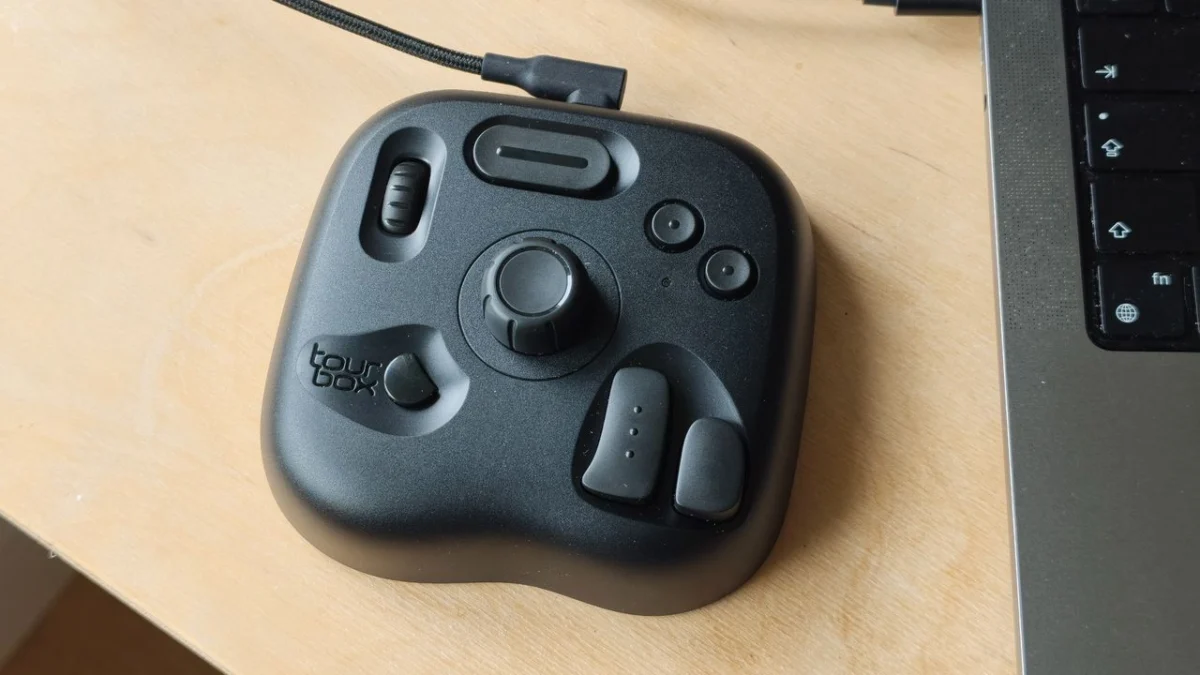
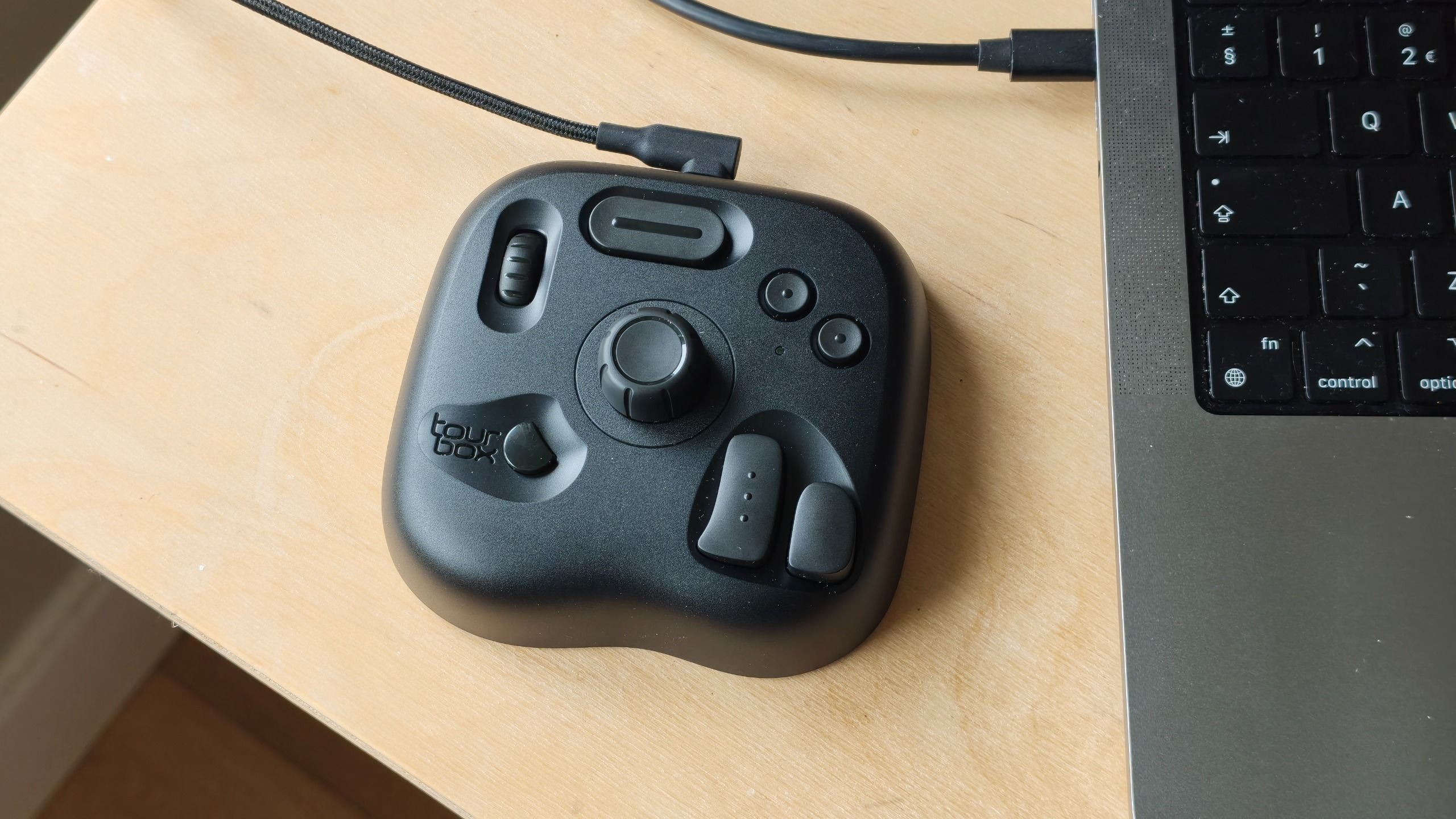
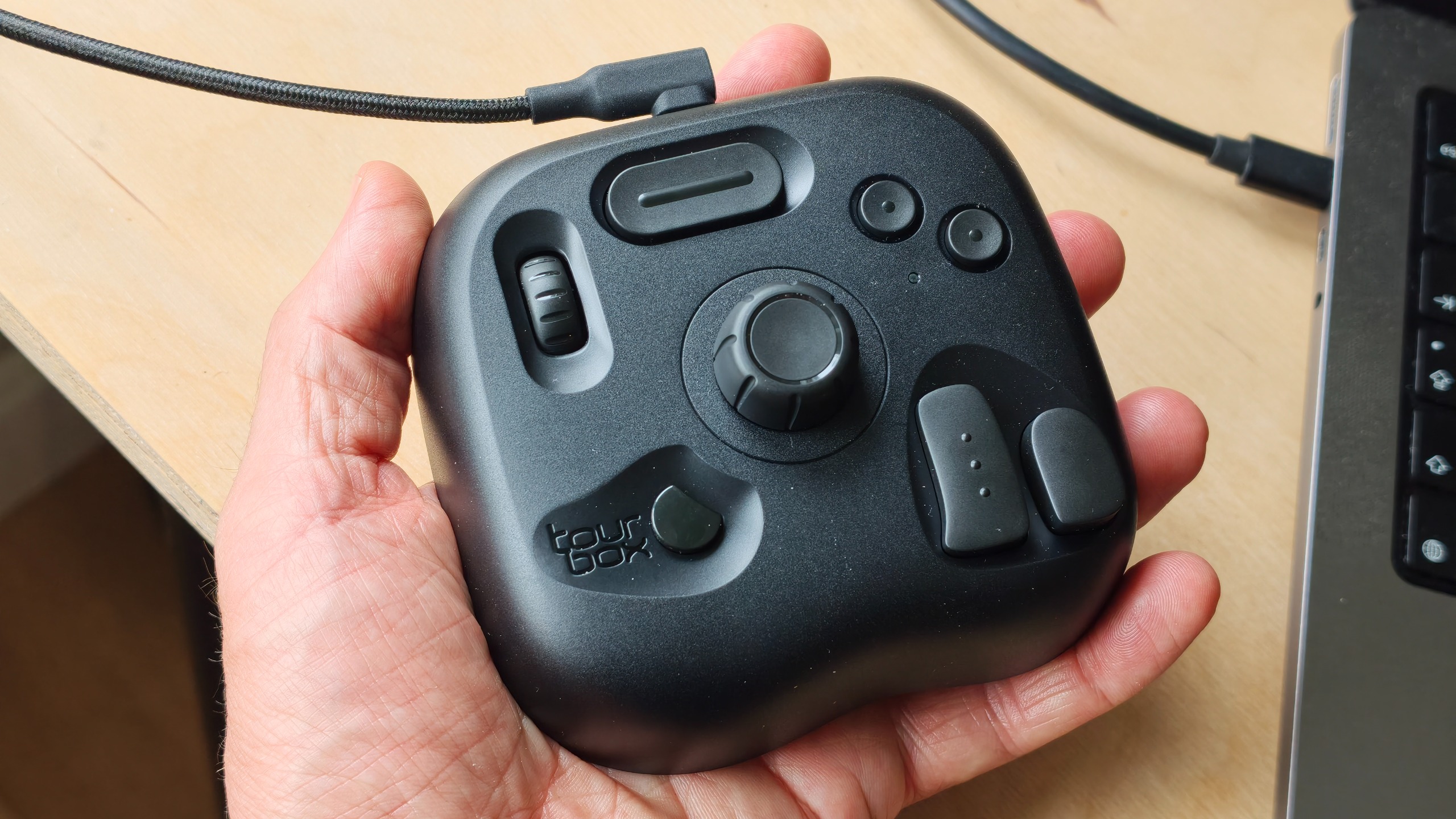
The TourBox Lite is the brand’s most budget-conscious iteration to date. Priced at a highly competitive $94.99 / £94.99, it is designed to sit alongside your keyboard and mouse, acting as a specialized interface for your most-used shortcuts. Its primary purpose is simple: to keep your non-dominant hand on the console, allowing you to manipulate dials, sliders, and buttons while your primary hand remains on your stylus or mouse.
The device is fully compatible with the industry-standard software suite, including Adobe Photoshop, Lightroom, DaVinci Resolve, and Premiere Pro. Unlike complex macro-pads that require hours of coding, the TourBox Lite utilizes the intuitive TourBox Console software. This allows users to map over 50 button combinations and 200 assignable functions per preset, effectively putting a vast array of tools under the fingertips of a single hand.
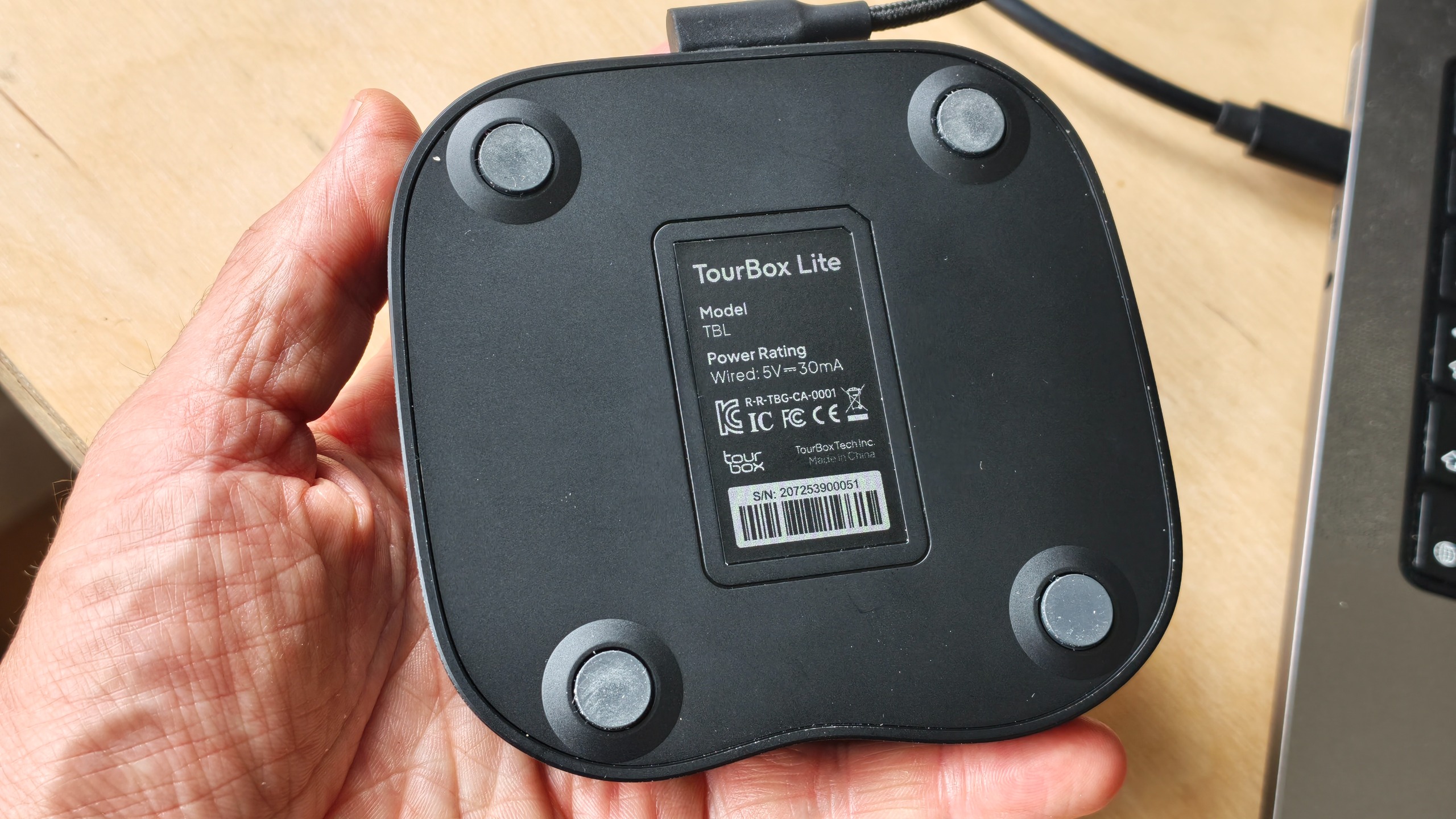
However, reaching this price point required significant compromises. The Lite model lacks the Bluetooth connectivity found on the Elite series, meaning it is a strictly wired device using a USB-C connection. It also omits the haptic feedback systems that provide physical confirmation of adjustments, and it does not offer the same premium material finish as its predecessors.
A Chronology of the TourBox Ecosystem
To understand the positioning of the Lite, one must look at the evolution of the TourBox brand. The company first made waves in the creative tech space with the original TourBox, a device that gained a cult following for its unique ergonomic shape and distinct, non-keyboard-like layout.
Following the success of the original, the company iterated with the TourBox NEO, which refined the button placement and build quality. Then came the flagship TourBox Elite, a Bluetooth-enabled, high-end powerhouse that became the standard for professional studios. Throughout this timeline, the common feedback from the community was a desire for a more affordable version—a "lite" model that retained the core functionality without the professional-grade materials or wireless capabilities.
The release of the TourBox Lite represents the culmination of this feedback. It is a direct response to the market segment consisting of students, hobbyists, and freelancers who recognize the value of an editing console but cannot justify a $300 investment. By launching the Lite, TourBox has successfully moved from being a "pro-only" brand to one that caters to the entire spectrum of the creative workforce.
Supporting Data: Performance and Ergonomics
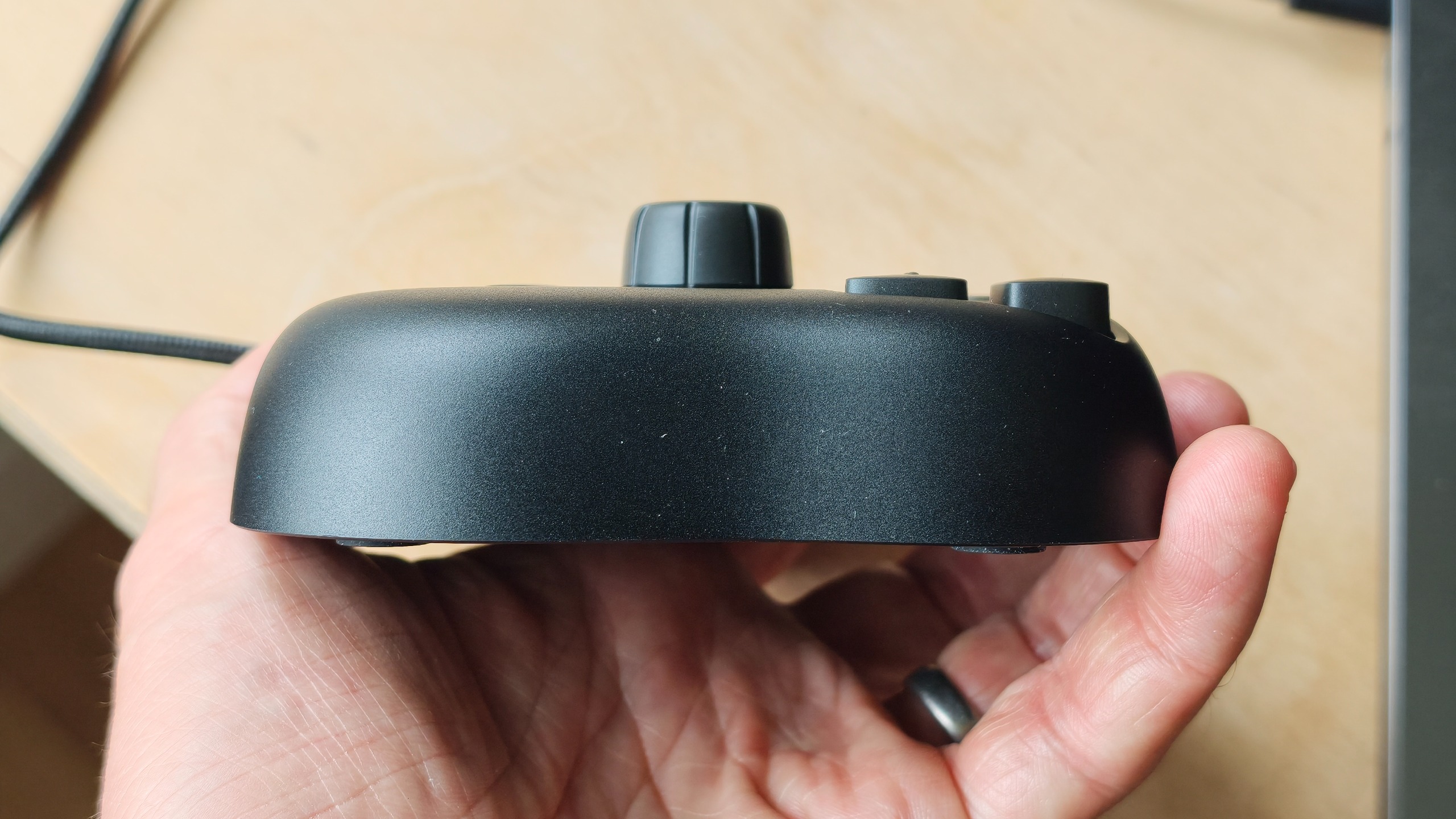
In our hands-on testing, the TourBox Lite’s ergonomics are immediately apparent. The device is compact and light, fitting comfortably within an average palm. While the plastic casing lacks the premium "rubbery" grip found on the more expensive models, it is sturdy enough to remain planted on a desk during intense editing sessions.
Build Quality and User Experience
The physical controls—dials, sliders, and buttons—function with a clean, responsive action. While they lack the satisfying mechanical click or haptic pulse of the Elite, they are more than adequate for the price. The "Lite" moniker is well-earned here; the device feels less like a piece of studio equipment and more like a high-end peripheral.
The Software Advantage
The true strength of the TourBox ecosystem is the software. Upon connecting the device via USB-C, the TourBox Console app immediately recognized the hardware. The interface is clean, allowing users to drag and drop functions onto buttons with ease. Whether you are scrubbing through a timeline in DaVinci Resolve or adjusting brush sizes in Photoshop, the latency is non-existent. For beginners, the learning curve is surprisingly shallow; within an hour of testing, most users will find their "muscle memory" beginning to form, significantly reducing the frequency of keyboard shortcut hunting.
Comparative Analysis
When compared to the competition, the value proposition becomes clearer. The Logitech MX Creative Console, priced at $189.99, offers a more premium aesthetic and excellent software integration, but it comes at double the price. Similarly, the XPPen Pilot Pro, at $169.99, is a formidable competitor but lacks the breadth of community-created presets and the long-standing software stability that TourBox has cultivated.
| Feature | TourBox Lite | Logitech MX Creative Console | XPPen Pilot Pro |
|---|---|---|---|
| Price | ~$95 | ~$190 | ~$170 |
| Connectivity | Wired (USB-C) | Wireless/Wired | Wired |
| Haptic Feedback | No | Yes | No |
| Customization | High | Medium-High | Medium |
Official Perspectives: Design Philosophy
TourBox’s design philosophy for the Lite was centered on "essentialism." By removing the Bluetooth radio and the complex haptic motors, the engineering team was able to focus on the core user experience: efficiency. The company argues that for the majority of users, the primary bottleneck in editing is not the tactile feel of the buttons, but the physical distance between keys on a standard QWERTY keyboard.
By consolidating these shortcuts into a single, palm-sized device, the company posits that it can shave hours off a project’s timeline. They have specifically targeted the "entry-level" creative, acknowledging that while pros may require the multi-device Bluetooth switching of the Elite, the target demographic for the Lite is the desk-bound creator who doesn’t mind a cable in exchange for a 50% price reduction.
Implications: Is It Right for You?
The implications of the TourBox Lite’s release are significant for the creative industry. It effectively lowers the barrier to entry for ergonomic, productivity-focused hardware.
For the Student and Hobbyist
If you are currently a student or a budding freelance photographer, the Lite is an absolute no-brainer. It provides 90% of the functionality of a pro-level device for roughly 30% of the cost. It is an investment in your physical health as much as your workflow efficiency, as it significantly reduces the repetitive stress of constant keyboard use.
For the Professional
If you are already a professional editor, the Lite might serve as a secondary device—perfect for a travel bag or a secondary workstation where you don’t want to leave your main, more expensive console. However, if you rely on multi-device workflows (moving between a desktop and a laptop), the lack of Bluetooth is a drawback you should carefully consider.
The Verdict
The TourBox Lite is a triumph of cost-effective engineering. While it lacks the premium flourishes and wireless freedom of its more expensive siblings, it hits the "sweet spot" of performance for its target audience. It is a no-frills, highly efficient tool that does exactly what it promises: it keeps your tools at your fingertips and your focus on your art.
In an era where "prosumer" tech is becoming increasingly expensive, the TourBox Lite stands out as a refreshing, pragmatic choice. It doesn’t pretend to be the most luxurious device on the market, but it is undeniably the most functional for the price. If you’ve been on the fence about whether an editing console is worth the desk space and the investment, the Lite is the definitive answer to that question.