Asro
Asro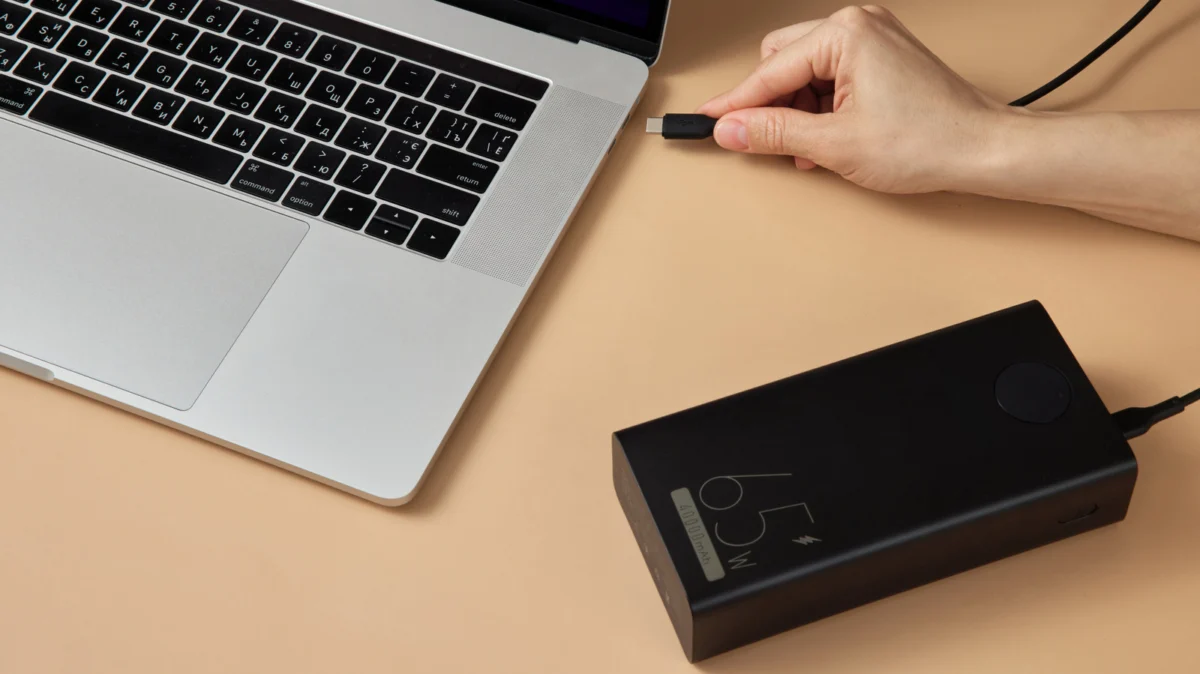
In an era where remote work, digital nomadism, and high-performance computing are the norms, the portable power bank has evolved from a smartphone accessory into a critical piece of infrastructure for the mobile professional. However, consumers often fall into the "mAh trap"—assuming that a higher milliamp-hour (mAh) rating equates to more power for their laptop. This misconception often leads to frustration, dead batteries, and incompatible hardware. To truly understand whether a power bank can sustain your workflow, you must move beyond marketing jargon and look at the fundamental physics of power delivery: watt-hours (Wh) and output wattage (W).
Main Facts: The Physics of Portable Power
The fundamental unit of capacity on a power bank’s box—milliamp-hours (mAh)—is a legacy measurement inherited from the early days of small-battery mobile phones. For laptops, which operate at significantly higher voltages and power draws, mAh is an insufficient metric.
To determine the true energy capacity, you must calculate the watt-hours (Wh). Most power banks house lithium-ion cells with a nominal voltage of 3.7V. To find the Wh, you multiply the mAh by the voltage (3.7V) and divide by 1,000. For example, a standard 20,000mAh power bank holds approximately 74Wh of energy (20,000mAh ÷ 1,000 x 3.7V).
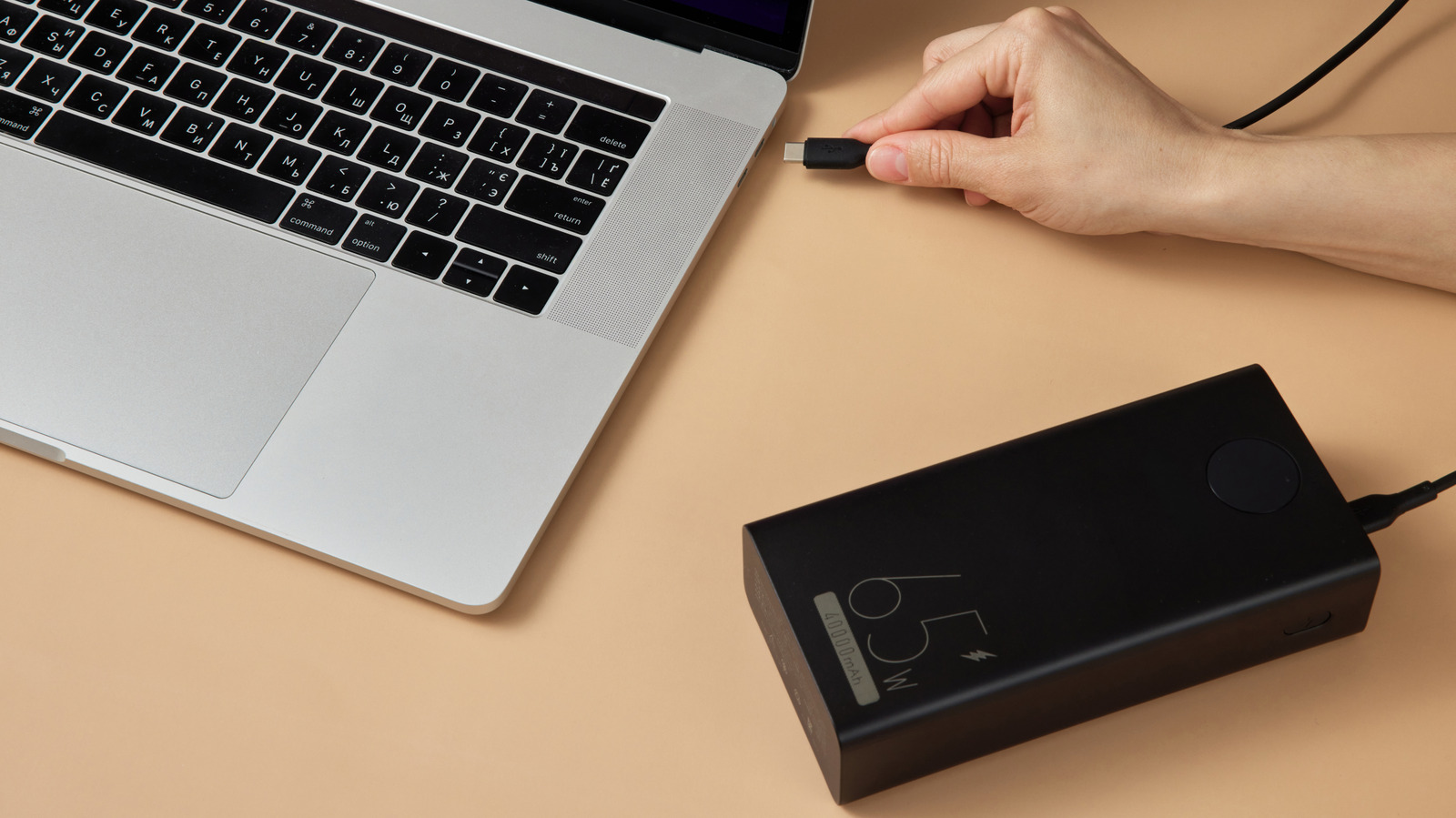
However, capacity is only half the equation. The second, and perhaps more vital, metric is output wattage (W). While capacity tells you how much energy is in the "tank," wattage determines how fast that energy can flow into your device. If your laptop requires 65W to operate under load, but your power bank only provides 15W or 30W, the laptop will either reject the charge entirely or, at best, trickle-charge at a rate slower than your current power consumption, leading to a net loss of battery life.
Chronology of Charging Evolution
The history of portable charging is marked by a transition from proprietary, low-power standards to the universal language of USB-C Power Delivery (PD).
- The Pre-USB-C Era: Charging was historically tethered to heavy, proprietary AC bricks. Power banks were largely limited to 5V/2A (10W), which was sufficient for smartphones but incapable of negotiating the higher voltages required by laptops.
- The Advent of USB-C: With the introduction of the USB-C connector, the industry gained a unified interface capable of handling data, video, and power.
- USB Power Delivery (PD) 1.0–2.0: These early standards allowed devices to "negotiate" power profiles. For the first time, power banks could signal to a laptop that they were capable of providing 20V, unlocking the possibility of laptop charging.
- The Modern Standard (USB PD 3.0/3.1): Today, we have moved toward sophisticated power delivery protocols that support up to 240W. This has enabled the modern era of the "universal" power bank, capable of charging everything from high-end MacBook Pros to entry-level Chromebooks.
Supporting Data: Understanding Efficiency and Loss
It is a common error to assume that a 74Wh power bank will provide 74Wh of charge to your laptop. In reality, the laws of thermodynamics dictate that energy is lost throughout the process.
The Efficiency Penalty
When a power bank boosts its internal voltage to the 20V typically required for USB-C PD, energy is converted, and heat is generated. This conversion process is not 100% efficient.
- Standard Loss: Expect roughly 20% loss during standard charging.
- Fast Charging Loss: Under high-load, fast-charging scenarios, heat dissipation is greater, and efficiency can drop to 30% or more.
If you are using a 74Wh power bank (20,000mAh), you should effectively budget for about 52Wh of usable energy. If your laptop consumes 14W per hour (a common average for moderate office tasks), this power bank will yield roughly 3.7 hours of additional runtime.
Understanding the "Sweet Spot"
For frequent travelers, the "sweet spot" is often considered to be the 27,000mAh/100Wh range. This size provides enough capacity for at least one full charge of a high-end ultrabook while remaining under the Transportation Security Administration (TSA) limit of 100Wh for lithium-ion batteries on commercial aircraft. Banks exceeding 100Wh often require special airline approval, making them less practical for the average business traveler.
Official Standards and Industry Responses
Industry bodies like the USB Implementers Forum (USB-IF) have worked to mitigate the confusion surrounding cables and power bricks through the implementation of "Certified" logos.
The industry response to the "why isn’t my laptop charging?" crisis has been to push for better labeling. Modern packaging now frequently highlights the Total Output versus Per-Port Output. A common marketing deception involves labeling a bank "100W" when that represents the sum of all ports combined. If you have a 100W bank, but it splits that output into 60W for the primary port and 40W for the secondary, your high-performance laptop may fail to trigger its "fast charge" state.
Manufacturers are also increasingly adopting "PPS" (Programmable Power Supply), a feature within the USB PD standard that allows the charger and the device to continuously adjust voltage and current in small increments. This reduces heat and improves the longevity of both the power bank and the laptop battery.
Implications for the User
Choosing the wrong power bank is more than just an inconvenience; it can be a safety issue or a financial loss.
The Cable Factor
The most overlooked component is the cable. Many users attempt to charge a high-wattage laptop using the thin, data-only cable that came with a phone. These cables are often limited to 3 amps. To achieve 100W charging, you need a cable that specifically supports 5 amps. If you use a lower-rated cable, the devices will negotiate a lower power profile to prevent the cable from overheating and potentially melting.
Compatibility Checklist
Before purchasing a power bank for your laptop, ensure you have checked the following:
- Does your laptop support USB-C PD? Check your device manual. Some USB-C ports are for data only and lack the power circuitry for charging.
- What is the minimum wattage your laptop requires? If your laptop came with a 65W charger, a 30W power bank will likely trigger a "Slow Charger" warning or fail to charge while the computer is turned on.
- Is it airline-compliant? If you travel, ensure the Wh rating is 100Wh or less to avoid being forced to surrender your hardware at airport security.
- Are your cables high-wattage rated? Always use the cable provided with the power bank or purchase a cable explicitly labeled as supporting 100W or 240W.
Conclusion
The transition to mobile-first computing has made the power bank an essential tool, but it is not a "one size fits all" commodity. By ignoring the deceptive mAh ratings and focusing on the true capacity (Wh) and the delivery speed (W), you can ensure that your portable power solution actually meets your needs. Whether you are rendering video in a coffee shop or drafting documents on a long-haul flight, understanding these technical nuances will keep your devices running when you need them most. Always prioritize USB-C PD-certified hardware and high-wattage cables to ensure safety, efficiency, and compatibility.

 Nana
Nana
 Ali Ikhwan