Muslim
By Richard Edmonds, PC Hardware Lead
Published May 13, 2026
In the modern era of the "smart home," our domestic networks have evolved from simple pipelines for a single desktop PC into complex, bustling digital ecosystems. From the washing machine that sends a notification to your phone to the toothbrush tracking your dental hygiene, the sheer volume of "Internet of Things" (IoT) devices connected to our home routers is staggering. Yet, this convenience comes with a significant security caveat: the "flat network" model, where every device can talk to every other device, is a security liability.
For many technology enthusiasts, the solution is the Virtual Local Area Network (VLAN). By segmenting your network into logical groups, you can contain threats and improve performance. However, as I recently discovered in my own home lab, the transition from theory to practice is fraught with pitfalls that can turn a "secure" network into a source of constant troubleshooting.
The Core Case for Network Segmentation
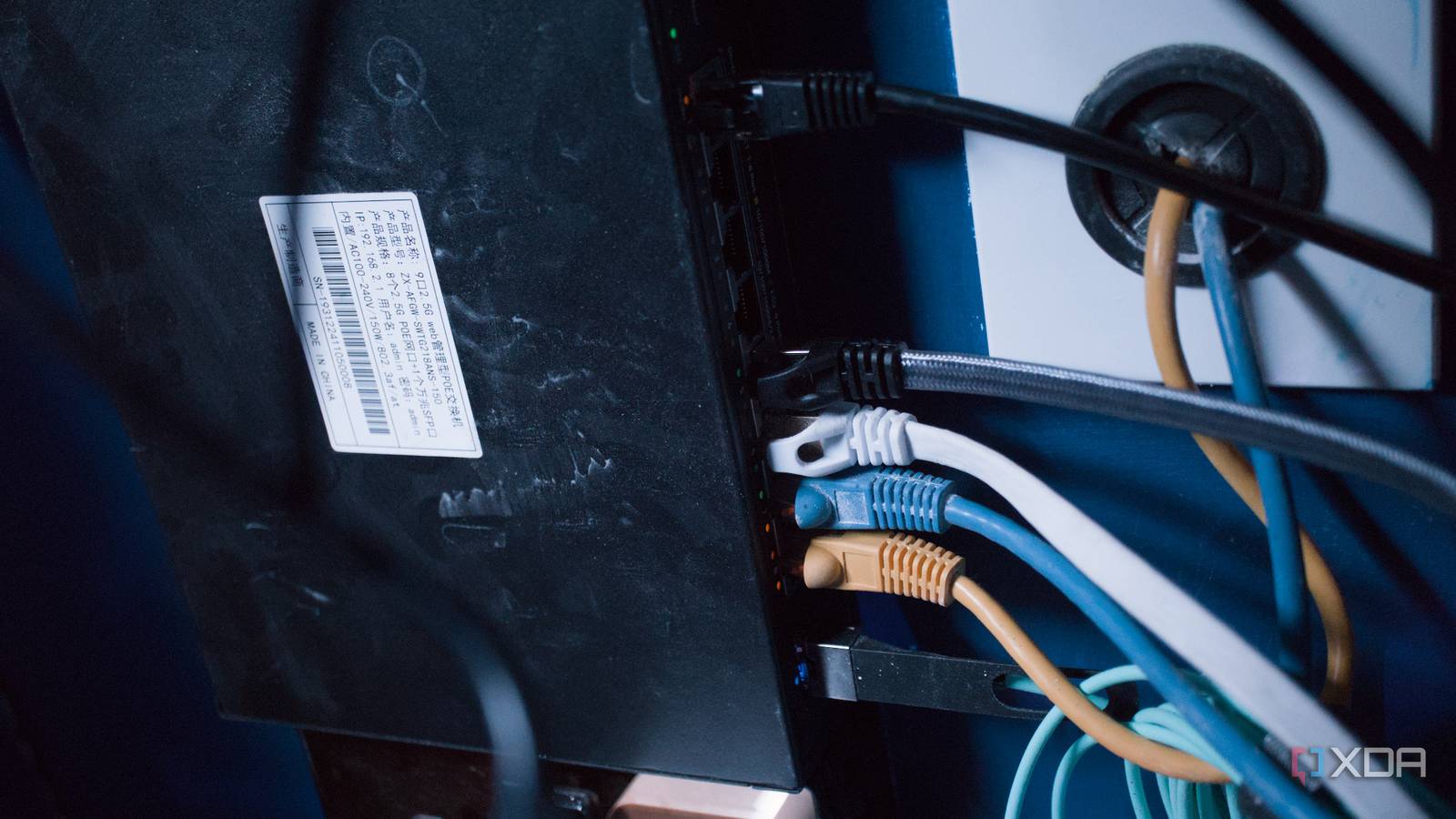
At its simplest, a VLAN allows you to create multiple virtual networks on a single piece of physical hardware. You don’t need to buy extra routers or run new Ethernet cables; instead, you configure your existing router, managed switches, and wireless access points to tag traffic.
Why You Should Care
The primary driver for implementing VLANs is security, specifically the "zero-trust" approach. Many budget-friendly smart home devices are notoriously insecure, often featuring hardcoded credentials or unpatched vulnerabilities. If an IoT device is compromised—perhaps via a malicious link clicked on a guest’s phone or a vulnerability in a cloud-based streaming service—it can act as a beachhead for an attacker to pivot to more sensitive areas, such as your NAS, your home office workstation, or your Proxmox-powered home lab.
By placing these "untrusted" devices on a separate VLAN, you restrict their ability to communicate with your primary network. If a smart lightbulb is compromised, it cannot easily scan or infect your private file server because the firewall rules explicitly forbid such inter-VLAN traffic.
Chronology of a Home Lab Transformation
My journey toward a segmented network was not born out of a sudden emergency, but rather a long-overdue realization that my home network security was lagging behind my professional expertise.
The Planning Phase
After years of advising readers on the benefits of segmentation, I decided it was time to "practice what I preach." I drafted a plan to move from a single flat network to five distinct segments:

- Management: Reserved for networking hardware (switches, APs).
- Main/Trusted: For PCs, laptops, and mobile devices.
- IoT: For smart plugs, appliances, and sensors.
- Guest: A restricted network for visitors.
- Media/Lab: For high-bandwidth servers and NVR (Network Video Recorder) setups.
The Implementation
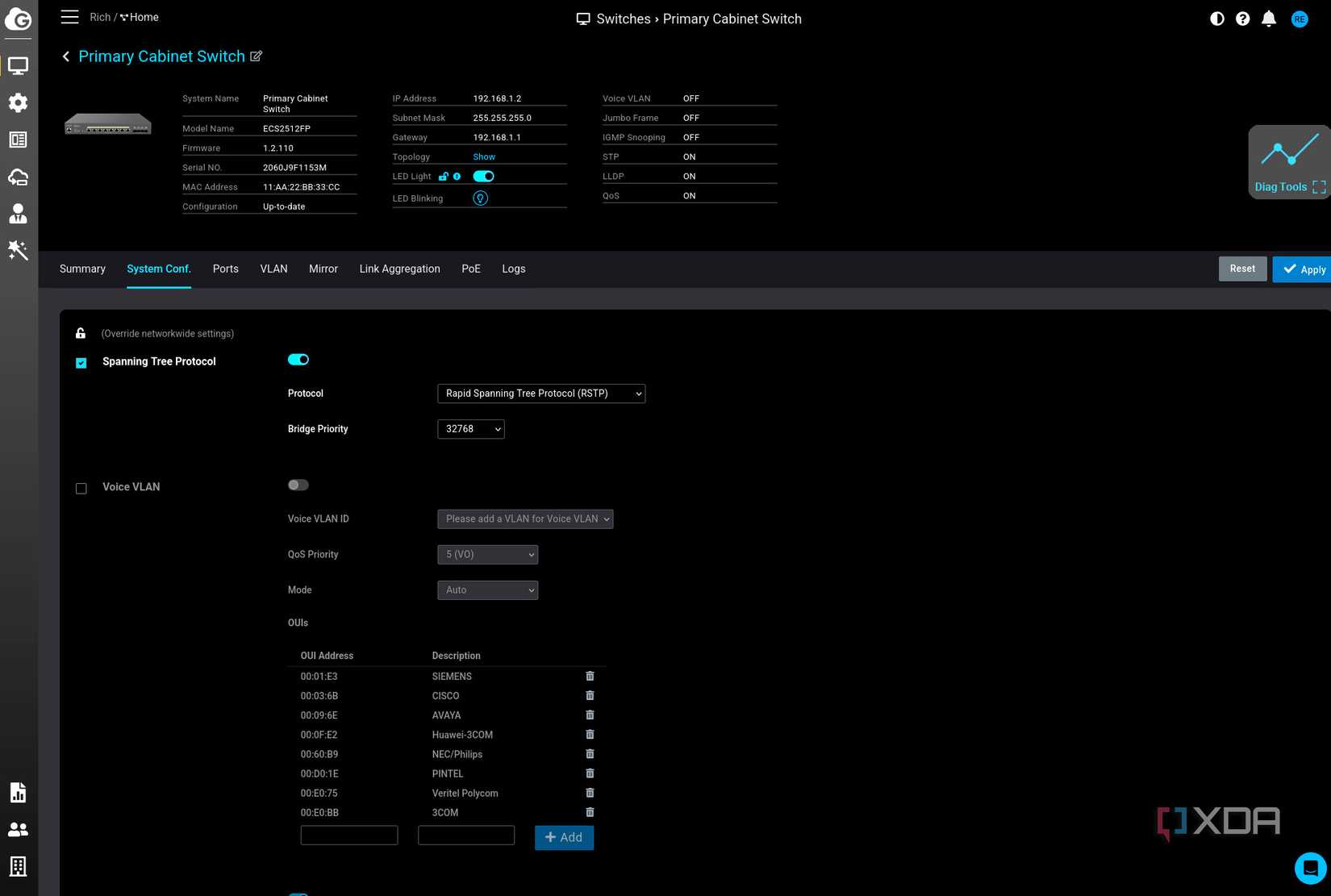
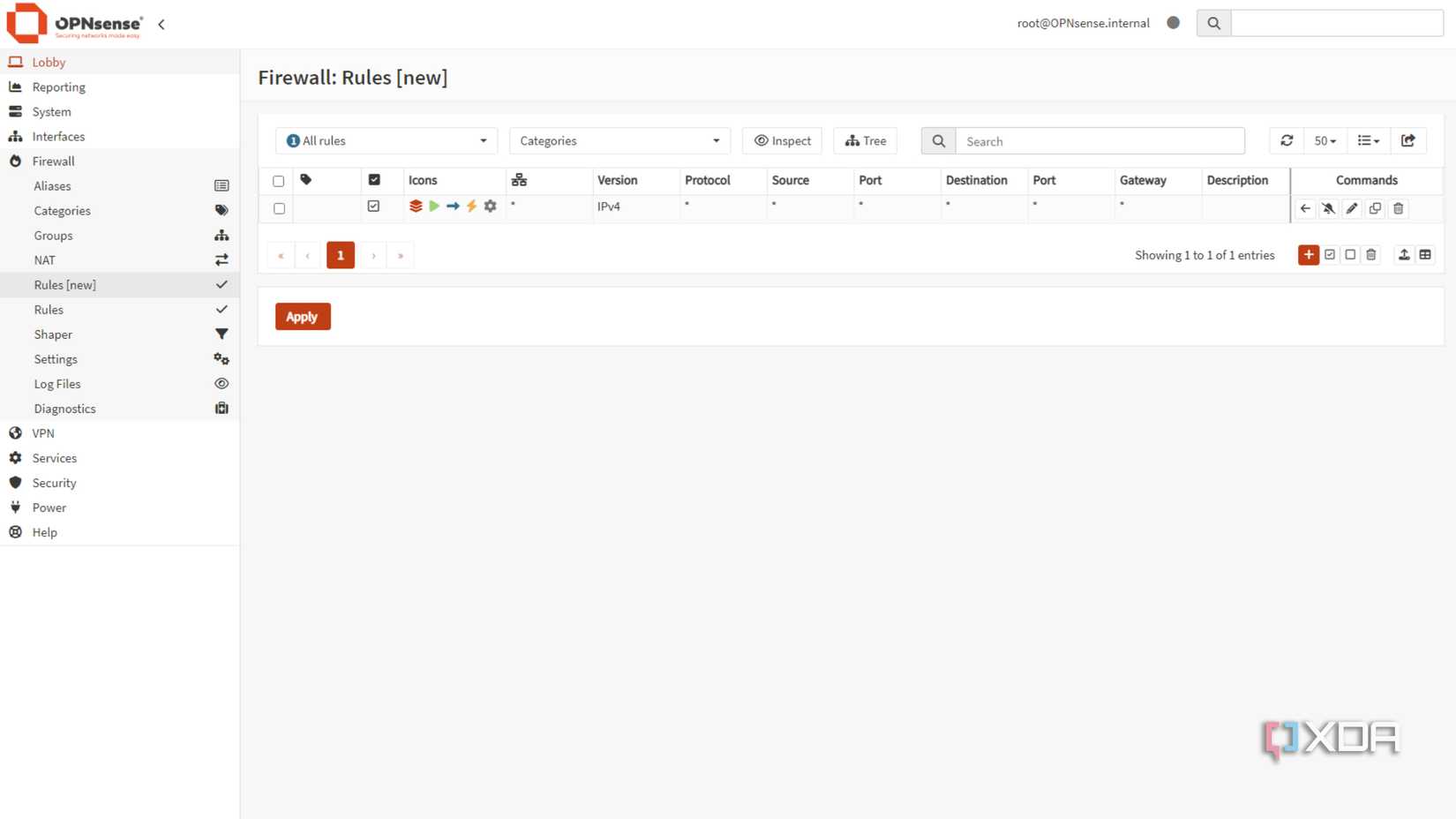
The initial setup felt straightforward. Using my existing OPNsense-based router and managed switches, I tagged the VLAN IDs and set up the corresponding SSIDs on my access points. On paper, the architecture was sound. The problems began, however, once I started enforcing firewall rules.
The "Glitch in the Matrix" Phase
Shortly after deployment, I encountered erratic behavior. Devices would drop off the network, only to reappear minutes later. Streaming services would buffer, and smart home automations would trigger with seconds of delay—or not at all. Because I was juggling complex firewall rules, I initially suspected hardware failure. It was only after a deep dive into my logs that I realized my mistake: I had created a logical conflict between a "deny-all" rule and a specific port allowance for legacy service discovery.
Supporting Data: The Complexity of Modern Traffic
The reality of modern networking is that many devices are designed to "just work" on a flat network. They rely on protocols like mDNS (multicast DNS) and UPnP to discover peers. When you introduce a VLAN boundary, you effectively break the "broadcast domain" that these devices rely on.
The Protocol Trap
Most IoT devices expect to see other devices on the same subnet. When you isolate them, they often fail to connect to their local controllers (like Home Assistant) because the discovery packets are blocked by the firewall.

In my own testing, I found that allowing port 80 (HTTP) for a specific service was not enough. Once I migrated that service to use HTTPS (port 443), my "allow" rule for port 80 rendered the service unreachable, but because some background services still used the legacy port, the system gave me the false impression that the connection was healthy. This highlighted a critical lesson: VLANs are not a "set and forget" solution. They require a granular, well-documented firewall policy.
Official Perspectives and Industry Standards
Networking vendors have largely caught on to the trend of home network segmentation. Companies like Ubiquiti, MikroTik, and even consumer-grade mesh providers have begun adding "VLAN tagging" and "IoT isolation" toggles to their mobile apps.
However, security professionals warn that these "easy buttons" can be deceptive. A study by the Cybersecurity and Infrastructure Security Agency (CISA) on home network vulnerabilities suggests that while segmentation is highly effective, misconfiguration is the leading cause of "denial of service" in home environments. The industry consensus is clear: Segmentation is the gold standard for security, but it requires a baseline understanding of IP routing and firewall logic that many consumer products still fail to simplify adequately.
Implications: The Future of the Smart Home
As we continue to integrate more technology into our living spaces, the implications of network architecture become more profound.
1. The Death of the "Plug and Play" Era
For the average user, the complexity of VLANs remains a barrier. However, as cyber-attacks against residential networks rise, manufacturers may need to implement more sophisticated, automated segmentation. We are moving toward a future where "smart" devices should be able to negotiate their own secure tunnels rather than relying on an open, flat LAN.
2. The Rise of the Prosumer Lab
The home lab is no longer just for developers. It is becoming a necessary component of modern home management. As users move away from cloud-dependent services to self-hosted solutions (like Home Assistant or Frigate for NVR), the demand for robust networking skills will continue to grow.
3. The Need for Better Documentation
If there is one major takeaway from my experience, it is that vendors must do a better job of documenting how their devices behave across subnets. Too often, the documentation assumes a single, flat network, leaving power users to sniff packets and reverse-engineer requirements just to get a lightbulb to talk to a hub.
Final Thoughts: A Roadmap for Success
If you are considering moving to a VLAN-based architecture, do not rush. My failures taught me that the best approach is iterative.
- Start Small: Don’t try to move 50 devices to new VLANs in one afternoon. Start with one, such as an IoT-only VLAN.
- Audit Your Traffic: Use tools to monitor which ports and protocols your devices actually need.
- Keep mDNS in Mind: Remember that discovery services often need help (like an mDNS repeater or Avahi) to function across subnets.
- Document Everything: When you block traffic, document why. Your future self will thank you when you’re troubleshooting a broken smart home automation at 11:00 PM.
Configuring VLANs is an exercise in patience and precision. It is, without a doubt, the most effective way to secure a modern home network, but it is a tool that demands respect. By segmenting your network, you aren’t just protecting your data; you are taking control of the digital environment that has become the backbone of your daily life. Just be prepared for the occasional "glitch" while you iron out the rules.



 Siti Muinah