In the current tech landscape, it has become virtually impossible to launch a new laptop without appending the letters "AI" to its moniker. The latest entry to embrace this trend is the Acer Nitro V 14, a device that marks a fascinating pivot for a product line traditionally synonymous with entry-to-mid-level gaming. Today, the Nitro series has evolved into the "Copilot+ PC" era, promising to blend high-octane gaming performance with the computational demands of modern creative workflows.
But does this machine truly bridge the gap between a dedicated gaming rig and a professional-grade creative workstation? We spent extensive time with the Acer Nitro V 14 to see if it can stand tall against the current market leaders.
Main Facts: The New Hybrid Standard
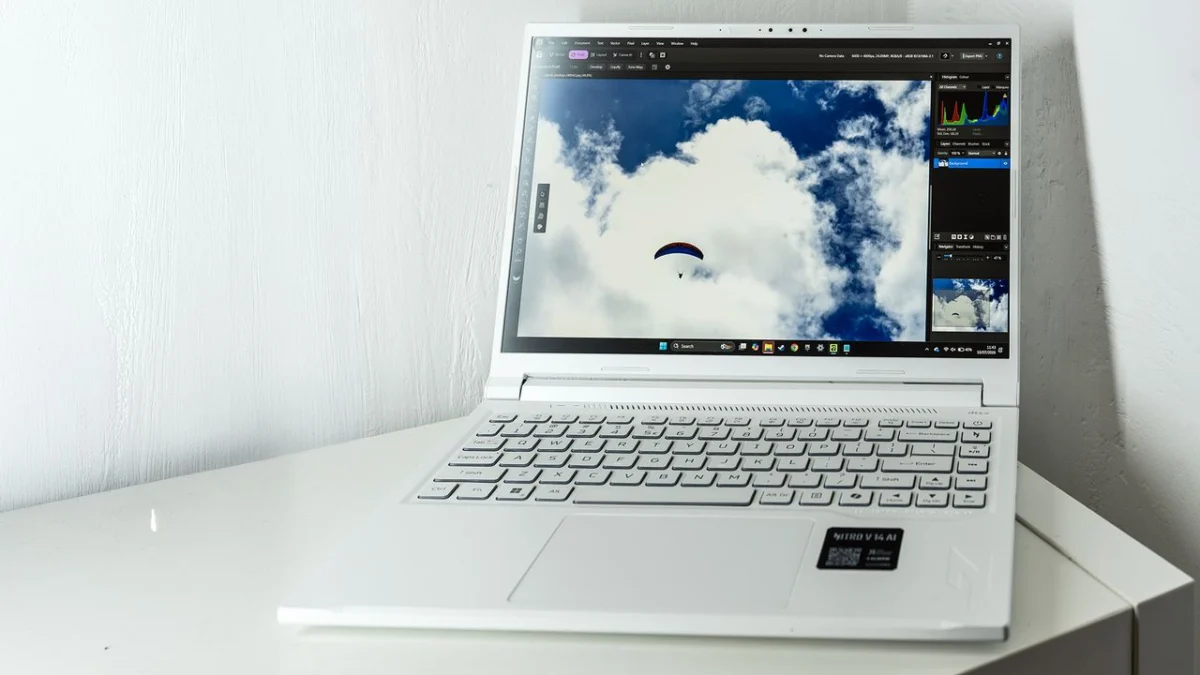
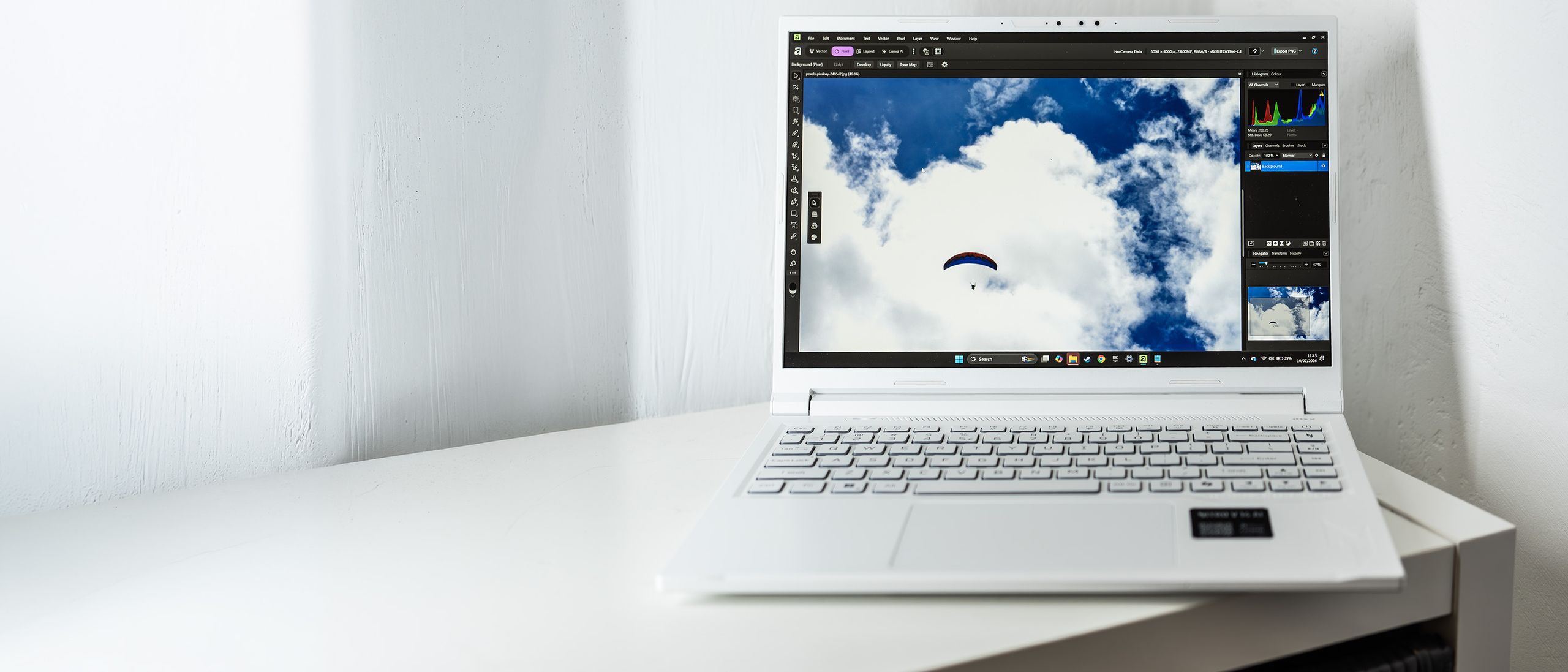
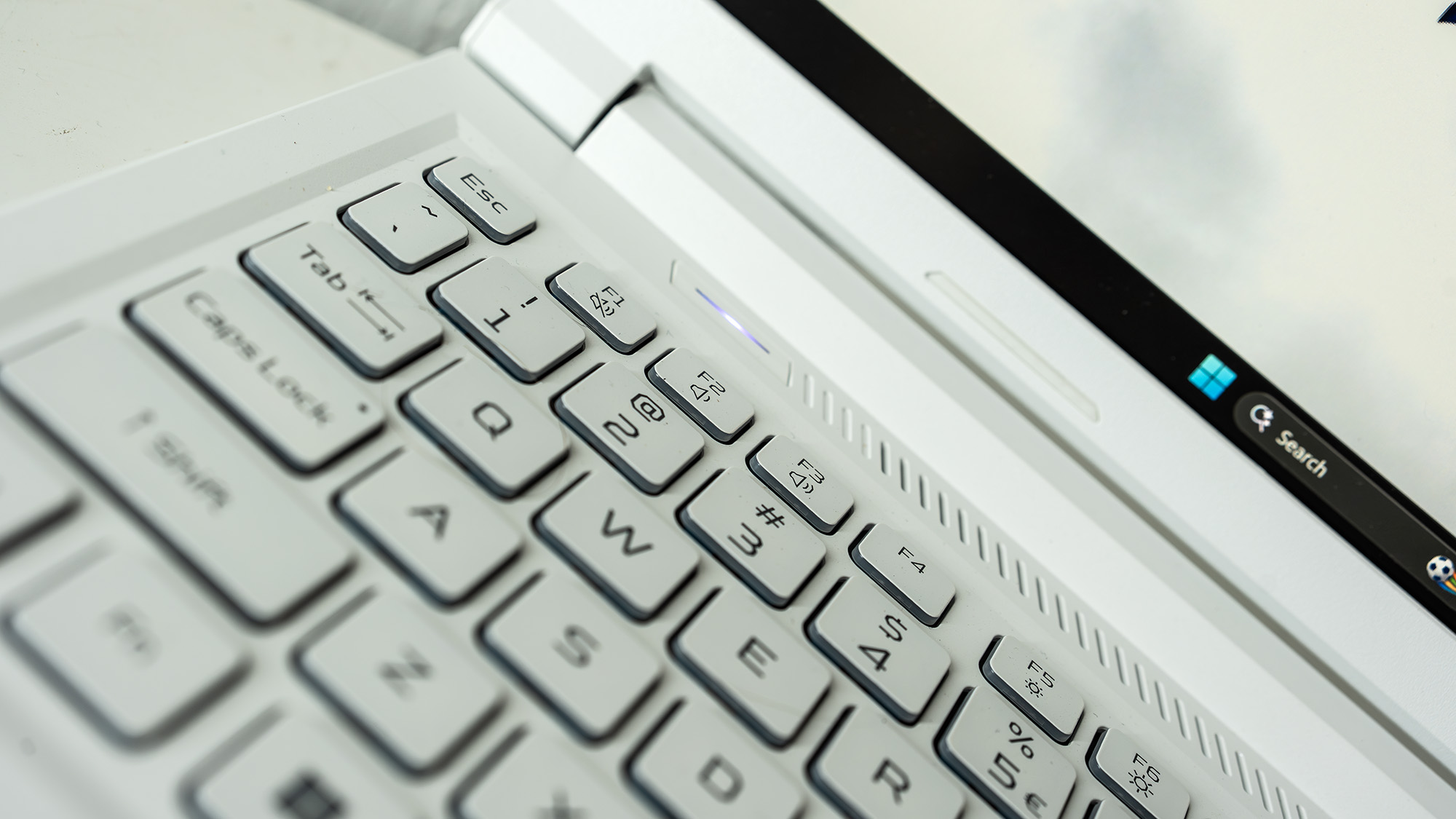
The Acer Nitro V 14 is a striking departure from the standard "black-box" aesthetic that dominates the gaming laptop market. Featuring a bold, white-and-blue color scheme that pays homage to the nostalgic design of the 2007 ASUS EeePC, the device is immediately distinct.
At its heart, the unit we tested is powered by an eight-core AMD Ryzen 7 350 processor, utilizing the latest "Strix Point" architecture. This is paired with an Nvidia GeForce RTX 5060 GPU, 32GB of DDR5 RAM, and a 1TB SSD. While it is marketed as a gaming laptop, its generous 32GB memory allocation—double that of many direct competitors—positions it as a compelling contender for 3D modelers, video editors, and digital artists who often find 16GB of RAM to be a bottleneck in their creative pipelines.
However, this increased performance and specialized hardware come with a premium. The price point has crept upward, moving firmly into the territory of high-end, premium machines like the MacBook Pro. This shift invites a higher level of scrutiny: if you are paying for premium, are you receiving a premium experience?
Chronology of the Nitro Evolution
The Nitro series has long been the "reliable workhorse" of Acer’s gaming portfolio. Historically, it was designed to offer high frame rates at an accessible price point, often compromising on build materials to keep costs low.
- The Legacy Phase: Early Nitro models were defined by plastic chassis, entry-level cooling solutions, and basic color-coded keyboards. They were functional but rarely aspirational.
- The Shift to "AI": With the integration of AMD’s Ryzen AI and the push for NPU-accelerated tasks, the Nitro V 14 represents a maturation of the brand. Acer is no longer just targeting teenagers looking for a Fortnite machine; they are targeting the "creator-gamer" demographic—the freelance designer who games at night and edits 4K footage by day.
- The Current Testing Phase: Our testing period spanned several weeks, focusing not just on synthetic benchmarks, but on real-world creative application performance. We subjected the machine to Adobe Premiere Pro renders, Lightroom denoising, and intensive 3D scene creation in Blender.
Supporting Data: Performance Under the Microscope
To provide a comprehensive verdict, we subjected the Nitro V 14 to our standard benchmarking suite, ensuring that the results are comparable across our entire database of reviewed hardware.
Benchmark Breakdown
- Geekbench 6: The CPU performance is stellar, showcasing the efficiency of the Zen 5c cores. In multi-core tasks, it trailed the Apple M5-equipped MacBook Air by only 8%, a remarkable feat for a Windows-based laptop in this segment.
- Creative Suite Performance: Using PugetBench for Creators, the Nitro V 14 excelled in Photoshop. It outperformed both the MSI Stealth 18 and the Geekom A9 Max, largely due to the combination of the 32GB RAM and the RTX 5060.
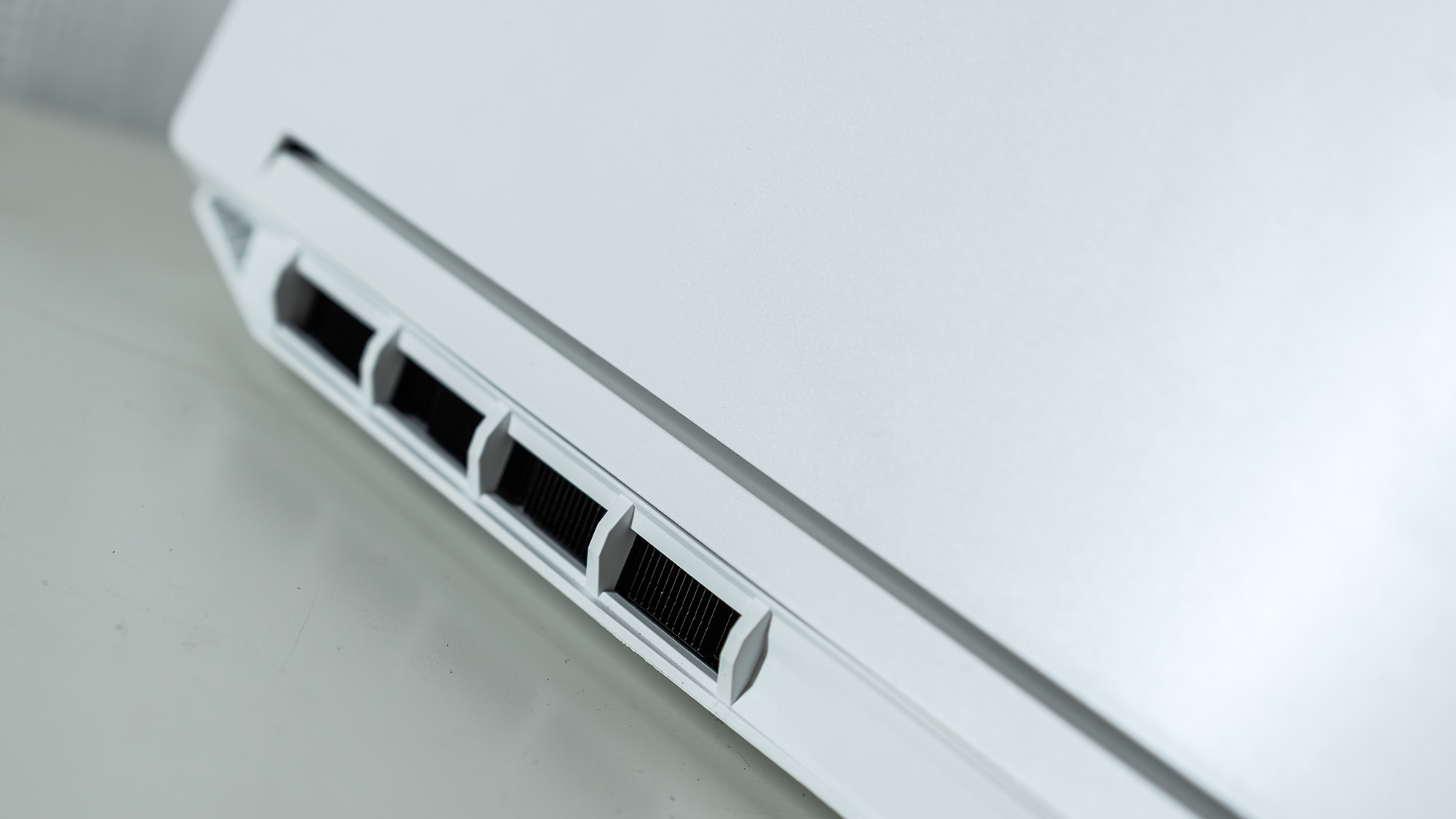
- Thermal & Power Constraints: The GPU, while powerful, is limited to a 60W power draw. While this keeps the fan noise remarkably low even under the "Turbo" performance profile, it does mean that in heavy 3D rendering, it cannot match the raw throughput of a full-power 100W laptop variant of the 5060.
- The Display: The 14-inch IPS panel covers 79% of the DCI-P3 color gamut. While it is bright at 400 nits, it falls short of the color accuracy required by professional-grade colorists, who would likely prefer an OLED panel or an external color-calibrated monitor.
Official Responses and Design Philosophy
When asked about the design choice for the white-and-blue chassis, Acer representatives emphasized a desire to break the monotony of the "stealth gaming" aesthetic. The white plastic finish is not merely a stylistic choice; it serves a functional purpose, as it is significantly more resistant to visible fingerprints and dust accumulation compared to the matte black finishes found on competitors like the Razer Blade.
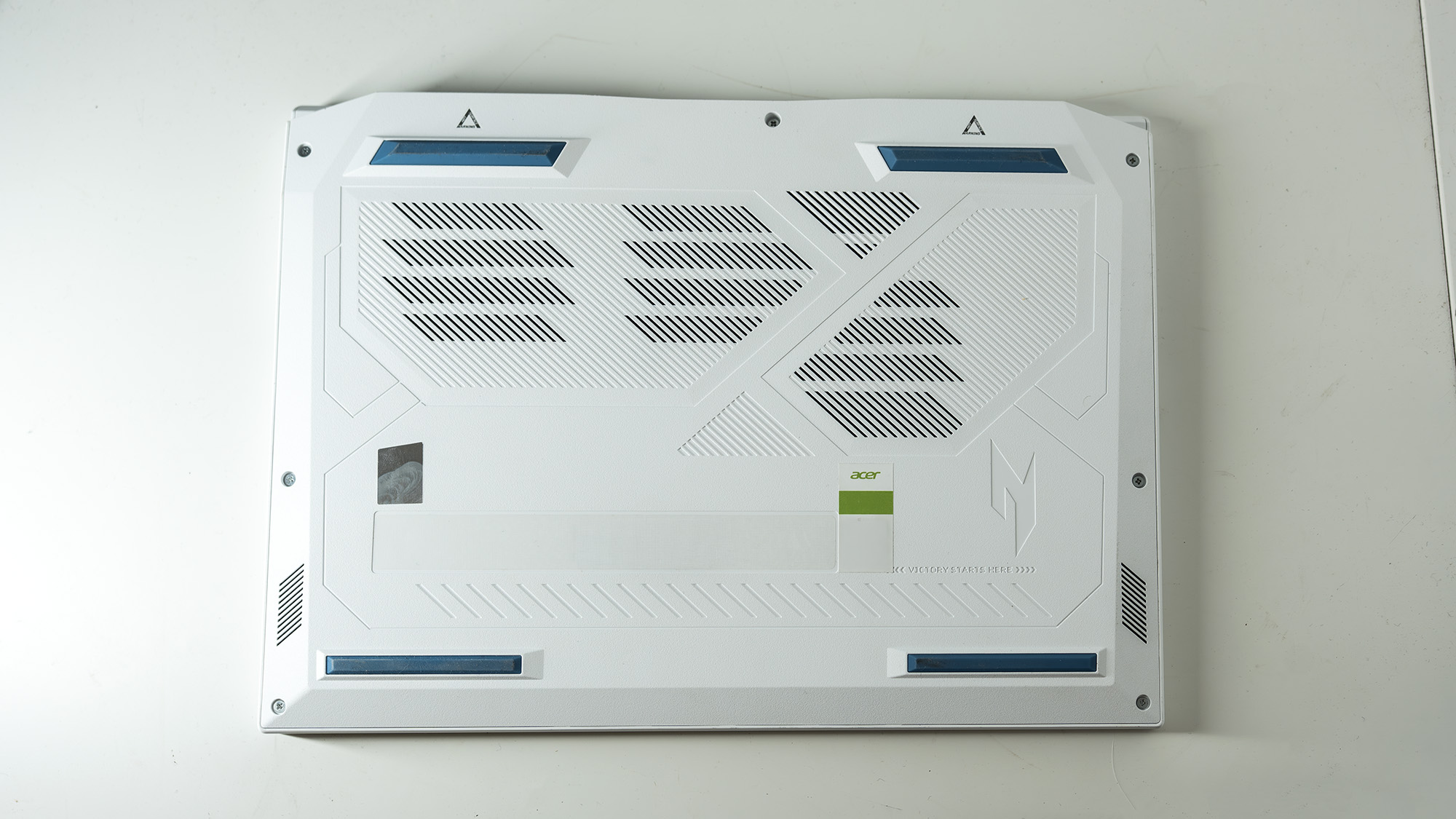
Regarding repairability, Acer has made a quiet but significant stride. The bottom panel is secured with standard Phillips-head screws, allowing users to access an empty M.2 slot for storage expansion and SODIMM slots for RAM upgrades. While the manual provided on the official website lacks granular detail regarding battery replacement, the internal layout suggests a user-friendly approach to long-term maintenance that is increasingly rare in the thin-and-light laptop market.
Implications: Who is this for?
The Nitro V 14 sits in a precarious but potentially lucrative middle ground.

For the Creative Professional
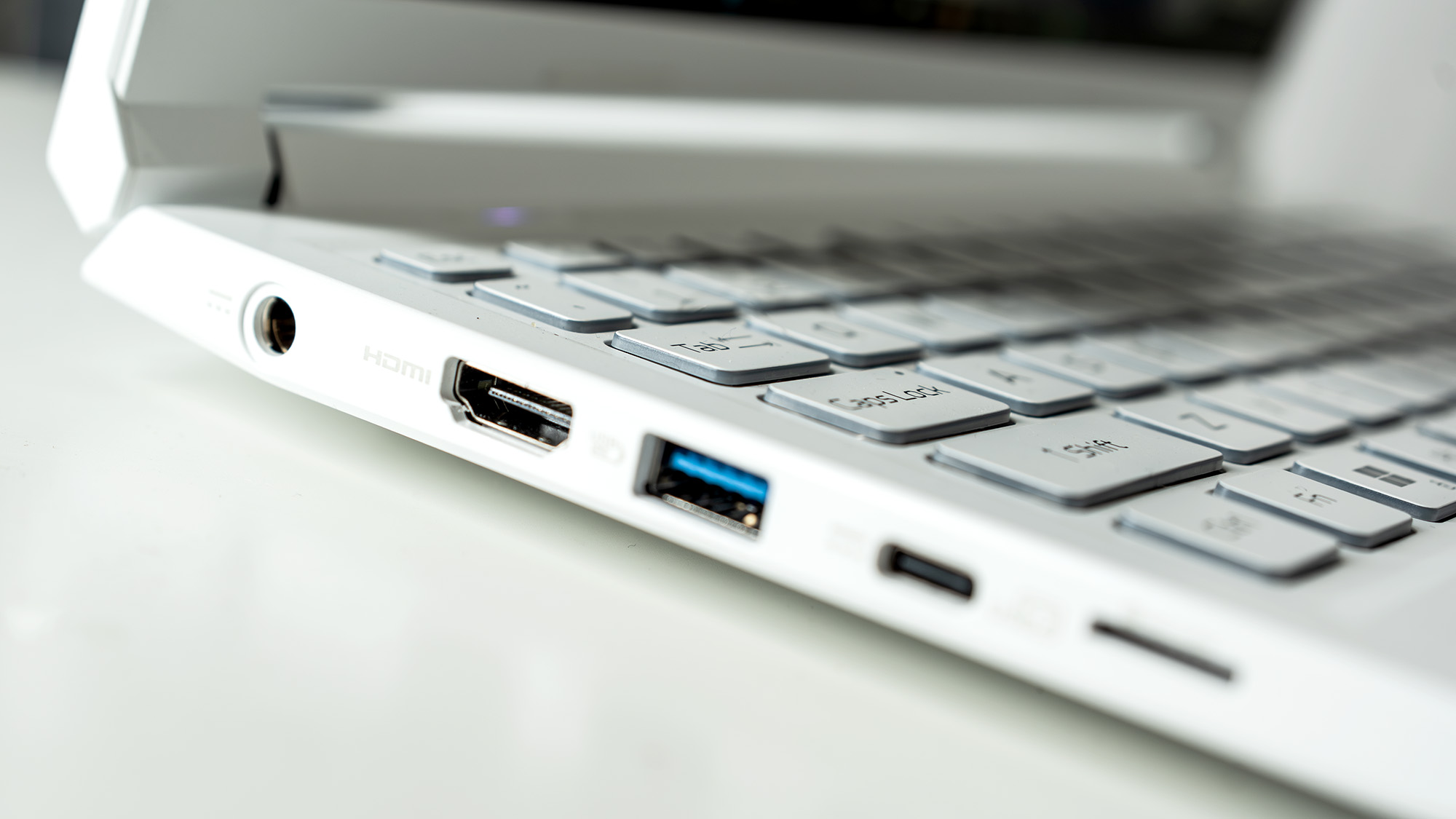
If you are a student or a freelance designer, the 32GB of RAM is the defining feature. In professional workflows involving heavy multitasking—such as keeping a large Photoshop document open alongside a browser with dozens of reference tabs and a video conferencing app—the Nitro V 14 will not stutter. The inclusion of a full-size HDMI port and a USB4 connection makes it a highly capable hub for a home office setup.
For the Gamer
If your priority is "max settings" in the latest AAA titles, the 60W power limit on the GPU might leave you wanting more. However, for e-sports titles and medium-demand gaming, the 165Hz refresh rate provides a fluid experience that is more than sufficient.
The Market Context
The implication of the Nitro V 14 is clear: the line between "gaming" and "creative" laptops is effectively gone. Acer is betting that users value a machine that can handle professional software workloads as effectively as it handles a game. By sacrificing a small amount of peak GPU power for a lighter, quieter, and more aesthetically unique chassis, they have created a machine that feels less like a toy and more like a tool.
Final Verdict
The Acer Nitro V 14 AI is a testament to the fact that you don’t need a "Pro" label to do professional work. While the display color gamut leaves a little to be desired for high-end print work, and the power-limited GPU won’t win any raw power contests, the balance of its specs is hard to ignore.
The 32GB of RAM, combined with the excellent keyboard and the refreshing, smudge-resistant design, makes this an incredibly strong contender for anyone who needs a machine that can pull double duty. It is a laptop that catches the eye, but more importantly, it is a laptop that keeps its head down and gets the work done.
Why You Can Trust Our Verdict
At Creative Bloq, our expert reviewers spend hundreds of hours annually testing and comparing the latest hardware. We don’t just look at manufacturer spec sheets; we run every device through a rigorous gauntlet of real-world creative software, thermal stress tests, and battery endurance cycles. Our mission is to ensure you spend your money on the tool that best fits your creative workflow, not just the one with the best marketing budget.