Suro Senen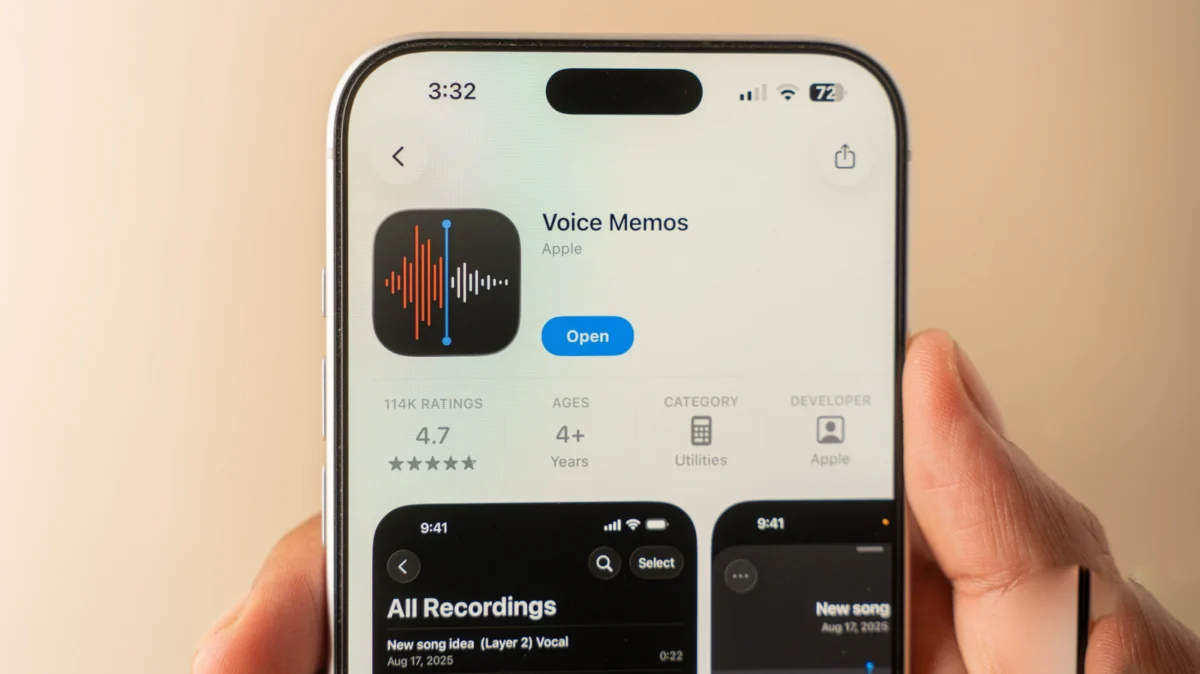
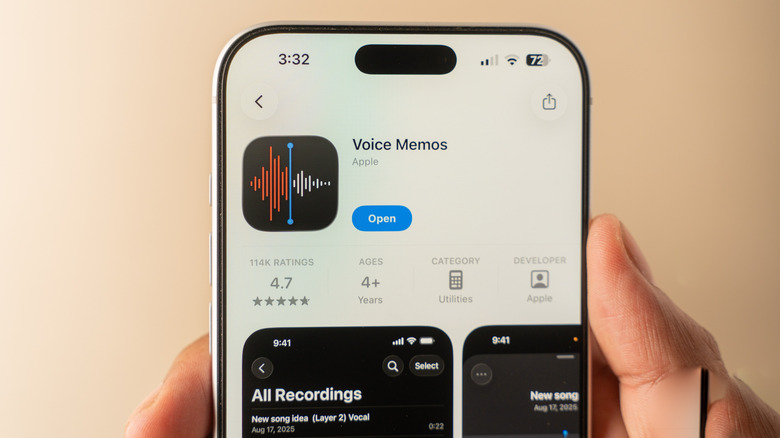
While the iPhone is globally celebrated for its high-fidelity camera systems and computational photography, its prowess as a portable recording studio is often overlooked. For journalists, students, and professionals, the built-in Voice Memos app serves as a surprisingly robust tool that eliminates the need for expensive third-party audio software. With the latest iterations of iOS, Apple has quietly transformed this simple utility into a sophisticated, feature-rich powerhouse capable of transcription, multi-track layering, and professional-grade audio enhancement.
Main Facts: The Power of Native Audio Capture
At its core, Voice Memos is designed for accessibility. It is a pre-installed utility on every modern iPhone, ensuring that users have an immediate solution for capturing lectures, interviews, meetings, or impromptu bursts of inspiration.
The application utilizes the iPhone’s advanced microphone array to capture audio in varying formats. Whether you are a casual user simply needing a reminder or a content creator looking to record high-quality voiceovers, the app offers a streamlined workflow. The primary value proposition lies in its integration: there is no friction of third-party subscriptions or complicated file exports. Because it is native, the app operates with minimal latency, ensuring you never miss the start of an important conversation.
Chronology of Development: From Simple Recorder to Intelligent Tool
The evolution of Voice Memos mirrors the broader trajectory of the iPhone itself. What began in early iOS versions as a bare-bones recorder—limited to mono tracks and basic playback—has evolved into a sophisticated workspace.
- The Early Years: The initial versions provided a single button to record and a simple list of files. File management was local, and sharing was cumbersome, often requiring email attachments.
- The iCloud Integration Era: Apple eventually moved audio storage to the cloud, allowing for seamless synchronization across Macs, iPads, and iPhones. This marked the shift from a "phone-only" utility to a cross-platform ecosystem tool.
- The AI and Editing Revolution: With the advent of iOS 18 and recent hardware updates (specifically for the iPhone 16 Pro), Apple introduced advanced transcription services, "Studio Sound" processing, and multi-track recording capabilities. These features moved the app from a simple "memo" device into the realm of entry-level podcasting and professional transcription.
Supporting Data and Technical Capabilities
To truly leverage the potential of the Voice Memos app, users must move beyond the "red button" interface and explore the granular settings hidden within the app’s sub-menus.
Audio Configuration and Recording Modes
Before beginning a project, users should navigate to Settings > Apps > Voice Memos. Here, you can define your Recording Mode.
- Mono: Ideal for standard voice notes where battery efficiency and file size are priorities.
- Stereo: Captures a wider soundstage, perfect for capturing ambient environments or multiple speakers.
- Spatial Audio: Available on supported devices, this creates a 3D audio effect that mimics the acoustics of a physical space, adding depth to recordings.
The "Studio Sound" Advantage
One of the most significant upgrades in recent updates is the ability to polish audio post-capture. For mono or stereo recordings, users can toggle Skip Silence to remove dead air, and utilize Enhance Recording to strip away echo and background noise. For those recording in challenging environments, the Studio Sound feature—specifically on higher-end hardware—uses machine learning to simulate a professional recording studio environment, significantly improving vocal clarity.
Multi-track Functionality
The most exclusive feature, currently limited to the iPhone 16 Pro and newer models, is the ability to record multiple layers of audio. By tapping the "Plus" button, users can record a new track while listening to a previous one. This is a game-changer for musicians recording demos or podcasters building an episode with separate voice and music beds.
Official Responses and Strategic Implications
Apple’s decision to keep Voice Memos free and integrated is a strategic move to reinforce the value of the "iPhone as a complete workstation." By embedding high-end audio processing tools—features that typically require a paid subscription in apps like Adobe Audition or Otter.ai—Apple is effectively reducing the barrier to entry for creators.
From a privacy standpoint, the shift toward on-device transcription is significant. Unlike many cloud-based transcription services that send your audio to external servers, Apple’s local processing ensures that sensitive interviews or private thoughts remain on the device until the user explicitly chooses to share or sync them.
Implications for Workflow
For the modern professional, these capabilities have three primary implications:
- Reduced Tool Fatigue: By consolidating recording, editing, and transcribing into one app, users reduce the "app switching" tax, leading to higher productivity.
- Professionalism at Scale: The ability to generate accurate transcripts within the app allows for faster content repurposing. A 30-minute interview can be transcribed in seconds, formatted, and pasted into a draft article or a meeting summary, effectively turning voice into text-based intelligence.
- Cross-Device Continuity: The seamless iCloud sync ensures that a recording captured on a commute can be edited on a MacBook Pro minutes later, creating a fluid workflow that is essential for remote work environments.
Mastering the Workflow: A Step-by-Step Guide
Capturing the Audio
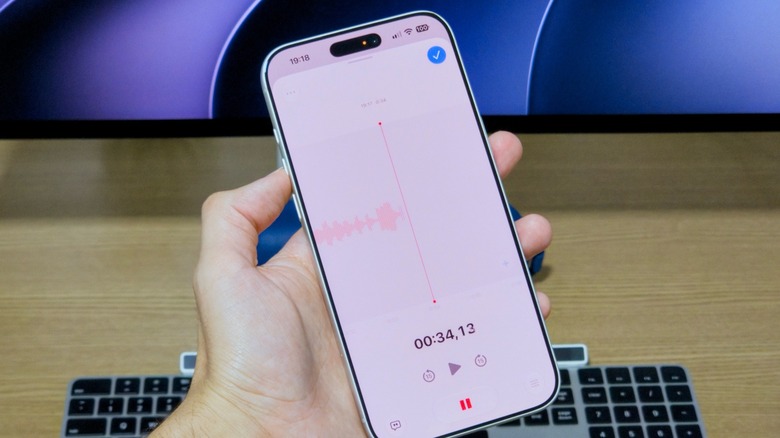
To maximize your recording, always ensure you are in the "Full Screen" mode by swiping up on the recording card. This provides the most control, allowing you to pause, rewind, and—most importantly—re-record sections. If you make a mistake, simply rewind the scrubber to the error point and press the record button again to overwrite the segment.
The Transcription Advantage
Perhaps the most useful feature for journalists is the transcript button (represented by a speech bubble). Tapping this reveals a real-time transcript. Because it syncs with the audio, you can tap any word in the transcript to jump to the exact moment it was spoken. This drastically reduces the time required to pull quotes for articles.
Advanced Management
Organization is the final hurdle in audio management. Users should utilize the folder system in the sidebar to categorize recordings by project, client, or date. By enabling the search function, users can even search for specific words spoken in the recordings, as the app indexes the transcriptions for future retrieval.
Conclusion
The Voice Memos app is no longer just a digital substitute for a cassette recorder. It is a sophisticated, AI-driven audio workstation that stands as a testament to Apple’s commitment to internal software development. By utilizing the hidden settings—from Spatial Audio modes to real-time transcription and studio-quality enhancement—users can achieve results that rival dedicated professional hardware. Whether you are conducting an investigative interview or capturing a fleeting musical idea, the tools to produce high-quality audio are already in your pocket. As Apple continues to iterate on these features, the gap between "amateur recording" and "professional studio output" continues to narrow, cementing the iPhone’s status as the ultimate tool for the modern creative.


 Muslim
 Laily UPN