

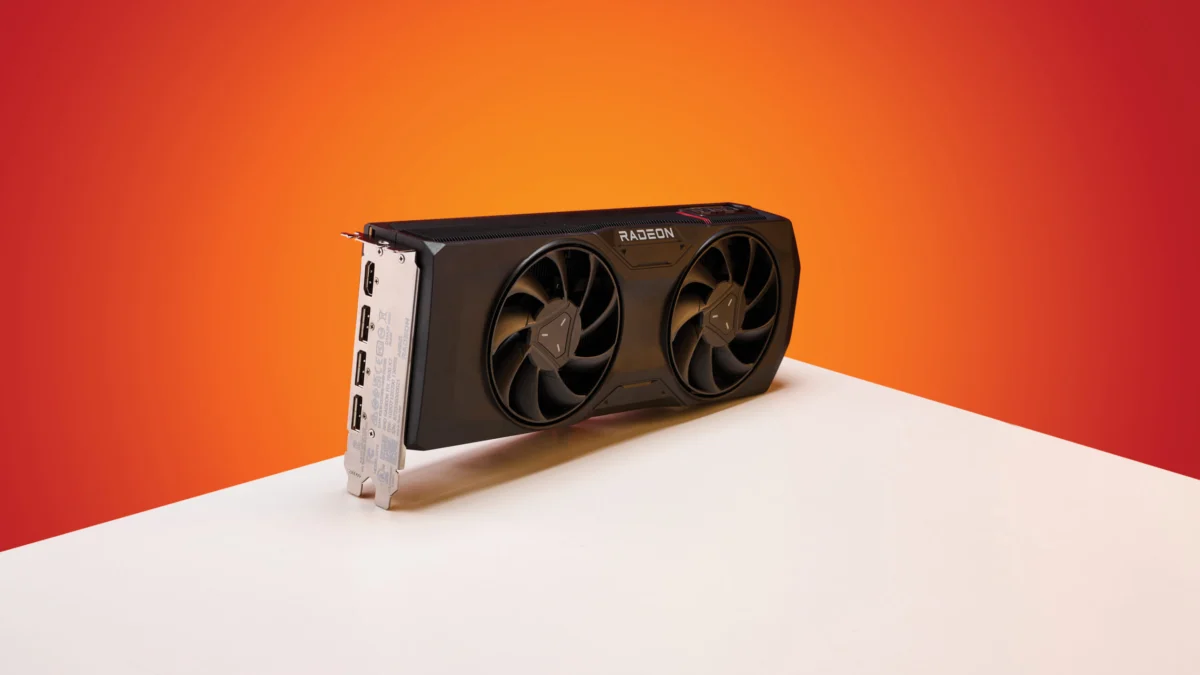
In the fast-paced world of PC gaming and hardware maintenance, the stability of graphics drivers is the bedrock of a reliable system. However, for many owners of AMD Radeon graphics cards, the recent release of the Adrenalin 26.5.1 driver on May 6 has introduced a persistent, potentially hazardous flaw. Reports have begun to surface regarding a failure in the "Zero RPM" function—a critical power-saving and noise-reduction feature—which appears to break after a monitor enters sleep mode or is power-cycled.
As users navigate this latest software iteration, the inability of cooling fans to re-engage when necessary poses a significant risk to hardware longevity. With rising concerns across community forums, it is vital for users to understand the scope of this issue, the risks involved, and the potential workarounds currently available.
The Core Issue: Understanding the Zero RPM Malfunction
The "Zero RPM" feature is a staple of modern GPU design. It allows a graphics card to remain completely silent during idle states, such as web browsing or desktop work, by keeping the cooling fans stationary. The card relies solely on its heatsink for passive thermal dissipation. Once the GPU hits a specific temperature threshold—typically when a user launches a demanding game or a professional rendering application—the fans are designed to spin up automatically to maintain optimal operating temperatures.
According to reports, the Adrenalin 26.5.1 driver disrupts this seamless transition. The issue manifests in a very specific, yet incredibly common, real-world scenario:
- Sleep/Wake Cycle: When a monitor goes to sleep or is turned off, the GPU correctly enters its low-power, fan-stop state.
- The Failure: Upon waking the monitor or powering it back on, the driver fails to re-enable the fan-control logic.
- The Silent Danger: The card remains in "Zero RPM" mode even when the system is under load. Because the fans do not spin up, the GPU begins to accumulate heat rapidly, which can lead to thermal throttling or, in extreme cases, irreversible hardware degradation.
Chronology: How the Bug Surfaced
The timeline of this discovery highlights the speed at which community-driven troubleshooting often outpaces official corporate support.
- May 6: AMD officially releases the Adrenalin 26.5.1 graphics driver, promising performance optimizations and bug fixes for various titles.
- Post-Release: Shortly after the rollout, users began noticing abnormal noise levels—or, more accurately, the lack thereof—during gaming sessions.
- The Reddit Disclosure: Redditor Evelyne-Tourneciel was among the first to publicly document the technical nature of the bug. Their findings provided a reproducible path: the issue is tied directly to the monitor’s power state.
- Community Validation: Within days, at least four other users confirmed the same behavior, moving the report from an isolated incident to a known software defect affecting multiple GPU models within the Radeon lineup.
- Current Status: As of the latest update, the subsequent driver release, Adrenalin 26.5.2, has been deployed. However, users have noted that the release notes for 26.5.2 contain no mention of a fix for the Zero RPM bug, leaving many in a state of uncertainty.
The Technical Implications: Why This Matters
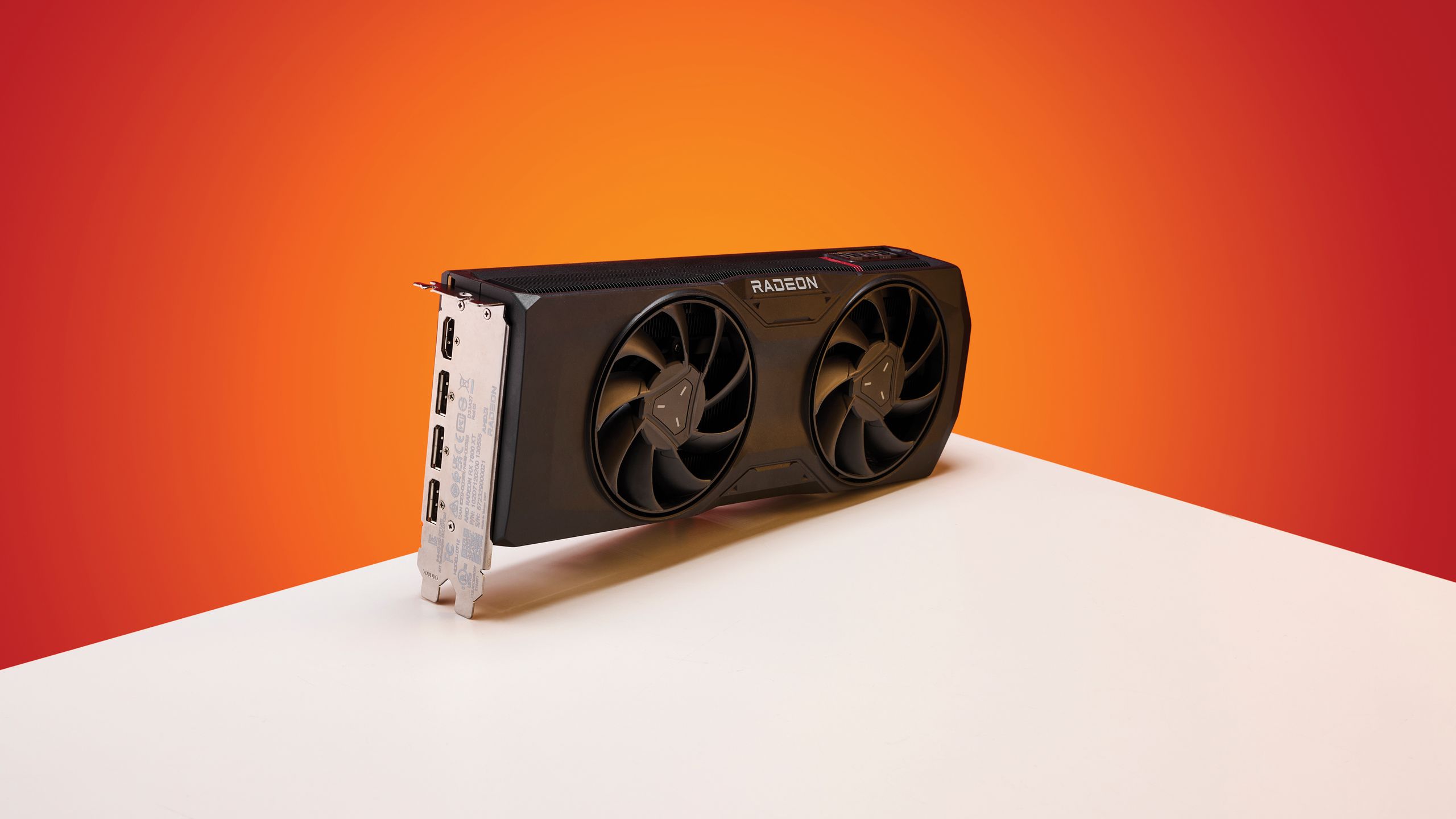
For the average user, the implications of a malfunctioning fan controller are far more severe than a simple software annoyance. Modern GPUs are engineered to operate within strict thermal envelopes. When a chip exceeds its thermal design power (TDP) without active cooling, it triggers "thermal throttling," a mechanism where the GPU lowers its clock speed to prevent physical damage.
The Thermal Threshold Risk
While thermal throttling is a safety feature, it results in a massive drop in frame rates and system responsiveness. Users who do not monitor their system temperatures may find their games stuttering or crashing without knowing why. Furthermore, in regions with higher ambient temperatures or during the summer months, the lack of active cooling can lead to internal component failure. Capacitors, memory modules, and the GPU silicon itself are sensitive to sustained high heat. If the fans remain idle, the heat trapped in the heatsink has nowhere to go, creating a localized heat trap that can accelerate the aging of the entire graphics card.
Troubleshooting and Workarounds
Until AMD provides an official hotfix or a patch via a new driver iteration, users must rely on temporary measures to ensure their systems remain safe.
1. The Immediate "Hard" Fix: System Reboot
The most basic, albeit inconvenient, workaround is to perform a full system restart. A cold boot re-initializes the driver stack, which effectively resets the fan control logic. However, as many users have pointed out, this is not a viable long-term solution, especially for users who put their PCs to sleep throughout the day.
2. Manual Fan Curves (The "Always On" Strategy)
A more robust method is to bypass the Zero RPM feature entirely. Users can open the AMD Adrenalin software, navigate to the Performance > Tuning tab, and manually set a custom fan curve. By disabling the "Zero RPM" toggle and ensuring the fans spin at a minimum speed (e.g., 20-30%) at all times, users can guarantee that cooling is always active regardless of monitor state. While this sacrifices the silence of the idle state, it eliminates the risk of accidental overheating.
3. Clean Driver Installation (DDU)
For those experiencing persistent issues, using the Display Driver Uninstaller (DDU) utility is highly recommended. By booting into Safe Mode and performing a clean wipe of all AMD driver remnants, you ensure that the new installation is not conflicting with old registry keys or corrupt files from previous versions.
4. Rolling Back to 26.3.1
If the issue persists, the safest path is to revert to a stable, known-good driver version, such as Adrenalin 26.3.1. While this means losing the latest optimizations or security updates, it is a small price to pay for the assurance that your cooling hardware will function as intended.
The Path Forward: Official Response and Reporting
As of this writing, AMD has yet to issue an official statement acknowledging the bug. In the tech industry, silence from a vendor does not necessarily mean they are unaware; however, it does place the burden of reporting on the end-user.
If you are currently running Adrenalin 26.5.1 and have experienced the Zero RPM failure, it is crucial to submit a formal bug report via the AMD Issue Reporting Form. Official support teams prioritize issues based on the volume and technical detail of the reports they receive. When submitting, include:
- Your specific GPU model.
- Your monitor configuration (e.g., multi-monitor, refresh rate, connection type).
- The exact steps taken to reproduce the issue.
- Your OS version.
By providing this data, you assist AMD engineers in isolating the code responsible for the power-state wake bug.
Conclusion: Vigilance in the Age of Software-Defined Hardware
The situation surrounding the Adrenalin 26.5.1 driver serves as a stark reminder of the complexity inherent in modern graphics drivers. As GPUs become more software-defined, the line between hardware performance and software stability continues to blur.
While the "Zero RPM" feature is a fan-favorite for its ability to create a silent desktop environment, it is only as reliable as the software managing it. For now, we advise all AMD users to monitor their hardware temperatures closely. If you have recently updated your drivers and notice that your GPU is running hotter than usual during idle or light tasks, check your fan status immediately.
Hardware maintenance is no longer just about cleaning dust from the heatsink—it is about staying informed, monitoring your software environment, and knowing when to roll back to a version that keeps your components cool and your system stable. Until a patch is issued, manual fan control remains your best line of defense against the pitfalls of this latest driver release. Stay tuned to official AMD channels for future updates, and do not hesitate to reach out to the community for support if you encounter persistent thermal issues.










No comments yet. Be the first to join the conversation!